


When you sign in to the new Purium store, the subscription screen can be empty. That’s a strange sight when the same shipment has been arriving for months.
The new account is only part of the picture. Before you set anything up again, pull out your last receipt.
Overview
An empty new account does not cancel an old subscription
Purium moved to a new storefront while it replaced its multilevel Brand Partner compensation plan with an affiliate program. The storefront and the compensation change are related, but not interchangeable.
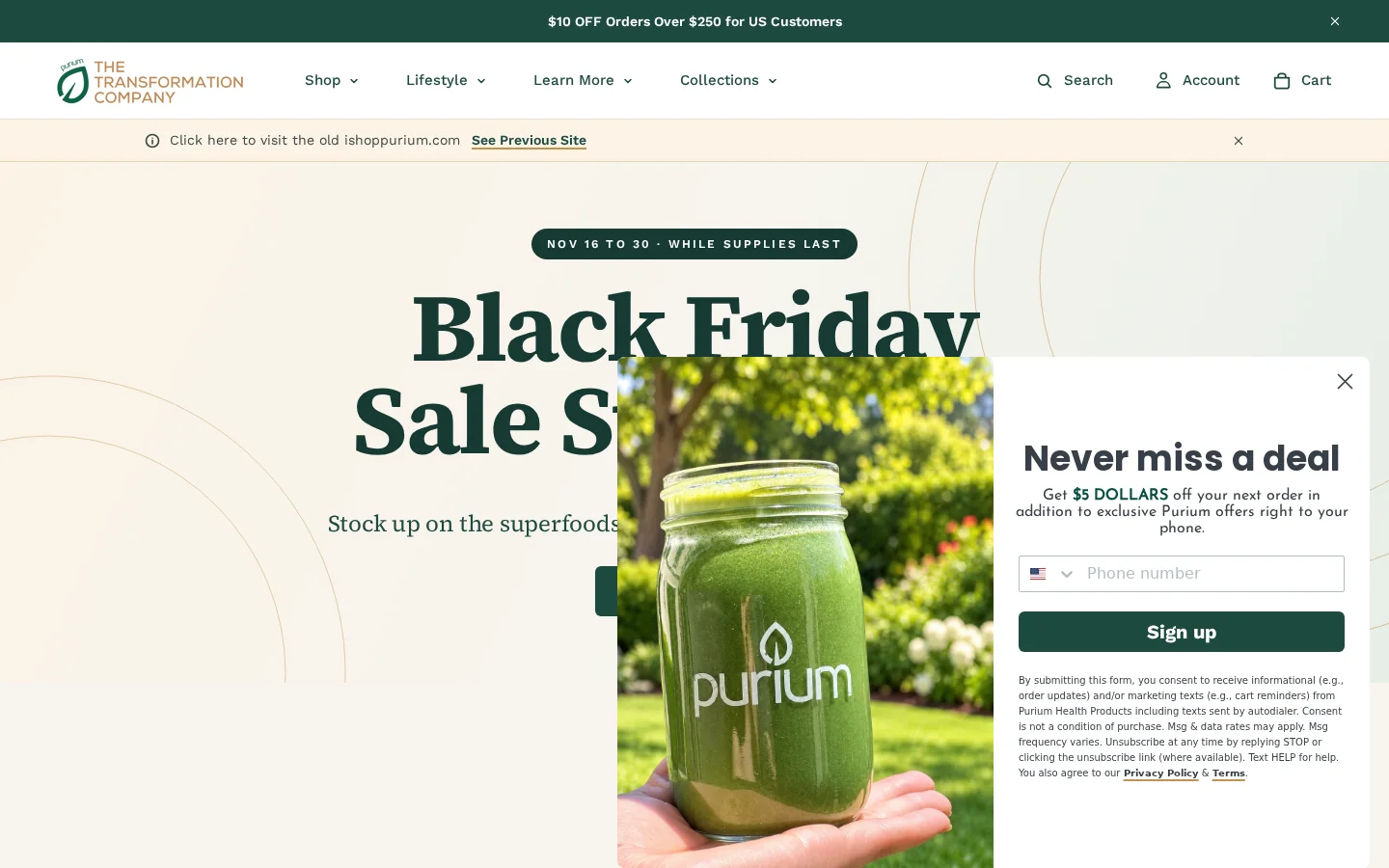
In its November 19 update, Purium said subscriptions on the previous site had not yet moved. It warned that starting another subscription before canceling the original could cause two shipments.
That is a concrete billing risk, even if neither site signs you up without consent. You can create a fresh recurring order while an existing one is still active.
Start with the order email from your last delivery. A dated receipt or renewal notice is more useful than the fact that you use the same email on both stores.
The new offer separates a one-time order from a renewal
Purium says the current Subscribe and Save offer discounts eligible orders by 5%. The first order ships right away, and its guidance puts the next shipment 30 days later.
The Apple Berry Power Shake listing illustrates a different distinction. It showed $87.83 for 30 servings, displayed as $2.92 per serving. These are product page figures, not a card statement.
One unit of that listing is the 30-serving package pictured with two pouches. It is not two subscriptions, and the number of servings does not determine how often you’re charged.
- Package size tells you what comes in one order. Check the number of units and servings you are actually buying.
- Purchase type tells you whether a new order can renew. Look for a one-time purchase or Subscribe and Save before approving the charge.
- Order history tells you what has already billed or shipped. Save the receipt and verify future shipments separately.
Referral payments changed, and so did the returns clock
Purium now says affiliates earn on their own qualifying customer sales, not on people recruited by those customers. An affiliate can still earn when a subscription renews.
The new store publishes a 30-day money-back policy with arrival requirements. Purium’s transition FAQ says orders placed before October 31 retain the 60-day guarantee.
Use the terms attached to your receipt, not a screenshot of someone else’s order. If you bought through the transition, get the applicable deadline confirmed before mailing anything.
Bundle and refill warning
The Power Shake example showed $87.83 for one 30-serving package before checkout charges. Confirm the quantity and total when you order, especially if a bundle is suggested.
Purium says new subscriptions renew automatically and warns your old subscription can still run separately. No order was placed to test the checkout or verify anyone’s payment.
Don’t start a replacement subscription until you confirm the old one is canceled. Keep both records if you already set up a second delivery.
How Purium Orders and Subscriptions Move Between the Two Stores
Step 1: Find the store that took your last order
The current iShopPurium page has a See Previous Site link. Use it to find the separate storefront for orders or subscriptions you started before the move.
Use the link from Purium’s own homepage rather than an urgent message saying you need to update your card. Bookmark each store separately if you need to compare them.
If you have receipts from both stores, write down the order number, product and date for each. That will help you distinguish a new subscription from an older recurring delivery.
Step 2: Look for the next scheduled charge, not just previous orders
An order appears after a purchase. A subscription is an instruction for future purchases, so scrolling through old receipts cannot tell you whether the next shipment is scheduled.
In the current store, choose Account, enter your account email and use the one-time sign-in code on the site. Open Subscriptions to see if a plan is listed.
Check the previous account if that is where the plan began. If you can’t sign in, give Customer Care an order number to trace the next shipment.
Purium’s migration instructions specifically say that the new store can show no subscriptions while the previous site still has one. That is not a confirmation of cancellation.
Step 3: Decide whether you want a single purchase or a recurring order
A 5% saving can be useful if you already want regular deliveries, but it doesn’t help if you receive more than you can use.
Before approving a charge, check the order summary for purchase type, quantity, shipping, tax and any renewal wording. Match it against the next shipment on your existing plan.
If you only want to finish what’s already in the cupboard, don’t activate a second plan to get a different shipment date. Ask whether the current one can be rescheduled.
Purium says the first shipment goes out immediately and the next one follows 30 days later. You can’t choose that first renewal date when you sign up.
Step 4: Treat a current order and future renewals as separate requests
Canceling a subscription is meant to stop later orders. It does not automatically reverse a payment for a shipment that is already processing.
Purium asks customers to use its support form quickly if a current order needs a change. Its help page says the order can’t be changed once processing begins.
Check both the order status and the subscription status after contacting support. An order that still says shipped may require a return even if later deliveries are stopped.
Who Handles Purium Orders, Returns and Affiliate Payments?
The seller and the promoter have different jobs
Purium’s terms identify it as a brand of Organic By Nature, Inc. An affiliate can point you toward an offer, but the seller’s account and support team handle the purchase.
For a return, use the store that issued the receipt and include the order number. Don’t give payment details or a sign-in code to your referrer.
Affiliates may have an incentive to encourage a plan rather than a one-off order. Purium says they should disclose their commission relationship when sharing links or codes.
Returns go to a published destination, not to the referral contact
Purium’s help page lists different return routes for the United States and Canada. Use the address for your order and country, and confirm it before paying to ship a parcel.
The new policy says eligible returns must arrive within 30 days of the original receipt date unless prior credit approval applies. Posting it on day 30 is not enough.
Keep the containers, even when you’ve finished using the contents. The policy calls for the items or their containers to be returned and excludes merchandise labeled as final sale.
Support needs enough information to find the charge
The contact page separates subscription management from changing a specific order. If you need help, include the account email, order number and the date and amount charged.
Ask support to identify the store and plan connected to each charge. If both plans show the same product, keep the names separate using their order or subscription references.
Standard shipping is not refundable under the published policy, and a 20% restocking fee may apply. Ask whether either deduction applies before agreeing to send an unwanted shipment back.
Brand Partner opt-in is not a refill authorization
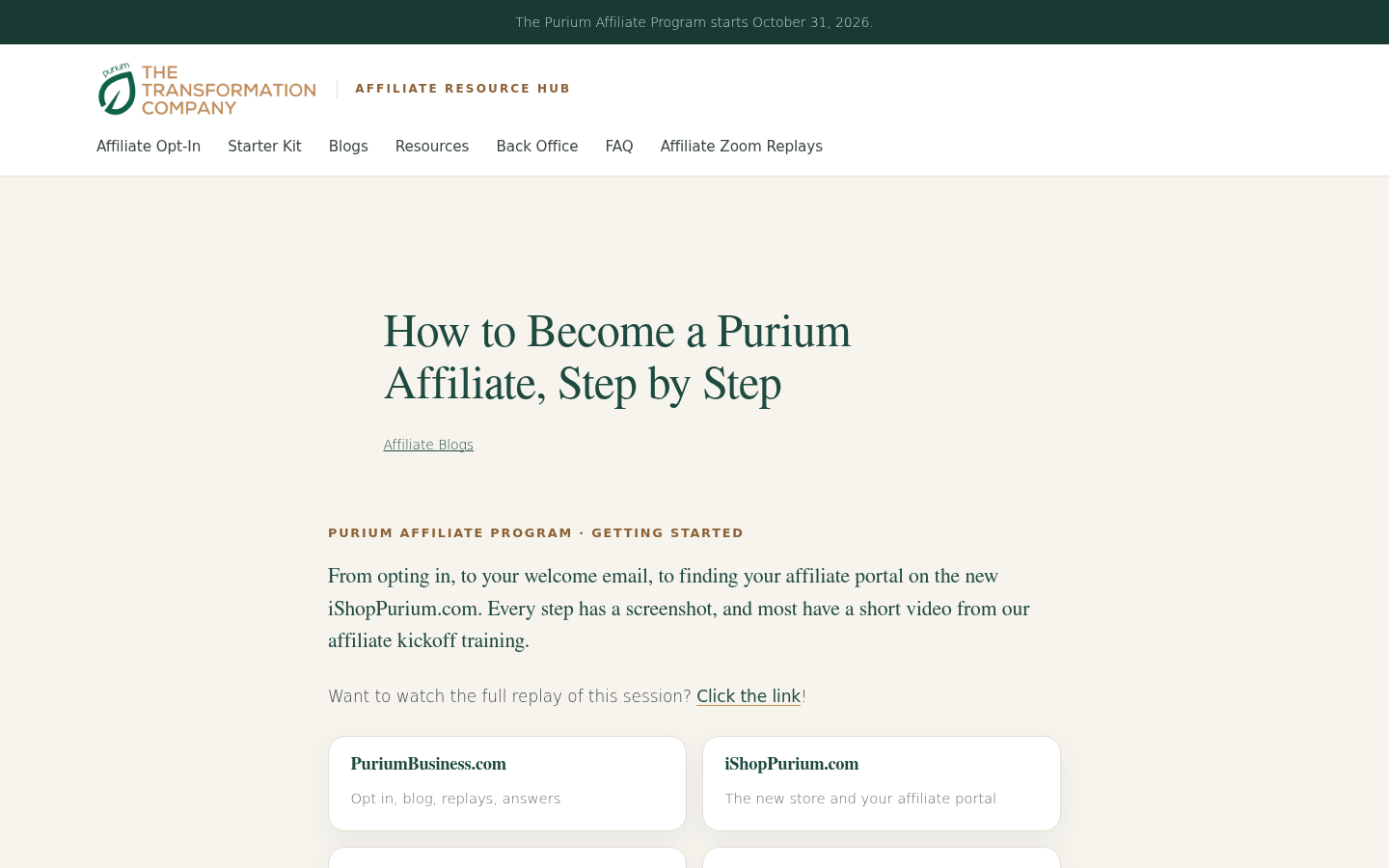
Purium says existing Brand Partners have until December 31, 2026, to opt in to the affiliate program. That deadline concerns the partner account, not your next shipment.
The transition FAQ lists 20% on a qualifying first order through the affiliate, plus a bonus tied to the first renewal shipping. Repeat-order credit follows a separate set of rules.
The affiliate information also says dashboard records from the new store can differ from statements that include both stores. For a commission dispute, compare dated statements before drawing conclusions.
Before You Trade a One-Time Purchase for a Subscription
Purium’s transition FAQ says customers stopped earning new rewards points on orders placed on or after October 31. Existing points have a separate use-by date and inactivity rules.
The company says remaining points can be used on one-time orders, not subscriptions, through April 30, 2027, subject to expiry. The FAQ lists a $50-per-order cap for using points.
That makes the old points balance worth checking before you leave a cart on Subscribe and Save. A renewal discount and the value of a one-time redemption are not interchangeable.
If you’re shopping for someone else, use the email on that person’s receipt to identify the account with their permission. A different household email can hide the original subscription.
Review the delivery address as well as the plan. Purium’s FAQ says customers can’t change a subscription’s shipping address themselves; Customer Care needs to make that change.
Moving house doesn’t mean you need a replacement subscription. Confirm the old delivery address and whether the change will apply before the next shipment.
Keep Your Refund Separate From Your Refill
A successful return should end with a refund record, not just a tracking number. Purium says processing normally takes two to three weeks once the return is received.
When you check your payment account, look for the original payment method and compare the refund with what you paid. Shipping or a deduction can explain part of a difference.
If you were offered a refund exception before the deadline, keep that written approval with the shipping record. It matters if the parcel arrives after the standard cutoff.
A partial refund also doesn’t tell you whether another shipment will go out. Verify the future renewal separately, especially if support resolved only the order you asked about.
What to Do If You Have Two Purium Orders or a Charge You Did Not Expect
-
Check both stores before placing anything new. Start at iShopPurium, look under Account and Subscriptions, then use See Previous Site to check the older account.
Write down whether each plan is active, the next estimated date and the product listed. If you don’t see a plan, compare the latest renewal email before assuming it ended.
-
Cancel the plan you do not want. In the applicable account, open the subscription and use the cancellation option. Keep any email or screenshot that shows the plan is stopped.
If you only chose skip or reschedule, verify the later renewal date. If you cannot get into the previous account, ask Purium to confirm cancellation in writing.
-
Request a separate change for the duplicate order. Open the Purium support page and use the primary support form with the duplicate order number and reason.
Ask whether it can be stopped before processing. If the package has shipped, request the return instructions, whether the order qualifies and the date it must arrive.
-
Follow the return terms for that receipt. Check the current refund policy for a newer order and preserve the terms from your purchase if they differ.
Pack the contents or containers, mark the box with RMA and the order number, then use trackable shipping to the confirmed address. Keep the receipt and delivery confirmation.
-
Escalate an unresolved or unauthorized payment promptly. Keep the statement, dates and written merchant response, then contact the card issuer through the number on the card or its app.
Explain whether you authorized one order, two orders or neither, and what you canceled. Ask about dispute deadlines rather than assuming a returned package settles the charge.
Frequently Asked Questions
Did the Purium move cancel my old subscription?
No, an empty account on the new site does not show that. Check your previous account or ask Purium for written confirmation before opening a replacement plan.
Can Purium send two shipments during the move?
Purium warns that it can happen if you start a new subscription while leaving a previous one active. That is different from proving anyone was enrolled without consent.
How soon does a new Subscribe and Save order renew?
Purium’s FAQ says the first order ships immediately and the next ships 30 days later. Check your actual plan for the next payment and shipment details.
Can I return a Purium product once I have opened it?
The new policy says to include the container even for a used product. Check eligibility, any final-sale exclusion and the arrival deadline for your own order first.
Does the 60-day Purium guarantee still apply?
Purium’s transition FAQ says orders placed before October 31 keep it. The current store advertises 30 days, so use the purchase date and applicable receipt terms.
Do Purium affiliates earn from people they recruit?
Purium says the current plan pays on their qualifying customer orders, including eligible renewals. Affiliates do not earn from the customers another affiliate goes on to bring in.
The Bottom Line
Don’t start a new Purium subscription just because the new account looks empty. Verify the old one first, then shop only after you know which plan is still active.
If two orders have already appeared, ask Purium to stop future renewals and deal with the duplicate shipment separately. Keep both receipts and act before the applicable return deadline.

Join the discussion
0 commentsShare your experience or ask a question about this article.
Community experiences
Did this happen to you?
Your experience could help someone recognize the same scam. Submit a private report for our team to review.
I experienced this tooReports are reviewed before publication. Sharing publicly is always your choice.
Discussion
Start the conversation
Have a question or something useful to share? Add the first comment.