


Seeing your passport or Social Security number in a Google result can make you want to click the first removal button you find. Start with the page behind the result.
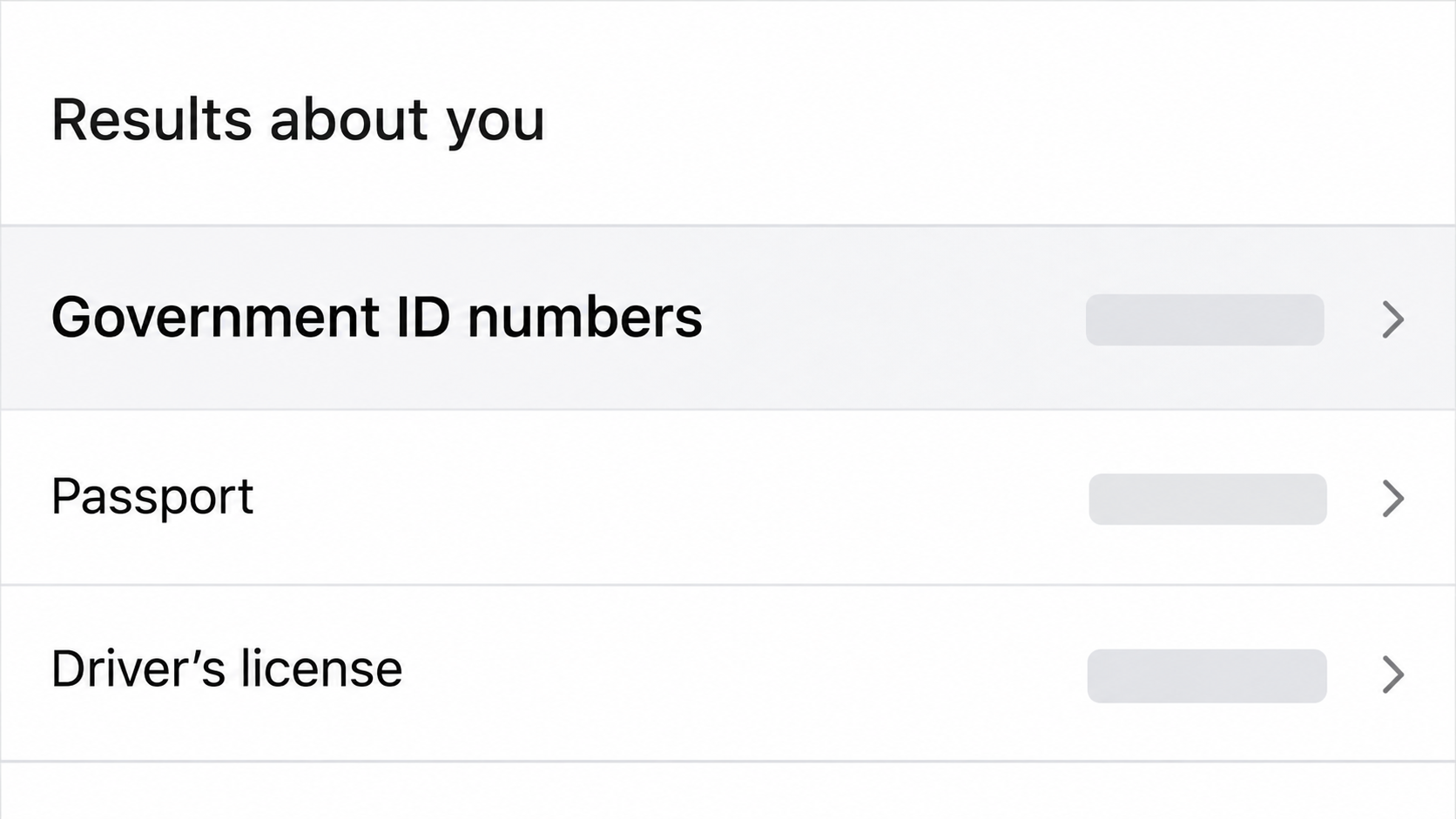
Google added an option to monitor government ID numbers in Results about you. What you do next depends on whether the number is still exposed and where it appears.
Overview
Google can hide a result, not edit the publisher’s file
A result can point to a public page, a PDF or an image that isn’t hosted by Google. A removal from Search doesn’t edit the file or close the website.
If the document still shows the number, there are two jobs. Ask Google about the result and separately ask whoever hosts the file to remove or redact it.
That distinction also matters once Google says a request is approved. A person with the original link may still be able to open the document.
Monitoring an ID and filing a request are different
Google’s announcement about government ID numbers describes adding identifiers for monitoring, with a rollout starting in the US. Check availability for your own account and region.
Adding an identifier can prompt Google to look for relevant results and notify you. It doesn’t make a discovered page private and isn’t the same as filing a removal request.
If you’ve already found the exposure, don’t wait for a monitoring alert. Google’s personal information removal form is an alternative for an identified result.
Check exactly what the file exposes
Is the result showing a full government ID number, an image containing it, or only a name and the last digits? The visible evidence determines how to describe the request.
You don’t need to download or share a document to find every possible instance of a number. Save enough information to identify the page, then submit the report privately.
- For a live exposure, file a personal-information removal request and contact the host.
- For a stale result after a fix, check the search refresh route.
- If an ID was used, initiate recovery with the affected institution independently.
What to Do if Google Shows Your Government ID Number
- Privately record the result and the address of the page or file. Check whether the live destination still shows the information and avoid sharing it in chats or public posts.
- If the number remains exposed, use the official personal-information removal process. Submit the exact result and evidence only where Google’s form asks for it.
- Contact the publisher through a verified channel and ask it to remove the number from the actual document, including any separately accessible attachment or image.
- Keep the removal acknowledgment and check the source again. When the source is fixed but its old Google preview remains, use the outdated result route instead.
- If you’ve seen signs of identity misuse, don’t wait for search removal. Contact the relevant issuer or institution and get a recovery plan through the appropriate official service.
Capture enough evidence without copying the leak everywhere
Start with the URL and a short private note of the number type, document or result, and when you found it. Don’t put the full number in that note.
Google may ask for an image of how the information appears. Follow the form’s instructions and include only what is needed to identify your exposure.
If the page contains records about other people too, don’t distribute the whole file. Quote no more than necessary to identify your location in the record.
Do not run your passport number through unofficial tools that promise to check search engines or breach databases. Giving a stranger the number creates a separate disclosure risk.
If you can’t safely open the source, use the search result and documented report route rather than downloading a strange PDF or entering credentials to unlock it.
An old email from the publisher can give you a safe way to find the real contact address. A number in a search result isn’t a trustworthy support line.
Get the right kind of removal request
Google’s Results about you help identifies passport, driver’s license and Social Security numbers among the details it may consider for removal.
When the option is available, start from the Google app’s account menu or the official dashboard. The alert gives you a specific result to review, not a general deletion request.
If the dashboard doesn’t support the identifier on your account, or a known URL isn’t in the alert list, use the detailed request form for the actual result.
An authorized representative may need that detailed form too. Google says using your own dashboard to file on behalf of somebody else can lead to denial.
When a preview leads to a paywall, you can still ask Google to review the result.
Use its guidance for how the result was found rather than subscribing to collect proof.
For urgency, prioritize the URL you already know is exposing the number. Starting a broad monitoring setup doesn’t resolve that result or notify the site operator.
How to Ask the Publisher to Remove the Source
Give the owner a precise location, not another copy
Tell the organization which page or file shows your private identifier. Identify the location by title, page number or field where possible, rather than copying the number into ordinary email.
Ask whether the whole file can be restricted or whether it needs a safely redacted replacement.
A PDF can stay available even after a site takes away the page that linked to it.
If the publisher needs to verify you first, ask for its approved secure process.
Don’t send a fresh full scan of the identity document to an address somebody posted in a comment.
If you know the report came from a school, employer or supplier, contact its privacy or security channel through the official site.
Use the public record holder’s own removal or redaction process where applicable.
A file can have several independent URLs. Ask the publisher to name the locations it changed so you can distinguish a replaced copy from a download that is still accessible.
If you control the file, remove the exposure rather than hiding it
Make the linked file private or replace it at the source, whichever fits your control over the site. Repeat that check for copies you’ve published elsewhere.
When redacting, use a real redaction tool. A dark rectangle drawn across digits may leave selectable or searchable text underneath in the published version.
Open the final public file and verify the content, not just the thumbnail.
If the download URL wasn’t changed, test it after the fix to make sure it no longer serves the original.
If the item was shared from a cloud folder, check the file and folder access separately. Making an index page private doesn’t necessarily change access to a shared document.
If you don’t administer the site, report precisely what you saw and ask the owner to verify the public link after changing it.
Don’t make changes to a system you don’t control.
What to Check After a Removal Decision
Approval doesn’t always mean the URL disappears for everybody
Google says a Search removal can hide a URL on all queries or only on queries containing your name.
The latter can apply when a page also has material of public value.
Review what Google’s notice says, using the record of the original URL. A result that’s absent for your name may still appear under a different query.
An approved Search request also doesn’t control other search engines or files already stored elsewhere. Check the original location independently so the host’s outcome isn’t lost in the search result.
If the request is declined, look up the reason in the dashboard where that route was used. Check the URL, the evidence provided and whether the page has since changed.
A government site, newspaper or educational institution can involve public-interest considerations.
If the number is on the live page, ask the record holder about its own options rather than assuming Google must remove it.
When the page is fixed but Google is behind
Once the publisher takes down or redacts the document, check the exact file, not just a landing page that says the issue was handled.
If the old preview still describes removed content, the outdated content request tells Google the result no longer reflects the source.
That tool isn’t the path for a confidential ID still visible on the live site. Describe the present exposure through the personal-information request and keep working with the host.
Do not interpret a missing snippet as a guarantee that nobody saved the old document. Treat the source cleanup, cached result and potential misuse as three distinct outcomes.
If the identifier was actually used
If an account, application or official notice appears that you didn’t initiate, contact the affected provider through an independently found number or website. Keep the relevant notice for reference.
In the US, the FTC identity theft recovery service offers steps based on what happened. The appropriate plan depends on the kind of ID and whether it has been used.
An issuer can explain what to do about its own document. Don’t assume a number can be replaced just because a passport or license can sometimes be renewed.
A Search removal won’t reverse a transaction, change a credit record or invalidate an ID in someone else’s hands. Handle those consequences with the institution able to act on them.
What Changes When the ID Is in a Picture or an Attachment
Identify which URL actually exposes it
A result might show a thumbnail while the separate image address still loads the original. Check which page and asset you can open without signing in.
If the document is linked from a directory, note the listing and the file separately.
The editor may remove a link while the download still works for someone who knows the address.
Ask the owner to confirm which file was changed. Provide the surrounding page if it helps them find the upload, but don’t send another copy of the identifier.
After the fix, review both the ordinary search result and the image result if both were visible. Google has separate instructions when you’re asking it to refresh an outdated image.
Choose intentionally whether to monitor afterward
Monitoring can be useful if the same number was posted in a document that might be copied.
It is a choice to provide the information to the official tool for matching.
Review which identifiers you actually want tracked.
Adding more of them does not help a request that’s already aimed at a known URL, and the feature doesn’t cover the entire web.
If there is no option for your region or account, keep working with the publisher and the individual reporting form.
You don’t need to wait for a new dashboard control to become available.
Frequently Asked Questions
Can Google remove a passport number from the page itself?
Google can remove eligible results from Search. It can’t edit a third party’s document, so a direct link may still work until the publisher changes the source.
Ask the publisher about a redacted or restricted replacement. Then check that the original address no longer serves an exposed copy.
Do I need to add my ID to get a known result reviewed?
No, Google provides a detailed form for known personal-information exposures. Monitoring is a separate choice that can alert you to results Google finds later.
Use the official form rather than pasting the complete number into a public search or a forum post to demonstrate the problem.
Can I report an exposed ID for a relative?
Google says the detailed removal request can be used on another person’s behalf when you are authorized.
Its personal monitoring dashboard is not the right place to enroll somebody else’s ID.
Verify what the reporting form needs and don’t save copies you don’t need. The person may prefer to handle the request themselves.
What if the page hides the document behind a login or paywall?
If Google Search displays your information in a result pointing to a paywalled page, Google still provides a way to request review. Use the instructions for that result.
Don’t buy a report or create a subscription just to reproduce the leak. Record what is already visible and describe how you encountered it.
Will removing my result stop somebody from using the number?
Search removal reduces one way to find it. It doesn’t revoke the document, recover a stored copy, or prove the information was never used.
If you’ve seen real signs of misuse, contact the issuer or company involved and handle the incident independently of Google’s decision.
Is an old search preview the same as a live exposure?
An outdated preview can outlast a publisher’s correction. Verify the actual document first, then use the request that fits what remains visible.
A new copy on another site is a separate exposure. Report that URL on its own rather than relying on the result for the first site.
The Bottom Line
If Google shows your government ID number, report the exact result and ask the publisher to remove it from the live file. Monitoring alone won’t do either job.
Once the source is fixed, check for stale results without spreading the number further. If somebody has used the identity information, start recovery instead of waiting for search removal.

Join the discussion
0 commentsShare your experience or ask a question about this article.
Community experiences
Did this happen to you?
Your experience could help someone recognize the same scam. Submit a private report for our team to review.
I experienced this tooReports are reviewed before publication. Sharing publicly is always your choice.
Discussion
Start the conversation
Have a question or something useful to share? Add the first comment.