


The words you wrote down when you set up a crypto wallet usually stay out of sight, which makes an unexpected request for them easy to remember.
If you’ve already closed the screen, leave it closed. You can work out what happened without opening the request a second time.
Overview
What SeedSnatcher targets
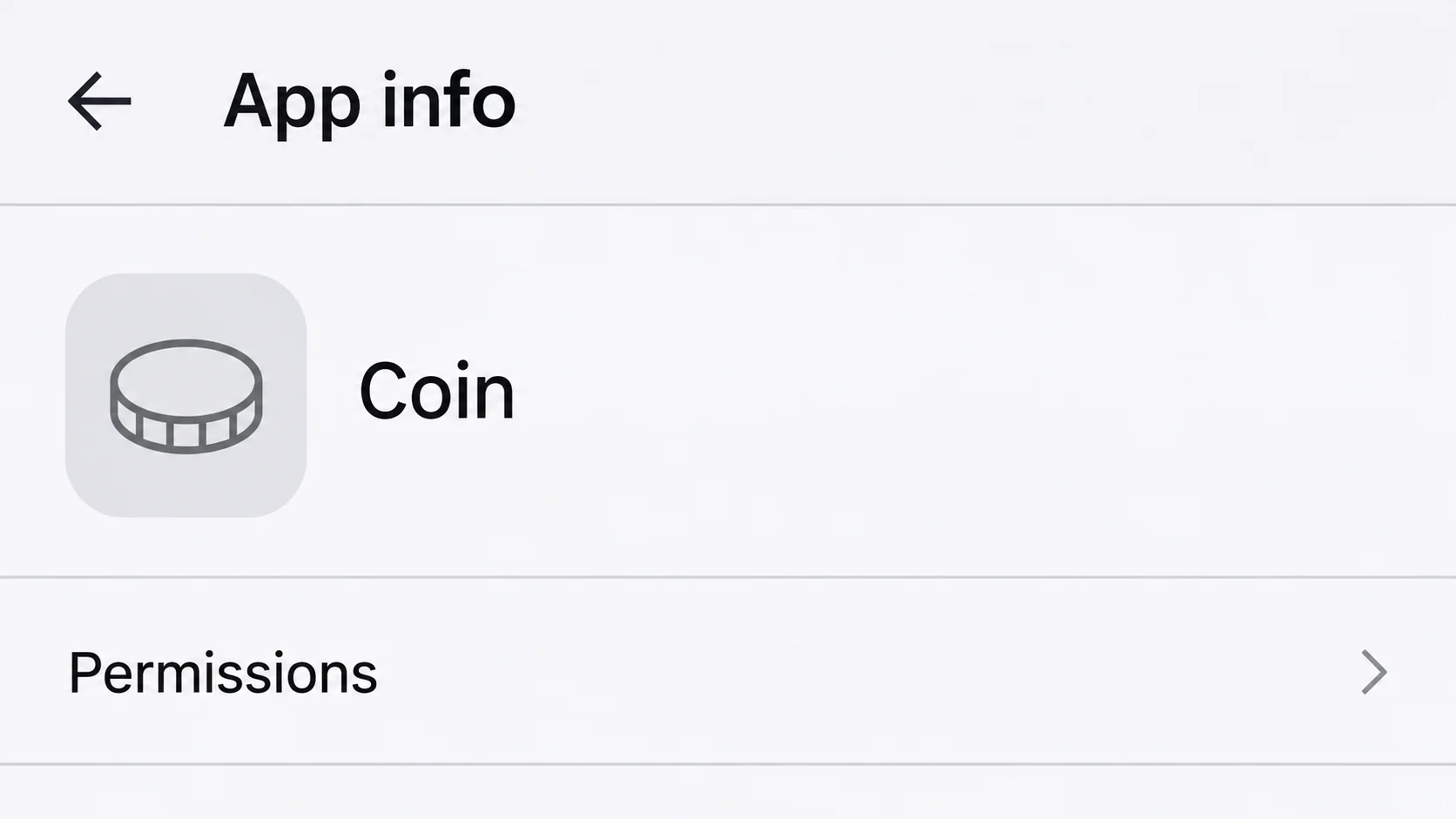
SeedSnatcher is Android malware designed to steal crypto wallet recovery phrases. Researchers at CYFIRMA investigated an Android package associated with the name Coin and reported behavior targeting multiple wallet apps.
A recovery phrase is not a customer-service verification code. In a self-custody wallet, someone with the phrase may be able to restore access to the same assets on another device.
That is what makes this case different from an ordinary password theft. Changing a PIN in the original wallet doesn’t replace the underlying recovery phrase.
The request can look close to home
The researchers describe imitation screens associated with wallet recovery. A prompt can use a name or design you recognize while still being controlled by the wrong app.
Suppose you used Wallet A yesterday and an unfamiliar screen bearing its name appears today.
Recognizing the name tells you which brand the screen claims to be, not which app produced it.
The Coin label is a clue specific to a documented package.
It’s not a reliable rule for identifying unrelated apps with similar names in Google Play or on your home screen.
Different kinds of exposure need different responses
- Seeing a request is different from handing over wallet recovery words.
- Installing an unknown app deserves a device check even if you typed nothing into its screens.
- A custodial exchange login calls for the exchange’s own account security process.
- A transaction request you approved is worth checking even if you never shared a recovery phrase.
- If the wallet is shared, tell the other authorized users rather than testing the phrase again.
Most people don’t need to decide what every pop-up meant on their own. A wallet vendor can explain its normal recovery sequence without asking you to provide your phrase.
You can remove an app and still have a wallet whose phrase was copied. Likewise, a wallet warning does not, by itself, prove which Android app was responsible.
Don’t wait for a scan on the original phone to decide whether to contact your provider about funds.
If you entered secret words, use a clean device to obtain independent instructions.
A typical reason to restore a wallet is changing devices or recovering access after a deliberate reset.
You choose the wallet app and start that procedure for a reason you know.
An unexpected request to restore a working wallet changes the order of events. The prompt came first and is trying to make you supply a reason afterward.
Opening the genuine app through its established store listing can help identify the official publisher. On the suspected phone, however, do not use that as a reason to enter anything.
Some wallet brands publish a warning about what their support staff will never ask for. Check that policy independently, even if the person contacting you appears to know your issue.
How the SeedSnatcher Infection Happens
Step 1: An Android download presents itself as an ordinary app
The documented app package wasn’t simply a malicious web page asking someone to sign in. It was Android software that a person could be induced to install.
An APK file in Downloads is not proof it ran. If your only interaction was to save the file, check whether you ever approved installation before concluding you were infected.
Don’t assume a link is safe because it came from a chat you recognize. If someone suggested the download, reach them independently to confirm what they meant to send.
Step 2: The app gets an opportunity to watch or imitate
After installation, an unknown app may try to get more access than its purpose justifies. Android describes permissions individually because notifications, accessibility, and displaying over other apps are not equivalent.
An accessibility service can serve a legitimate need on your phone. An app posing as an unrelated utility has a different burden when it asks for that level of access.
Compare when the requests appeared with when the suspect app was installed. If you don’t remember the menu, tell support you remember the prompt but not what you allowed.
Step 3: An unexpected recovery prompt tries to collect the secret
CYFIRMA reported wallet-related imitation screens that sought mnemonic phrases. The relevant question for you is whether an unexpected screen asked for the words that restore a wallet.
The safest response is to stop there.
Never enter a test phrase or a few real words to find out whether the screen belongs to the wallet you meant to open.
Genuine recovery is a deliberate action you start under conditions you control. A sudden invitation to restore an otherwise working wallet deserves verification outside the phone that displayed it.
Step 4: The exposed secret can outlast the phone
The person who gets a recovery phrase doesn’t need your original phone to keep a copy of it. Deleting the Android app doesn’t invalidate those words.
Nor does importing the same phrase into a newly installed app create a new wallet secret.
That’s a new copy of the same access, not a new set of recovery words.
Use the wallet maker’s process for a possible compromise. Confirm that instructions come from the official provider before acting on any message promising urgent recovery.
What to Do if You Think SeedSnatcher Affected You
-
Close the suspect prompt and switch devices. Don’t reopen it to check whether it looks familiar. On a second device, look up the wallet maker through a trusted bookmark.
If it is safe to use normal Android connectivity controls, take the affected phone offline while you seek help. Don’t use it to log in or authorize transfers.
-
Separate wallet secrets from account credentials. Write down whether you entered a phrase, typed an exchange password, connected a wallet, or approved a transaction.
Write only the type of action, never the phrase, PIN, or code. The distinctions help a provider give you instructions that fit what happened.
-
Treat an entered recovery phrase as potentially exposed. Follow official wallet guidance on moving control away from the exposed secret using a clean setup.
Don’t rely on a wallet reinstall or PIN change to invalidate the old phrase.
Never paste the words into an online support form, direct message, or site that offers a risk check.
-
Secure any exchange account through its fraud channel. Use a clean device and independent contact details to review access, withdrawal settings, and sessions you don’t recognize.
If you are locked out, ask the exchange what identity verification it requires. Don’t give a third-party recovery service access to your account while the exchange investigates.
-
Keep evidence that does not grant access. Save the suspicious app’s name, timeframe, message sender, and any transaction identifiers that the legitimate provider asks for.
Review permissions and transactions according to the provider’s guidance. Wallet connections and token approvals aren’t identical to a disclosed recovery phrase and may need different actions.
-
Warn other authorized users if the wallet is shared. Agree on one verified support route and what changes are being made. Don’t circulate copies of the secret.
If funds moved without permission, report promptly to the relevant exchange or authorities. Provide public transaction identifiers when requested, not credentials or recovery words.
How to Remove SeedSnatcher From an Android Phone
Step 1: Check the app and any special access it received
In Settings > Apps, look for the installation you can tie to the suspicious download. Check when it appeared and whether the label matches what you were told to install.
On many devices, Settings search can find Accessibility, Display over other apps, and Install unknown apps. Menu names vary, so use your manufacturer’s guidance if yours differs.
If you have identified the suspect app, remove its unusual access where Android lets you, then uninstall it from its app information screen.
If the browser or messaging app was given permission to install this package, review that permission separately. Removing one app doesn’t necessarily reset the source app’s install setting.
Avoid disabling a disability aid or a managed-device tool you rely on.
If the phone is managed, give IT the filename and the sequence before removing settings or clearing app data.
Step 2: Check Google Play Protect and use the correct store listing
In Google Play, open the account menu and choose Play Protect. Follow Google’s explanation of Play Protect to run the check.
If Android is usable and you want a second check, use the official Malwarebytes app in Google Play. Confirm that the publisher matches the genuine listing.
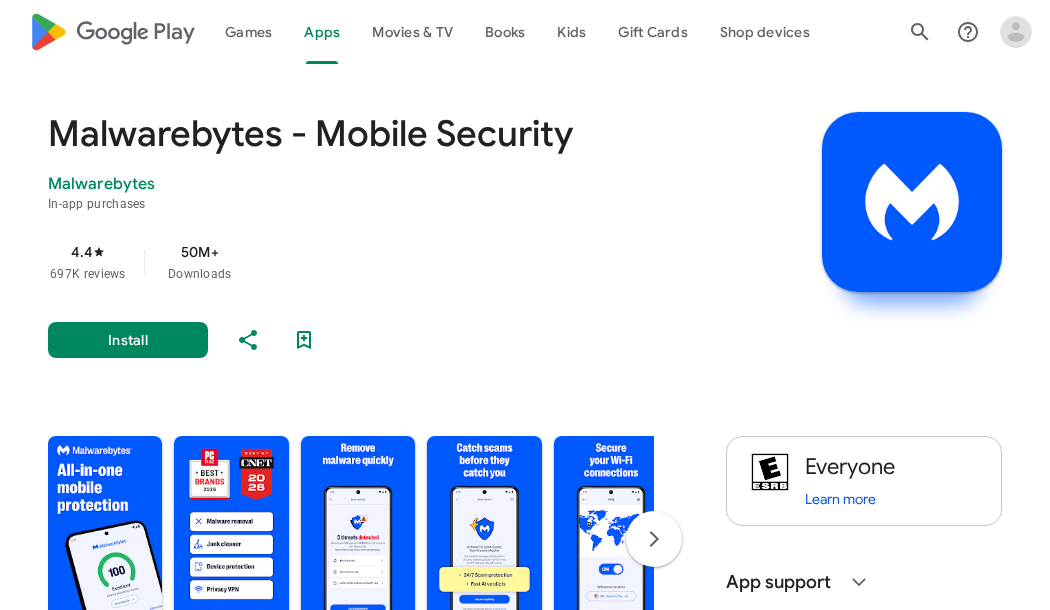
Open the scanner that you installed directly from the store. Use its Device area and scan control, as described in the vendor’s Android scanning instructions.
Treat the results as a list to review, not a score for whether the wallet is safe.
Follow the scanner’s guidance for any verified unwanted app, then recheck after a restart.
If the scan warns about a similarly named app, record the detection and ask for help rather than assuming an unrelated wallet or finance app is malicious.
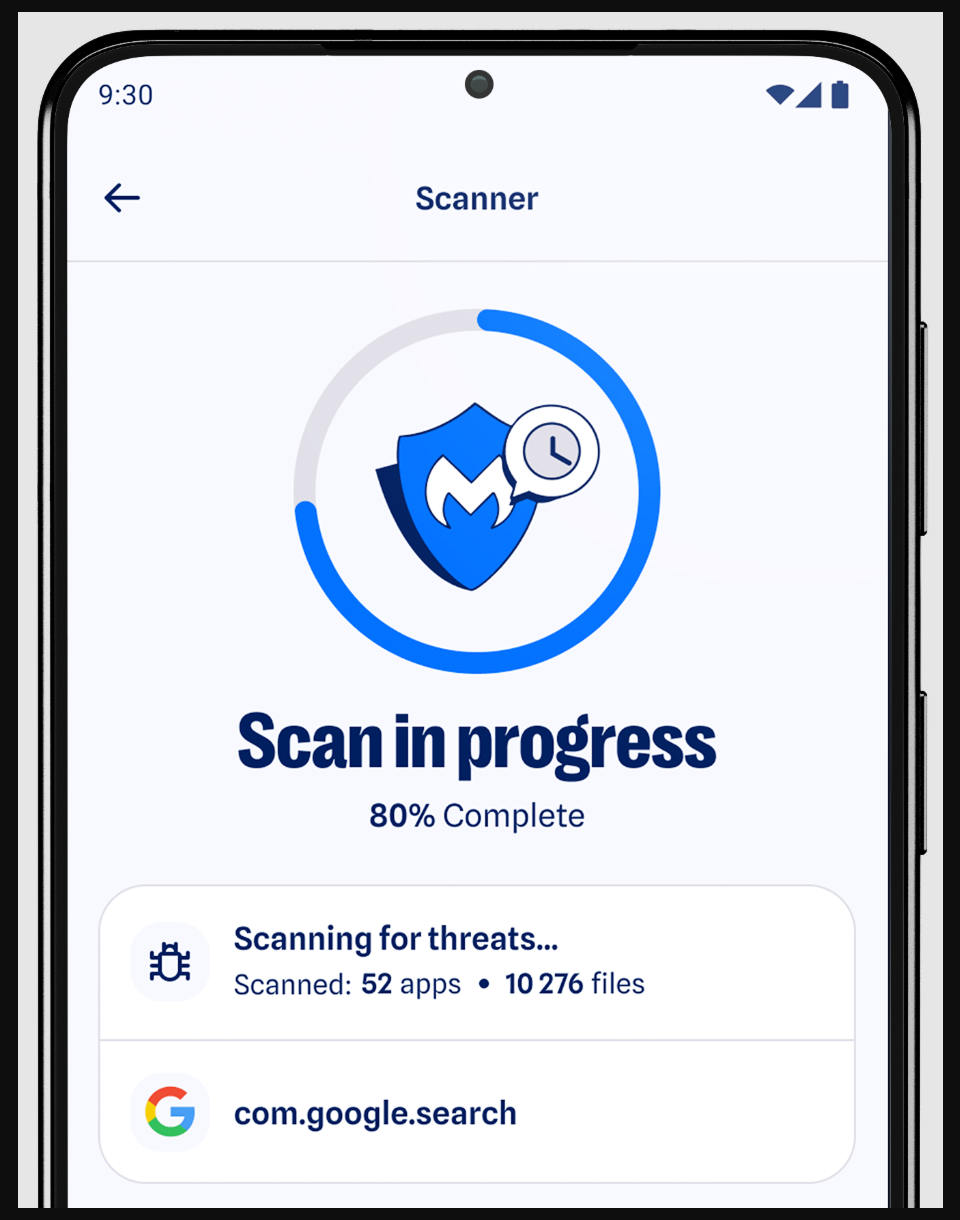
The Malwarebytes Android upgrade is optional and uses an affiliate link. It doesn’t check blockchain transactions or replace official wallet recovery instructions.
Step 3: Check whether the phone can return to normal use
Install Android and app updates from their official sources. Avoid restoring the suspect package from a shared backup or leaving it in a shared Downloads folder.
If prompts reappear, a removal fails, or you cannot reach Android controls, ask the device maker or the MalwareTips mobile removal forum for guidance.
Before any reset, confirm what you can actually restore and how you’ll sign in afterward. A device reset isn’t a change to a wallet’s on-chain ownership or recovery words.
Step 4: Review the aftermath without letting urgency set the agenda
A compromised wallet can invite new messages from people who claim they can reverse transactions. Verify every new contact independently, including accounts using your provider’s logo.
If you start a support ticket, save its identifier and reopen it through the official site. Don’t assume someone who mentions a public transaction identifier works for the provider.
Finally, check where the original download came from.
It may be useful to tell the person who sent it, the platform that hosted it, or the organization managing the affected phone.
Step 5: Review connected devices and old copies of the phrase
Think through where the recovery phrase is kept. An unexpected prompt isn’t the only way it could have been exposed if copies were stored in email, photos, or cloud notes.
Don’t open those files from the affected phone to inspect their contents. From a clean device, confirm which account holds them and whether that account has unusual access.
If an account provider tells you how to revoke sessions or forwarding, do that through its official controls. The wallet provider can guide changes to wallet access separately.
If someone else set the wallet up for you, ask how it was created without asking them to send you the phrase. More than one person may have a copy.
Keep your list of actions temporary and free of secret material.
It should be safe to show a support team which screens appeared without teaching anyone how to access the wallet.
If you have more than one wallet, tell support which one prompted you.
Avoid broad changes to wallets that weren’t involved until you’ve confirmed what the affected phone was used for.
Frequently Asked Questions
Does SeedSnatcher need my wallet PIN?
The documented attack focuses on recovery phrases. Self-custody wallet recovery words can matter even when nobody ever sees the PIN that unlocks the app on your phone.
Will changing my wallet password protect the same recovery phrase?
An app password is not a substitute for the phrase that restores a wallet. Ask the wallet provider what to do if someone else may know the original words.
I didn’t share words but approved a transaction. What now?
Record the action and contact the wallet or exchange through an official support route.
An approval, signature, and transfer are not necessarily the same event, and each can require different handling.
What if the only clue I have is the name Coin?
Don’t accuse or delete unrelated apps based on the label alone. Compare where the file came from, when you installed it, and the access the app requested.
Can a scanner see if my recovery phrase was stolen?
A device scan checks for unwanted software it can detect. It cannot tell you who has a copy of a phrase or reverse a transaction that has already happened.
Does this report establish an iPhone infection?
The documented samples discussed here are Android packages. If something unexpected appeared on an iPhone, verify that incident separately instead of treating an Android app diagnosis as established.
The Bottom Line
SeedSnatcher makes an unexpected wallet recovery request a serious warning sign. If you never entered the words or approved an action, stop and check what the phone actually installed.
If you did enter them, treat wallet security as urgent and separate from cleanup. Start from a trusted device and use the wallet maker’s verified help.

Join the discussion
0 commentsShare your experience or ask a question about this article.
Community experiences
Did this happen to you?
Your experience could help someone recognize the same scam. Submit a private report for our team to review.
I experienced this tooReports are reviewed before publication. Sharing publicly is always your choice.
Discussion
Start the conversation
Have a question or something useful to share? Add the first comment.