


Your Oyster card can still work at the gate even when a security incident disrupts the website you use to manage it.
Then an email turns up about your account. Before you act, work out which incident it refers to and whether TfL actually sent it.
Overview
The 2024 TfL attack began with impersonation
Transport for London, or TfL, suffered a cyberattack in 2024. The criminal case that followed explains how a dishonest request to a staff help desk led to unauthorized access.
According to The Guardian’s report from court, someone pretended to be an employee. The caller was not an Oyster customer applying for a travel refund.
The National Crime Agency’s sentencing announcement confirms that Thalha Jubair and Owen Flowers pleaded guilty and each received five years and six months in prison in July 2026.
Passengers did not have to answer the call or open a message. The incident affected systems used by the organization that runs the Tube and buses.
Travel services and customer data tell different stories
Passengers could still take many ordinary journeys. Some online features, including registration, journey information and live data, were disrupted or temporarily restricted during the response.
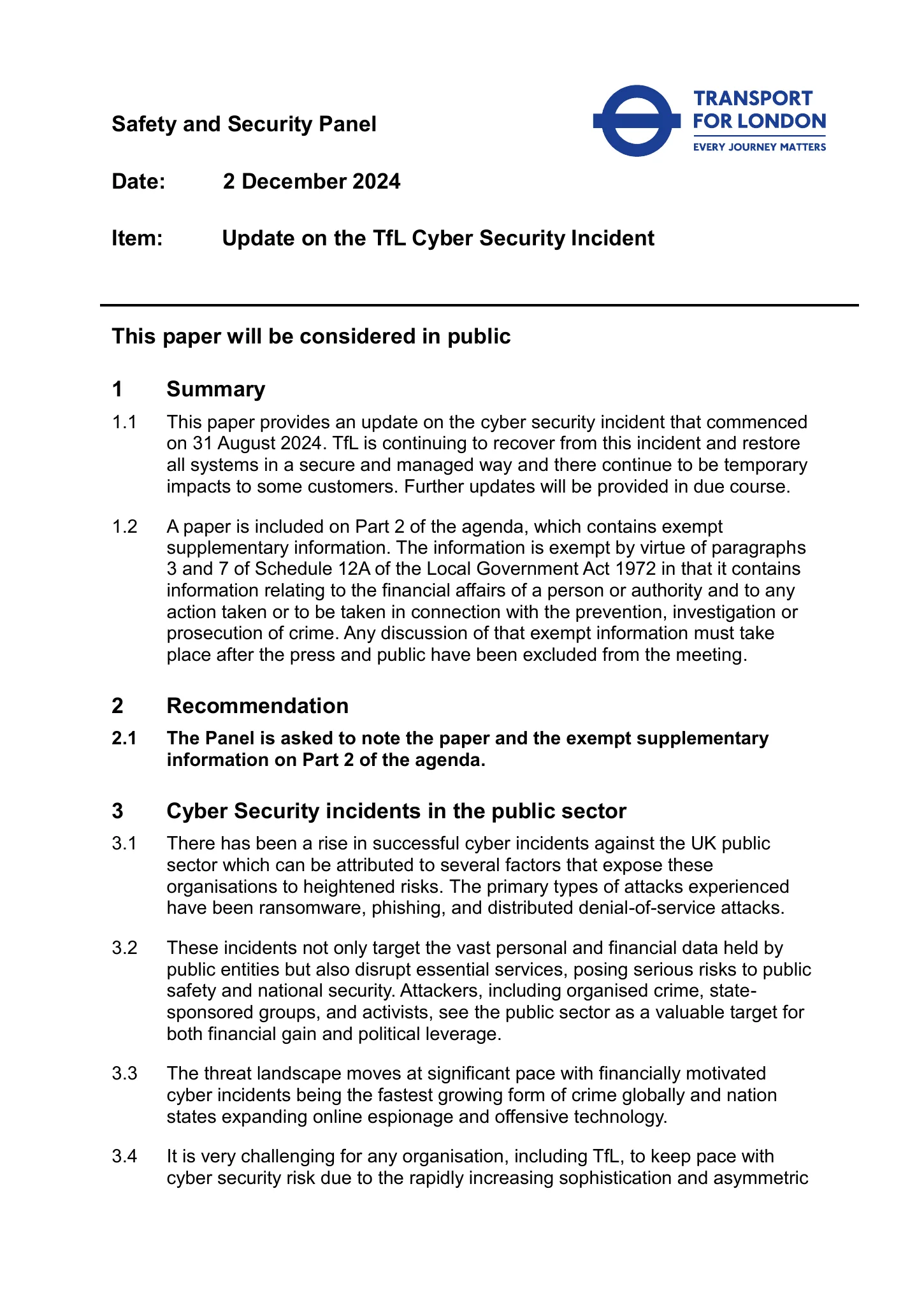
TfL’s December 2024 report says some names, contact details, and Oyster refund records were accessed. TfL contacted around 5,000 customers about possible exposure of bank account details.
These are different claims from somebody obtaining your online banking password or moving money from your account. The right question is which information TfL says was involved for you.
The sentencing coverage reported much broader access to customer data. Do not assume a figure about the entire incident tells you which fields were exposed in your own record.
The November 2026 Oyster photocard notice was a separate incident
TfL issued a separate photocard update about suspicious activity detected on November 16, 2026. It describes a different event from the 2024 attack.
The November note describes possible exposure of contact information, birth dates and security answers. TfL’s assessment excludes passwords, banking details, card details and journey information.
- Check the incident date before comparing notices or taking account recovery advice from a news story.
- Keep your bank statement separate from your travel history when you investigate an unfamiliar charge.
- If you use a concession photocard, confirm its status and any annual check directly with TfL.
- Treat any unexpected demand to reissue a card or unlock a refund as a new request to verify.
- A message naming the place you live or the type of pass you use is not proof of who sent it.
How the 2024 TfL Help Desk Scam Worked
Step 1: Someone posed as a staff member
The original impersonation targeted the organization, not members of the public. A person calling the help desk presented themselves as someone entitled to use a staff account.
Help desks receive genuine requests from people who cannot get into work systems. Familiarity with that kind of request does not establish the caller’s authority.
For a staff member receiving an unusual account request, the next step should come from internal policy. Reassuring details supplied by the caller cannot be the only check.
Step 2: A legitimate account procedure was used for the wrong person
The court heard that the deception persuaded a staff member to change an account’s authentication. The safeguard no longer protected the person it was meant to.
This distinction matters when someone tells you a reset is just administration. A reset can change who can access an account, even if no funds move at that moment.
If your employer asks you to verify a reset, open your usual support channel. Ask which request is pending and whether you actually initiated it.
Step 3: Unauthorized access reached more than one service
The false request was a way into TfL’s systems. The case then involved access on a scale far beyond the individual account mentioned in the call.
TfL restricted access to some functions while it responded. Its public statements describe why a customer feature could be unavailable even as the transport network continued to run.
An error screen cannot tell you whether your own data was involved. Check the dated incident notice instead of relying on the state of a single service.
Step 4: Customers had to interpret what the disclosure meant for them
Some TfL customers received advice because refund records might include banking details. Other passengers were affected by interruptions to services without necessarily having that same exposure.
A later impostor could claim a refund is due or demand photocard revalidation. Those are possible follow-up scams, not part of the original case.
Do not treat an incident announcement as permission for a stranger to ask for passwords or money. A real refund can be checked with the organization that owes it.
How to Check a TfL Message Without Using Its Link
Match the message to the right service and date
Read the sender’s claim without following its link. Note whether it refers to the September 2024 cyberattack, the November 2026 photocard notice, a fare refund, or an individual account issue.
Open the TfL contact page separately. Use the published Oyster and contactless contact route and ask whether the subject and date match a notice it sent.
If you have a photocard notice, compare it with the separate TfL update for that service. TfL said its first notice to potentially affected customers went out on November 18.
If TfL cannot confirm the message, leave its link and attachments alone. Save the sender and wording so you can report what it actually requested.
Verify any refund from your own trip history
Open TfL’s official service delay refund instructions and sign in through its account link. Locate the journey the message claims to cover.
For contactless, open Journey and payment history, then Service delay refund. For an adult Oyster card, open Service delay refunds after signing into your account.
TfL says to claim service delay refunds within 28 days. If you used an eligible photocard or cannot find the correct option, use the published Oyster contact route.
Check whether the journey is yours and what type of charge appears. A service delay refund, an incomplete journey and a duplicate payment do not necessarily use the same route.
If the journey is missing or the issue isn’t a delay, use the official contact option. Give the date and payment method so staff can identify the right route.
Save any submission confirmation or support reference with the journey record. Confirmation that a claim was received is not confirmation that your refund was approved.
Treat an account confirmation as a separate task
An email that correctly names a concession scheme can still come from someone outside TfL. Verify any renewal, address check, or password change on its own merits.
If the photocard site is unavailable, don’t use an unofficial workaround. Ask TfL directly how to renew a card or check a journey.
When you need to change a reused password or security answer, go directly to the other service that uses it. Updating one account does not change the credentials on another.
Keep any genuine case confirmation private. A reference number can help support find the issue again, but it should not be posted as evidence on a public forum.
Keep travel usable while you check the notice
TfL’s November update says existing photocards can still be used for travel. It also says holders due for an annual 60+ address check should wait for TfL to contact them.
That doesn’t make an unexpected address-check text genuine. If the claim is urgent, compare the current instructions on the TfL photocard notice with whatever the message tells you to do.
If a real renewal is due and the online service is unavailable, use the Oyster contact number on TfL’s public contact page. Ask what you need before traveling.
When you are protecting another household member’s account, confirm who owns the account first. Do not change their credentials or share their details without their permission.
What to Do If You Responded to a Suspicious TfL Message
Work out what the sender actually received
Save the whole message and list what you did: opening the link, entering a password, confirming a security answer, adding a card, or sending money.
Do not open the destination again to see whether it still works. A screenshot of the message and the time you interacted are enough to start.
If you entered nothing and authorized nothing, report the message. If you disclosed something, take the matching account or payment action before waiting for a reply.
Secure the account that accepted the credentials
Go to the legitimate sign-in page for the affected account and use its password change or recovery option. Choose a new password you do not use elsewhere.
If necessary, use the service’s official contact route when you cannot get back in. Ask whether recovery details were changed and how to secure any unfamiliar sessions.
If the password or security answer was reused on your email or another service, replace it there too. Verify you can still sign in afterward.
Report any payment or card details separately
Open your bank’s app or use the number on your card. Tell the bank what you entered, and identify any suspicious or unauthorized transaction.
Ask the bank whether you should lock or replace the card and whether it can trace or dispute the payment. Save its case number before leaving the conversation.
A legitimate TfL fare concern can still be raised through TfL. Do not use a fare refund form as the only way to report misuse of banking details.
Check an earlier breach notice without replying to it
Open the appropriate TfL incident page and compare the date with your notice. If you need help, contact TfL through its published page rather than replying to the message.
Ask which type of record is affected and whether it needs action from you. Keep a note of the response and watch for unfamiliar activity related to that information.
Give police the right report for your situation
In England, Wales or Northern Ireland, start on Report Fraud. Choose the suspicious message route if you did not respond or lose money.
For an actual cybercrime or fraud report, choose the main reporting option and enter the sender, dates, actions and any loss you can document. Save the crime reference you receive.
Do not wait for that number before telling your bank about an active financial risk. In Scotland, use Police Scotland as directed by the reporting service.
Decline paid follow-up help you did not request
A message may offer to delete exposed data or release compensation for an advance payment. Do not pay or provide a screen sharing session to test it.
If it uses the name of an agency or company, start a separate conversation through that organization’s known contact route. Preserve the unsolicited demand if it needs reporting.
Frequently Asked Questions
Does a working Oyster card mean my personal data was never accessed?
The card working answers whether you can travel. It cannot tell you whether an online record associated with your account was affected by a security incident.
Check the relevant dated notice and use TfL’s contact route if you need an answer about your own record. Keep fare questions and data concerns separate.
Did the offenders call Oyster passengers for passwords in the 2024 case?
The impersonation described in court targeted TfL’s staff help desk. It was not a password request made to passengers for that initial access.
If someone calls you about your travel account, that is a separate contact. Do not confirm a passcode or payment because the caller cites the court case.
Was the November 2026 notice about the same breach?
The November notice identifies a new event affecting the photocard website. It gives its own date, affected service and assessment of the information involved.
Do not transfer an instruction or an exposure estimate from one incident to the other. The dated TfL notice for your account is the relevant starting point.
Should I pay to restore my photocard after the breach?
Do not pay a person who contacts you unexpectedly about a breach. Use TfL’s published route to verify any renewal, replacement or charge that applies to your particular card.
Keep the message if it claims your card has stopped working. That gives TfL the wording it needs to confirm or dispute the claim.
How can I tell if a travel payment was genuine?
Compare the bank entry with the journey and payment history in your verified TfL account. A bank’s label does not always tell you which trip generated the charge.
If the fare is wrong, ask TfL which refund route fits the trip. If the payment was unauthorized, report it to the bank as well.
Is there an official compensation link for every affected customer?
The sentencing announcement does not create a general compensation portal. Real fare claims and complaints have to follow the official route that applies to the problem.
If someone sends you a link claiming you were already approved, do not use it. Ask TfL or your bank to confirm the case independently.
The Bottom Line
Do not trust a message just because it cites a real TfL cyberattack. Check the right incident through TfL and verify any refund separately.
If you already entered details, secure the account that used them. Tell your bank about any payment or card exposure and keep the original message for reporting.

Join the discussion
0 commentsShare your experience or ask a question about this article.
Community experiences
Did this happen to you?
Your experience could help someone recognize the same scam. Submit a private report for our team to review.
I experienced this tooReports are reviewed before publication. Sharing publicly is always your choice.
Discussion
Start the conversation
Have a question or something useful to share? Add the first comment.