


A TikTok message flashes across your screen claiming that you have been hacked. It may come from a stranger, a friend or a colorful mini-game card, but the wording is chosen for one reason: to make you panic and act before checking what really happened.
Most of these messages are not proof of an account breach. Some are viral spam, while others are phishing bait designed to steal a password or verification code. The difference depends on what the sender asks you to do next—and one wrong click can turn a harmless annoyance into a real account takeover.
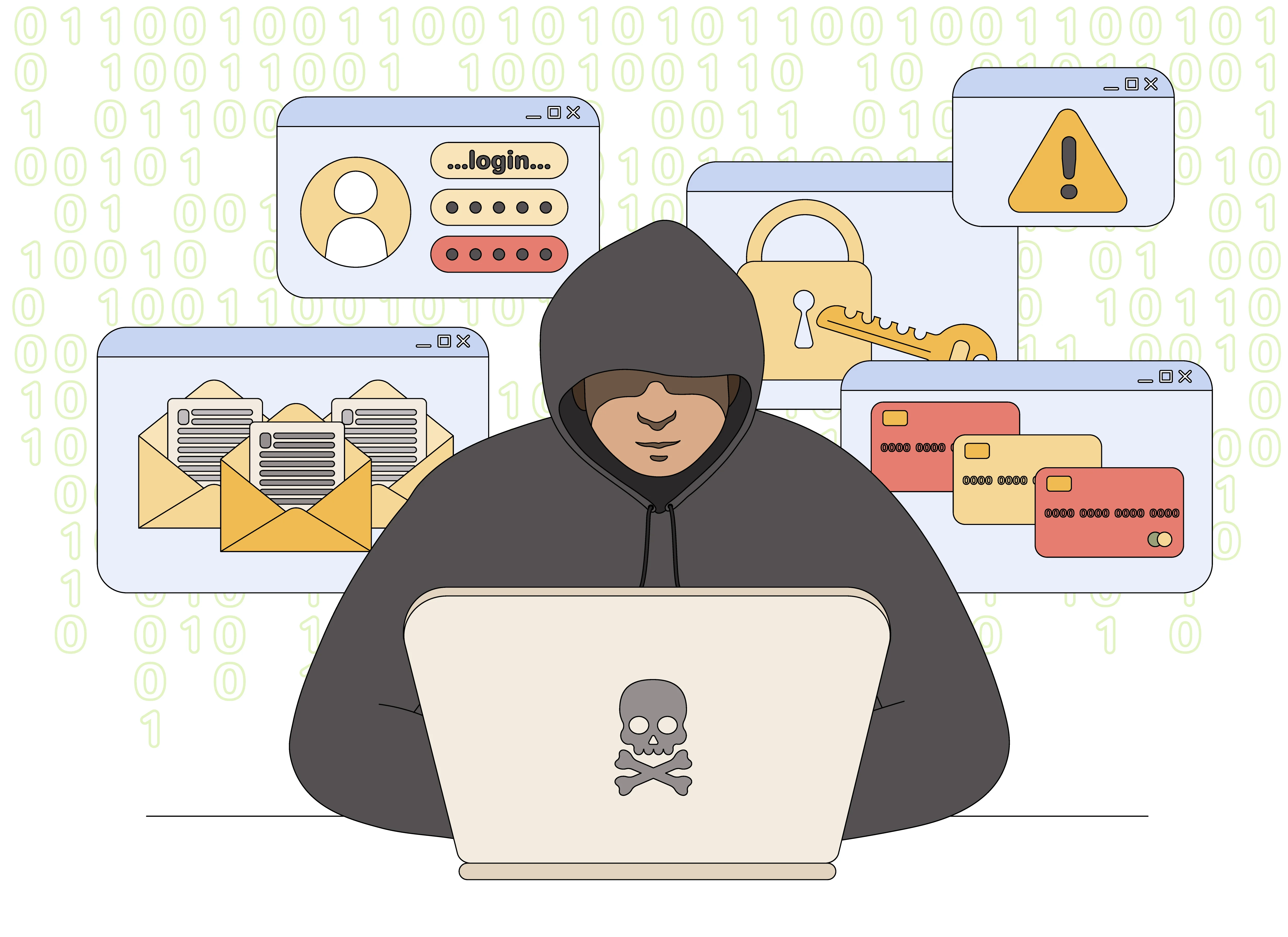
Overview
A TikTok message that says “You’ve been hacked” is designed to make you react before you think. Some versions are attached to a viral mini-game or copied chain message and are sent by ordinary users who tap a share prompt. Other versions are deliberately written by scammers and include a link, a fake security warning or instructions to “verify” your account on a page outside TikTok.
The important point is simple: the sentence itself is not proof that your TikTok account has been compromised. A stranger, a friend or an automated-looking game invitation cannot see your account security status merely by sending a direct message. Real evidence of a breach would include a password-change notice you did not request, an unfamiliar login, altered account details, posts you did not create or devices you do not recognize.
That does not make the message safe to follow. Its frightening wording is ideal bait for phishing. A recipient who panics may click an outside link, enter a TikTok password, reveal a six-digit verification code or install an unknown app. At that point, a silly viral message becomes a genuine account-takeover attempt.
TikTok states that it will not contact users to request passwords, verification codes or other sensitive personal details. Legitimate security actions should be completed from the app’s own settings or by manually opening TikTok’s official website—not through a link supplied by an unknown account.
Our verdict: do not treat the message as a reliable security alert and do not follow its links. If it contains only a mini-game card and no request for information, it may be annoying engagement spam rather than a hack. If it asks you to sign in, share a code, download something or contact “support” elsewhere, treat it as phishing.
What Is the TikTok “You’ve Been Hacked” Message?
Users describe receiving a short DM, game card or notification built around the claim that they have been hacked. The presentation changes: one version looks like a playful challenge, another arrives from a friend, and a more dangerous version imitates a TikTok security notice. Scammers deliberately copy familiar app language because it lowers suspicion.
The three versions you are most likely to see
- Viral mini-game or chain spam: a user taps a prompt that shares the message with contacts. It is misleading and irritating, but it may not collect credentials.
- Compromised-friend spam: a real contact’s hijacked account sends the same warning or link to everyone. The familiar sender makes the message more convincing.
- Direct phishing: the message claims urgent action is required and sends you to a fake TikTok login, a messaging app, a “recovery agent” or a malicious download.
You cannot identify the safe version by the sender’s profile photo alone. Accounts can be impersonated, hacked or newly created with stolen videos. Judge the message by what it asks you to do and where its links lead.
How the TikTok Message Trap Works
Step 1: The message creates instant alarm
The words “you’ve been hacked” produce fear and urgency. Instead of checking the app calmly, the recipient feels pressure to act immediately. This emotional shortcut is the same technique used in fake bank alerts and password-expiration emails.
Step 2: A familiar account or game card makes it look harmless
The message may arrive from someone you follow or appear inside a colorful interactive card. That presentation can make the warning feel like a normal TikTok feature. In compromised-account campaigns, the sender may genuinely be your friend even though the person controlling the account is not.
Step 3: The recipient is pushed toward a link or conversation
Harmless chain versions try to generate shares and replies. Phishing versions go further: they offer a “security check,” “appeal,” “unhack tool” or support chat. The destination may resemble TikTok but use a misspelled domain, a shortened URL or a page hosted on an unrelated service.
Step 4: The fake page asks for the keys to the account
The page may request your username, password, email address, phone number and the verification code TikTok sends to your device. A code is especially valuable because it can let an attacker complete a login or password reset in real time. No legitimate helper needs you to read a one-time code aloud or send it through a DM.
Step 5: The stolen account is used to spread the message again
After taking over an account, the attacker can message trusted contacts, promote fake giveaways, push crypto schemes or demand payment from the owner. Reusing the victim’s real profile makes the next round of messages far more believable.
Warning Signs That the Message Is Phishing
- It says you must act within minutes or your account will be deleted.
- A link opens any domain other than TikTok’s official website.
- The page asks for your password, login code, backup code or email password.
- The sender asks you to move to Telegram, WhatsApp, Discord or another chat service.
- Someone offers paid “account recovery” or claims to know a hacker who can help.
- The message promises free Coins, followers, verification or rewards after you sign in.
- The sender avoids explaining how they supposedly know you were hacked.
A real TikTok notification may tell you to review security, but you can verify it without using the message link. Close the DM, open TikTok yourself and review Settings and privacy → Security & permissions → Manage devices.
How to Tell Whether Your TikTok Account Was Actually Hacked
Do not let one dramatic message decide the diagnosis. Check for independent account changes. A breach is more likely if several of the following signs appear together:
- Your password, phone number, email address or username changed without permission.
- TikTok shows a device or location you do not recognize.
- Videos, comments, follows or direct messages were created without you.
- You were logged out and your normal password no longer works.
- Friends received investment, giveaway or emergency-money messages from your profile.
- You received legitimate password-reset or verification notices you did not initiate.
A strange login location is not always conclusive because mobile carriers and VPNs can route traffic through other cities. An unfamiliar device combined with account changes, however, deserves immediate action.
What to Do If You Received the Message
- Do not click the link. Previewing a message is normally enough; you do not need to reply or prove anything to the sender.
- Open TikTok independently. Use the official app or type tiktok.com yourself, then review your security settings and logged-in devices.
- Report the message and account. Use TikTok’s in-app reporting controls so the platform can investigate the sender and link.
- Tell a friend through another channel. If the DM came from someone you know, contact them by phone or another trusted app. Their account may have been taken over.
- Block the sender if necessary. This stops further pressure and reduces the chance of an accidental click.
What to Do If You Clicked or Entered Information
If you only opened the page
Close it without downloading anything or granting permissions. Opening a normal web page does not automatically mean your account was stolen, but do not return to it. Clear any downloaded file and check whether the browser asked to install a profile, extension or app.
If you entered your TikTok password
Change the password immediately from TikTok’s official app. Use a new password that is not used on any other account. Remove unfamiliar devices, confirm that your email and phone number are still correct, and enable two-step verification.
If you reused the same password elsewhere
Change it on your email account first, then on every other important service that used it. Your email is the recovery key for many accounts, so protecting it is the priority. Turn on multi-factor authentication wherever available.
If you shared a verification code
Assume the attacker may have completed a login. Reset the password, revoke unknown sessions and check messages, profile details and linked accounts. Warn your contacts not to trust recent DMs from you.
If you paid an account-recovery scammer
Contact the card issuer, bank or payment service immediately and ask whether the transaction can be stopped or disputed. Save the messages, profile URL, payment receipt and any wallet address. Do not pay a second person who promises to recover the first payment; recovery scams frequently target people who have already lost money.
How to Keep the Same Trick From Working Again
- Use a unique password and two-step verification for TikTok.
- Never send login codes or backup codes in a direct message.
- Review logged-in devices regularly and remove old phones you no longer use.
- Do not connect unknown follower, analytics or “verification” apps to your account.
- Treat urgent security claims as unverified until you check inside the official app.
- Keep your email account secured with its own unique password and multi-factor authentication.
Bottom Line
The TikTok “You’ve Been Hacked” message is not a trustworthy diagnosis. In its mildest form, it is a viral mini-game or chain message that uses a frightening phrase for engagement. In its dangerous form, it is the opening move in a phishing campaign.
Do not click, do not share a password or verification code, and do not pay a self-described recovery expert. Check your account directly through TikTok’s official settings. If nothing changed and the message requested nothing, your account was probably not hacked. If a link asked you to sign in or reveal a code, treat the incident seriously and secure the account immediately.

Join the discussion
0 commentsShare your experience or ask a question about this article.
Discussion
Start the conversation
Have a question or something useful to share? Add the first comment.