


A caller says they’re from USAA and asks if you recognize a charge. You say no. A moment later, a security code arrives.
The message may be real. That still leaves an important question about the person on the phone.
Overview
The caller and the code can come from different places
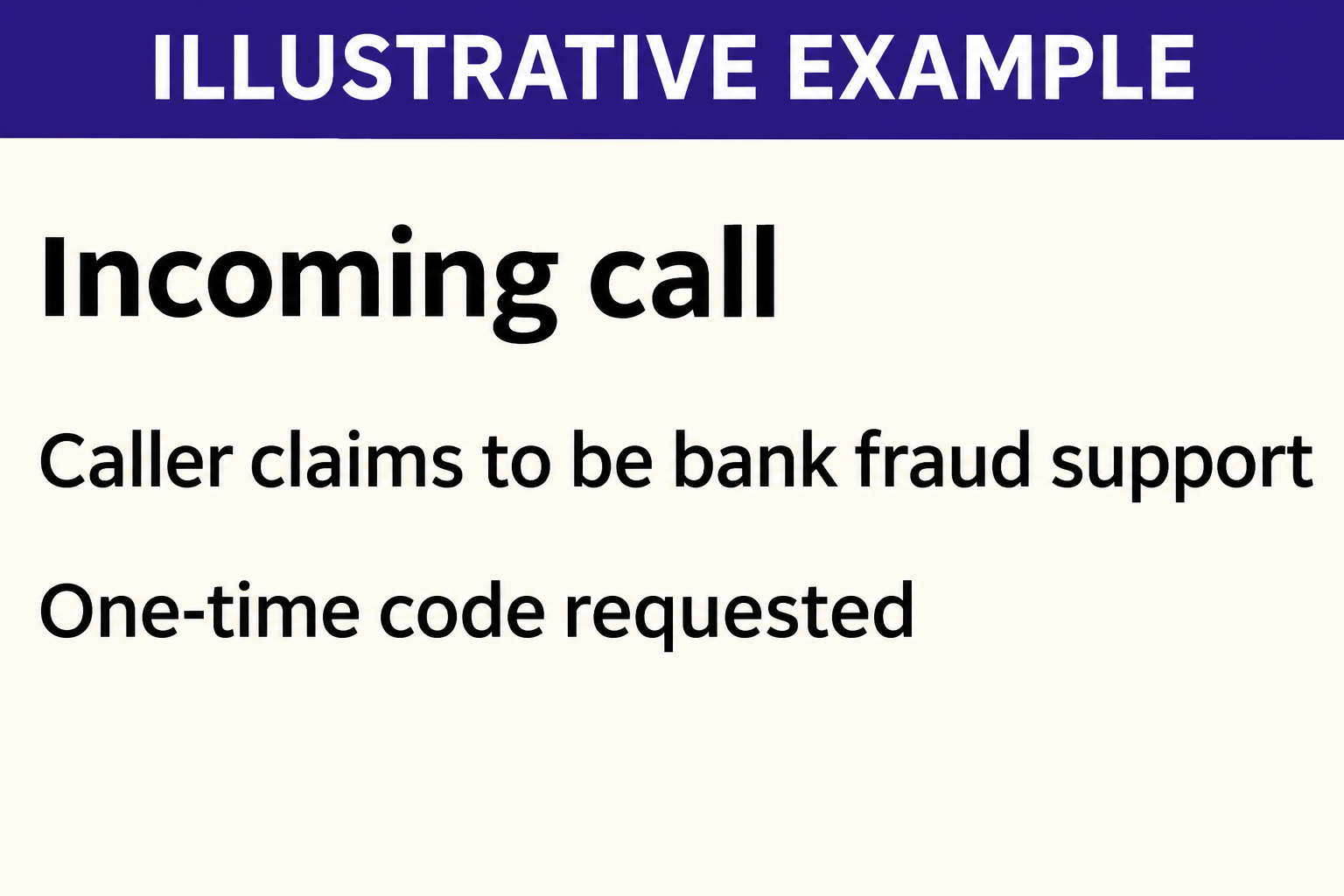
A USAA fraud department scam call starts with a claim about suspicious activity. The caller sounds helpful and says they need to verify you before fixing it.
Then they ask you to read back a one-time code, share a PIN, or approve a request. That’s the point to end the call.
USAA says it won’t call or text to ask for a password, PIN, or one-time code. A code arriving in a familiar text thread doesn’t create an exception.
The bank may send a real security message for an account action. That doesn’t mean it sent the person who wants you to hand over the code.
One report shows how the caller keeps the conversation going
In a firsthand report to BBB Scam Tracker, a caller claimed to be with USAA’s fraud department and said the person’s card had been used at Walmart.
The person described being asked for sign-in information and several verification codes. When they hung up to call the real bank, the caller rang back.
The report describes an attempted impersonation, not proof that the Walmart charge happened. The person said they reached USAA independently and reported the call.
What feels reassuring isn’t necessarily proof
There are several things a caller can get right without being the person they say they are:
- The display may show USAA or a number that looks familiar.
- The caller may know your name or the address you use for bills.
- A real bank text may arrive while you are talking to them.
- They may refer to a feature you can see in the official app.
None of that is a reason to give an inbound caller a code. Check the account through a route you open yourself, even when the warning sounds plausible.
How the USAA Fraud Department Scam Call Works
Step 1: The caller asks about a charge you don’t recognize
It might be a purchase at a familiar store, a money transfer, or a transaction in a city you haven’t visited. The question sounds like routine fraud prevention.
Saying no is natural. It can also make you feel as if you’ve opened a fraud case and should stay on the line until somebody closes it.
Don’t assume the transaction is real or fictional from the call alone. If the app shows an unfamiliar charge after you hang up, report it there or contact USAA.
If no charge appears, don’t let the caller explain why you can’t see it. The absence of a charge doesn’t require you to complete their verification.
Step 2: Familiar details make the caller seem credible
A caller who knows your address can sound more convincing than a stranger reading a script. Correct details still don’t tell you how the caller got them.
Caller ID isn’t proof either. A caller can make a familiar name or number appear without placing the call from the organization that uses it.
Compare that with calling a number you independently found on your card or in the official app. You chose the destination instead of relying on the display.
Don’t let a caller talk you out of that check. If you’re cut off and they immediately ring back, leave the new call unanswered.
Step 3: An account protection request changes into a request for a code
The caller may say the code confirms your identity or finishes a security change. What the person says the code does can differ from what the bank message says.
In a separate firsthand account, a caller sounded familiar with USAA’s sign-in options and asked for an SMS code during a supposed security change.
USAA does have real sign-in security options. The fact that a caller knows those options isn’t evidence that their request is authorized.
Read the whole message if one arrives, but don’t send it to the caller as a screenshot. Open the official app yourself if you need to check account activity.
Step 4: The caller’s instructions may affect more than one payment
The request might be framed as canceling a purchase, yet the prompt could be about signing in, changing account settings, or approving a transaction.
If someone gains access, they may try to make a transfer or change how the bank contacts you. The result depends on what the person was able to do.
That’s why the right response isn’t always just replacing one card. Tell the bank exactly what you shared and ask which account settings or transactions need review.
If the caller says a separate bank account is also at risk, call that bank yourself. Don’t let the first caller move you from one institution to another.
Step 5: A follow-up can make the first call feel more official
Another call, a message with a case number, or a supposed supervisor can sound like normal follow-up. None of them replaces your own call to the bank.
If the caller gives you a reference, write it down. Ask USAA through its own contact channel whether it recognizes the reference instead of calling the sender back.
Once you’ve reached the real bank, keep the contact details it gave you. If a new message arrives, verify it against that case rather than restarting with the caller.
What to Check When a Security Message Arrives
Was the code connected to something you started?
If you’re signing in on your own initiative, a security code may be part of that process. Use it only in the sign-in flow you initiated independently.
If you weren’t signing in or changing anything, don’t approve an unexpected prompt. A genuine security message can still concern an action you didn’t request.
The USAA sign-in guide describes CyberCode Text and CyberCode Token as separate options. Neither gives an unexpected caller a reason to ask for your SMS code.
Are you looking at a charge, a notification, or a request?
These can feel interchangeable when somebody is talking you through them. A charge is account activity. A notification describes something. A request asks you to take an action.
Check the merchant, amount, and status in the app without following a link. A pending entry can call for a different response from a completed transfer.
If the message says to approve something, don’t assume that pressing yes rejects a charge. Leave the prompt alone and verify it through USAA support.
Can you end the call without losing the ability to get help?
Yes. You can use the USAA fraud reporting page to choose the route for a card transaction, a transfer, or a security issue.
The number on the back of your card is another starting point. Don’t use a number the caller sent or the callback entry from your call history.
Write down when the call came in and what the person wanted. That gives you a clear description to share without sending the security code itself.
What if the caller had you use the real app?
Using the genuine app doesn’t make the person coaching you legitimate. You can be in the right app while following instructions that aren’t in your interest.
Look for changes you didn’t plan to make. If the caller had you change a sign-in method, tell the real bank when it happened and what you touched.
One account holder said they were locked out the following day. If you can’t sign in now, call from a verified number rather than repeatedly guessing your credentials.
Check messages about replacement cards or changed addresses separately from payment alerts. If one arrives unexpectedly, ask USAA to confirm whether the account record matches it.
Tell the bank if you used the same password elsewhere, especially for the email account tied to banking. Secure that account directly through its own provider.
If the bank tells you to wait for an update, confirm how it will arrive. Write down the expected channel so a fresh inbound call doesn’t catch you off guard.
What to Do if You Have Fallen Victim to This Scam
-
If you only answered, end the call and open the official app. Check for the transaction the caller described. Answering by itself doesn’t give someone account access.
Report an unfamiliar entry through USAA. If nothing appears, save a note of the call and ignore requests to continue on another line.
-
If you gave a code, password, or PIN, contact USAA promptly. Tell the bank which information you shared and whether you approved anything on your screen.
Ask the bank to help secure access. From a trusted device, check for changes to contact details, sign-in settings, cards, and authorized payments.
-
Check transfers and linked accounts as well as card charges. A call about a supposed card purchase can turn into a problem elsewhere in your account.
If funds moved from a linked bank, contact that bank through its official channels too. Keep a separate case reference for each financial institution.
-
Describe who actually made each payment. Tell the bank which transactions you initiated and which appeared without your authorization. Don’t lump them together as one charge.
The CFPB’s electronic transfer guidance distinguishes transfers initiated by a fraudster who obtained access from other situations. Report the facts promptly; don’t assume the outcome.
-
If you allowed remote access, address that separately. Disconnect the affected device from the network if access is ongoing. Use another device to contact the bank.
Have the device checked before using it for banking again. Changing one account password won’t remove software that is still running on the device.
-
Keep a private record of what happened. Save call times, notifications, unfamiliar transactions, bank correspondence, and the number or name shown on the call screen.
Don’t post one-time codes, full statements, or account numbers in public. Share the necessary records only through verified support or reporting channels.
-
Watch for a second call about refunds or verification. If it seems related, confirm that through the official fraud case. Don’t send another code to continue the investigation.
Tell a family member or other trusted person what happened if that would help you slow the conversation down. An urgent caller doesn’t get to set your pace.
What to Say When You Reach the Real Bank
Give the sequence, not just the caller’s explanation
Start with the time of the inbound call. Explain what the person claimed, whether a code arrived, and what you shared or pressed.
Then list what you saw afterward. Note any lockout, unfamiliar notice, or payment you didn’t recognize. It is fine to say you don’t know what a prompt did.
If the attacker used your email or phone number as part of the story, don’t assume those accounts were taken over. Report any actual sign-in or service changes.
Find out what still needs attention before you hang up
Ask which action the bank has taken and what it wants you to do next. A blocked card doesn’t necessarily answer questions about sign-in or linked payments.
Ask how to check the case later without relying on an inbound call. Keep the case details with your records so you won’t have to start over.
If another person helps manage the account, tell them what the bank confirmed. They should know which updates to expect and which requests still need independent checking.
Frequently Asked Questions
Does USAA call to ask me to read out a one-time code?
No. USAA says it won’t call or text asking for one. End the call and contact it using a number or app you already trust.
What if the call shows the right USAA number?
That display isn’t proof. End the call and place a new one using the number on your card or another published USAA contact.
Does a real text mean the person on the line is from USAA?
No. The text and the caller don’t have to come from the same place. Check whether you initiated the action the message describes.
Can a caller know my address without being a bank employee?
Yes. Personal details can be available from sources outside the bank. You don’t need to identify the source before you end the call.
What if I shared a code but can’t see any missing money?
Call USAA anyway. Explain what you shared and ask it to review access, contact details, and pending activity while there is still time to act.
What if a purchase mentioned by the caller really appears in the app?
Report the purchase through the app or a verified USAA contact. A real charge doesn’t authenticate the inbound caller or make sharing a code safe.
The Bottom Line
A USAA fraud department scam call can coincide with a real security text. Don’t read the code back or approve a prompt at the caller’s direction.
Hang up and check through USAA yourself. If you shared a code, authorized an action, or found a transfer you didn’t make, report it promptly.

Join the discussion
0 commentsShare your experience or ask a question about this article.
Discussion
Start the conversation
Have a question or something useful to share? Add the first comment.