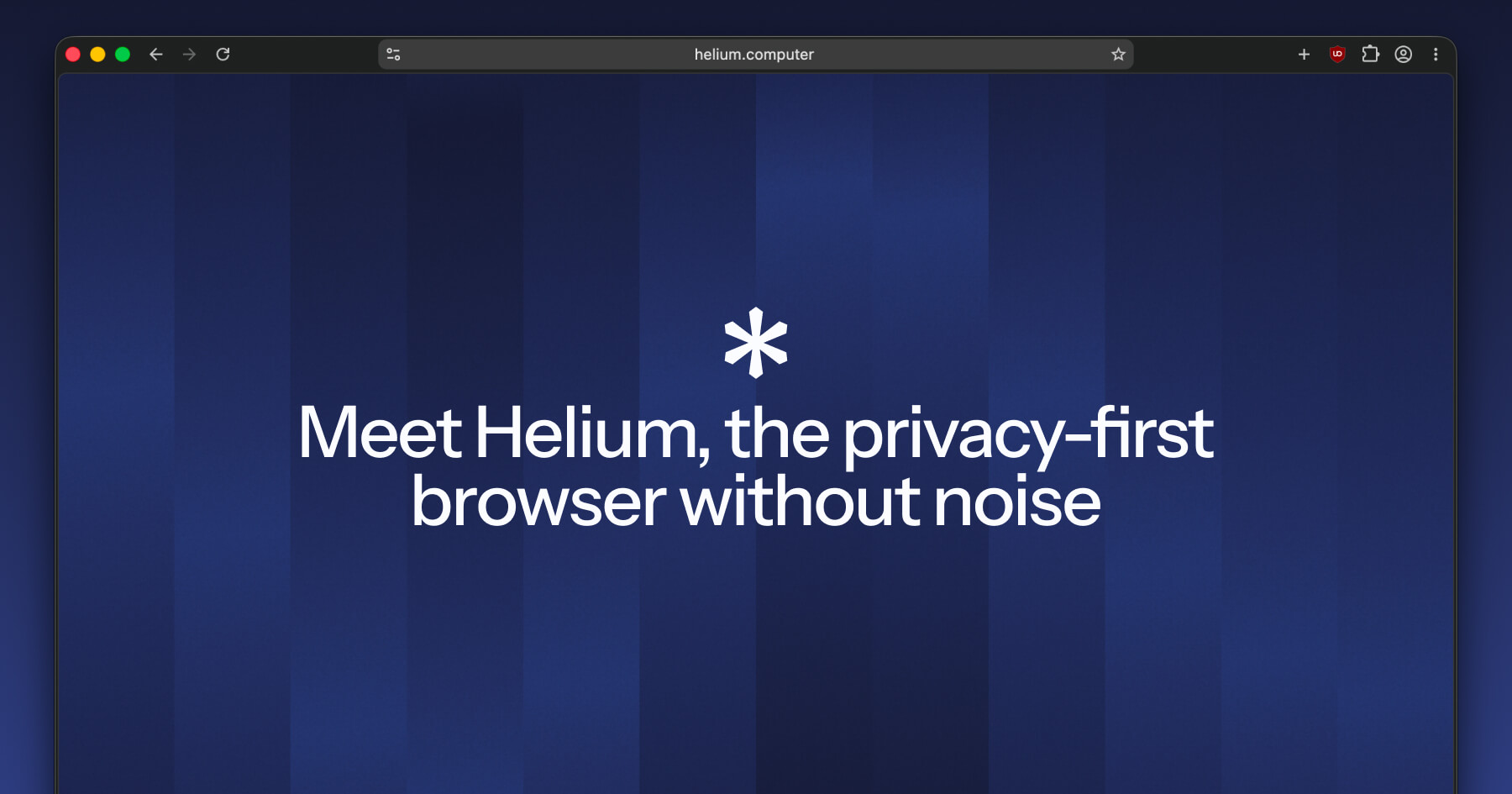
New Update A new Chrome clone: Helium

Parkinsond

Level 62
Thread author
Verified
Well-known
Dec 6, 2023
5,188
14,807
6,069
Helium blocks ads, trackers, phishing websites, and other nonsense by default, thanks to community filters and uBlock Origin.
The browser itself doesn't have any ads, trackers, or analytics. Helium also doesn't make any web requests without your explicit consent, it makes zero web requests on first launch.

All Chromium extensions are supported and work right away, by default, including all MV2 extensions.
Helium anonymizes all internal requests to the Chrome Web Store via Helium services. Thanks to this, Google can't track your extension downloads or target ads using this data. No other browser does this.

All parts of the Helium browser are open source, including online services. You can self-host Helium services and use your own instance in your browser.

Helium enforces HTTPS on all websites and warns you when a website doesn't support it. Passkeys just work.

There's no built-in password manager. Passwords should be separate from a web browser to be truly secure and immutable.
There's also no cloud-based history/data sync. You should be the only one with access to your browsing data, not some conglomerate.

We release new Chromium updates (such as security patches) as soon as possible. Your browser will always be safe and up to date.
On Windows, in-browser auto-updates are not available yet, but will become available in the future.

 
Thanks for sharing this info on Helium, Parkinsond! It looks like an intriguing privacy-focused browser build on Chromium. I appreciate the emphasis on open-source components, built-in ad/tracker blocking via uBlock Origin, and the decision to skip things like a built-in password manager—keeping sensitive data out of the browser aligns well with good security practices (e.g., using dedicated tools like Bitwarden or KeePass).

A few quick thoughts:
  • The anonymized Chrome Web Store requests sound like a solid privacy win, especially for folks wary of Google's tracking.
  • Enforcing HTTPS everywhere is a great default for reducing risks on insecure sites.
  • No cloud sync is a bold choice—definitely prioritizes user control, though it might not suit everyone who needs multi-device access.

Have you given it a spin yourself? Any real-world performance notes or comparisons to something like Brave or Ungoogled Chromium? I'd be curious to hear how it holds up with extensions and updates in practice.

For anyone checking it out, remember to verify downloads from official sources to avoid fakes—standard advice for any new browser. 😊
 
Strange toplevel domain (TLD), blocked by HaGeZi's filterlist.
HaGeZi Most Abused TLDs blocklist by default blocks all websites on new gTLDs unless they are added to exception. In other words, HaGeZi Most Abused TLDs doesn't just block helium.computer domain; it blocks ALL websites on .computer gTLD except those that asked on GitHub to be whitelisted.
 
Last edited:
HaGeZi Most Abused TLDs blocklist by default blocks all websites on new gTLDs unless they are added to exception. In other words, HaGeZi Most Abused TLDs doesn't just block helium.computer domain; it blocks ALL websites on .computer gTLD except those that asked on GitHub to be whitelisted.
Yes, I know. I didn't say that 'helium' was the culprit.
 
I think this browser needs to be discussed more on here as I've been trying it out and it's significantly faster than anything I've tried. I found out about it while browsing r/browsers as it's mentioned a lot there.

I've been using Brave since the very first release and Helium just beats it in terms of raw performance. Everything loads faster and feels way snappier.
 
I think this browser needs to be discussed more on here as I've been trying it out and it's significantly faster than anything I've tried. I found out about it while browsing r/browsers as it's mentioned a lot there.

I've been using Brave since the very first release and Helium just beats it in terms of raw performance. Everything loads faster and feels way snappier.
Added autoupdate or have to do it manually?
 
Looking at their Github it says "Windows (no auto-updates yet)" so I'm assuming that means it's something that's planned. AutoUpdate has never been something that I needed as I look at the Github every other day to see if there's any new updates.
Without autoupdate, I have to redownload the entire installer with every single update.
 
I’ve tested it and found it to be a good secondary browser. However, it doesn’t fully comply with Windows policy enforcement, and the absence of sync and a password manager prevents me from using it as a daily driver.
As for a password manager, why not use one like Bitwarden or any other password manager that has an extension?