

The below will be added/enhanced for Android 17
1) Advanced anti-scam shields
2) AI-powered app monitoring
3) A new biometric lock for the “Mark as Lost” feature means that even if a thief stole your passcode, they cannot turn off tracking or re-access the phone without your fingerprint or face scan.
4) Granular privacy controls
5) Ensuring your system is the real deal
6) Future-proof security
As for Samsung new security features will likely be added for the upcoming One UI 9.0
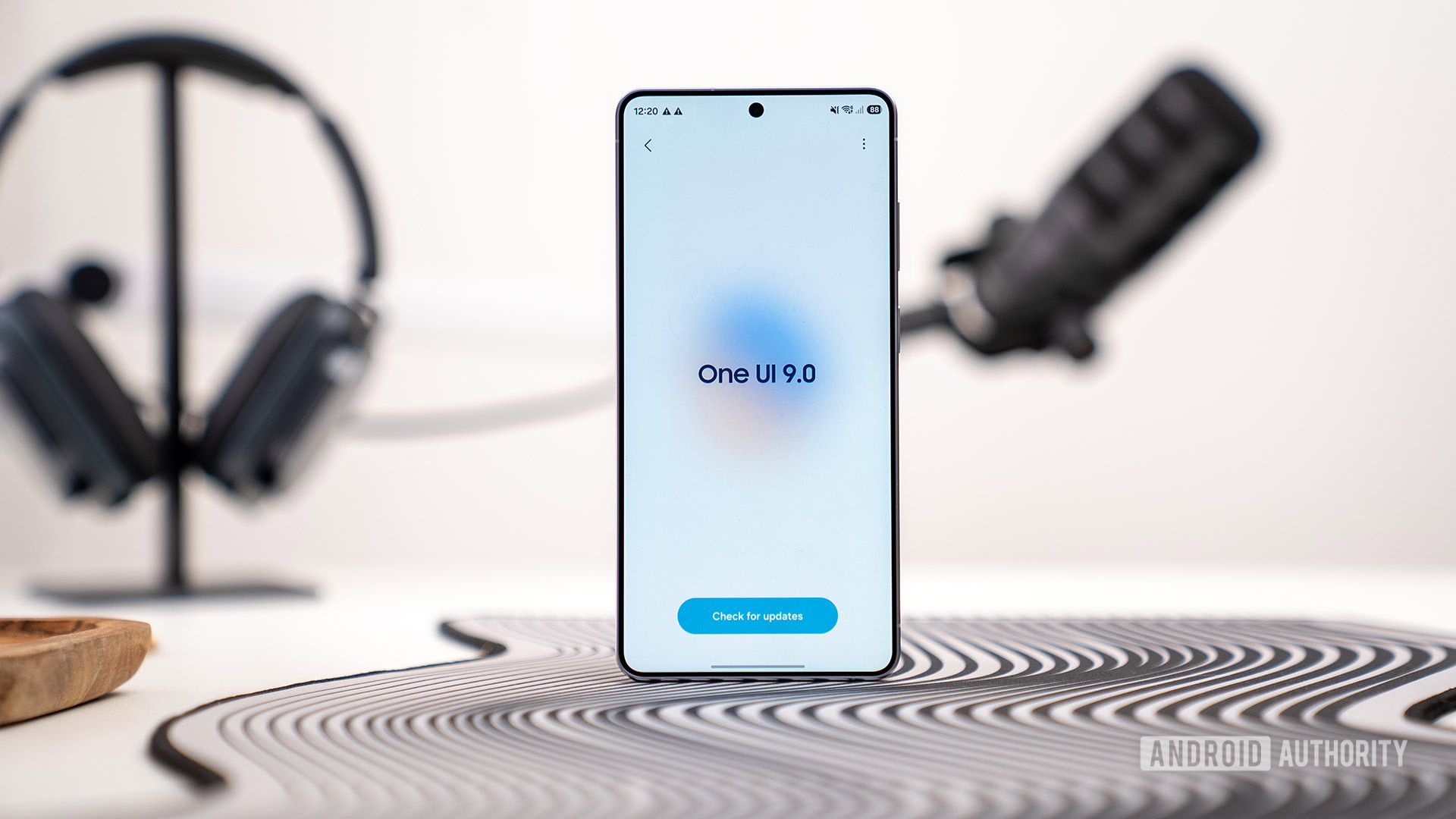
1) One UI 9 beta integrates Lockdown mode directly into the power menu, instantly locking the phone and disabling biometrics upon triggering.
2) One UI 9 introduces a major security upgrade through support for Memory Tagging Extension (MTE), a hardware-level protection feature built into newer ARM processors. Code discovered inside Samsung’s Auto Blocker app suggests users may be able to enable MTE with a simple toggle instead of digging through Developer Options.
3) Samsung is strengthening Auto Blocker in One UI 9 with two major upgrades focused on transparency and physical security. It adds a new Security Report dashboard that shows blocked app installation attempts from unknown sources over the past week or month. The update also expands Maximum Restrictions mode by fully blocking USB connections when the phone is locked, preventing unauthorized data access through physical connections.
4) Samsung is improving security in One UI 9 with a new “Manage unknown apps” section that makes it easier to identify sideloaded apps installed outside the Play Store or Galaxy Store. Located under Settings > Security and privacy > More security settings, the new hub lists all apps installed from APK files and other third-party sources in one place.
5) Samsung is experimenting with a powerful new focus feature in One UI 9 that could block internet access for distracting apps entirely, rather than simply limiting screen time.

 sammyguru.com
So, with both, if you are a Google fan then its built-in security features will be useful. As for Samsung phones likely will have both. Using both sets of security features for Samsung is possible if one avoids duplication of them
Read more in the provided links
1) Advanced anti-scam shields
2) AI-powered app monitoring
3) A new biometric lock for the “Mark as Lost” feature means that even if a thief stole your passcode, they cannot turn off tracking or re-access the phone without your fingerprint or face scan.
4) Granular privacy controls
5) Ensuring your system is the real deal
6) Future-proof security
As for Samsung new security features will likely be added for the upcoming One UI 9.0
1) One UI 9 beta integrates Lockdown mode directly into the power menu, instantly locking the phone and disabling biometrics upon triggering.
2) One UI 9 introduces a major security upgrade through support for Memory Tagging Extension (MTE), a hardware-level protection feature built into newer ARM processors. Code discovered inside Samsung’s Auto Blocker app suggests users may be able to enable MTE with a simple toggle instead of digging through Developer Options.
3) Samsung is strengthening Auto Blocker in One UI 9 with two major upgrades focused on transparency and physical security. It adds a new Security Report dashboard that shows blocked app installation attempts from unknown sources over the past week or month. The update also expands Maximum Restrictions mode by fully blocking USB connections when the phone is locked, preventing unauthorized data access through physical connections.
4) Samsung is improving security in One UI 9 with a new “Manage unknown apps” section that makes it easier to identify sideloaded apps installed outside the Play Store or Galaxy Store. Located under Settings > Security and privacy > More security settings, the new hub lists all apps installed from APK files and other third-party sources in one place.
5) Samsung is experimenting with a powerful new focus feature in One UI 9 that could block internet access for distracting apps entirely, rather than simply limiting screen time.
Samsung is adding a clever security upgrade to the power menu
One UI 9 beta changes the power menu to automatically trigger Lockdown mode, boosting Galaxy phone security against unauthorized access.
www.androidauthority.com
Samsung One UI 9 Update (Android 17): Everything New
Samsung's Android 17-based One UI 9 update focuses on polish and smarter AI integration, rather than radical changes and new features.
sammyguru.com
So, with both, if you are a Google fan then its built-in security features will be useful. As for Samsung phones likely will have both. Using both sets of security features for Samsung is possible if one avoids duplication of them
Read more in the provided links
Last edited:

