



We've released a new free software for Windows:
APIVoid Notepad is a fast, tabbed text editor and syntax highlighter for Windows. It includes built-in CSV tools, URL/IP/hash extraction, line operations, file hashing, and a variety of utilities for developers and analysts to increase productivity and perform specialized tasks directly within the editor. It can efficiently open and edit large text files exceeding 1 GB in size and supports syntax highlighting for more than 40 languages, including Python, PHP, JavaScript, HTML, CSS, and Rust, as well as configuration files such as .env (dotenv), Dockerfile, and HCL (Terraform). Additionally, it supports both light and dark themes, with an optional zebra-style line background for improved readability.
You can read more details and the full features on the product page:
 www.apivoid.com
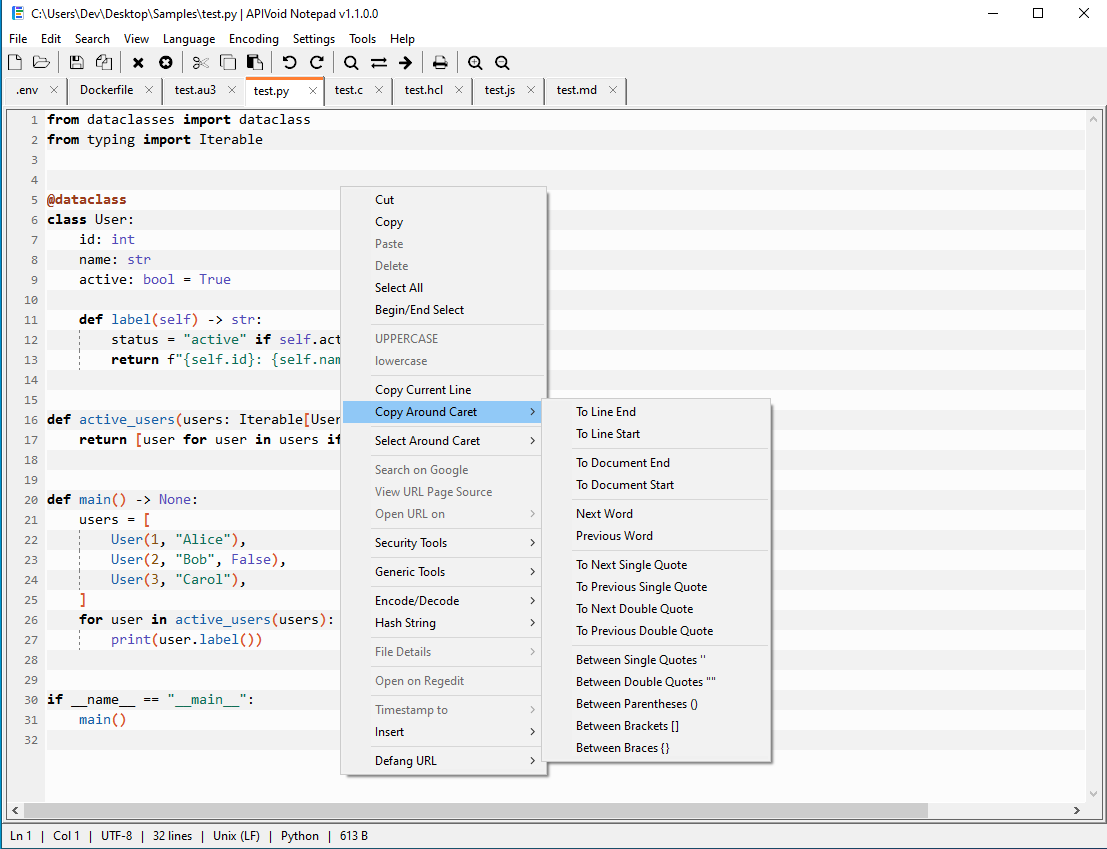
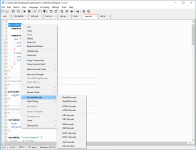
Here is a screenshot of the main program window with some options in the context menu:
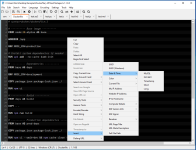
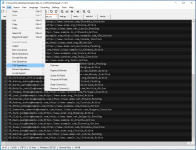
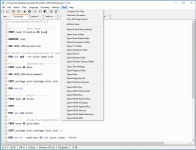
Some other screenshots:
APIVoid Notepad is a fast, tabbed text editor and syntax highlighter for Windows. It includes built-in CSV tools, URL/IP/hash extraction, line operations, file hashing, and a variety of utilities for developers and analysts to increase productivity and perform specialized tasks directly within the editor. It can efficiently open and edit large text files exceeding 1 GB in size and supports syntax highlighting for more than 40 languages, including Python, PHP, JavaScript, HTML, CSS, and Rust, as well as configuration files such as .env (dotenv), Dockerfile, and HCL (Terraform). Additionally, it supports both light and dark themes, with an optional zebra-style line background for improved readability.
You can read more details and the full features on the product page:
APIVoid Notepad for Windows, Text & Code Editor | APIVoid
APIVoid Notepad is a free, fast tabbed text editor for Windows with syntax highlighting for 40+ languages, CSV tools, regex extraction (URLs, IPs, hashes), log signal detection, file hashing, and many security and analysis utilities built in.
Here is a screenshot of the main program window with some options in the context menu:
Some other screenshots:
 always room for a secure notepad/text editor.
