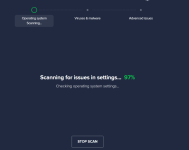
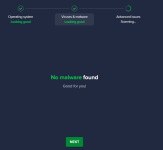
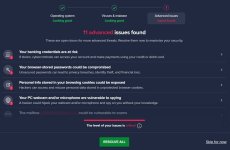
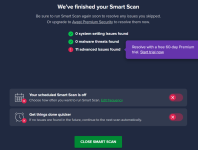
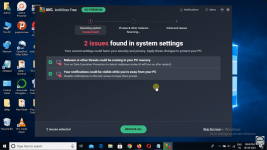
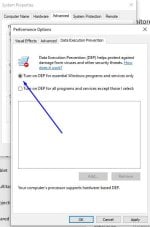
@Jonny Quest I searched for the settings that Avast modifies during the "Operating System Scanning" phase and found them. The one I mentioned called "Data Execution Prevention" and appear in the following image:
View attachment 293621
To check if it has been modified in your system, you need to do the following:
- Open the Control Panel.
- Click System and Security > System > Advanced System Settings.
- Once you are on the Advanced tab, click Settings.
- Click the Data Execution Prevention tab.
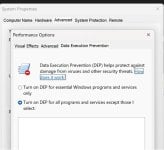
The default setting should be as shown in the following image:
View attachment 293622
If the other option is selected, then Avast has modified it.
This was really difficult to find.





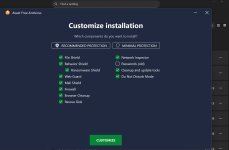


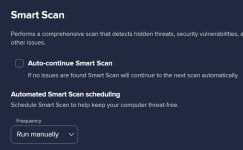
 by going to... settings/protection/smartscan/frequency and set to run manually, and also uncheck auto continue smartscan...... smartscan was a huge annoyance for me and is now silent