

Hello, I've been using Avast Free Antivirus for about 1 week now. Having previously used Avast on and off since v4.6, I'm not new to this software.
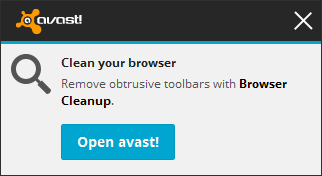
However, I have noticed some irrelevant notifications from the software, even though I haven't these features installed. Is there anything I can do to get rid of them, or at least reduce them?
My custom Avast:
- File Shield only.
- Web and Mail Shield not installed.
- Other Tools and Features not installed.
Example Notification:
My Settings:
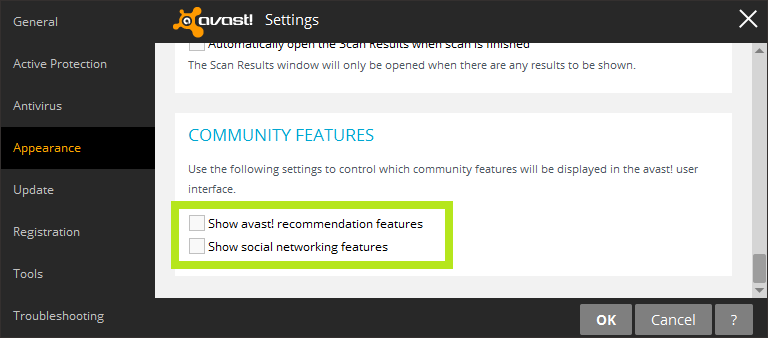
1. Community Features are turned off.
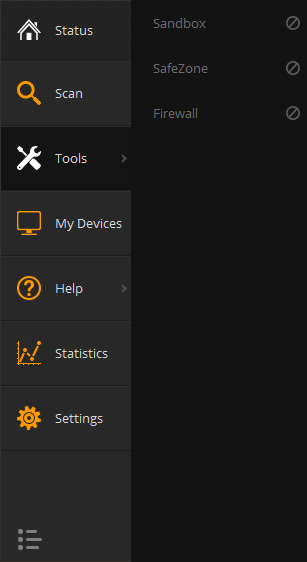
2. No Tools in the Tools (except zoned out paid features).
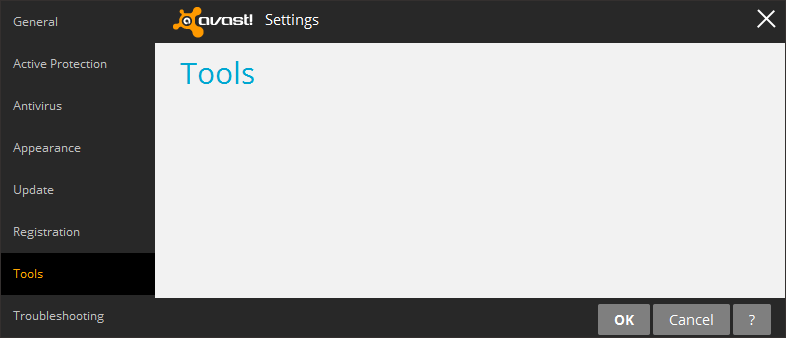
3. No Tools listed in 'Tools Settings'.
Any suggestions to reduce or remove these notifications are appreciated.
However, I have noticed some irrelevant notifications from the software, even though I haven't these features installed. Is there anything I can do to get rid of them, or at least reduce them?
My custom Avast:
- File Shield only.
- Web and Mail Shield not installed.
- Other Tools and Features not installed.
Example Notification:
My Settings:
1. Community Features are turned off.
2. No Tools in the Tools (except zoned out paid features).
3. No Tools listed in 'Tools Settings'.
Any suggestions to reduce or remove these notifications are appreciated.


