

The MalwareTips app
Your community, one tap away.
Open MalwareTips from your Home Screen or desktop. Follow discussions, find answers and pick up where you left off.
- Home Screen access
- Optional push alerts
- Your community
You're ready to explore.Explore what's new
Installation instructions
iPhone & iPad
- Open MalwareTips in Safari and tap Share. You may need to open the Page Menu first.
- Choose Add to Home Screen. If it is not listed, use Edit Actions to add it.
- Keep Open as Web App enabled if shown, then tap Add.
Android
- Open MalwareTips in Chrome or another browser that supports app installation.
- Open the browser menu and look for Install app, Install and create shortcut, or Add to Home screen.
- Choose Install and confirm. Wording varies by browser.
Desktop
- Chrome: use the install icon in the address bar, or the menu under Cast, save and share.
- Edge: open the menu, then More tools, Apps and Install this site as an app.
- Safari on Mac: choose Share or File, then Add to Dock. Firefox on Windows: look for the web apps button in the address bar.
If you cannot find an install option, update your browser or use its bookmark option to keep MalwareTips close.
Keep up with your conversations
After installation, open the app and sign in. Enable push notifications in Preferences if you want alerts. On iPhone and iPad, push requires a Home Screen web app and iOS or iPadOS 16.4 or later.
Sign in to manage notificationsInstallation is optional. Your notification settings stay under your control.
You are using an out of date browser. It may not display this or other websites correctly.
You should upgrade or use an alternative browser.
You should upgrade or use an alternative browser.
New Update Bitdefender - BDTS updates
-
 Thread starter
JB007
Thread starter
JB007
- Start date
- 505 Replies
- 137,362 Views

how is bitdefender?

how is bitdefender?

BitDefender IS - May 2021 Report | MalwareTips
BitDefender IS - May 2021 Report __ C: Clean / P: Protected / P - NC: Protected - Not Clean / I: Infected / E: Encrypted * Dynamic BB Bonus Test (Resident...
 malwaretips.com

On my machines it is very smooth and I did not have any issue but on the Malware Hub Report it doesn't seem to be very effective.how is bitdefender?

Setup PCPC setup
The malware hub isn’t the best gauge of a home user environment. But a very good gauge of worst case last line of defense.On my machines it is very smooth and I did not have any issue but on the Malware Hub Report it doesn't seem to be very effective.
does it slow down your computer at all?On my machines it is very smooth and I did not have any issue but on the Malware Hub Report it doesn't seem to be very effective.
No, very smooth, very light.does it slow down your computer at all?
do you ran into any issues at all?

it is heavy but not with the generation of computers that have a lot of ram and cpu power but it is heavy in browsing ,,...does it slow down your computer at all?
No I don not have any issue so far, only 2 PCs / 5 monthsdo you ran into any issues at all?
Yesterday a false positive (https://www.mrg-effitas.com/) here: AV-Comparatives - Consumer Real-World Protection Test February-May 2021
You can try it for 180 days ! : Ressourcenschonende Sicherheit, die Bedrohungen keine Chance lässtdo you ran into any issues at all?
I had no problem for browsing but I did not measure the time.it is heavy but not with the generation of computers that have a lot of ram and cpu power but it is heavy in browsing ,,...
Setup PCPC setup
I noticed no slow down with browsing when using Bitdefender.

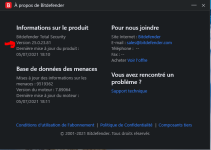
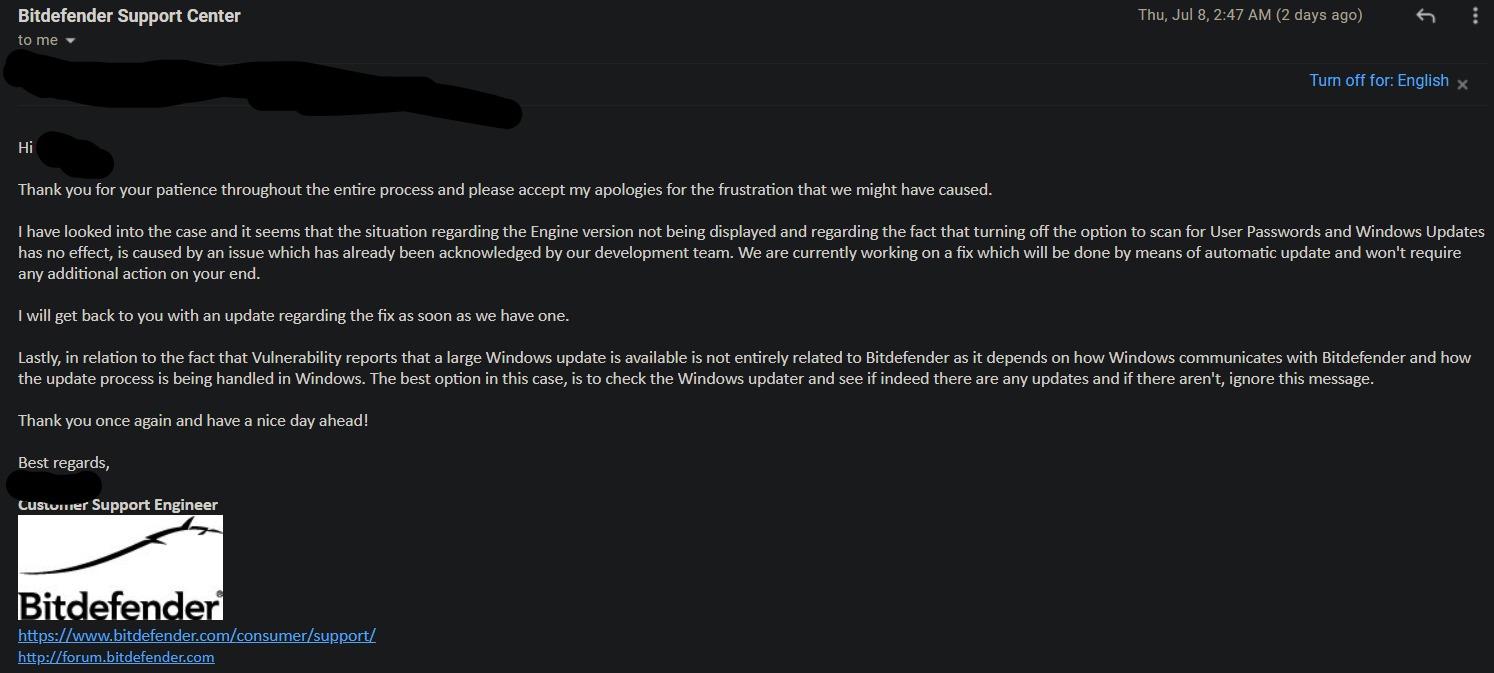
full of bugs. the engine version and threat database info is not showing in about section. the vulnerability scan settings are full of bugs and when you disable a setting the program does not respect that and still does it like normal. with so many other reported bugs that is had and the support confirmed that they are exist for now I'm done with Bitdefender. Back to Kaspersky.

G
Guilhermesene
For me, on the Brazilian Bitdefender site the previous version still appears.
What is the latest Bitdefender version?
According to the above site: "The current version of Bitdefender was released on 09/27/2021. The build number is 26.0.1.23."
What is the latest Bitdefender version?
According to the above site: "The current version of Bitdefender was released on 09/27/2021. The build number is 26.0.1.23."

G
Guilhermesene
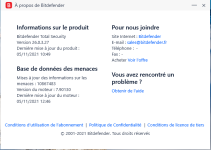
I checked the site I posted above, and indeed the current version is now 26.0.3.27 released on 10/28/2021.
Recently browsing
Members who viewed this thread in the last 5 minutes
You may also like...
-

-

-
 Serious Discussion Bitdefender Encrypted Web Scan
 -

-
