



Imran
Level 1
I know this is a stupid problem but i have to share this with you guys 
I can't sync my settings,bookmarks,history with my Firefox.
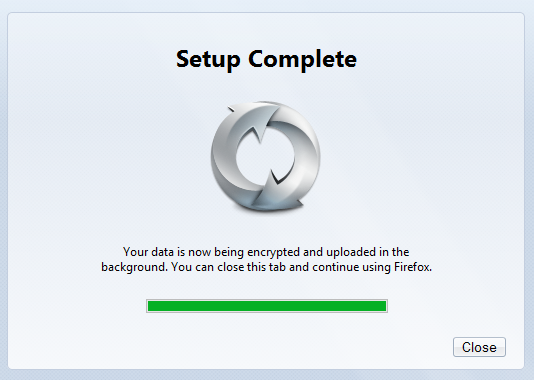
I'm stuck with this screen saying that my setup is complete but there is nothing synced.....
I have installed(fresh) Windows two times but same problem
I'm using Firefox 18.0.1
I also have tried to sync my account with older versions of Firefox.
I've been using Firefox since i was a kid but never had any problems
I can't sync my settings,bookmarks,history with my Firefox.
I'm stuck with this screen saying that my setup is complete but there is nothing synced.....
I have installed(fresh) Windows two times but same problem
I'm using Firefox 18.0.1
I also have tried to sync my account with older versions of Firefox.
I've been using Firefox since i was a kid but never had any problems


