
You are using Admin account. If your machine is compromised, the malware will have unrestricted access = game over. Just so you know.my account, Local Account Administrator, which am I?
Of course, you are a knowledgeable user so take care.


Open MalwareTips from your Home Screen or desktop. Follow discussions, find answers and pick up where you left off.
If you cannot find an install option, update your browser or use its bookmark option to keep MalwareTips close.
After installation, open the app and sign in. Enable push notifications in Preferences if you want alerts. On iPhone and iPad, push requires a Home Screen web app and iOS or iPadOS 16.4 or later.
Sign in to manage notificationsInstallation is optional. Your notification settings stay under your control.
 Thread starter
blackice
Thread starter
blackice
You are using Admin account. If your machine is compromised, the malware will have unrestricted access = game over. Just so you know.my account, Local Account Administrator, which am I?

He wrote the following in quotes below:this is from Windows Central thats what author said
In comparison, the Standard User account type is more restrictive. Users with the standard account can work with apps, but they can't install new applications. They can change settings, but only those that won't affect other accounts, which means that global system configurations aren't allowed. If an app or a command requires elevation, they'll need administrative credentials to complete the task.
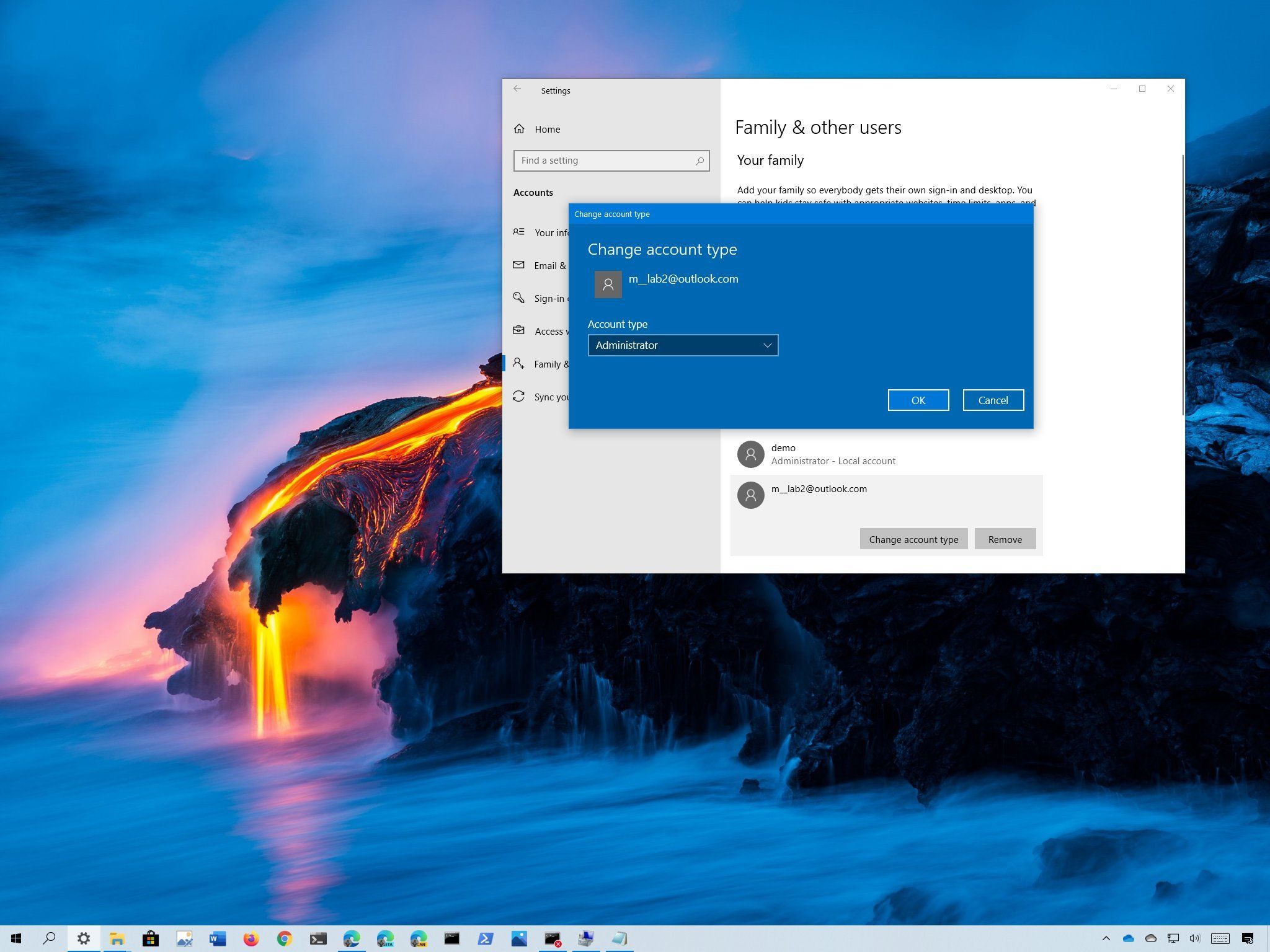
 www.windowscentral.com


For what i know/understand SUA will give more benefit cause restriction vs many malwares. My point of view is in safe habits u can use admin account (for example many leftovers in appdata and used data cannot be explored). Take in consideration a threat in admin account will certain make more damage then in SUA, but the point is avoid the threat. I would suggest to use something like Kaspersky KSN or Norton reputation thing, if a program is used by 10k ppl i doubt is a malware. The real problem are vs documents (pdf, etc), there a sandbox is a mandatory.I am knowledgeable in many things, windows accounts is not one of them as it was never something I needed to research. I thought admin account was the preferable option?

So if I use admin credentials while on Sua all is lost then?If the malware is running on SUA (necessarily with standard rights), then there is no processes with Admin rights on SUA. High privileged processes are running on other account(s) (Admin type). This is similar to the situation when the infected patient is isolated in a single room from others.
No, because "High privileged processes are running on other account(s) (Admin type). This is similar to the situation when the infected patient is isolated in a single room from others."So if I use admin credentials while on Sua all is lost then?

No, there is the potential malware could try to steal the credentials, but this is rare. Most malware looks to just run on an admin account since that’s what most people do.So if I use admin credentials while on Sua all is lost then?
When the malware is already running on SUA with standard rights and you are going to run something with Admin rights when logged on SUA, then the malware can use it to elevate (sneak to Admin account). The secure way is to log in as Admin (without log off SUA) via <Start Menu> button and run the program directly from the Admin account.So if I use admin credentials while on Sua all is lost then?
When the malware is already running on SUA with standard rights and you are going to run something with Admin rights
I feared it would be that way but wanted to be sure.When the malware is already running on SUA with standard rights and you are going to run something with Admin rights when logged on SUA, then the malware can use it to elevate (sneak to Admin account).
Thanks alot I didn't know that.The secure way is to log in as Admin (without log off SUA) via <Start Menu> button and run the program directly from the Admin account.

I think most users here who understand safe habits and what is risky could run admin with no problems. Like you said the worst threats don’t care. With good SRP you should not have any problems.I use default Windows Admin account (which is standard user because of UAC token) but with UAC to maximum instead of weak default level.
With that, SRP and other stuff like own behaviour it's secure and provide better comfort.
also Ransomware e.g. doesn't care if user is SUA or not. Malware need to be blocked at start
With the above conditions, the chances to be infected are very very small.I think most users here who understand safe habits and what is risky could run admin with no problems. Like you said the worst threats don’t care. With good SRP you should not have any problems.
Thanks to you SRP is made simple.With the above conditions, the chances to be infected are very very small.

email - phishing attacks etc etccompromised websites/software, network-based file-less attacks, sandbox escapes, etc.


You must keep a tidy small system disk.I think the benefits of SUA are a choice that Microsoft should appeal to a little more strongly. This is because users from the days when the administrator account was the default choice tend to perceive the SUA as special or inferior.
When not actively seeking out threats, the combination of SUA and WD is both safe and stable. The advantage of SUA, in my opinion, is impact mitigation in the event of a fall. The administrator account is bare. If you fall, you will definitely be injured. No one falls over intentionally. He falls when he doesn't notice the pebbles.
...I understand the benefits of such, but I'm using an admin account. This is because there is not enough space on the system disk to keep two accounts together.
Members who viewed this thread in the last 5 minutes


