D
Deleted member 2913
After upgrade...did clean Win 10 64 install here.
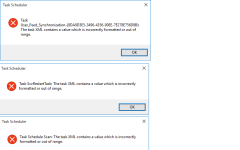
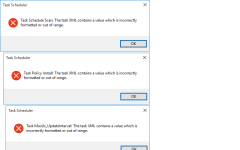
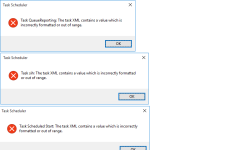
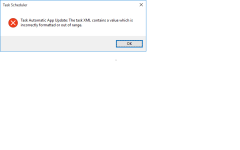
Do you guys get quite few errors on opening Task Scheduler?
Do you guys get quite few errors on opening Task Scheduler?


Open MalwareTips from your Home Screen or desktop. Follow discussions, find answers and pick up where you left off.
If you cannot find an install option, update your browser or use its bookmark option to keep MalwareTips close.
After installation, open the app and sign in. Enable push notifications in Preferences if you want alerts. On iPhone and iPad, push requires a Home Screen web app and iOS or iPadOS 16.4 or later.
Sign in to manage notificationsInstallation is optional. Your notification settings stay under your control.
Yours is clean install?I have no errors at all.
Its a fresh install of Win 10 i.e bootable USB used & did format/install i.e fresh install.@yesnoo Seems like XML data files are corrupted. Probably something went wrong during the upgrade process.
I believe that the best solution is fresh install of Windows 10.
Regards,
Kardo


None of the folders gave any errors.@yesnoo If you can access Task Scheduler window after error messages then try following:
Inside the Task Scheduler:
I hope it helps.
- Open the Task Scheduler Library.
- Open Microsoft
- Open Windows
- Click on every folder until you get the error code.
- Open up "My Computer" and in address bar type (or copy and paste); C:\Windows\System32\Tasks\Microsoft\Windows\
- Click on the folder that gave the error in the Task Scheduler
- Delete what is INSIDE the folder....NOT the folder itself.
- Go back to Task Scheduler and hopefully no error.
Regards,
Kardo
But could the prob be coz of bootable USB?
Members who viewed this thread in the last 5 minutes