

The MalwareTips app
Your community, one tap away.
Open MalwareTips from your Home Screen or desktop. Follow discussions, find answers and pick up where you left off.
- Home Screen access
- Optional push alerts
- Your community
You're ready to explore.Explore what's new
Installation instructions
iPhone & iPad
- Open MalwareTips in Safari and tap Share. You may need to open the Page Menu first.
- Choose Add to Home Screen. If it is not listed, use Edit Actions to add it.
- Keep Open as Web App enabled if shown, then tap Add.
Android
- Open MalwareTips in Chrome or another browser that supports app installation.
- Open the browser menu and look for Install app, Install and create shortcut, or Add to Home screen.
- Choose Install and confirm. Wording varies by browser.
Desktop
- Chrome: use the install icon in the address bar, or the menu under Cast, save and share.
- Edge: open the menu, then More tools, Apps and Install this site as an app.
- Safari on Mac: choose Share or File, then Add to Dock. Firefox on Windows: look for the web apps button in the address bar.
If you cannot find an install option, update your browser or use its bookmark option to keep MalwareTips close.
Keep up with your conversations
After installation, open the app and sign in. Enable push notifications in Preferences if you want alerts. On iPhone and iPad, push requires a Home Screen web app and iOS or iPadOS 16.4 or later.
Sign in to manage notificationsInstallation is optional. Your notification settings stay under your control.
You are using an out of date browser. It may not display this or other websites correctly.
You should upgrade or use an alternative browser.
You should upgrade or use an alternative browser.
New Update Firefox Stable Release
-
 Thread starter
silversurfer
- Start date
- 621 Replies
- 141,167 Views
 ?

No way, even having that enabled:
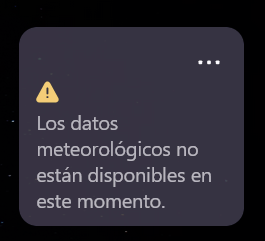
The other 2 available Widgets work well...
The other 2 available Widgets work well...

Yes 
From MS Copilot :
" The Firefox weather widget often stops working because the feature is still being rolled out, is region‑dependent, and sometimes fails due to server‑side issues on Mozilla’s end. The most common symptom is the message “Weather data is not available right now”, which Mozilla acknowledges happens during testing and backend changes. "
" The Firefox weather widget often stops working because the feature is still being rolled out, is region‑dependent, and sometimes fails due to server‑side issues on Mozilla’s end. The most common symptom is the message “Weather data is not available right now”, which Mozilla acknowledges happens during testing and backend changes. "
Suddenly appeared 2 new widgets:
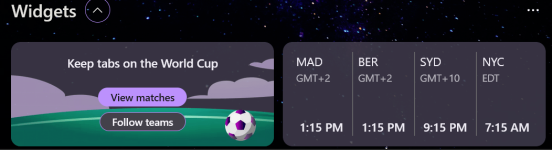

I only have 6 items (Linux; Firefox 151.0.4; the Netherlands):
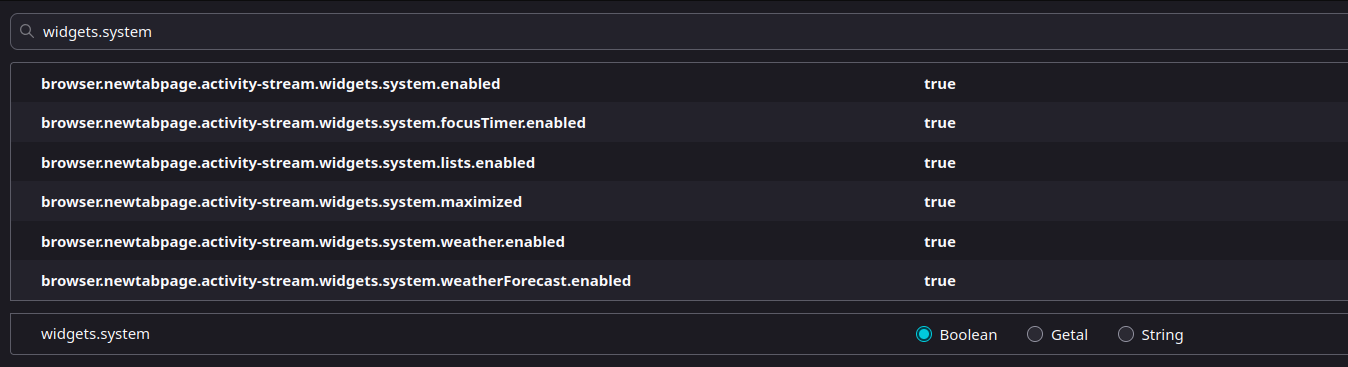
Weather still not enabled:
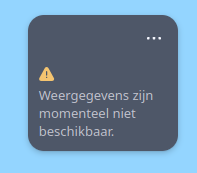
Weather still not enabled:

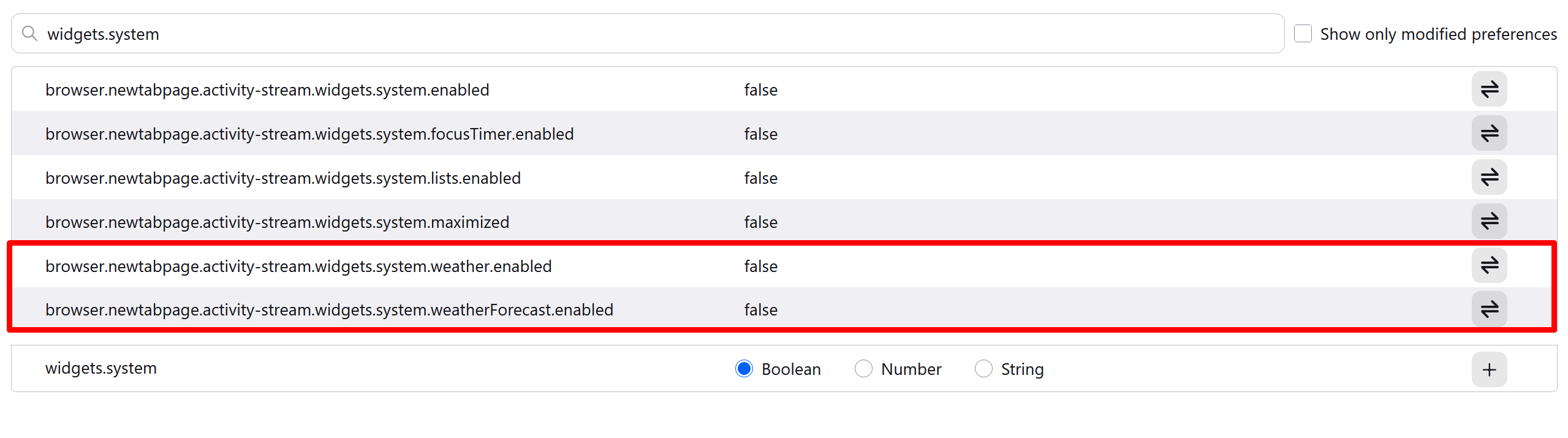
Interesting, after changing these to true, weather widget appeared.
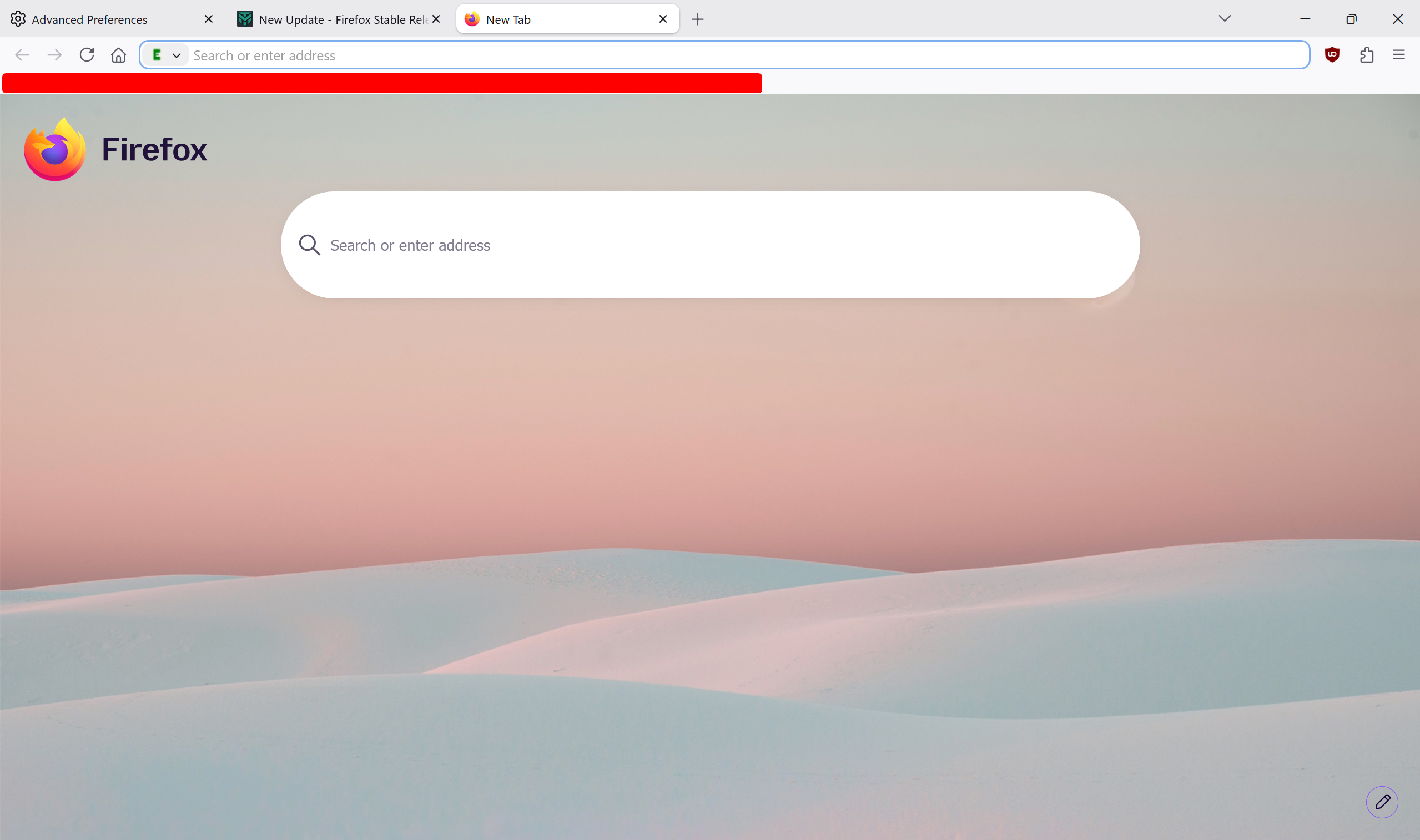
But as soon as I restarted Firefox, I got messed up new tab page and weather widget disappeared.
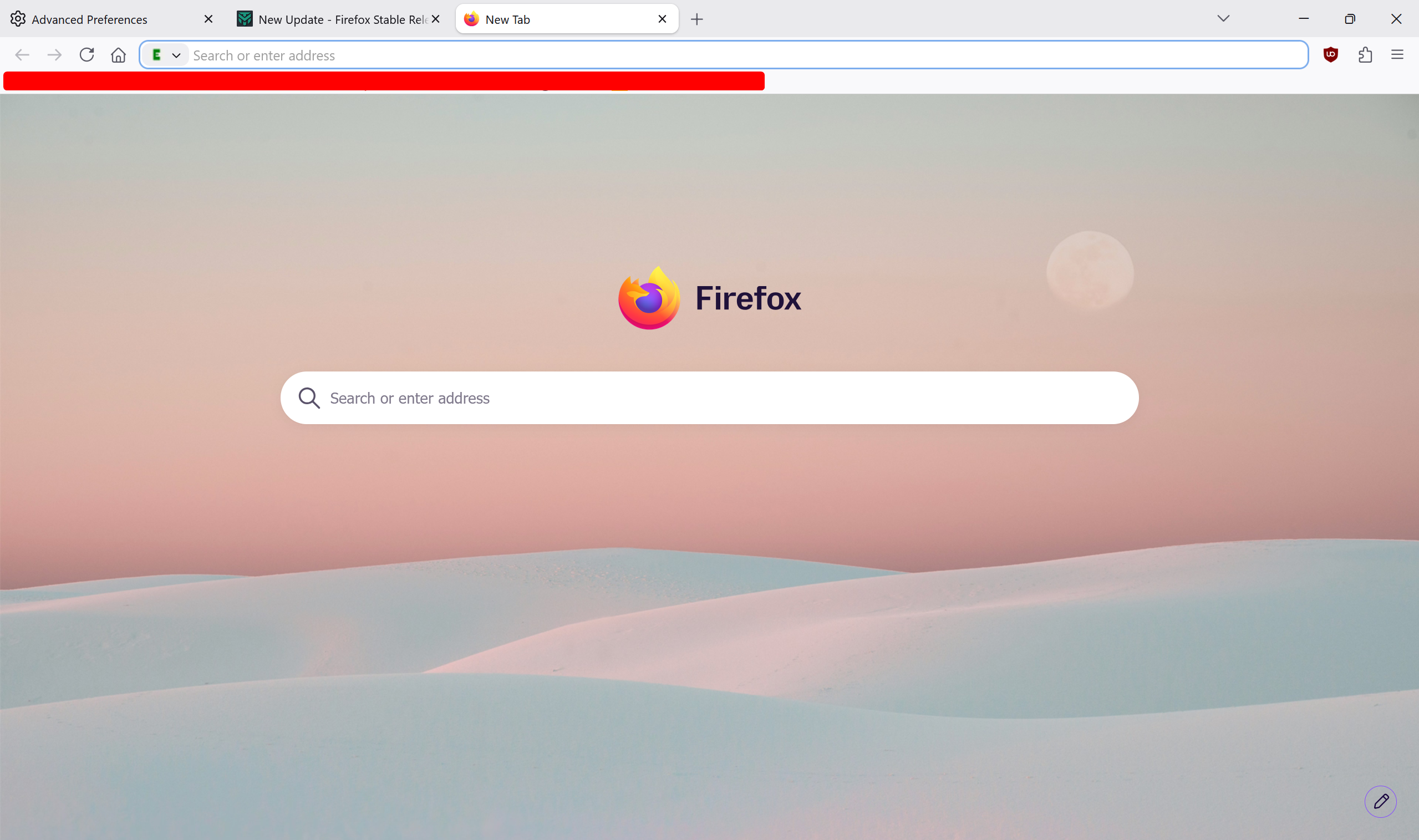
Reverted back to false everything and now my new tab page works normally.
But as soon as I restarted Firefox, I got messed up new tab page and weather widget disappeared.
Reverted back to false everything and now my new tab page works normally.

What happens if you setup all of them others to TRUE
Here for me the weather-widget doesn't disappears after restart FF
Weather still doesn't show up.What happens if you setup all of them others to TRUE
Here for me the weather-widget doesn't disappears after restart FF
If you are using NextDNS in Your FF, that's the issue, try to change to Cloudflare in DNS over HTTPS... I changed and Widgets are back.
Looks like NextDNS is blocking some FF telemetry needed for Widgets working.
Looks like NextDNS is blocking some FF telemetry needed for Widgets working.
I do use ControlD system-wide and DoH in Firefox is set to off. Disabled ControlD and set Cloudflare DoH—same thing.If you are using NextDNS in Your FF, that's the issue, try to change to Cloudflare in DNS over HTTPS... I changed and Widgets are back.
Looks like NextDNS is blocking some FF telemetry needed for Widgets working.
I don't think something is blocked because when I first set entries for weather widget to true, widget was shown and loaded normally. But one restart was enough for it to disappear. Now all these entries set to true do is mess up new tab page.
Yes, after a restart I also lost 2 of the widgets I had enabled (Sports and Clock), but Weather remained working, this is crazy 
The Bugzilla issue I was referring to: 2040751 - Weather widget not enabled after migrating user to Nova
You're using wrong IPv6 addresses for Cloudflare DNS. Correct ones are
2606:4700:4700::1111 and 2606:4700:4700::1001.MalwareTips community
Join the discussion
Create a free account to reply to this thread, ask your own questions and get help from the community.
- Reply and ask questions
- Get alerts when someone answers
- Free malware removal help
Join 75,660 members who help each other for free, since 2010.
Recently browsing
Members and guests who viewed this thread in the last 5 minutes
You may also like...
-

-
-
 New Update Sandboxie-Plus v1.18.8 / 5.73.8 Latest
-

-