

To get started, download the Good Lock app from Galaxy Store.
 www.androidcentral.com

- LockStar - lock screen customization
- Wonderland - dynamic wallpapers
- HomeUp - app drawer customization
- Theme Park - theme engine
- QuickStar - quick panel customization
- NavStar - gesture navigation customization
- ClockFace - unique lockscreen styles
- RegiStar - settings app customization
- SoundAssistant - control audio levels per app
- NotiStar - read missed notifications
- Camera Assistant - camera app customization
- NiceShot - screenshot tool customization
- Edge Touch - for curved screens owners
- NiceCatch - event logger
- KeysCafe - for Samsung keyboard users
- MultiStar - multi-windows managment
- One Hand Operation+
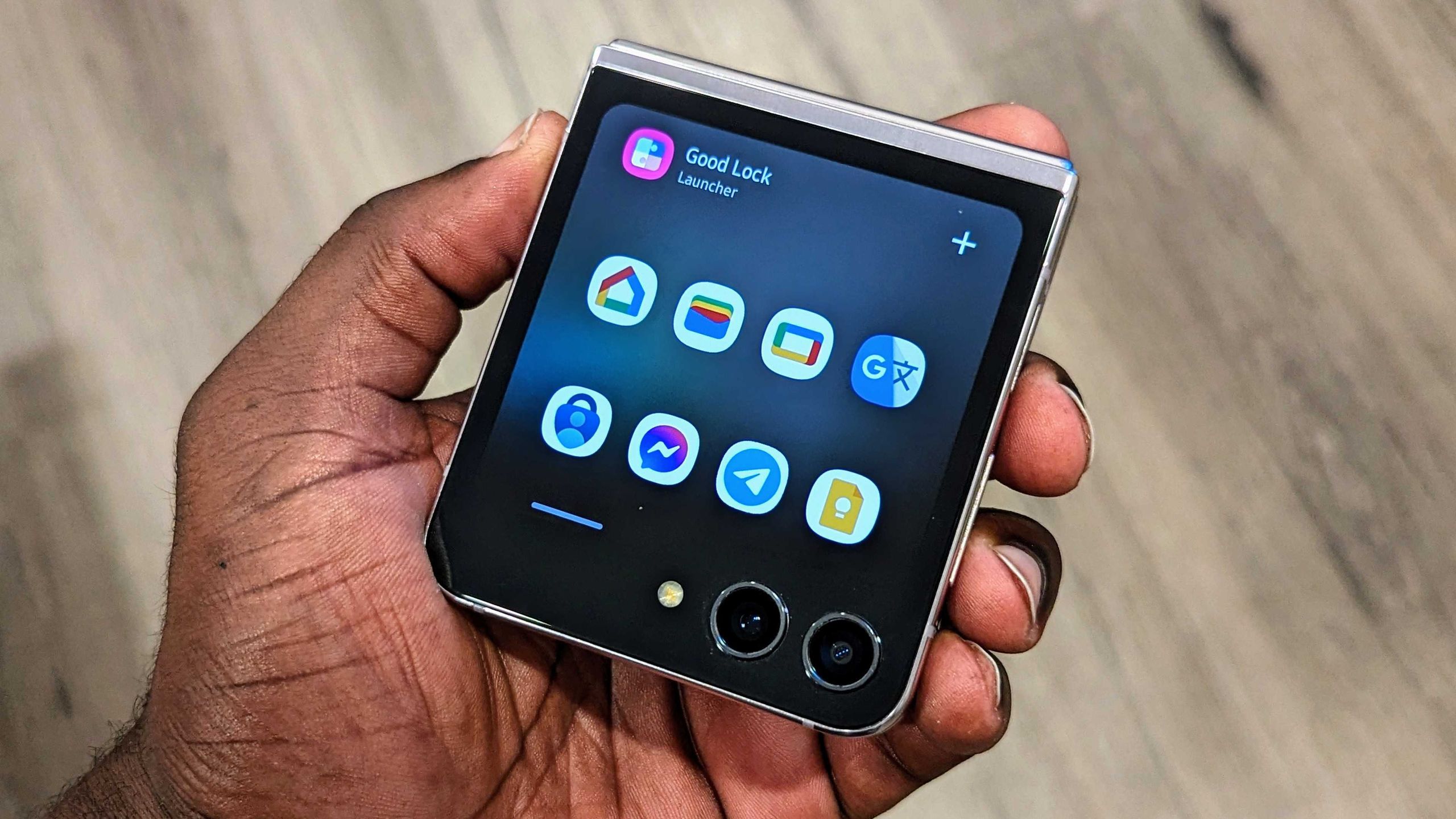
Continue readingSamsung's Good Lock is a software suite that lets you unlock the full customization potential of your Galaxy phone. Basically, Good Lock contains a series of modules designed to tweak every facet of the user interface, including the lock screen, notification panel, overview menu, and much more. Need a vertically scrolling app drawer? You can set that up with Good Lock.
Samsung overhauled Good Lock two years ago, and the service has continued to pick up new features. The suite now has 20 modules in total, and you can choose what modules to install based on your needs and willingness to tinker with One UI. So let's get started with Good Lock, and see the extensive customization that is possible on your Galaxy phone.
Samsung Good Lock: The ultimate guide to customizing your Galaxy phone
Here's how to get started with Samsung's incredible customization engine.
www.androidcentral.com


