Advice Request Help me choose a monitor

Please provide comments and solutions that are helpful to the author of this topic.

shmu26

Level 85
Thread author
Verified
Honorary Member
Top Poster
Content Creator
Well-known
Forum Veteran
Jul 3, 2015
8,148
1
31,237
8,388
Middle Earth
I want a large monitor. My current main monitor is a Samsung SyncMaster S24B300. Most of my use is text-oriented. I do no gaming, and not much video viewing either. What factors are important for me when choosing a monitor, and what specific products would you recommend for my user case?
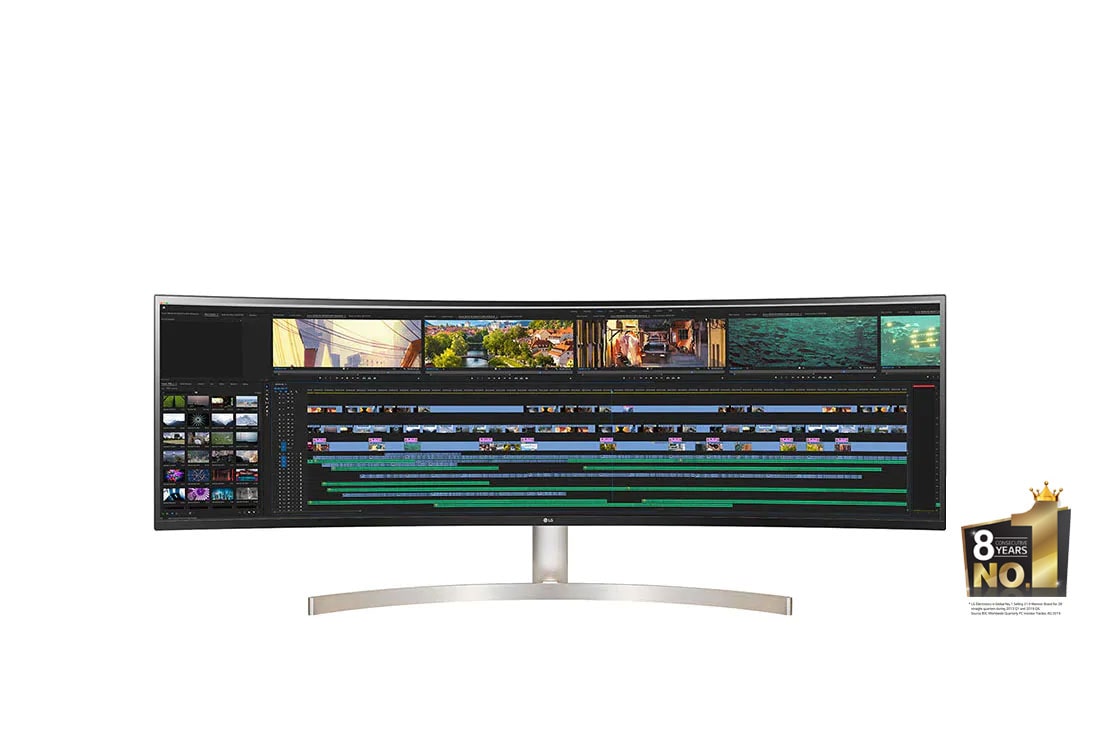
 
For me I'm using the LG 49-inch UltraWide monitor. It's only at 60Hz so not for gaming use. It's a 5K monitor and supports HDR10


Specs here


Last edited:
Even if you do not game and if you spend many hours looking at text on your screen then a high refresh
rate monitor can make a huge difference with problems like eye strain and fatigue.

Your current monitor is 60Hz. If you get a new monitor with 120Hz or higher that
would make reading text easier on your eyes. Some people who use higher refresh rate
monitors cant go back to 60hz.

Other factors will be warranty and what type of panel you want to buy.
 
Quote

So What Display Should You Buy?​

At the end of the day, the decision between a 60 and 120Hz display depends on your use-case for it. If you have a high-end gaming computer or one of the latest generation consoles, the decision is fairly straightforward. All evidence points to the fact that a 120Hz screen will result in an immediate and significant uplift to your experience.

However, for basic office tasks or web browsing, the difference will be extremely hard to spot. In these situations, you’d probably be better off purchasing a brighter or higher resolution screen instead. For movies and TV shows, on the other hand, consider a High Dynamic Range (HDR) equipped display.

Unquote

 
Quote


However, for basic office tasks or web browsing, the difference will be extremely hard to spot. In these situations, you’d probably be better off purchasing a brighter or higher resolution screen instead. For movies and TV shows, on the other hand, consider a High Dynamic Range (HDR) equipped display.


I own two ACER IPS 27 inch Monitors one 75Hz the other 144Hz. Price difference (-/+25USD)

There is a huge noticeable difference in just looking at the windows desktop between the two monitors.
I suggest you look at several other reviews before making your decision. @shmu26

Don't make the mistake of buying a 60hz monitor since cost is not usually a major difference betwen 60Hz and 144Hz.
Infact 120Hz is not that common but is noticeable better than 60Hz.
 
I own two ACER IPS 27 inch Monitors one 75Hz the other 144Hz. Price difference (-/+25USD)

There is a huge noticeable difference in just looking at the windows desktop between the two monitors.
I suggest you look at several other reviews before making your decision. @shmu26

Don't make the mistake of buying a 60hz monitor since cost is not usually a major difference betwen 60Hz and 144Hz.
Infact 120Hz is not that common but is noticeable better than 60Hz.
Thanks for the heads up. I never gave much thought to refresh rate.
 
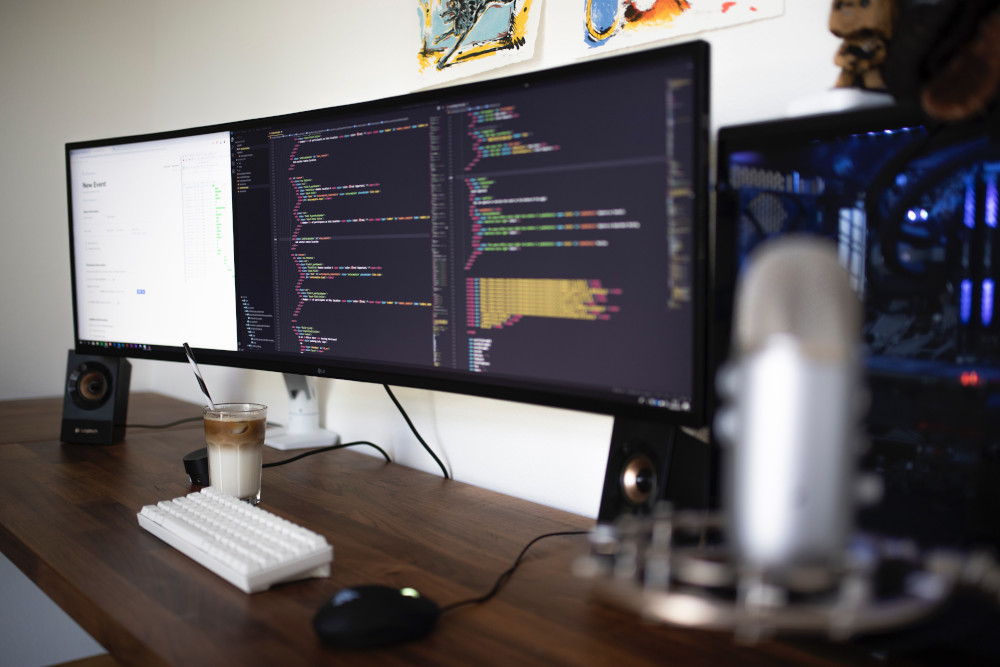
I want a large monitor.
large-monitor.jpg
 
If you are looking at +/-27 inch 1080p or 1440p monitors I would say try to get 144hz or higher. Provided the cost difference is not major
between the 60Hz version.

If you looking at 4K or higher monitors then in that case 60hz would be fine.
 
  • Like
Reactions: Nevi and show-Zi
If you are looking at +/-27 inch 1080p or 1440p monitors I would say try to get 144hz or higher. Provided the cost difference is not major
between the 60Hz version.

If you looking at 4K or higher monitors then in that case 60hz would be fine.
It seems that 4K costs more, and probably is not a justified expense for text-oriented use, unless I want to get a giant screen and place it far from my seat.
 
27 inch WQHD is good.
The font size is slightly smaller than 24-inch 1080p, but you don't have to adjust it. The 32-inch 1440p is the best, but there aren't many WQHD displays out there these days.

In my opinion, a display whose main purpose is to read text is easy to get tired because the viewpoint moves more when it is too large.
 
27 inch WQHD is good.
The font size is slightly smaller than 24-inch 1080p, but you don't have to adjust it. The 32-inch 1440p is the best, but there aren't many WQHD displays out there these days.

In my opinion, a display whose main purpose is to read text is easy to get tired because the viewpoint moves more when it is too large.
I don't shift my head left and right. Sitting at the right distance I just need to move my eyes
 
  • Like
  • +Reputation
Reactions: Nevi and show-Zi
I don't shift my head left and right. Sitting at the right distance I just need to move my eyes
Whether you can keep the correct distance. This is the most important point when choosing a monitor. I said I'm tired of 27 inches because of the monitor's proximity.🤓

This may be easier to understand if you imagine a movie theater seat.
 
  • Like
Reactions: Nevi
So would you guys recommend for me 4K with 60Hz, or lower resolution and higher refresh rate?
 
Last edited:
  • Like
Reactions: Nevi
For text oriented work I think this is best.


There's also a site where this kind of monitor is being sold.
 
So would you guys recommend for me 4K with 60Hz, or lower resolution and higher refresh rate?
This would be down to personal preference I like 1080p 144Hz-165Hz for my daily browsing and gaming.
Have seen 4K 60Hz which also looks amazing.

Is the there any place near (PC Shop or Big retail store) where you can see the difference for yourself?
 
Take your pick here for a 49-inch monitor with 60Hz and above refresh rate

 
Last edited:
@shmu26

What GPU are you running in your PC? Nvidia or AMD?
If you have Nvidia GPU then a supported GSync monitor would be better.
AMD then a Freesync monitor is recommended if the GPU supports this feature.
 
  • Like
Reactions: Nevi and shmu26
Thanks guys for all your help. I have intel integrated graphics. I read a bit about 4K and people complained that some older Windows programs don't scale correctly, so I opted for this:
Looks great have you seen these one by Samsung its cheaper as well.


This is for the G7 not the G5.


The monitor you choose also has good reviews. It maybe better overall than the Samsung G5s
 
Last edited:
  • Like
Reactions: show-Zi and shmu26