


How to slim windows 10? use LTSC N or pay for NTLite.
LTSC + NTlite. The fact is LTSC is still not light enough. NTLite is better if people know what they are doingHow to slim windows 10? use LTSC N or pay for NTLite.
Good to know, didnt know about this ISO many thanks.Ghost Spectre's LTSC version.
I totally agree. I have been using Ghost Spectre 1809 LTSC on quite a lot of PCs for 2 years. 0 problems with it.LTSC + NTlite. The fact is LTSC is still not light enough. NTLite is better if people know what they are doing
if you don't mind about using third-party ISO, use Ghost Spectre's LTSC version. I tried to make my own ISO using NTlite but it's no way as fast and stable as his

 malwaretips.com
Customization with basic settings is possible, but Windows settings are esoteric and include a maze-like side. At this stage, where the old and new setting screens appear alternately, the impression is that it is'better'instead of'best'.As far as I know, the Windows 10 operating system has basic settings in which you can customize it to your needs, right?


 community.spiceworks.com
 github.com
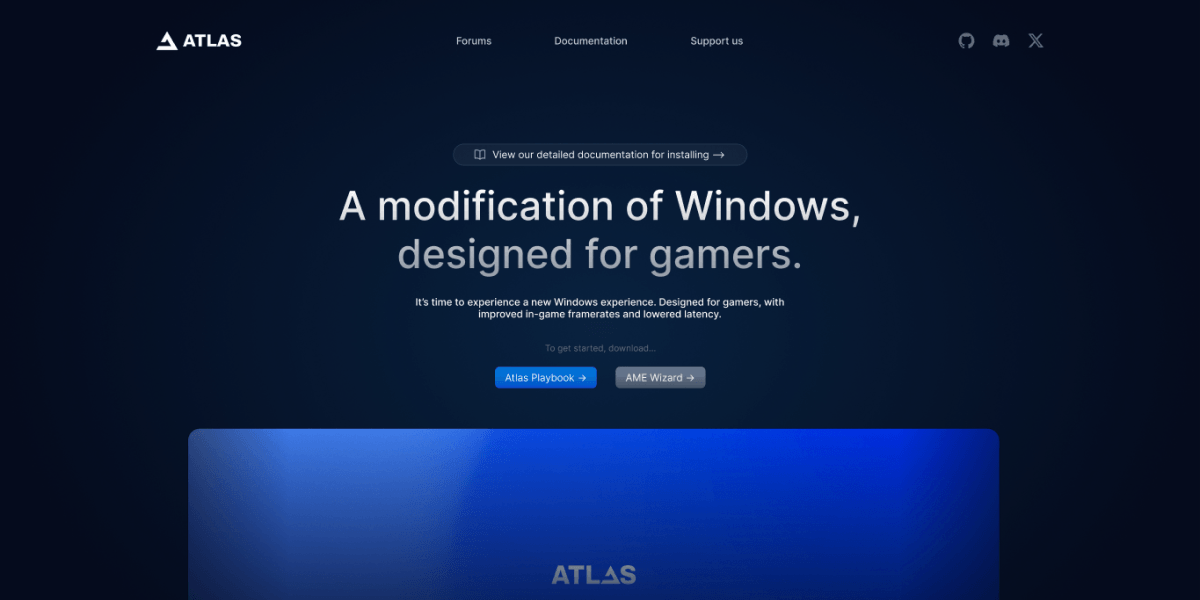
 atlasos.net

If you want the 11 so you can tell in the Discord or TwitterHow about windows 11?


