

Hi all,
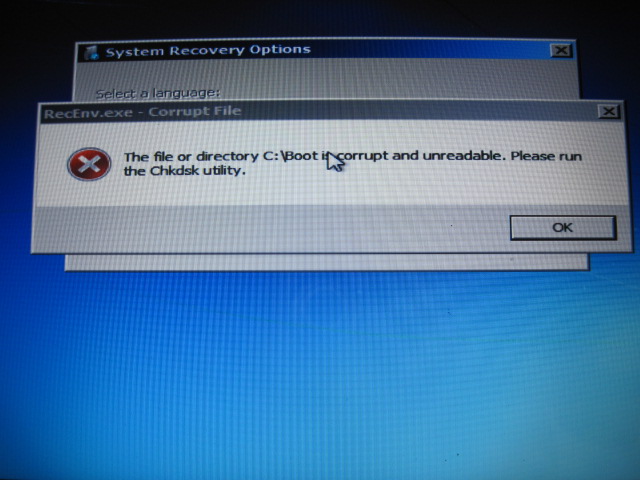
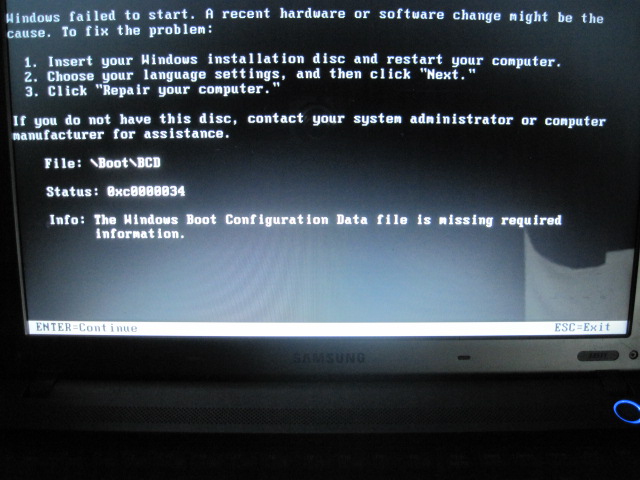
I messed up whilst trying to get an old copy of my back up file and now Windows will not boot.
Below image is the main reason.
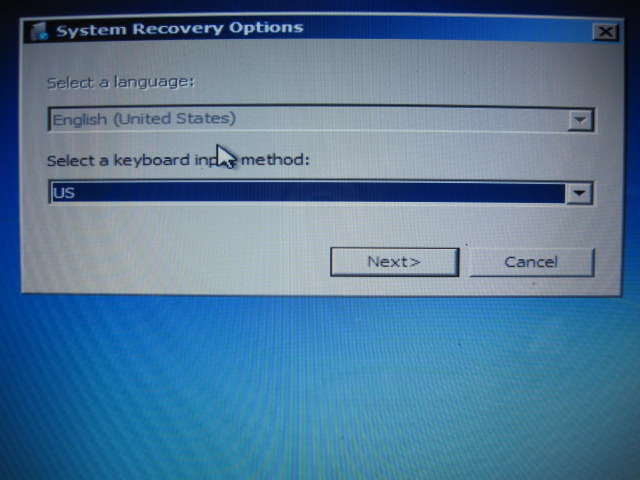
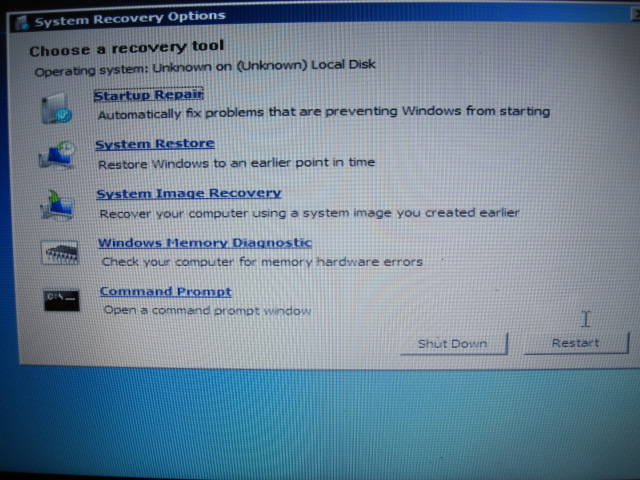
I can get a CD to work on the pc and load up something - further images below but my pc will not fully boot up.
I am hoping you techs can tell me how to get something to put onto a cd in order to get my pc to reboot to normal screen.
I am using Windows 7 but am posting from my non plaything pc.
I have tried all the system recovery options listed.
I do not have my windows installation disc as the pc concerned is a second hand bought machine.
It is a Samsung S3511 laptop.
I messed up whilst trying to get an old copy of my back up file and now Windows will not boot.
Below image is the main reason.
I can get a CD to work on the pc and load up something - further images below but my pc will not fully boot up.
I am hoping you techs can tell me how to get something to put onto a cd in order to get my pc to reboot to normal screen.
I am using Windows 7 but am posting from my non plaything pc.
I have tried all the system recovery options listed.
I do not have my windows installation disc as the pc concerned is a second hand bought machine.
It is a Samsung S3511 laptop.


 just give advise to update windows, i dont care if he does or not.


