Yes, you need to restore your wifi router. It could affect other devices, but probably will not.


Open MalwareTips from your Home Screen or desktop. Follow discussions, find answers and pick up where you left off.
If you cannot find an install option, update your browser or use its bookmark option to keep MalwareTips close.
After installation, open the app and sign in. Enable push notifications in Preferences if you want alerts. On iPhone and iPad, push requires a Home Screen web app and iOS or iPadOS 16.4 or later.
Sign in to manage notificationsInstallation is optional. Your notification settings stay under your control.
 Thread starter
Sherri
Thread starter
Sherri

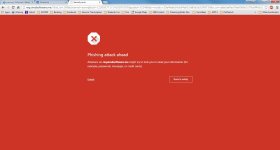
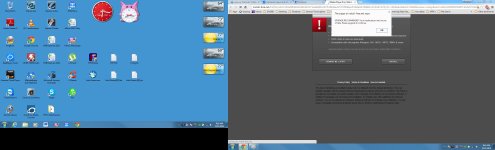
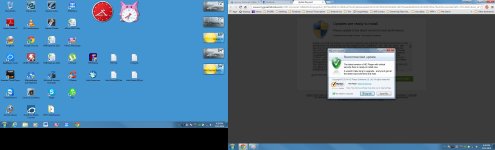
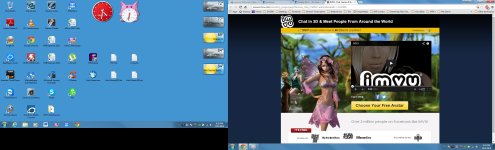
 I am still getting the Lightspark popup. I'll make screenshots today of all the different popups I get and send them to you. I always get the Lightspark, so I won't send that one again. Thanks for your continuing help.
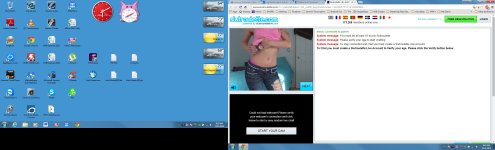
The attached screenshot was actually a video that started playing on its own and I could see no way to stop it other than to close the page. The other popups weren't so bad, but I will NOT allow porn on my laptop. I got this popup when I clicked in the box to enter my password on Facebook. I hadn't even signed into FB yet! Help, please??
I am still getting the Lightspark popup. I'll make screenshots today of all the different popups I get and send them to you. I always get the Lightspark, so I won't send that one again. Thanks for your continuing help.
The attached screenshot was actually a video that started playing on its own and I could see no way to stop it other than to close the page. The other popups weren't so bad, but I will NOT allow porn on my laptop. I got this popup when I clicked in the box to enter my password on Facebook. I hadn't even signed into FB yet! Help, please??


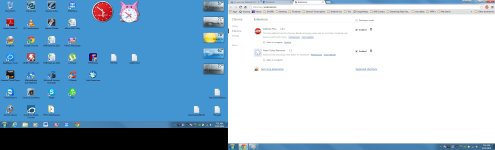
 I'm running a bit late this morning and don't have all the time I would like to test to see if it's truly fixed. Could we please leave this topic open for another day or two? That News Ticker Remover has worked for so long and worked so well, I wonder why all of a sudden it seems to be what was causing the popups? Very strange indeed .... I'll get back to you tonight after I've had time to explore this a bit longer. Thx
Thank you again for your patience and all your help. I couldn't have done it without you. I'll be sure to recommend malwaretips.com to all my friends. Have a great day!
I'm running a bit late this morning and don't have all the time I would like to test to see if it's truly fixed. Could we please leave this topic open for another day or two? That News Ticker Remover has worked for so long and worked so well, I wonder why all of a sudden it seems to be what was causing the popups? Very strange indeed .... I'll get back to you tonight after I've had time to explore this a bit longer. Thx
Thank you again for your patience and all your help. I couldn't have done it without you. I'll be sure to recommend malwaretips.com to all my friends. Have a great day!Members who viewed this thread in the last 5 minutes