Meta hints WhatsApp for Windows 11 will switch to a Chromium web app starting Nov 5

Parkinsond

Level 62
Thread author
Verified
Well-known
Dec 6, 2023
5,194
14,898
6,069
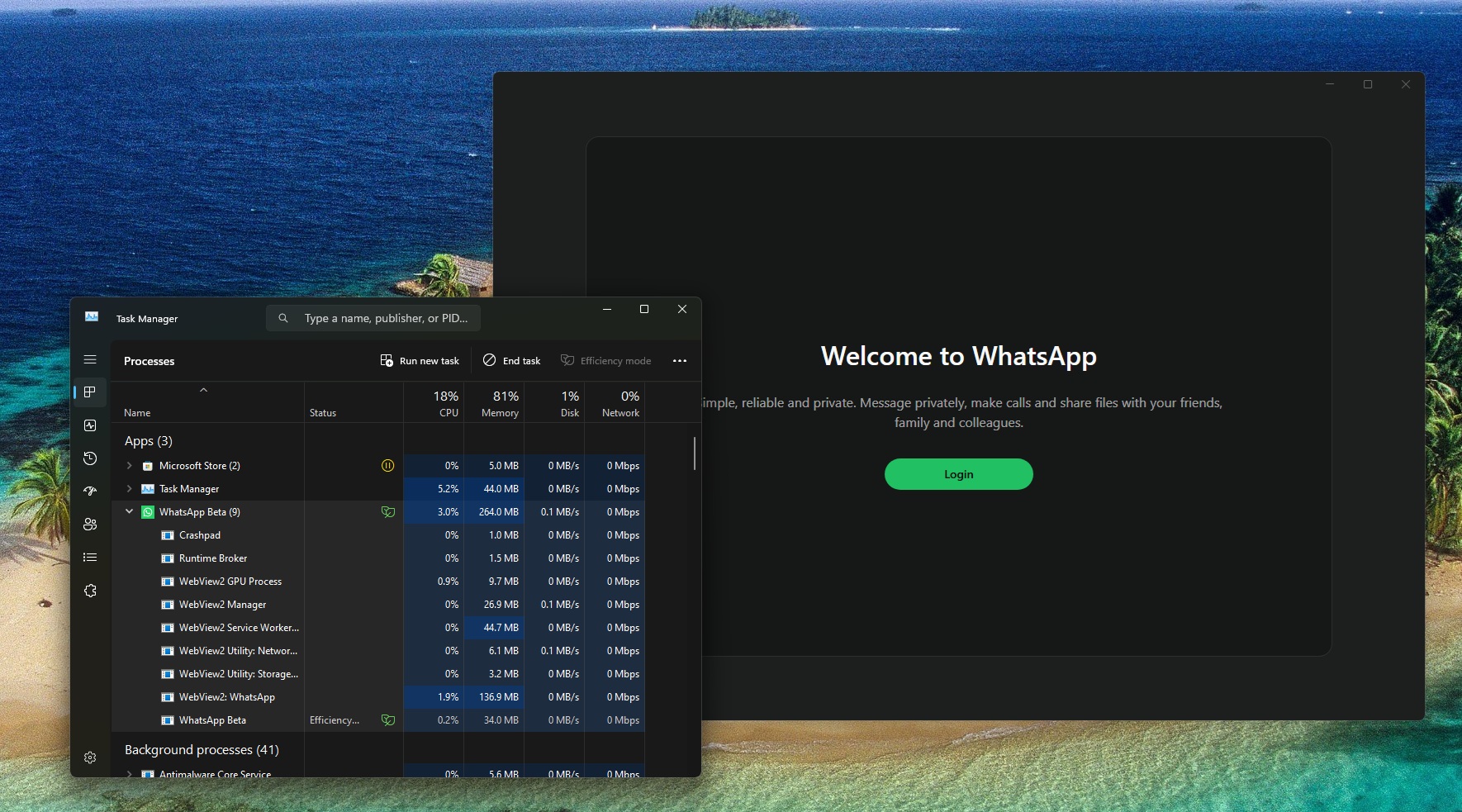
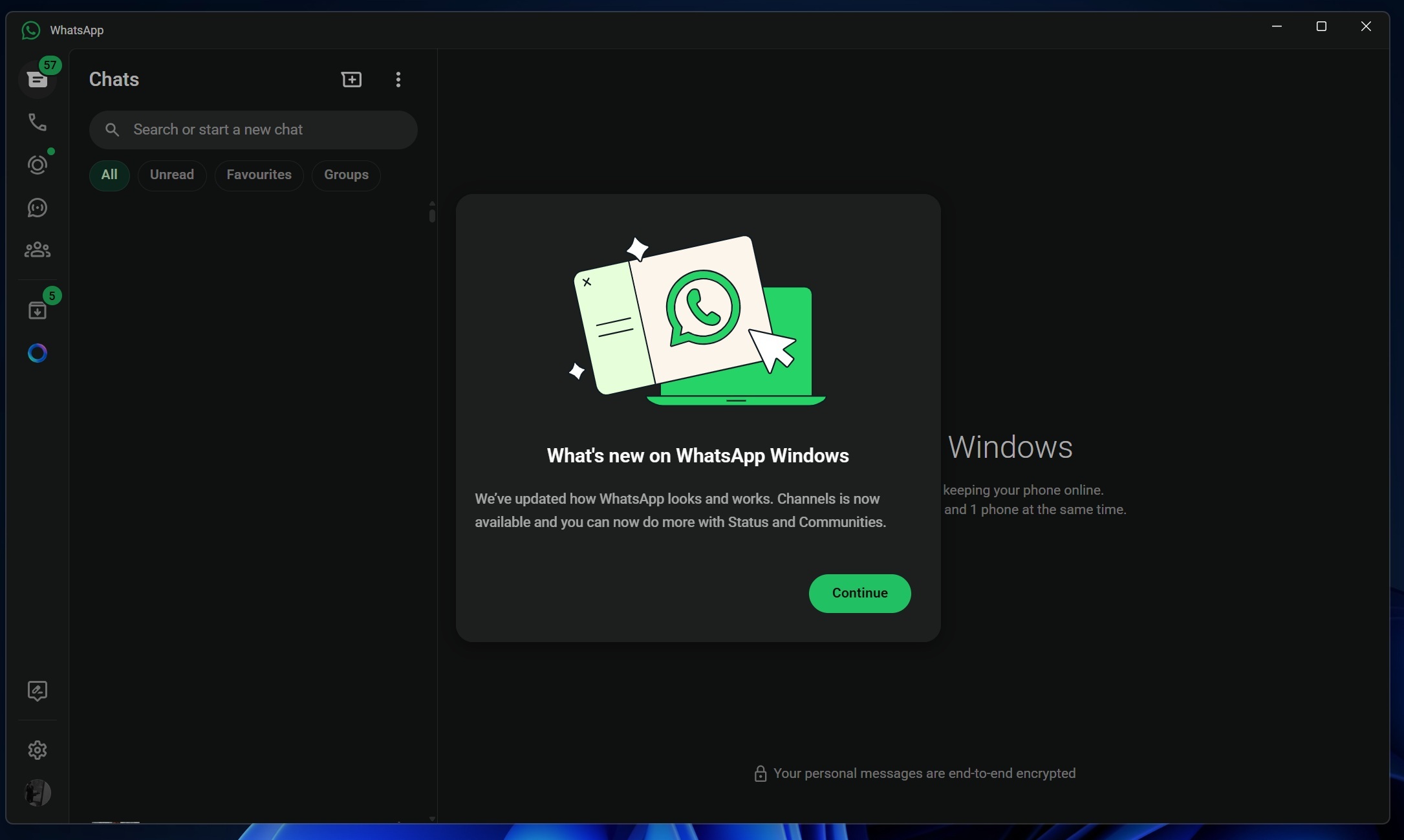
As first spotted by Windows Latest, Meta just dropped a major hint that it’s replacing the WhatsApp native app on Windows 11 with an app that opens WhatsApp web.

This means you’ll be logged out of WhatsApp and asked to log in again because the app will be replaced with a new client, which is literally web.whatsapp.com running inside a Chromium container.

 
Hey Parkinsond,

Thanks for sharing this—it's an interesting shift from Meta. Switching to a Chromium-based web wrapper for WhatsApp on Windows 11 could streamline development for them (one codebase to rule them all), but it might mean a hit to native performance or offline capabilities that some users relied on. On the security side, it's worth noting that Chromium containers can introduce their own set of potential vulnerabilities, like those tied to browser exploits, so keeping your system and browser extensions in check will be key.

Anyone else notice this in their updates? I'm curious if it'll affect integration with Windows features like notifications or battery life.
 
WhatsApp desktop version is the worst thing ever developed by Meta. There's an option to start WhatsApp with Windows, but of course there isn't an option that would launch it minimized. Then, every time it launches I keep getting notification "You may have new messages." (I KNOW!!!!) and you can't disable it. To get rid of the notification, I have to open the notification sidebar and close it there... EVERY F*CKING TIME I OPEN MY LAPTOP!

It was so annoying I had to uninstall the app and just use WhatsApp Web in Firefox. The Web version doesn't work good either because once you close the tab, notifications stop coming. Terrific! Wanted to launch WhatsApp Web PWA minimized—no can do because Firefox ignores that option in shortcut settings so now I have to minimize the window myself every time I open my laptop.

Thanks for coming to my TED talk.
 
Last edited:
WhatsApp desktop version is the worst thing ever developed by Meta. There's an option to start WhatsApp with Windows, but of course there isn't an option that would launch it minimized. Then, every time it launches I keep getting notification "You may have new messages." (I KNOW!!!!) and you can't disable it. To get rid of the notification, I have to open the notification sidebar and close it there... EVERY F*CKING TIME I OPEN MY LAPTOP!

It was so annoying I had to uninstall the app and just use WhatsApp Web in Firefox. The Web version doesn't work good because once you close the tab, notifications stop coming. Terrific! Wanted to launch WhatsApp Web PWA minimized—no can do because Firefox ignores that option in shortcut settings so now I have to minimize the window myself every time I open my laptop.

Thanks for coming to my angry TED talk.
The only cause for installing MS store on LTSC W was for getting WA app; I do not prefer store apps in general.
Lately, I reverted to the web version; I have no problem with, as I keep the browser launched all the day.