This is an interesting topic. In order to avoid signing tens of thousands of files, Microsoft decided to use a hack. Let's take as example the RDP client below:
The file itself does not have embedded any digital signature. WFC is using
wintrust.dll (this one is signed for some reason) from Windows itself to verify if a file is digitally signed with a valid signature. You need to provide it a file path. The file is not signed, obviously, since Digital Signatures tab is missing from the file properties dialog. WFC will report correctly that the file is not digitally signed.
Now the hack from Microsoft. Even if you use
signtool verify, the file appears as unsigned, which is again correct. But if you use the
/a parameter, suddenly the file is verified. Attention, the word is
verified, not
digitally signed.
This only means that there is a catalog file where the hash of this file is contained and since the hash matches the provided file's hash, it must be the file which was indexed in the catalog file. It is verified, but not digitally signed.
/a = Automatically attempt to verify the file using all methods. First search for a catalog using all catalog databases. If the file is not signed in any catalog, attempt to verify the embedded signature. When verifying files that may or may not be signed in a catalog, such as Windows files and drivers, this option is the easiest way to ensure that the signature is found.
Going back to WFC, it can not distribute and use signtool.exe to verify if a file was added in a catalog file so that Microsoft recognizes it as valid file based on its hash. If WFC detects the file as unsigned, it means the file does not have embedded a digital signature, detected as this by Microsoft (wintrust.dll), not by WFC.



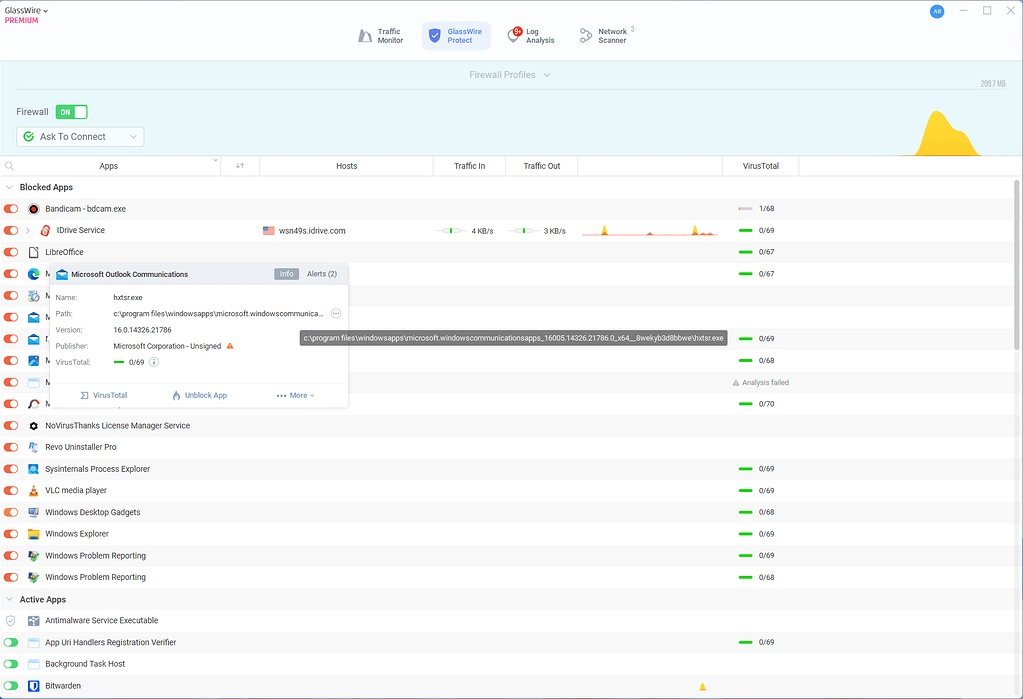
 forum.glasswire.com


