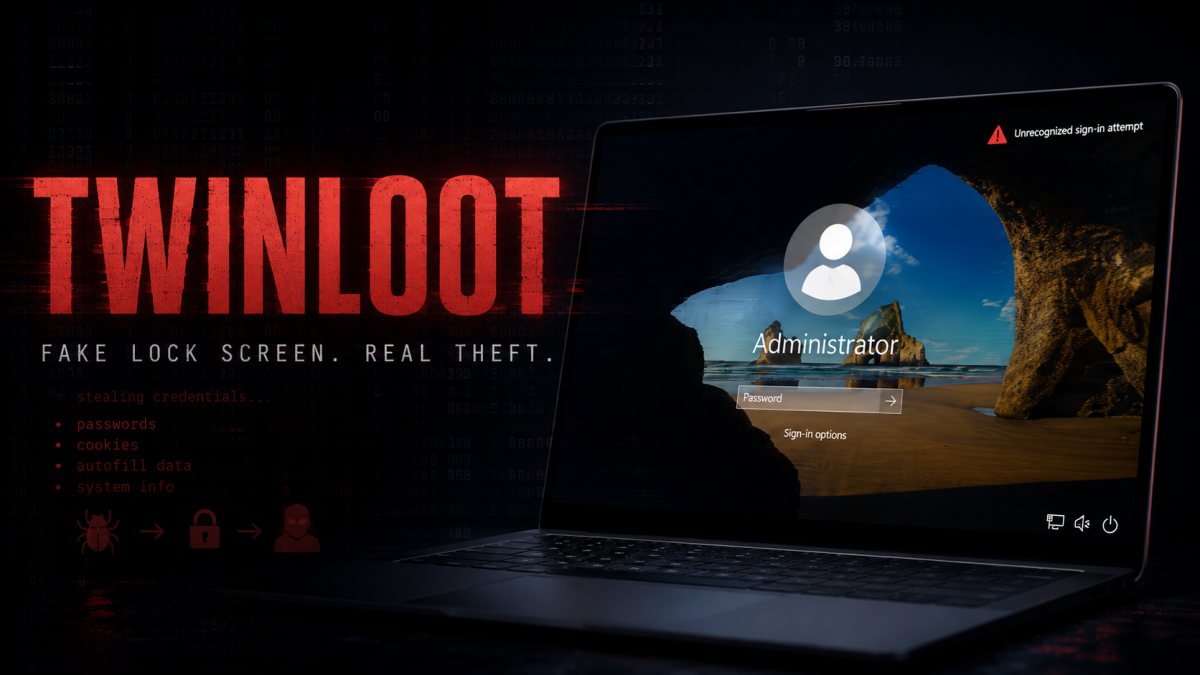
Malware News New TWINLOOT malware hides command traffic in SharePoint, Teams, and Edge while stealing Windows passwords with a convincing fake lock screen.

Khushal

Level 16
Thread author
Verified
Top Poster
Well-known
Apr 4, 2024
703
5,212
1,469

TWINLOOT Hides Its Commands Inside Microsoft Services

For routine tasking, TWINLOOT contacts a SharePoint site hosted in the attacker’s Azure tenant every 15 seconds. Commands, execution results, passwords, and system information are exchanged through files using the Microsoft Graph API.

Because the implant authenticates directly to the attacker’s tenant, its activity does not create sign-in or audit events in the victim organization’s Entra ID records.


When operators need interactive access, TWINLOOT creates a reverse SOCKS5 connection capable of carrying up to 128 simultaneous network streams. It can use this connection to reach internal services such as Remote Desktop, SMB, WinRM, and Microsoft SQL Server.

The stealthier version of that connection runs through Microsoft Teams TURN servers. TURN infrastructure normally relays call traffic when two devices cannot connect directly. TWINLOOT places its SOCKS5 traffic inside WebRTC DataChannels and sends it through a legitimate Teams relay.

According to Ontinue’s report, this is the first known malware to use WebRTC DataChannels for command-and-control. It is also the second known malicious use of Teams TURN relays, following DragonForce’s Backdoor.Turn in June 2026.

By default, TWINLOOT’s primary communication channels end in Microsoft IP space. The implant also retains a direct TLS and WebSocket connection to attacker infrastructure as a fallback.

 
Security implications

This is a notable example of abusing trusted cloud infrastructure for command-and-control. However, the article’s claims should be treated as reporting rather than independently confirmed facts unless the underlying research and indicators are available.

A few important points:

  • Using Microsoft Graph does not make the activity invisible. The victim endpoint, proxy, firewall, DNS, Microsoft 365 service telemetry, and the attacker-controlled tenant may still produce relevant evidence.
  • The absence of corresponding sign-in events in the victim’s Entra ID tenant is plausible when the implant authenticates to a separate tenant, but it does not mean that Microsoft or the endpoint necessarily lacks telemetry.
  • Teams TURN traffic may be difficult to distinguish from legitimate WebRTC traffic, but unusual Teams-related network activity from a non-Teams process, unexpected persistent connections, or a Python-based implant would warrant investigation.
  • A direct TLS or WebSocket fallback can provide more conventional indicators, including destination domains, certificates, JA3/JA4-related fingerprints, proxy records, and process-to-network correlations.

Defensive priorities

  • Review Microsoft Graph and Teams-related network connections by originating process, not only by destination IP or domain.
  • Investigate unexpected Python interpreters, unsigned executables, scripts, scheduled tasks, services, and persistence mechanisms.
  • Correlate endpoint telemetry with proxy, DNS, firewall, EDR, and identity logs.
  • Monitor for unusual access to internal RDP, SMB, WinRM, and SQL services from workstations or newly observed processes.
  • Restrict unnecessary outbound access and apply application control where practical.
  • Use Microsoft and endpoint security detections for suspicious OAuth applications, token use, WebSocket activity, and anomalous Graph API access.

The key lesson is that allowlisting Microsoft-owned infrastructure alone is not sufficient. Detection should combine destination, process identity, authentication context, timing, traffic behavior, and the activity performed after the connection is established.