Advice Request Sandboxie and RDP

Please provide comments and solutions that are helpful to the author of this topic.

Trooper

Level 17
Thread author
Verified
Top Poster
Well-known
Forum Veteran
Aug 28, 2015
800
3,223
1,569
USA
Hi folks,

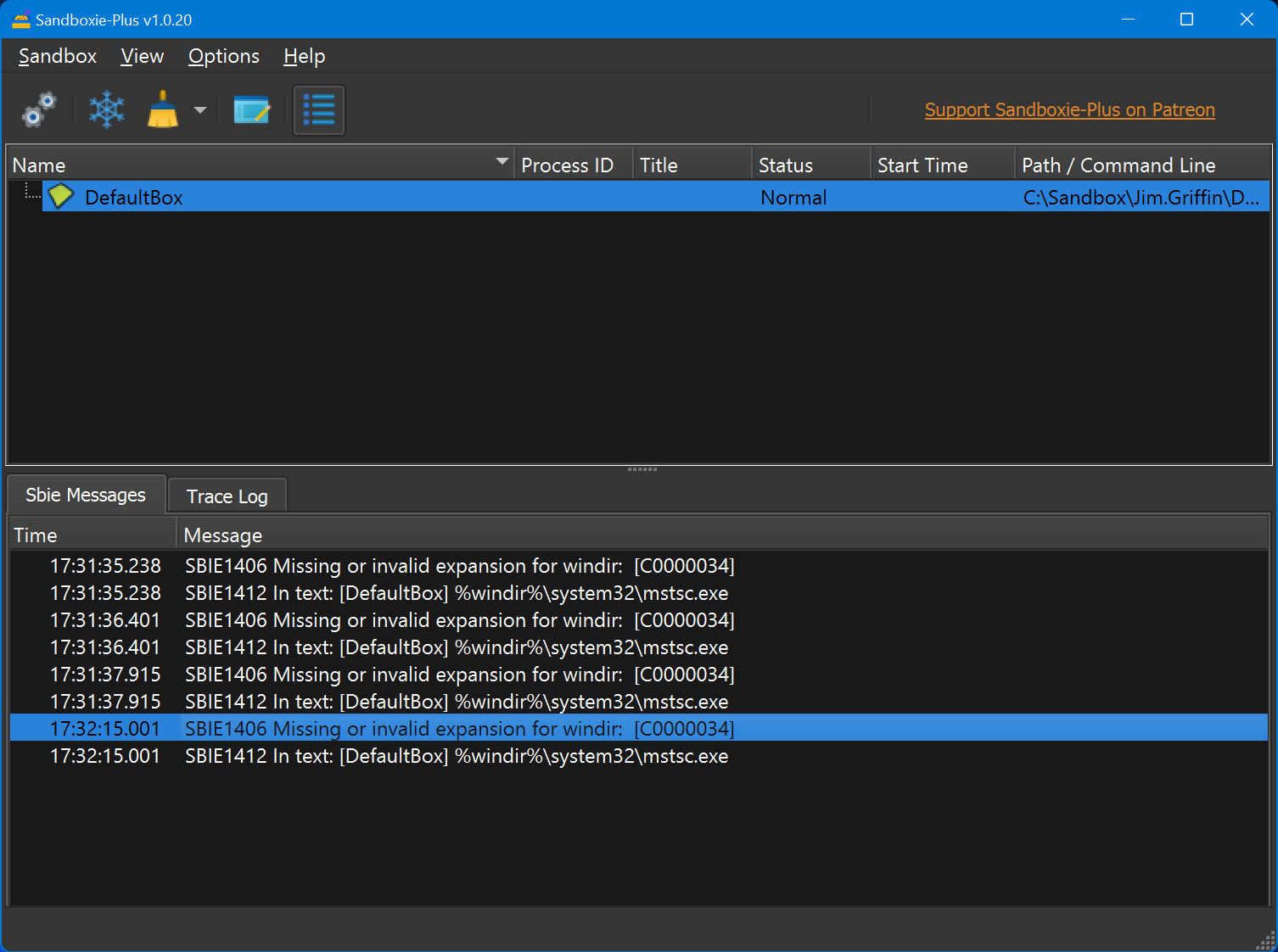
Was a long time user of Sandboxie many years ago. Want to add it back to my arsenal if at all possible. I just downloaded the latest version 1.0.20. I wanted to run RDP in a sandbox. I am running Windows 11 Enterprise and I would like to run RDP sessions in a Sandbox. I recall years ago just adding %windir%\system32\mstsc.exe into Forced Programs and it would work. I just tried that today and it does not seem to be working.

The below is what I am seeing.

Please let me know if this is still possible and what I am missing. Thanks!
1651699971229.png

 
Last edited by a moderator:
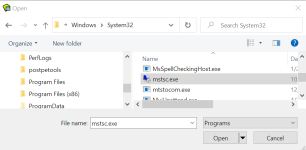
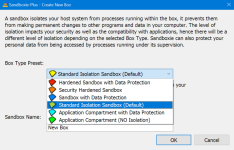
Try opening the Classic UI-- C:\Program Files\Sandboxie Plus --scroll to SbieCtrl.exe and double-click. There you can add it under Program Start/Forced Programs like you used to. When the Classic UI opens in the system icon tray area, right-click on the icon, then left-click on Show Window, then right-click on Default Box (or whatever box you're using) and click "Sandbox Settings" in the little menu there.

If you're mainly using Plus, I would then exit out of the Classic UI if you don't need it anymore. I found by way of the learning curve that some things like adding to the browser template ( like access to cookies, bookmarks, etc) is best done within the Classic UI
 
Thanks to you both. I will check this out tomorrow when I am back in the office. @bjm_ Looks as if you are using Sandboxie with Edge? Any issues doing that? I always thought it worked best with Firefox. Times have changed I see. :)
 
png_14679.png

png_14681.png

png_14677.png

png_14676.png
 
Last edited by a moderator:
  • +Reputation
Reactions: Trooper
Thanks very much! So are you using the old version still?
 
Plus installer installs Plus & Classic shared components to Sandboxie-Plus folder.
Classic installer installs Classic components to Sandboxie folder.
 
  • +Reputation
  • Like
Reactions: plat and Trooper
Plus installer installs Plus & Classic shared components to Sandboxie-Plus folder.
Classic installer installs Classic components to Sandboxie folder.

Thanks again. Appreciate the help!
 
Tried what you guys said, but still getting the CredentialBroker.exe error. Any ideas?
 
Tried what you guys said, but still getting the CredentialBroker.exe error. Any ideas?
Curious, what security program/s?
Can you launch browser/s?
Did you make any changes to [DefaultBox] settings?
Are you using Windows Sandbox?
Hopefully, DavidXanatos will chime in over on Wilders.
 
Last edited:
Curious, what security program/s?
Can you launch browser/s?
Did you make any changes to [DefaultBox] settings?
Hopefully, DavidXanatos will chime in over on Wilders.

ESET ENDPOINT Security.

Did not try to Sandbox a browser yet.
No I actually just created a new one. Maybe I will try DefaultBox and see how that goes.
Yes, hopefully he does. Thanks.
 

You may also like...