
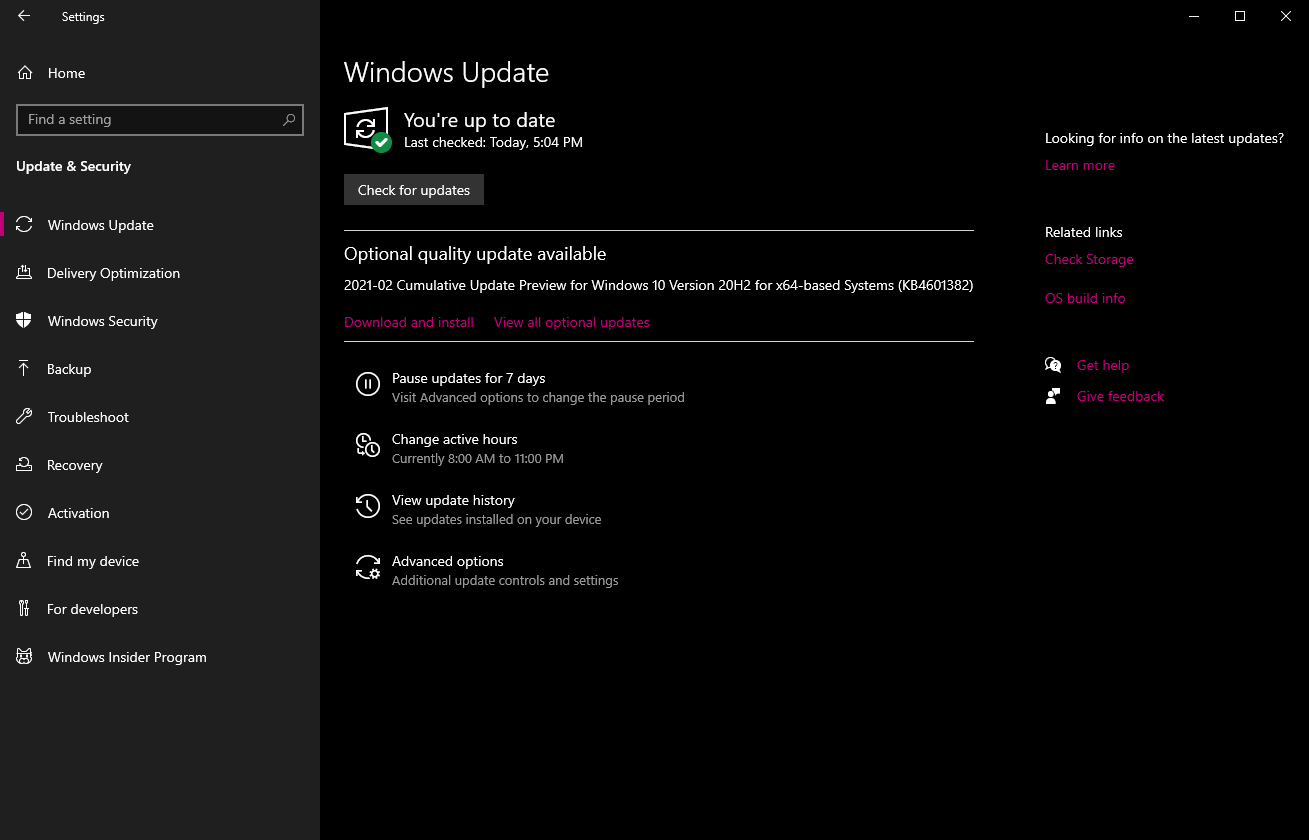
Should I install this optional quality update preview for Windows 10 Version 20h2? Is this like beta update something?


Open MalwareTips from your Home Screen or desktop. Follow discussions, find answers and pick up where you left off.
If you cannot find an install option, update your browser or use its bookmark option to keep MalwareTips close.
After installation, open the app and sign in. Enable push notifications in Preferences if you want alerts. On iPhone and iPad, push requires a Home Screen web app and iOS or iPadOS 16.4 or later.
Sign in to manage notificationsInstallation is optional. Your notification settings stay under your control.
 Thread starter
SumTingWong
Thread starter
SumTingWong



This is an oxymoron with regards to M$optional quality update

Never do this! You can break stuff as some is still used from that folder.I deleted what I could from the Software Distribution folder in C:\Windows--that got me back my missing GBs.
If you must, delete only files from "%WINDIR%\SoftwareDistribution\Download", Windows is dumb and if you remove certain folders, it can not recreate them, so updates will fail.I deleted what I could from the Software Distribution folder
Standard update = security update or scheduled update, quality update = bug fixes and such, thus the name, it improves the overall quality, but it is not required to be installed ASAP.Decided to leave preview updates, if it was serious it would be a standard update - As I'm not having any issues leaving things as they are?
You can skip it and wait for Patch Tuesday.ahhhhh crap. idk if I want to install it. I don't want to waste 30 mins for restore.

 malwaretips.com
okayYou can skip it and wait for Patch Tuesday.
Understanding the types of Windows Updates for Windows 10 (2021 edition) | MalwareTips
The Different Types of Updates in Windows 10 Types of updates Schedule What they do Other notes Feature updates Twice per year Add new features and...
Members who viewed this thread in the last 5 minutes


