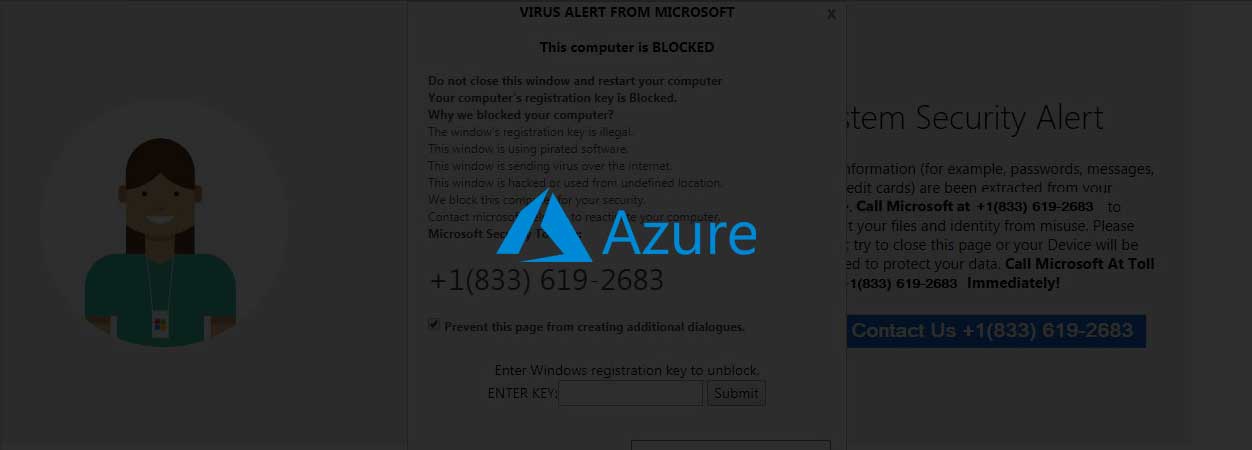
Tech Support Scammers Freeze Browsers Using Iframes

LASER_oneXM

Level 37
Thread author
Verified
Top Poster
Well-known
Forum Veteran
Feb 4, 2016
2,516
15,624
3,578
53
Germany / Poland
Tech support scammers are using iframes to lock web browsers and to trick people into calling their support hotlines posing as legitimate services to have their computers fixed after being presented with a "computer has been blocked" alert.

Crooks use browser pop-ups to display warnings saying that the computer was infected or "blocked" because it was hacked, and designed to look like they're coming from companies like Microsoft, Google, or various security outfits.

This is done by the crooks behind the scam in an attempt to induce a feeling of urgency that would trick the targets into calling a "support" hotline using the phone number included in the fake alert pop-up.
 
Would block iframes with uBlock Origin help against this?
Or just any adblocker?
Haven't encountered anything like this myself... :emoji_thinking:

Yes, I believe so. I am becoming more convinced over time that Medium Mode is the best protection and when one is familiar using it, it is a simple matter. Some users just refuse to be bothered with it for various reasons. I have cut down on blocklists significantly as a result with very fast page loading.
 

I saw this while perusing Microsoft Community for something.


I posted this here because it illustrates that if one route is blocked, others will open.