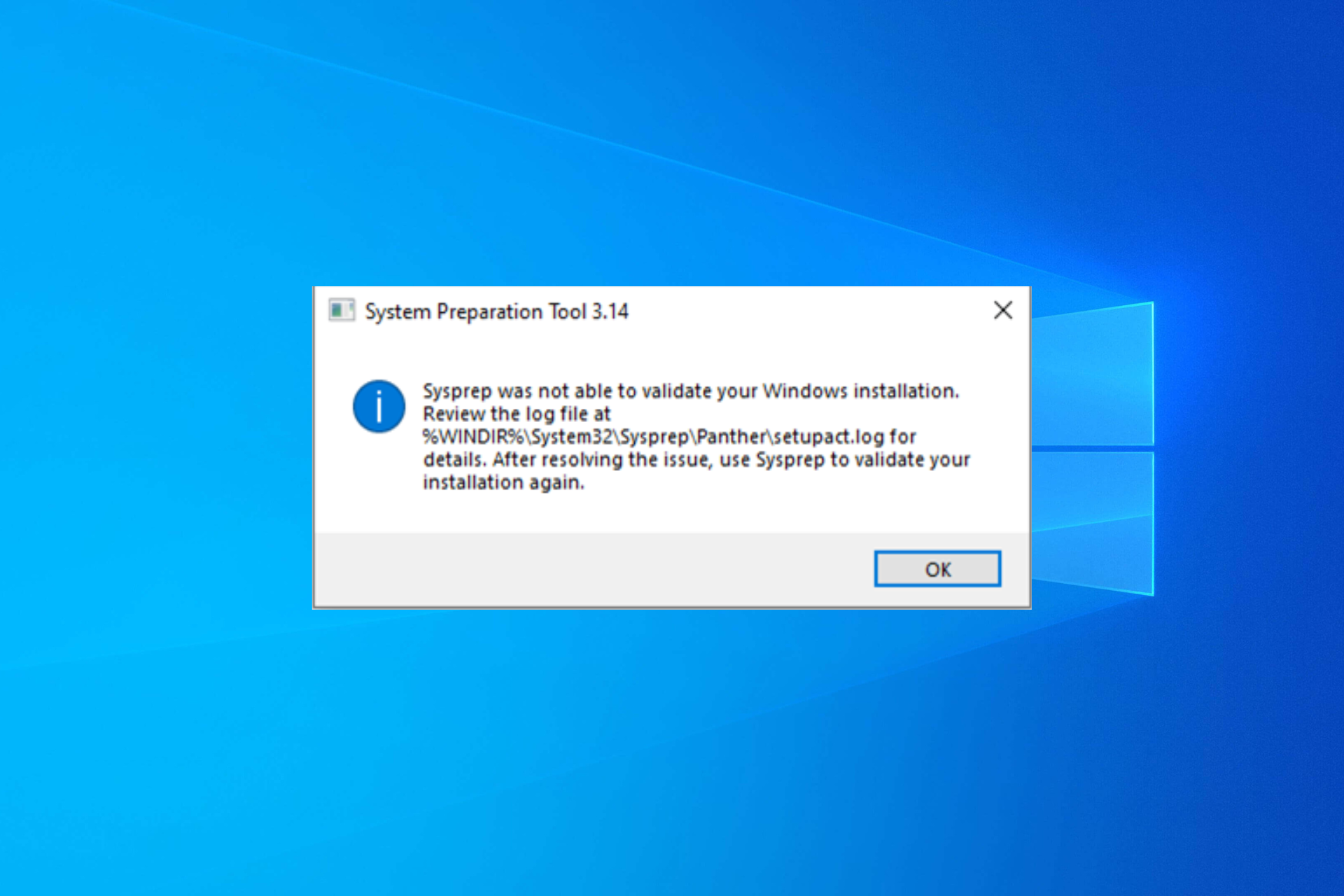
Microsoft has
acknowledged this ongoing issue and confirmed that it specifically affects Windows 10 22H2 when Sysprep is used in Audit mode, attributing it to problems with the status of the Microsoft Edge package. The Redmond tech giant is actively working to address this issue and will release the fixes with the new update. It has also proposed a workaround in the meantime.
The Sysprep Error on Windows 10 22H2 Workaround
- Open PowerShell with admin rights, then type the following command after replacing <PackageFullName> with the name mentioned in the log file and press Enter: Get-AppxPackage -AllUsers | Where-Object { $_.PackageFullName -like '' } | Format-List -Property Name, PackageFullName, PackageUserInformation, InstallLocation, SignatureKind
- If your machine is affected, check the PackageUserInformation from the output, and check if you see Installed(pending removal).
- If yes, then the Windows image is affected, copy & paste the following command after replacing <PackageFullName> with the name from the log file and hit Enter: Get-Appxpackage -AllUsers | Remove-Appxpackage -AllUsers
- Press Windows + E, and navigate to this path: C:\WINDOWS\System32\Sysprep
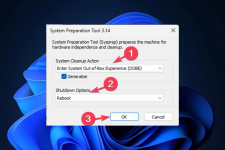
- Double-click Sysprep.exe, locate System Cleanup Action>choose Enter Out-of-Box Experience (OOBE), and select Generalize.
- Under Shutdown Options, select Reboot, and click OK.




 www.neowin.net