



Full Story:Your IP address can reveal your location, ISP, connection type, and VPN use to websites, ad networks, and trackers before a page even loads.
Every site, ad network and tracker you load gets your IP address before anything else. Here is what they can work out from it, what they cannot, and what changes when you hide it.
Before a web page shows a single word, your device has already handed the server one piece of information: its IP address. There is no opting out of that step. The server needs a return address for the page, in the same way a letter needs one to get a reply.
From that address alone, a website learns roughly where you are, which company sells you internet access, whether you are on a home line, an office network or a phone, and whether you are trying to hide. It learns all of that without a cookie, a login or your consent. It does not learn your name or where you live.
What a Website Reads From Your Address
A website does not work any of this out by itself. It looks the address up in an IP intelligence database, a commercial product that returns a profile in a few milliseconds.
Location comes first. MaxMind, one of the most widely used suppliers, estimates that its data places a visitor in the right country 99.8% of the time. For US addresses, it puts accuracy at about 80% for the state and 66% for the city, counted as anywhere within 50 km.
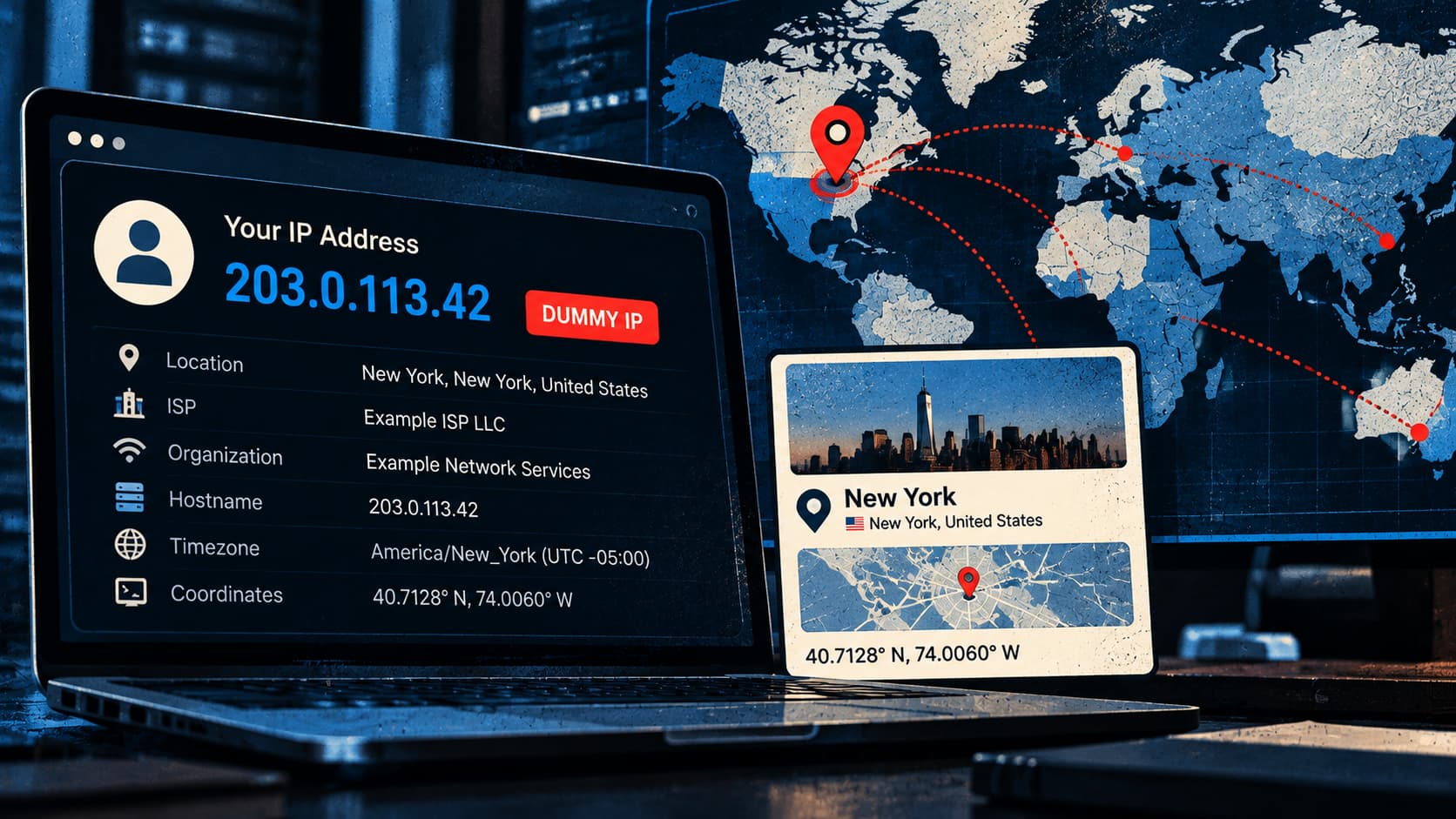
What Your IP Address Reveals Every Time You Visit a Website
Your IP address can reveal your location, ISP, connection type, and VPN use to websites, ad networks, and trackers before a page even loads.
 hackread.com


