

The MalwareTips app
Your community, one tap away.
Open MalwareTips from your Home Screen or desktop. Follow discussions, find answers and pick up where you left off.
- Home Screen access
- Optional push alerts
- Your community
You're ready to explore.Explore what's new
Installation instructions
iPhone & iPad
- Open MalwareTips in Safari and tap Share. You may need to open the Page Menu first.
- Choose Add to Home Screen. If it is not listed, use Edit Actions to add it.
- Keep Open as Web App enabled if shown, then tap Add.
Android
- Open MalwareTips in Chrome or another browser that supports app installation.
- Open the browser menu and look for Install app, Install and create shortcut, or Add to Home screen.
- Choose Install and confirm. Wording varies by browser.
Desktop
- Chrome: use the install icon in the address bar, or the menu under Cast, save and share.
- Edge: open the menu, then More tools, Apps and Install this site as an app.
- Safari on Mac: choose Share or File, then Add to Dock. Firefox on Windows: look for the web apps button in the address bar.
If you cannot find an install option, update your browser or use its bookmark option to keep MalwareTips close.
Keep up with your conversations
After installation, open the app and sign in. Enable push notifications in Preferences if you want alerts. On iPhone and iPad, push requires a Home Screen web app and iOS or iPadOS 16.4 or later.
Sign in to manage notificationsInstallation is optional. Your notification settings stay under your control.
You are using an out of date browser. It may not display this or other websites correctly.
You should upgrade or use an alternative browser.
You should upgrade or use an alternative browser.
Troubleshooting Windows won't start
-
 Thread starter
Anti
Thread starter
Anti
- Start date
- 23 Replies
- 7,271 Views

Is it a notebook? In this case you can force a shutdown by holding down the power button for a few seconds.
Then remove the battery and wait a couple of minutes, then try again to turn on the computer.
It's a PC
Upvote
0
You can try to exit the loop by doing the same: press and hold down the power button for a few seconds.It's a PC
When the PC is turned off, wait a couple of minutes and try to turn on it.
Upvote
0

When the PC is turned off, wait a couple of seconds - and press the power button, that's how I do it.
If no result (PC doesn't show desktop) - then tourn PC off, and look at your memory strips - take them out and put them back, clean the contacts a bit...if no results, change your memory strips, one by one (attention to electrostatic...). If no results, maybe this is problem of some Microsoft update...
If no result (PC doesn't show desktop) - then tourn PC off, and look at your memory strips - take them out and put them back, clean the contacts a bit...if no results, change your memory strips, one by one (attention to electrostatic...). If no results, maybe this is problem of some Microsoft update...
Upvote
0
When the PC is turned off, wait a couple of seconds - and press the power button, that's how I do it.
If no result (PC doesn't show desktop) - then tourn PC off, and look at your memory strips - take them out and put them back, clean the contacts a bit...if no results, change your memory strips, one by one (attention to electrostatic...). If no results, maybe this is problem of some Microsoft update...
It is a problem with an update…
Upvote
0
Oh, also you can most likely fix this with System Restore. Again, you need a windows install disk to access it. Do you have one?
No
Upvote
0
Hmmm boot into Safe Mode? you could do this? - ah I see: "not even Safe Mode can be accessed. " uh
Fix Endless Reboot Loop after Windows 10 Update
answers.microsoft.com: Windows update stuck in continuous loop
- what do you think about this link?
- from comment:
"As you are facing issues with restart loop, perform a Power Drain by following the steps provided below and check if it helps.
Fix Endless Reboot Loop after Windows 10 Update
answers.microsoft.com: Windows update stuck in continuous loop
- what do you think about this link?
- from comment:
"As you are facing issues with restart loop, perform a Power Drain by following the steps provided below and check if it helps.
- Shut down the Computer.
- Remove all power source (including battery if it is a laptop).
- Press and hold the power button for 15-20 seconds.
- Connect the power source and start the computer.
- After the computer boots to the desktop, suggest you to install all the pending updates."
Last edited:
Upvote
0
F
ForgottenSeer 69673
Hmmm boot into Safe Mode? you could do this? - ah I see: "not even Safe Mode can be accessed. " uh
Top 3 Ways to Fix Endless Reboot Loop after Windows 10 Update
drivethelife.com:
answers.microsoft.com: Windows update stuck in continuous loop
- what do you think about these links?
- from the second one, from comment:
"As you are facing issues with restart loop, perform a Power Drain by following the steps provided below and check if it helps.
- Shut down the Computer.
- Remove all power source (including battery if it is a laptop).
- Press and hold the power button for 15-20 seconds.
- Connect the power source and start the computer.
- After the computer boots to the desktop, suggest you to install all the pending updates."
Your first link Is not liked my Malwarebytes
Last edited by a moderator:
Upvote
0
OK thank you, post edited and this link deleted!
Could you too delete this link in your post in the quote, please?
Upvote
0

F
ForgottenSeer 69673
OK thank you, post edited and this link deleted!
Could you too delete this link in your post in the quote, please?
Done

Upvote
0
F
ForgottenSeer 69673
If you do get your Windows back, install Marcrium free and make a full image on an external DVD, hard drive of USB stick just for this occasion. And for those times when update fails and just keeps trying over and over again this works for me and I have had to do this at least 3 or 4 times on insider builds.
Go into drive C
Go into the Windows Folder
Find the Software Distribution Folder
Delete all the files in there
Run the update again normally
Go into drive C
Go into the Windows Folder
Find the Software Distribution Folder
Delete all the files in there
Run the update again normally
Upvote
0

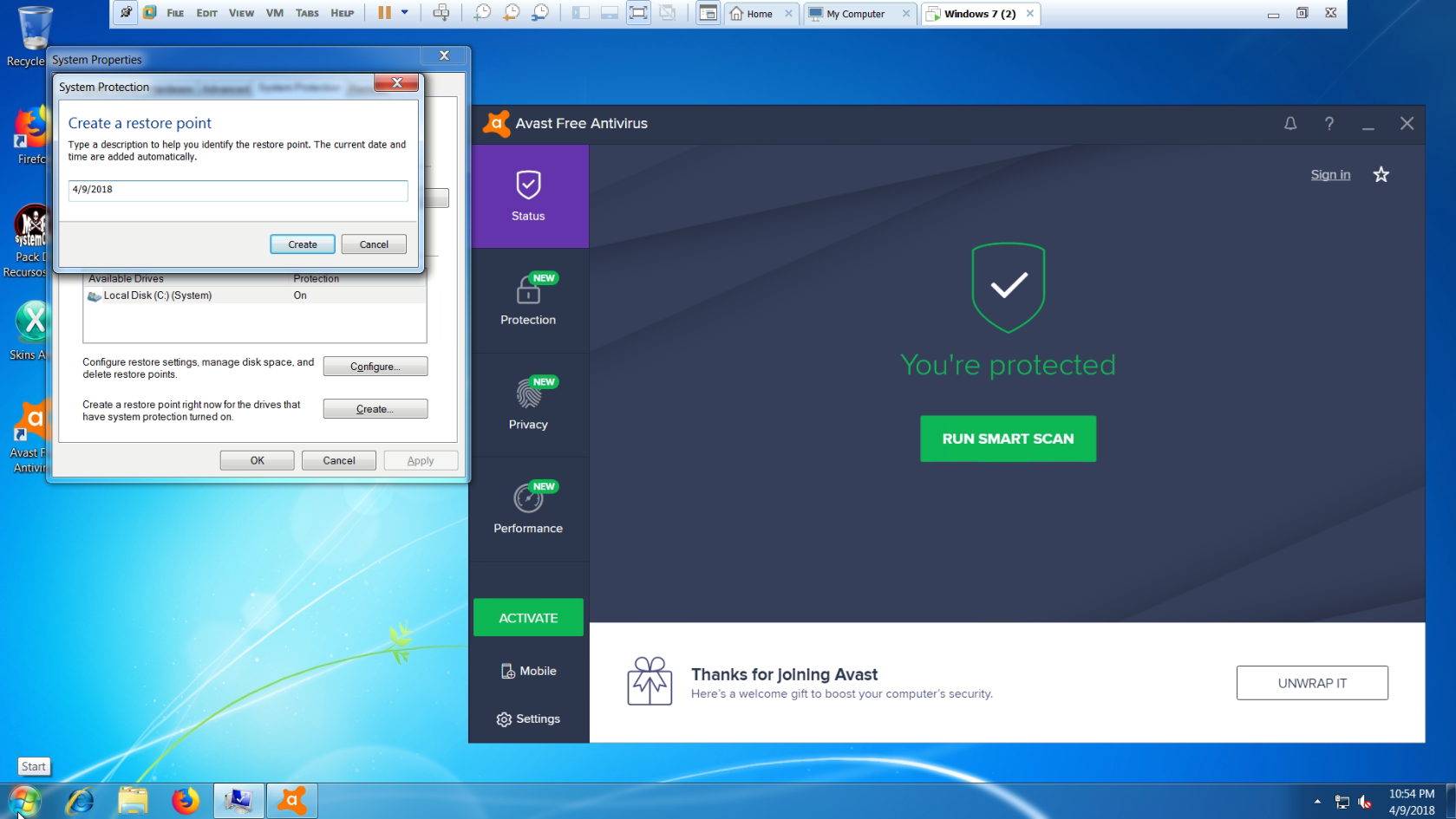
Just finished testing. TL;DR It works just fine.
Notes
Create restore point, then restart. (Screenshot)
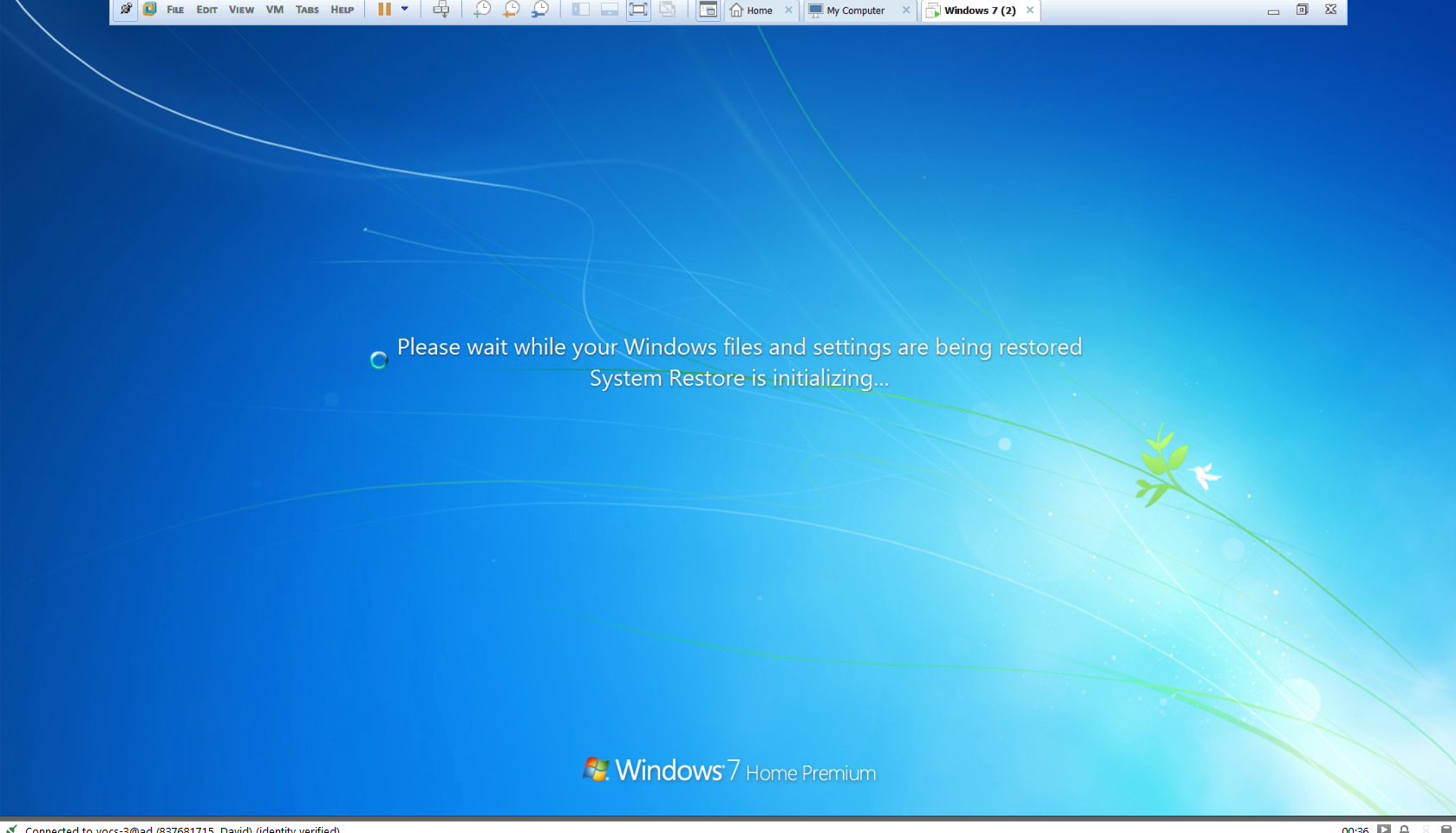
Running system restore. (Screenshot)
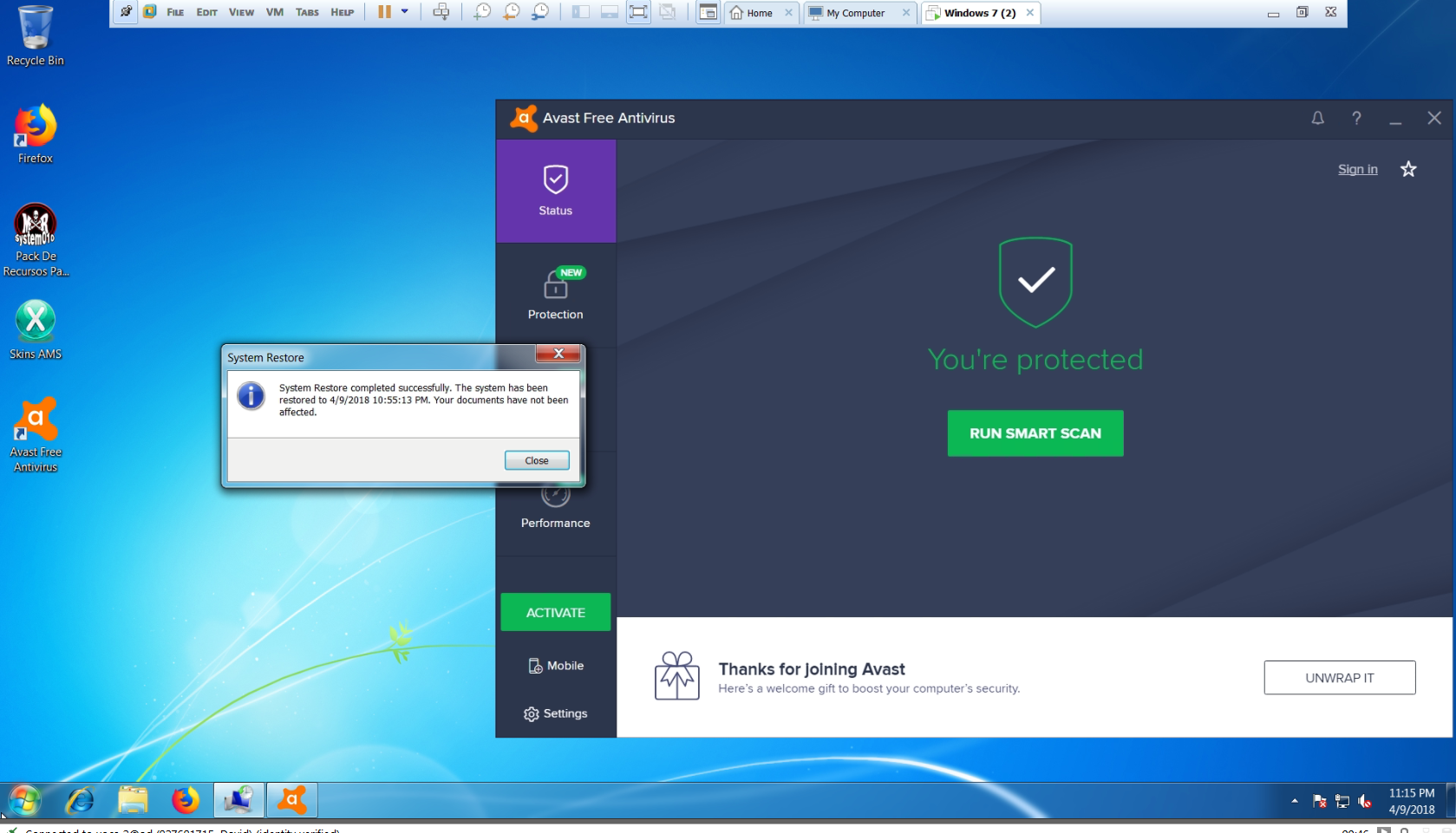
Finished system restore successfully. (Screenshot)
Notes
OS: Windows 7 HomePremium x64
Ram: 4GB
Virtual Software: Vmware Workstation
Infection Status: Fresh install; Not infected.
Will restart twice before creating a restore point.
Ram: 4GB
Virtual Software: Vmware Workstation
Infection Status: Fresh install; Not infected.
Will restart twice before creating a restore point.
Running system restore. (Screenshot)
Finished system restore successfully. (Screenshot)
Upvote
0
Recently browsing
Members who viewed this thread in the last 5 minutes
You may also like...
-
 MalwareTips News Windows update fixes exploited download-warning bypass
 -
MalwareTips News Chrome 153 update closes flaw already used in attacks
-
MalwareTips News Windows update closes two zero-days used in active attacks
-

-
