

Second-opinion malware scanner
Download HitmanPro
HitmanPro is a second-opinion scanner that cleans malware, trojans, rootkits, spyware and more, next to your antivirus.
- Works alongside your antivirus
- Scans in less than 5 minutes
- Runs from a USB drive, no install needed
Get started
HitmanPro in 3 easy steps
- 1
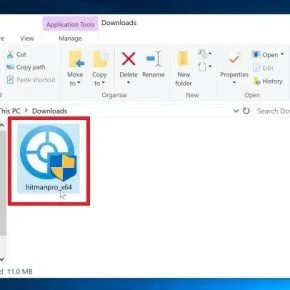
Download the HitmanPro setup file.
- 2
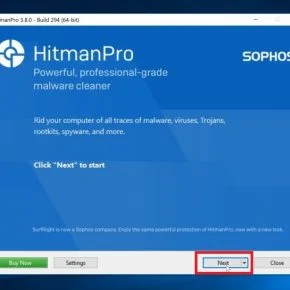
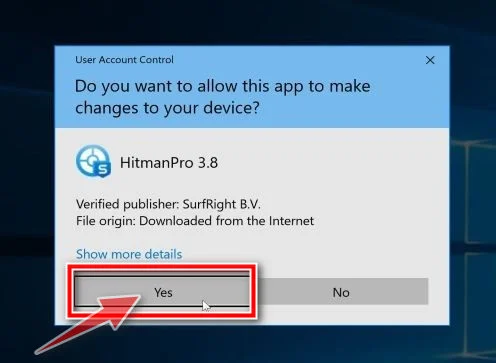
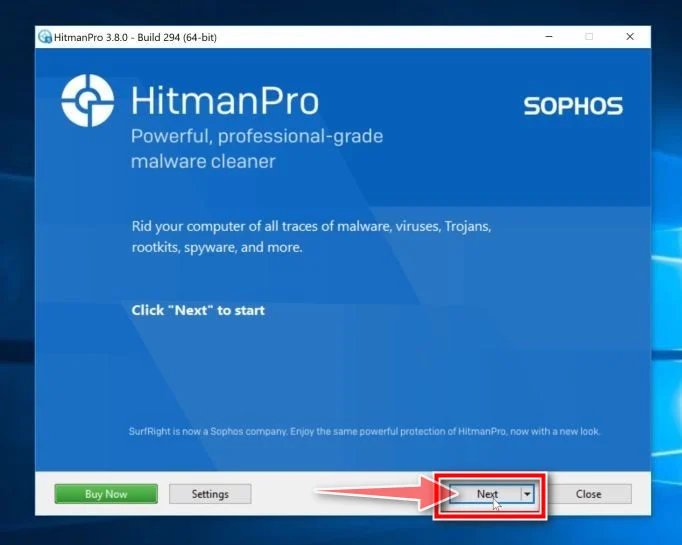
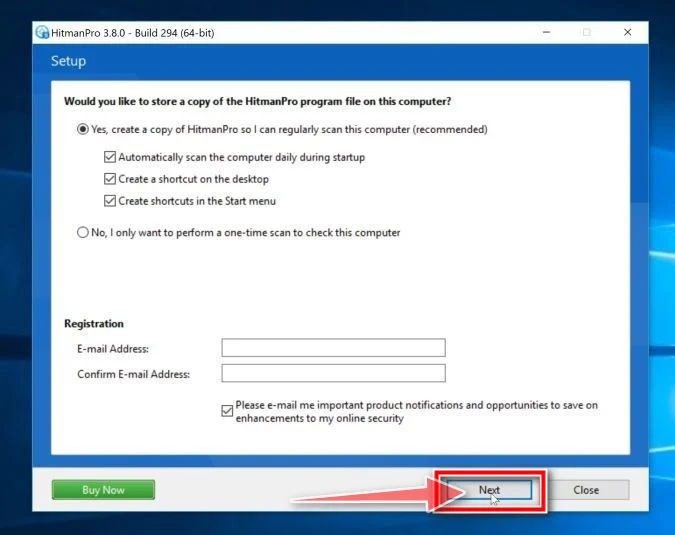
Double-click on the setup file, then follow the on-screen instructions to install HitmanPro.
- 3
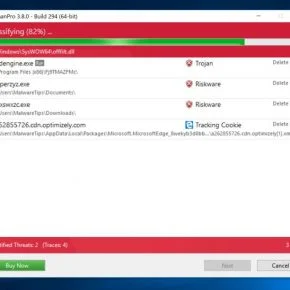
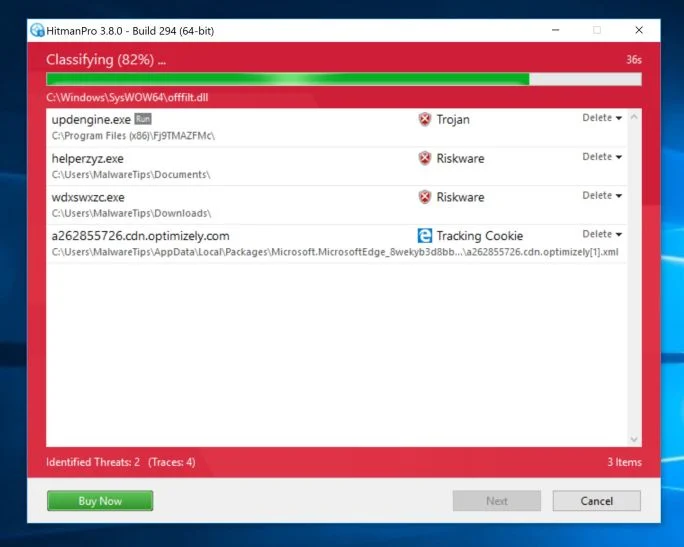
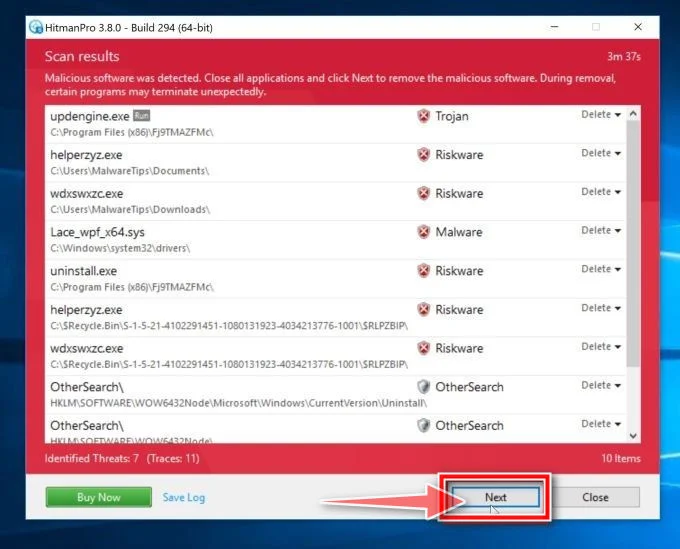
Start a computer scan and remove the malicious files.
About
About HitmanPro
What the developer says
HitmanPro is a second opinion scanner, designed to rescue your computer from malware (viruses, trojans, rootkits, etc.) that have infected your computer despite all the security measures you have taken (such as anti-virus software, firewalls, etc.).
Research shows that computers are still run a chance of getting infected because the existing anti-virus program is not giving you 100% protection.
Just relying on a single vendor is not sufficient to completely protect you. You do need a second source to make sure you are secure. But in most cases, installing a second anti-virus program is not a viable solution. Two programs are affecting the performance of the computer dramatically, and sometimes even conflict causing the computer to crash.
HitmanPro is designed to work alongside existing security programs without any conflicts. It scans the computer quickly (less than 5 minutes) and does not slow down the computer (except for the few minutes it is scanning). HitmanPro does not need to be installed. It can be run straight from a USB flash drive, a CD/DVD, local or network attached hard drive.
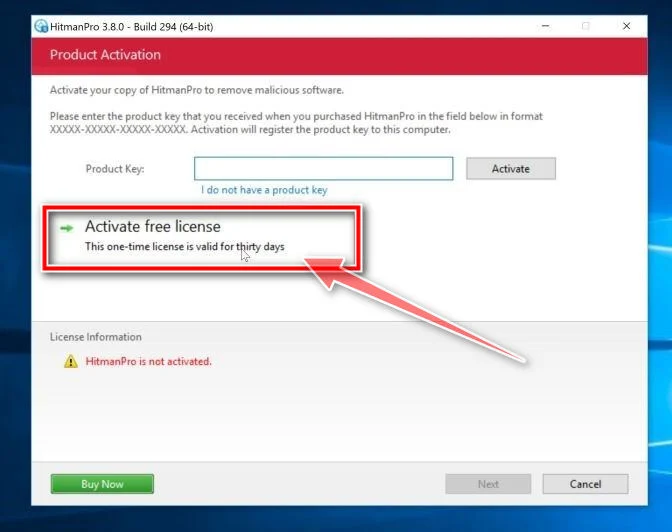
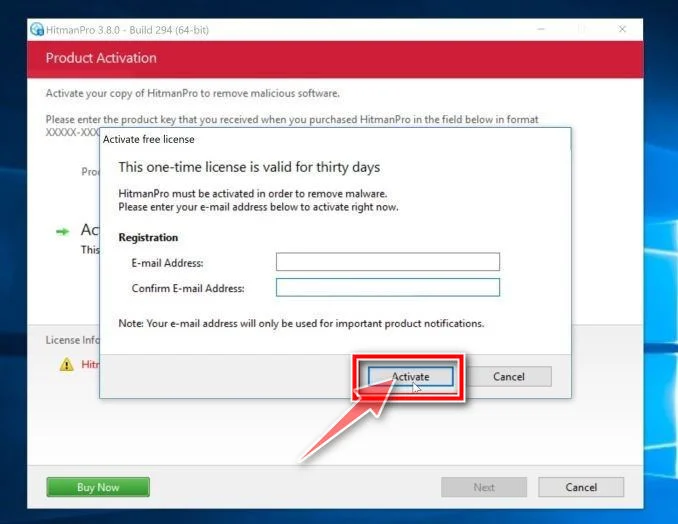
HitmanPro offers you a Free Scan for a second opinion. It is designed to check if your security measures work. If nothing is found (and we sincerely hope so), then you will never need a license. When a virus is found, then you will receive a free 30-day license to remove the threat.
Screenshots
See HitmanPro in action
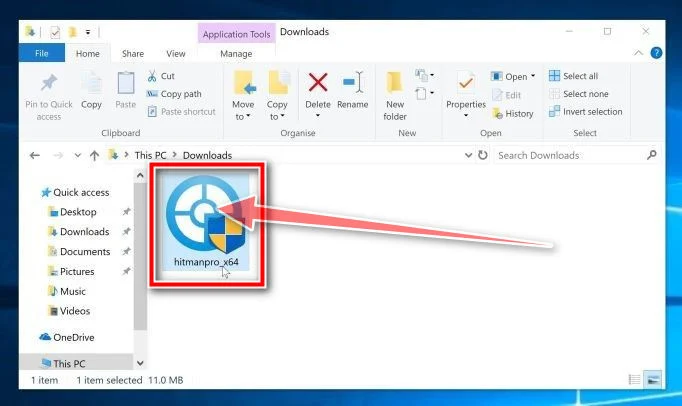

Ready for a second opinion?
Download HitmanPro and follow the steps above.
More free tools
Other tools our community recommends
 Malwarebytes for WindowsFree malware scanner · WindowsMalwarebytes for MacFree malware scanner · macOSMalwarebytes for AndroidFree malware scanner · Android
 AdwCleanerFree adware remover · Windows
 Emsisoft Emergency KitFree portable malware scanner · Windows
 ESET Online ScannerFree virus scanner · Windows
 Zemana AntiMalwareCloud-based malware scanner · Windows
 RkillStops malware processes · Windows
 Revo UninstallerUninstaller for stubborn programs · Windows
 EaseUS Todo BackupFree backup software · Windows
 EaseUS Data Recovery WizardFree data recovery · Windows
 RecuvaFree file recovery · Windows
 AdGuardAd blocker and privacy protection · Windows
Some links on this page are affiliate links: we may earn a commission at no extra cost to you. Affiliate disclosure