


A security alert lands in your inbox at exactly the wrong time. You were about to check your balance anyway, so the message almost feels like a reminder.
The subject mentions unusual activity on your BPI account. Before you act on it, take a moment to separate what the email says from what your bank can actually confirm.
Overview
What the Portuguese subject line says
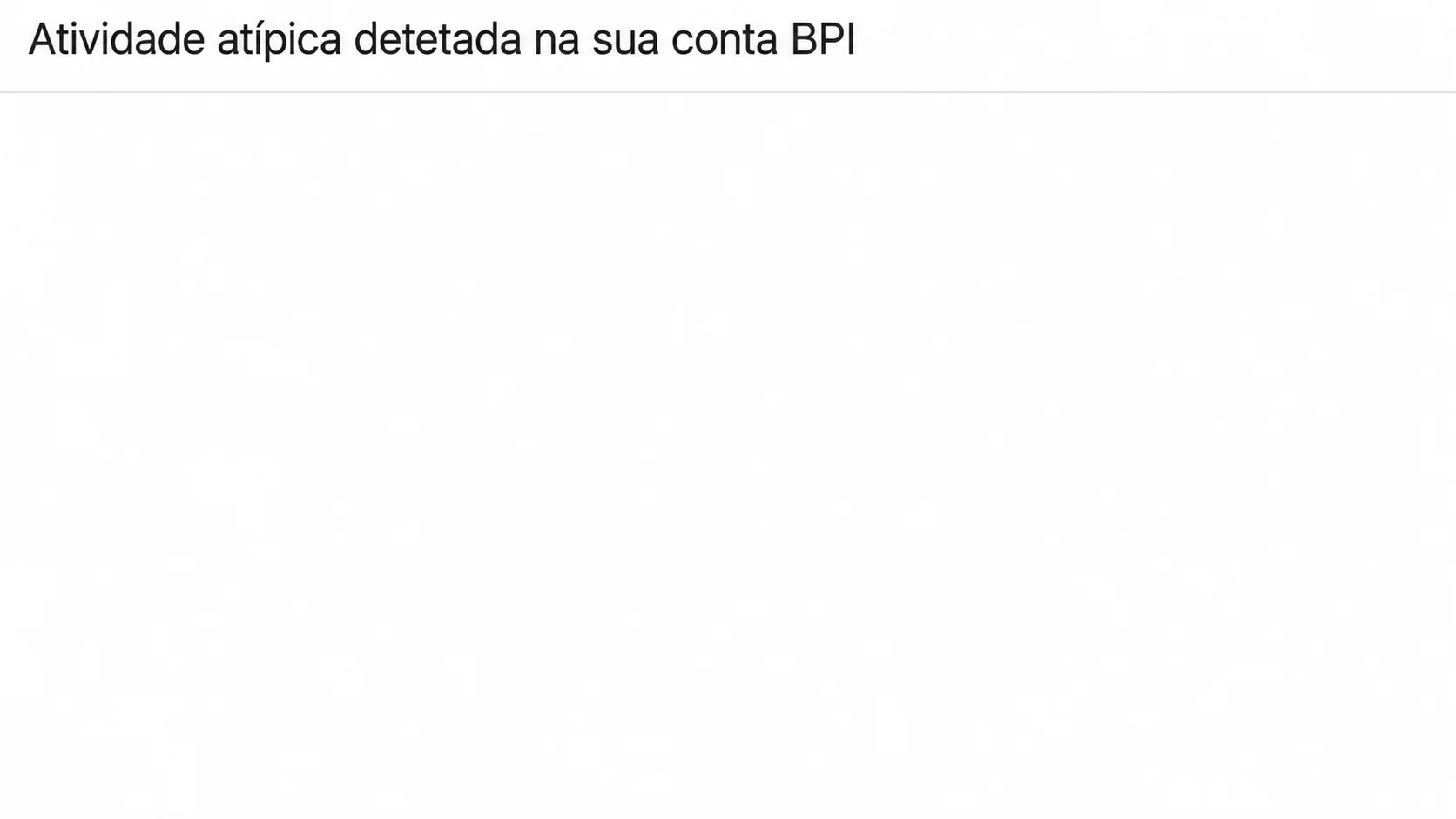
“Atividade atípica detetada na sua conta BPI” means unusual activity was detected on your BPI account. The email claims the bank temporarily stopped access to its digital services.
The case involves a message impersonating Banco BPI, not an announcement that BPI Net was breached. Receiving it does not prove that anyone has touched your account.
The difference matters when the message reaches a person who really does bank with BPI.
You can check for a genuine problem without treating the message as your route back in.
An email can quote good security advice and still be fake
The notice includes its own warnings about suspicious links and sensitive codes. A warning can sound convincing because it resembles what a real bank would tell a customer.
That’s the most useful clue about this particular email. The copy encourages caution in one paragraph while asking you to trust a path chosen by the sender.
Banco BPI’s phishing guidance says to verify suspicious messages through independently obtained contacts and not to follow the links they provide.
What the investigation establishes about the destination
The email’s link led away from the bank. The reported destination was no longer available when the campaign was examined, so its exact fields could not be confirmed.
The request to verify access is consistent with an attempt to collect online banking details. It is not evidence that every reader saw a particular form or lost money.
The practical checks are simpler than reconstructing the missing page:
- Open the BPI app you already use, without choosing a shortcut or install prompt from the email.
- Use a saved BPI Net bookmark or reach it through the bank’s own site, not a paid search result.
- Read the action and amount in a banking approval before touching it, even if the notification arrived at an expected time.
- If access is genuinely unavailable, ask the bank what happened through a published contact or your branch.
How the Banco BPI Email Scam Works
Step 1: An account warning gives the reader a reason to stop
An unexpected login alert is hard to ignore, especially if it arrives around the time you normally check payments. The sender doesn’t need to know your actual routine.
The subject uses the bank’s name and talks about atypical activity. Neither detail proves that the sender knows your account number, the amount in your account or your latest transaction.
The greeting addresses customers as a group. It doesn’t support the email’s impression that a particular account was reviewed.
Step 2: The claimed suspension creates pressure to act
The email makes restricted access sound like a sensible precaution. Then it implies that following its verification process is how you regain access quickly.
Think about how differently you would react to being told that your bank statement was ready. A locked account sounds as though you might miss a payment if you wait.
You don’t need to settle that question inside the email. If an app you already use works normally, the email hasn’t established the restriction it claimed.
If the app doesn’t work, don’t use that as a reason to visit the email’s page. A forgotten password, a service problem or a real security hold can look similar.
Step 3: The security notice sends you outside the bank
The message puts the verification request in a button, so the destination isn’t obvious without examining the link. You don’t have to do that examination yourself.
Do not copy the address into a second browser to see where it goes. Open a fresh browser tab and start from a route you know belongs to the bank.
The report found that the email’s route did not belong to BPI. A professional-looking page can still be an imitation, even if your browser reports an encrypted connection.
Step 4: Anything you supplied needs a separate response
Reading the email is different from giving a site your access details. A code or approval can raise the stakes if it authorizes a sign-in, enrollment or payment.
The inaccessible page leaves a gap in the evidence about which details it requested. If you interacted with it, tell the bank what you remember sharing rather than guessing.
The bank can use that distinction when deciding what to restrict. If you only entered a username, say that; if you also approved something, give the bank the displayed action.
Check the Account Without Using the Email
Start with a device and route you already trust
Choose the official BPI app that’s already on your phone. If you normally use BPI Net, open it through the bank’s known web address or your trusted bookmark.
The official home banking guidance explains what to watch for and recommends entering the bank’s address directly.
If a page suddenly asks questions outside the normal sign-in process, stop before putting anything else into it. Use a second device if you think the first one was altered.
An already signed-in account is helpful for verification, but don’t test it by sending a small payment.
Look at recent activity and messages in the app rather than creating new activity.
Match a notification to the action you started
Check whether the prompt is for viewing information, approving a payment or doing something else. Don’t treat timing, the bank logo or a familiar sound as proof.
If someone on a call gives you a code to compare and then tells you to approve a request, end the call. Contact the bank from its own published page.
A legitimate approval can reach your real bank app after someone else starts an action. What matters isn’t whether the app itself is real, but whether you initiated the action.
Use the bank’s answer without giving the email another chance
If the official app shows a transaction you don’t recognize, write down its date, amount and current status. Contact BPI immediately through its own channels.
If you cannot sign in, reach Banco BPI’s official contacts page without using the phone number printed in the notice.
If you’re traveling or calling from outside Portugal, use the contact option published by the bank that works from your location. An inbound caller cannot verify the account for you.
If you don’t have a BPI account, this email doesn’t require you to create one or call anyone back. Report it as phishing through your mail service and discard it.
What to Do if You Have Fallen Victim to This Scam
-
Stop entering information and close the page. If you’re talking to someone about the warning, end the call before opening your banking app or dialing support.
Record the time of the interaction and what you did. A screenshot can help, but you don’t need to revisit the page to make one.
-
Tell BPI which details or approvals were exposed. Explain whether you entered a login, entered card numbers, shared a code or approved an action on the real phone.
Ask the bank whether it wants to restrict online access, revoke a device or replace a card. Use the bank’s procedure instead of repeatedly trying different passwords.
-
Report any transaction you don’t recognize. Identify the transaction from your official banking view or statement, and ask how to file a fraud claim for that payment type.
Keep the case number and any timeline the bank gives you. A pending card payment and a completed bank transfer may be handled differently.
-
Check other access only where it makes sense. Tell the bank if someone asked you to install an app or if you supplied a password used with another service.
Change any reused password from a trusted device and use each service’s own account recovery route. Don’t repeat your banking password on a site offering to check it.
-
Preserve the email without passing the button around. Use your mail provider’s phishing report action, or explain what arrived to the bank through its independently verified channel.
If you have to send evidence, keep it private and follow the bank’s directions. Remove card numbers, codes and unrelated statements from copies you show other people.
What to Tell the Bank About a Possible Unauthorized Payment
The bank will need more than the subject line. Record whether you noticed the payment in the official app, an account statement or only the email.
If the email is the only place a charge appears, say that plainly. A made-up charge in a message is different from a transfer visible in your account.
Give the bank a time window, including when you opened the message and when you saw any approval. Identify anything you supplied without repeating private codes in an ordinary email.
Separate payments you approved under pressure from items you never saw at all. Both are worth reporting, and the actual sequence is more useful than calling everything an account hack.
Save a copy of the bank’s acknowledgement or the reference number you were given.
If a second caller has a few details about the incident, don’t assume they are assigned to your case.
Ask whether the bank needs your original email, the transaction reference or a statement excerpt. Don’t send a photo of an entire card or identity document to an unverified address.
If the Email Looks Like Part of a Real BPI Conversation
An earlier legitimate message doesn’t make the newest one safe. Separate the account history you know from the new link or instructions that appeared in your inbox.
A scam can even arrive on the day a real payment is due. Open the official banking view and confirm the payee and amount without copying anything from the message.
For a business account, call the person who normally approves payments on a number already in your records. Follow your sign-off process rather than relying on the email.
For a joint account, tell the other holder you are checking an alert. One of you may recognize a payment, but neither should approve a request during the check.
If the issue is only a blocked login, ask about the normal reset process. Use the bank’s confirmation of your access problem, not the email’s claim.
Someone may offer to stay on the phone while you enter the official app. End that conversation first, especially if they ask you to share your screen.
If you happen to be speaking with someone at a branch, explain how the notice reached you. Have your own timeline ready instead of opening the sender’s link again.
How Much Risk Is There if You Only Opened It?
An opened email may tell the sender that a message was viewed if external content was allowed. That is not the same as providing a banking login.
If the page opened but you gave it nothing, close it and check whether anything actually downloaded. Do not open an unexpected file just to identify it.
There was no established malicious download in this Banco BPI email. You normally don’t need to install a security program because you read a message or saw an apparent link.
If a follow-up told you to install remote support, that’s a separate event. Stop using the device for banking and tell the bank and a trusted technician exactly what ran.
Watch for follow-up messages that reference the same incident. A new confirmation request doesn’t become genuine because you saw the first warning earlier.
Frequently Asked Questions
Does the message mean BPI suspended my account?
No restriction is established by the email. Verify access in the app you already use or ask Banco BPI through an independently verified contact before taking further action.
Why does the email warn me about security codes?
It borrows familiar language from legitimate guidance. The key issue is whether the sender has put you on a route the real bank does not operate.
Is the subject itself proof of a scam?
The wording helps identify the reported example but isn’t a reliable rule for every message. Start through a separate bank channel rather than judging a subject line in isolation.
What if I approved a request inside the real BPI app?
Contact the bank promptly and describe the approval you saw. A genuine app can display a request that you did not initiate, so its logo doesn’t settle who started it.
Do I have to replace my card if I clicked?
Tell the bank what, if anything, you actually gave the page. Whether you disclosed the card details or saw an unauthorized charge is more relevant than the click alone.
Can I recover money that left my account?
Report the payment quickly and follow the bank’s instructions for that transaction. The bank should assess the available options rather than anyone promising a refund in another message.
The Bottom Line
Do not use the verification button in the Banco BPI account suspension email. Check BPI Net or your established app separately, and contact the bank if something doesn’t match.
If you gave away login details or approved anything, report that specific action through the bank’s official channel. Check recent transactions rather than waiting for another notice.

Join the discussion
0 commentsShare your experience or ask a question about this article.
Community experiences
Did this happen to you?
Your experience could help someone recognize the same scam. Submit a private report for our team to review.
I experienced this tooReports are reviewed before publication. Sharing publicly is always your choice.
Discussion
Start the conversation
Have a question or something useful to share? Add the first comment.