


The invitation sounded like progress: speak with the team, look over the assignment, and show what you can build. For an engineer considering a new job, that sequence is familiar.
It’s also a moment when an ordinary hiring conversation can cross a security boundary. The Binance case shows why that boundary matters even when the interview feels completely normal.
Overview
The Job Offer That Wasn’t What It Seemed
The Guardian’s investigation describes a hiring process used to get malicious software onto a Binance employee’s work computer.
Binance was the target, not the employer the recruiters claimed to represent.
That distinction matters if you arrived here after seeing an ad or message about a Binance job.
This case does not mean every recruiter mentioning Binance is connected to the breach.
It does show how a familiar request can be abused.
A developer may spend all day reviewing assignments, running tests, and giving feedback, so the task itself might not immediately feel unusual.
What made the request dangerous was the combination of an unverified hiring team and a request to run something on a machine that already had access to company systems.
What Binance Reported About the Heist
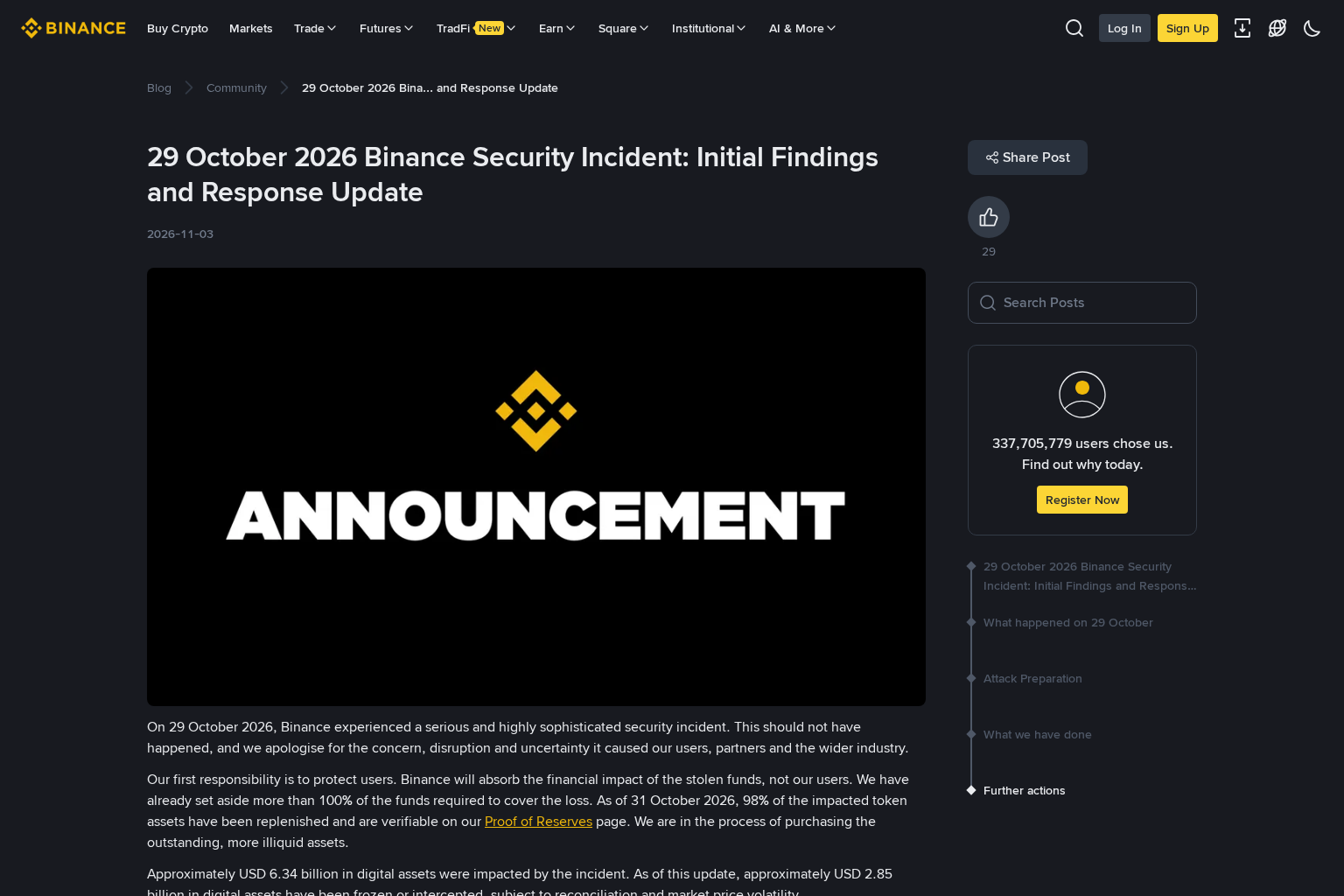
In its November 3 disclosure, Binance described two separate approaches involving different staff members, one starting in June and the other in September.
The later approach involved the bogus recruitment.
The account does not reduce the incident to one interview or one bad decision. The company described a wider attack, and the fake assignment was one route the attackers used.
Binance said about $6.34 billion in assets was affected.
At its November 3 update, it reported that about $2.85 billion had been frozen or intercepted, terms that do not establish final recovery.
Those are dated figures from the company. They are not an individual account balance, a tally of customer reimbursements, or a promise that a third party can recover anyone’s money.
At a Glance: What You Can Verify
- Check whether the position appears through a careers page you opened yourself.
- Confirm the recruiter and any outside agency with the company using a separate contact route.
- Ask the legitimate hiring team to confirm what the assignment requires and how candidates receive it.
- Keep interview files and candidate accounts off work equipment unless your employer expressly allows that use.
- Treat a refusal to let you verify as a reason to pause, not an instruction to hurry.
Finding one real detail doesn’t verify the rest.
A company can exist, a name can belong to a real person, and a job can be genuine while the conversation is still an impersonation.
How the Fake Recruiter Scam Worked
Step 1: A Recruitment Message Looked Like Normal Career Outreach
According to the Guardian and Binance, the September contact began on a legitimate job platform.
That means the starting point did not look like a random attachment landing in an inbox.
A message in a place where you expect recruiters lowers your guard. It doesn’t certify that the sender controls the business they name or has permission to recruit for it.
The useful question at this stage is whether the opportunity exists off that platform.
Open the company’s careers page independently and look for the job or ask through an official contact channel.
Some real employers don’t list every opening. That’s a reason to request independent confirmation, not to accept the original sender as the only person who can provide it.
Step 2: More People Appeared to Confirm the Story
The reported exchange involved people who appeared to hold different roles. The engineer encountered an apparent project lead, a hiring contact, and someone presented as an executive.
Each interaction seemed to fit a different piece of the hiring process. From a candidate’s perspective, those introductions can feel like several people are independently confirming the same opportunity.
But everyone in a meeting arranged by the same unknown contact is still part of the same chain. Another introduction does not tell you who controls the invitations or accounts.
For a real hiring process, verification can happen outside the meeting. Ask the company whether the role, agency, and interviewers are authorized, even if the interview itself already went well.
Step 3: The Conversation Became a Coding Assignment
The next thing the engineer was asked to do was familiar: complete a technical exercise.
In the company’s account, the exercise was the point where the false recruitment reached a work device.
A coding test isn’t inherently suspicious. The important difference is between reading a brief and being asked to execute unfamiliar material, especially on a machine you use for another employer.
Before you download anything, ask what the test requires.
A trustworthy hiring team should be able to explain the expected tools and instructions without asking you to ignore your own employer’s rules.
Ask for a document you can read, a platform the company confirms it uses, or another format appropriate to the role.
If the employer can’t confirm the request, don’t run it.
Step 4: Work Access Made the Device More Valuable
An employer-managed computer can have tools, permissions, and sessions that a personal device wouldn’t have.
Running unapproved material there can put the organization at risk, not just the person taking the interview.
That is why the distinction between “I read the assignment” and “I ran it on this workstation” matters to an incident responder.
The point is to reconstruct what happened, not assign blame.
The Guardian tied the recruitment to a much larger theft, and Binance’s own disclosure described another route into the organization.
Don’t treat the full amount reported as a loss caused by one assignment.
If your employer asks about an incident, give the timeline as accurately as you remember it.
A quiet screen or a normal reboot can’t tell you whether an investigation is unnecessary.
Step 5: The Wider Incident Became Visible Weeks Later
The company identified suspicious withdrawals on October 29. The Guardian reported the hiring approach afterward, with the benefit of an investigation a candidate couldn’t have seen while reading the assignment.
That gap is a useful reminder that you may not get a dramatic warning immediately after an unsafe action.
You don’t need visible damage to deserve help or to justify a report.
For a candidate, the action to take is simple: stop at the moment an unexpected request moves from conversation into your device or your accounts.
Confirm it somewhere the sender doesn’t control.
For a manager, the lesson is different.
Give employees a simple way to report a questionable download without requiring them to know what it did or explain why they were interviewing.
How to Verify a Take-Home Test Before You Open It
Separate the Company From the Contact
Start with the actual organization rather than the profile that contacted you. Open its public careers page or find a main number that you sourced independently.
Give the reviewer a few safe details, such as the published job title, agency name, or interview time. Don’t forward attachments or sensitive identity documents to a generic company mailbox.
A recruiter who works through an agency may have a different email domain from the employer.
That can be legitimate, but you should still be able to verify the agency relationship independently.
The FTC’s guidance on job scams explains what applicants can check before sharing information or paying.
It’s worth using even when the first few exchanges didn’t feel suspicious.
Confirm the Work the Assignment Actually Requires
Ask the hiring team to describe what candidates need to do, what software is involved, and where submission takes place. Cross-check the answers against a trusted employer contact.
If you’re asked to change security settings, give a stranger remote access, or use a version of a test that your verified contact doesn’t recognize, decline and report it.
If your current employer has a policy for interviews or outside work, follow it. Owning the work account or being an administrator doesn’t give you permission to repurpose the device.
An exercise you can understand before starting is easier to evaluate. Being qualified for the job doesn’t obligate you to test your security judgment under an unexplained deadline.
What to Do if You Have Fallen Victim to This Scam
Stop responding and move any verification out of the original conversation.
If the recruiter is pressuring you, you can pause without giving them a reason. Don’t accept a new invitation, link, or replacement file offered as proof.
Report the profile to the platform using its normal reporting feature. If a company was impersonated, send it the profile or message details through a contact channel you found independently.
Write down what you actually did while the timeline is fresh.
Record the date, platform, account name, file name if known, and exactly what you clicked, downloaded, entered, or ran. Note whose device and accounts were involved.
Keep the messages and invitation details, but don’t reopen the attachment to take a screenshot. If work equipment is involved, ask your security team where to send the information.
Call your employer promptly if the request reached a work device.
Use the security number or help desk listed in your company directory, ideally from a different device if you suspect the work machine was affected.
Explain whether the file was merely downloaded or actually opened or run. Don’t delete it, run cleanup tools, or reinstall the machine unless the responding team tells you to.
Follow the right account recovery route for credentials you shared.
If you provided a work password, one-time code, or approval, tell your security team what was exposed. Follow its directions on changing credentials or reviewing active sessions.
If you shared a personal password, use a separate trusted device and the service’s official recovery route. Change any reused password and review access and recovery details.
Contact the right provider if you shared identity or payment details.
Call the bank or card issuer through a number you already trust if you paid or entered payment details. Ask which charges are pending and what dispute options apply.
If a file contained personal identity documents, make a list of what was exposed. In the US, use IdentityTheft.gov for steps tailored to the information you shared.
Treat unexpected recovery offers as a separate contact to verify.
If someone mentions the Binance incident and claims they can retrieve funds for you, don’t give them a code, wallet recovery phrase, payment, or permission to handle your account.
Check any exchange-related alert by opening the known app or Binance Support yourself.
Ask what applies to your account rather than assuming a news story confirms a private message.
Frequently Asked Questions
Was Binance the Employer Offering the Fake Job?
Binance was the organization targeted in the reported attack. The job offer was used as a pretext to reach an employee, not described as a genuine Binance vacancy.
If you received a message about a job from someone claiming to represent Binance, verify that separately. The November disclosure doesn’t establish who contacted you or why.
Did One Bad Coding Assignment Cause the Entire Theft?
Binance’s account describes multiple stages and different employees. The fake recruitment was a part of the incident, but the public account doesn’t support blaming the entire theft on one candidate.
The hiring angle deserves attention for a narrower reason. It shows how a request that seems routine in one context can create risk in a completely different context.
Is a Message on a Reputable Hiring Platform Safer?
A reputable platform may give you better tools to report a message and review a profile. It doesn’t turn a private conversation into proof that the recruiter is authorized.
Treat the platform as the place you met the recruiter, not the source of verification. Find the employer independently before sharing documents or agreeing to run anything.
What if I Only Attended the Interview Call?
Attending a call does not have the same implications as running a file or handing someone account access. Note whether you shared your screen, installed anything, or approved a prompt.
If you’re not sure how a call affected a work device, tell your help desk what you remember. You don’t have to diagnose the cause before asking for advice.
Can a Recruiter Ask Me to Use My Employer’s Laptop?
They can make the request, but they can’t authorize you to use another company’s equipment.
A home office, private browser window, or personal email address doesn’t change whose device it is.
If the hiring team won’t provide a way to complete a verified assignment without using another company’s resources, stop.
Ask your current employer’s security team if the request reached its device.
Does Frozen or Intercepted Mean the Money Was Recovered?
Those terms describe what Binance reported happening to assets at a particular time. Neither term establishes that the funds were returned or who received them.
That distinction is especially important when someone asks you to pay for a “release” or “verification.” A message that borrows a real figure is still just a message until verified.
The Bottom Line
You don’t have to reject every take-home test. You do need to know who’s asking, what they’re asking you to run, and whether you’re allowed to use that device.
The Binance incident makes those checks concrete. If a familiar hiring step crosses an unfamiliar security boundary, pause the process long enough to verify it outside the recruiter’s conversation.
If you already ran something on a work computer, report what happened promptly. Let the people responsible for the device work out whether it was serious.

Join the discussion
0 commentsShare your experience or ask a question about this article.
Community experiences
Did this happen to you?
Your experience could help someone recognize the same scam. Submit a private report for our team to review.
I experienced this tooReports are reviewed before publication. Sharing publicly is always your choice.
Discussion
Start the conversation
Have a question or something useful to share? Add the first comment.