


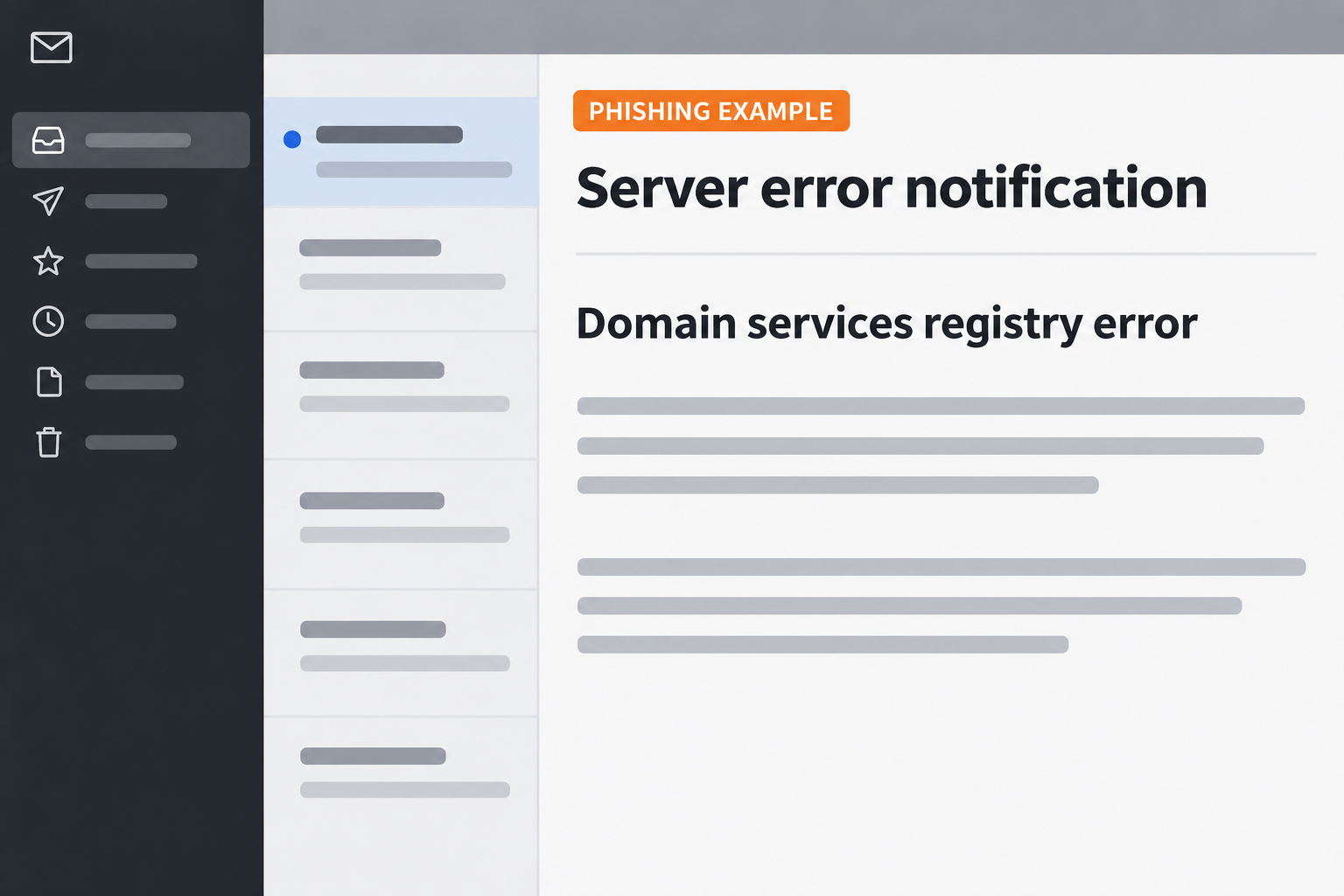
The subject says there’s a server error. Inside, the message reads like a goodbye from a cloud provider that expects your services to stop tomorrow.
That’s a worrying thing to see when your business depends on a domain. First, find out which service the notice is actually talking about.
Overview
The warning bundles several problems into one sentence
The Domain Services Registry Error scam claims that a registry problem will cut off subscription features within 24 hours. It names the recipient’s domain but doesn’t explain what failed.
A domain can be registered with one company, use another company’s name servers, and host its mail and website elsewhere. Those are separate relationships, even when one bill covers several.
The email blurs that distinction. It claims there is an error and then asks the reader to reactivate something, as though registration, billing and account access were interchangeable.
The reported button led to a fake sign-in page asking for an email address and password. It did not open a registrar’s account record or a known subscription console.
“AppSulte client” is a label, not a verified provider
The page presented itself as a technical support portal and displayed the name “AppSulte client.” Nothing about that title established a relationship with the recipient’s own domain.
The documented destination used a public web hosting platform. That does not mean the hosting platform sent the email or that its other customers are responsible.
Look for an actual link between the claim and a service you use. A reference in your provider dashboard matters more than a support-themed heading on an unfamiliar page.
The observed request was for login information. No payment to renew a domain was documented, so don’t assume the primary risk is an unauthorized renewal charge.
Check the right account for each kind of problem
- Domain registration: look up the renewal or expiration in your registrar account.
- Website availability: check your host’s service status and the site from a separate connection.
- Email or workspace access: open the provider’s normal administrator or billing portal.
- DNS changes: ask the authorized domain administrator to check recent changes.
- Suspicious sign-in: use the appropriate account’s security history and recovery tools.
The report may be fake and your service may still have an unrelated issue. Check what is actually failing rather than accepting the explanation supplied by the message.
How the Domain Services Registry Error Scam Works
Step 1: The email names something the business can’t afford to lose
A company may rely on the same domain for its storefront, orders and support. A threat to the domain can sound like a threat to all three.
The sample came with a server-error subject and used subscription language in the body. A reader may not know which department handles the alleged problem.
The message takes advantage of that gap. It makes the domain itself sound like enough context to start fixing something without checking who actually provides the service.
If you manage several domains, compare the named one with your own records. Seeing a real domain in an email doesn’t establish that the sender has access to it.
Step 2: The 24-hour limit turns uncertainty into urgency
The notice says services will continue for a day before subscription features disappear. It sounds as if there is time for one quick action but not for a support conversation.
An actual provider may send renewal reminders, but you don’t have to authenticate through the reminder to confirm the date. Your account should show what the provider currently records.
The same applies if the message lands outside business hours. If you have an escalation process for service interruptions, use it instead of improvising through the email.
Never give an unknown page credentials because you fear the office will be offline in the morning. A real outage can be investigated independently.
Step 3: The reactivation route stops at a password form
The reported destination offered an email and password field. It did not identify a verified subscription, show a real invoice or confirm which service was in danger.
At this point, stop. An account form without a trustworthy starting point cannot tell you whether a registrar, host or workspace provider needs anything from you.
Your browser may show an encrypted connection. Encryption protects the connection to that destination; it doesn’t tell you the site is the account portal you intended to open.
If the form was submitted and then failed, don’t repeat the attempt. Record what you entered and which service that password belongs to.
Step 4: The consequences depend on which credential was exposed
A mailbox password may put conversations and reset emails at risk. A registrar or hosting administrator password can have broader consequences for a domain’s configuration.
The email doesn’t need to know which one you chose. If the password is reused across tools, the response needs to cover all affected accounts.
Watch for unusual account notices. A recovery email or a request to approve an unfamiliar sign-in deserves separate attention, even if it arrives from a real provider.
There is no evidence that every recipient lost control of a domain. Respond to what you disclosed and what your provider’s records show, not to the threat in the message.
How to Verify a Real Domain or Subscription Problem
Start with registration, not the email’s wording
Open your registrar account independently and find the domain. Check the expiration date, renewal setting, payment status and any notices the account itself shows.
The ICANN renewal and expiration FAQ explains why your registrar and its terms matter. Different domains and providers can have different procedures.
If you don’t know who administers the domain, check your purchase records or ask the website owner. Don’t call a number supplied in the email.
Don’t buy a replacement domain or start a transfer just to stop the claimed deadline. First confirm whether the existing registration actually needs attention.
Check service billing at the provider that collects it
Look at the last real invoice. It may identify a workspace subscription, a web host or a reseller, even when the domain registration is paid somewhere else.
Compare the invoice with the provider’s own billing dashboard. Check what account, product and renewal period it describes before paying or making any change.
If a company card expired, replace it only in the legitimate billing account after verifying the issue. Don’t enter it on a page reached from this notice.
If several people can manage billing, ask whether someone already changed a payment method or contacted the vendor. An independent record prevents two people from trying to solve different problems.
Keep live DNS changes out of the initial check
DNS records help direct traffic and mail. A billing or registration claim is not, by itself, a reason to replace name servers, mail records or website addresses.
An authorized administrator can compare settings with the last known working configuration. If a real difference appears, document it and ask the relevant provider how to correct it.
Don’t let a false alert create a real outage. Treat any proposed change like normal production work, with an owner and a record of what was there before.
What to Do if You Have Fallen Victim to This Scam
-
Stop using the reactivation link.
Preserve the email and record whether you visited the page, entered information or approved an action. You do not need another visit to report it.
If it reached a shared mailbox, ask who interacted with it. Avoid forwarding the live link to an entire team.
-
Secure the account behind the password you entered.
From a trusted device, contact the relevant provider or your workplace administrator. Change a disclosed password through the real service and replace it anywhere it was reused.
If you’re unsure whether the password belonged to the registrar, host or mailbox, give your administrator the likely accounts. Don’t send the password as evidence.
-
Check sessions, recovery settings and access grants.
Ask the provider how to end active sessions and inspect recent activity. Review any newly added recovery contact, second factor, administrator or connected app.
Keep a record of unfamiliar changes. If a security team is involved, let it preserve the relevant details before removing anything.
-
Inspect domain settings if administrative access was at risk.
Check whether contact details, transfer settings, name servers or DNS records changed. Do this from the registrar or DNS provider account you opened independently.
If anything differs, alert the administrator or provider immediately. Don’t make an uncoordinated replacement that may destroy evidence or disrupt customers.
-
Review mailbox and billing separately.
Check for forwarding and unexpected messages if the exposed password opens mail. Check for new payment details or transactions if it opens billing.
If money moved, report it through the bank or payment provider. Bring the genuine transaction reference rather than treating the email’s alleged renewal as proof of the charge.
-
Record where you verified each service.
Make a list of the registrar, DNS operator, mail provider and host. Include the internal owner for each so future notices don’t have to be interpreted from scratch.
Mark the original message as phishing when the evidence is preserved. Tell colleagues which normal portal to use instead of giving the suspicious page a second audience.
If the Website or Email Really Stops Working
Use a known monitoring source or ask a coworker on a different connection to confirm what is down. A local sign-in error can look much bigger from one workstation.
Record the first failure time and which users or services are affected. If email works but the website doesn’t, your provider needs to know that distinction.
Check the status page from a bookmark or known provider website. If a real service incident is open, add its reference to your report without relying on the phishing email.
Use an out-of-band channel when the affected domain handles your usual support email. A phone number from a prior contract or provider account can help you bypass the outage.
When service comes back, check whether it recovered without a change to your registration. That can help establish that the apparent timing was a coincidence rather than a legitimate warning.
When the named domain is a customer’s
If you’re an outside web developer, you might recognize the customer’s domain without controlling its registration or billing. Tell the customer which claim needs verification and who can verify it.
Ask whether their own administrator sees a matching notice. Don’t request the customer’s sign-in details to check the email on their behalf.
For a domain you manage under contract, work through the agreed incident process. Record which settings you checked and who approved a change if one really was needed.
After a confirmed domain account compromise
Once the provider helps secure access, compare recent changes with the last approved configuration. Check for an unfamiliar administrator or contact address as well as altered records.
If mail routing changed, ask the responsible administrator to determine when. That timeline can help identify which messages might have been delayed or sent somewhere unexpected.
If a web redirect appeared, preserve the time and affected address for the incident team. Use a trusted status or configuration view rather than asking customers to reproduce it.
Keep your providers’ verified contact information somewhere other than the affected mailbox. If the domain stops receiving mail, you still need a safe way to reach support.
Check whether the registrar contact is an address on the same domain. An approved backup contact can give your team another way to receive provider notices during an outage.
If your service is bought through a reseller, ask whether the reseller or underlying provider handles incident reports. Use the support route listed in your real account.
Frequently Asked Questions
Is “Domain Services Registry Error” a standard registrar warning?
No such standard is established by this message. The documented example leads to an unrelated password form. Verify your particular registration in the genuine registrar account.
Does the 24-hour deadline mean my domain will expire tomorrow?
The email’s countdown does not establish that. Check the expiration date and actual status with your registrar. A workspace subscription can have a different renewal date.
Is the public hosting platform responsible for the message?
The page was hosted on an unrelated platform. That identifies where the reported page appeared, not who sent the message or whether the hosting provider was involved.
What if the message contains my exact domain name?
That doesn’t authenticate the sender. Domain names are normally visible to customers and can be copied. Verify the claim in your own account.
Should I replace DNS records to reactivate the domain?
No. Diagnose a real DNS issue separately with the responsible administrator. The email offers no reason to change records and could lead you to disrupt working services.
Which provider should I call if I submitted a password?
Contact the service that actually accepts that password, or your organization’s administrator. If you reused it across several services, tell them which accounts may be affected.
The Bottom Line
Ignore the reactivation button in the Domain Services Registry Error email. Check registration, billing or service availability through the provider that actually manages each one.
If you entered credentials, protect the affected account and review any changes it could authorize. If you gave away an administrator password, alert the domain owner promptly.

Join the discussion
0 commentsShare your experience or ask a question about this article.
Discussion
Start the conversation
Have a question or something useful to share? Add the first comment.