


You restart your iPhone, unlock the screen, and notice something unfamiliar: Locked SIM appears where you expected your cellular connection to return.
Another code prompt can feel confusing when your usual passcode already worked. Before entering anything else, identify which protection is asking for your attention.
Overview
The message concerns your cellular line
A SIM PIN protects use of a physical SIM card or eSIM for cellular service. It operates separately from the passcode that unlocks your iPhone.
Apple explains that an enabled SIM PIN can produce Locked SIM after restarting the device or removing its physical SIM. That message alone doesn’t establish fraud.
The carrier handles unfamiliar SIM codes
If you don’t know the requested SIM PIN, contact the carrier that issued the line. A PUK is a carrier recovery code for a blocked SIM.
Apple’s SIM PIN instructions cover physical SIMs and eSIMs. They direct you to your carrier when the code is unknown or recovery fails.
The right next step depends on the prompt
- A familiar SIM PIN prompt requires the correct code for that specific line.
- An unfamiliar SIM PIN or PUK prompt calls for carrier assistance before entering anything.
- A PUK exhausted message requires discussing an authorized replacement SIM or eSIM.
- An iPhone passcode problem belongs on Apple’s separate device access recovery path.
Two Locks Can Appear During the Same Restart
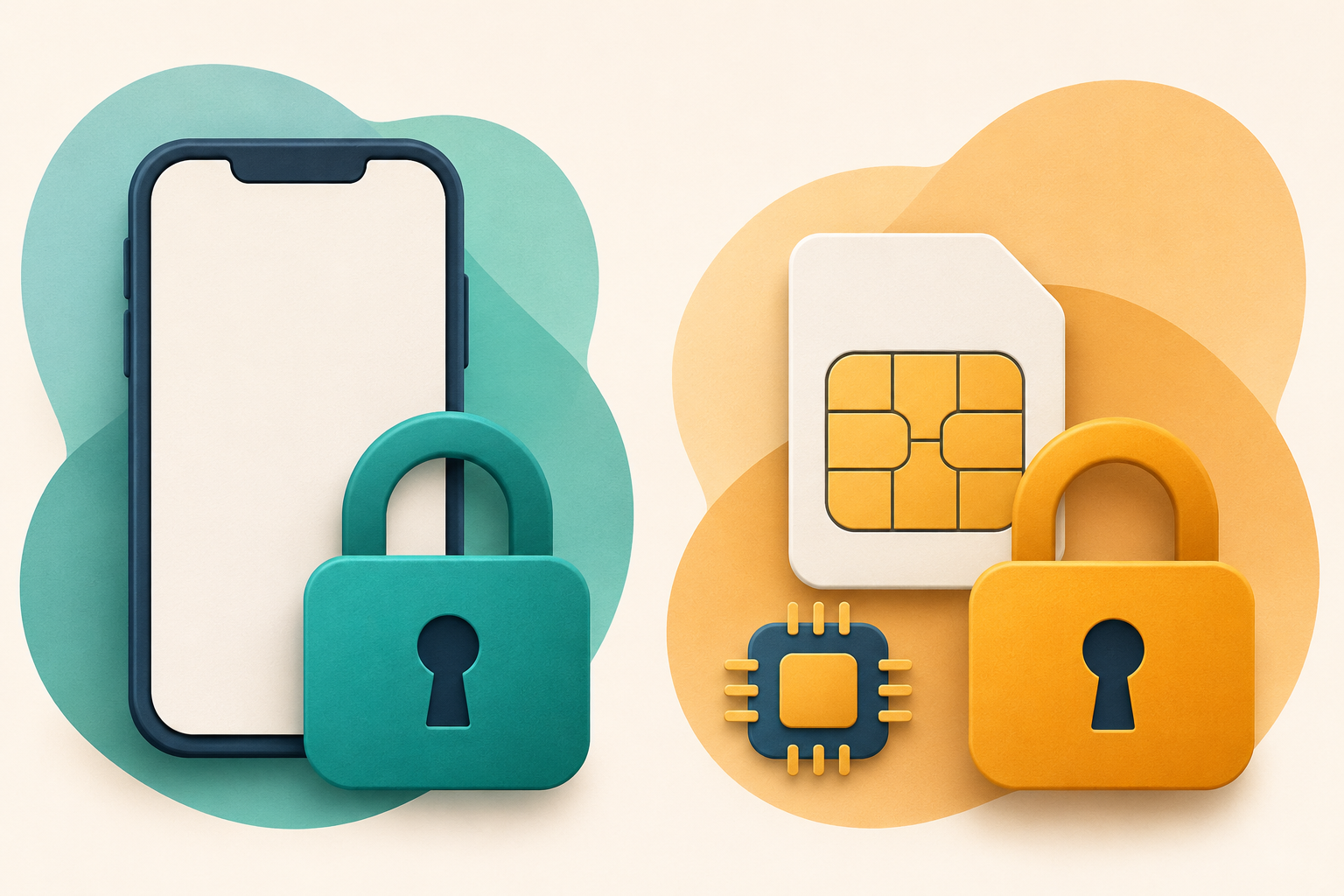
Think about the two protections as separate doors. One controls access to the phone, while another controls use of its protected cellular subscription.
You can open the first door and still encounter the second. Successfully unlocking your screen therefore doesn’t tell you which SIM PIN the carrier issued.
Device access: iPhone passcode
This protection unlocks the phone and helps protect the information stored on it.
Cellular service: SIM PIN and carrier PUK
This separate protection concerns the physical SIM or eSIM associated with your cellular line.
Apple’s passcode guide explains device unlocking and data protection. Those functions differ from unlocking the cellular subscription through a SIM code.
This distinction also explains a common conversation with support: saying your phone is locked can describe several unrelated problems. Quote the actual message you see instead.
For example, describe whether the screen opens normally before the SIM alert appears. That observation helps support understand where you can already navigate.
Similar Names Can Send You Toward the Wrong Fix
The word PIN appears in several places, but those credentials aren’t interchangeable. Match the requested credential to its purpose before discussing any recovery instructions.
| Protection or credential | What to do with that distinction |
|---|---|
| iPhone passcode | Use Apple’s device access guidance when you cannot unlock the phone itself. |
| SIM PIN | Ask your issuing carrier when the SIM code is unknown or uncertain. |
| Carrier PUK | Obtain recovery instructions for the affected SIM through your verified carrier account. |
| Carrier account PIN | Use this credential only for the carrier’s relevant account verification process. |
| SIM change or port-out protection | Review these separate account controls with your carrier after restoring legitimate service. |
| Carrier Lock setting | Check carrier unlocking eligibility when switching networks, rather than requesting an unrelated PUK. |
T-Mobile describes its account PIN, SIM Protection, and Port Out Protection separately. The account PIN authenticates customer service contact; the other controls address account changes.
Likewise, an iPhone restricted to one carrier presents another issue. A PUK isn’t a service for making a financed or restricted phone accept every network.
Apple explains carrier unlocking separately, including checking Settings, General, About, then Carrier Lock. Only the carrier can authorize that kind of unlocking.
If you recently bought a used phone, describe the exact activation or restriction message. Avoid buying an advertised unlock service before understanding what needs unlocking.
What to Do When Your iPhone Says Locked SIM
Keep the phone available while you identify the prompt. The following actions organize recovery without experimenting with security codes or changing unrelated settings.
-
Read the complete message before proceeding. Note whether it asks for a SIM PIN, requests a PUK, or reports that recovery is exhausted.
Write the wording down privately if that is easier. You don’t need to post a screenshot containing your phone number or account details.
-
Identify the affected cellular line carefully. If you have personal and work service, determine which line displays the problem before requesting carrier help.
A nickname such as Work isn’t necessarily the carrier’s name. Compare the line with your plan paperwork or the carrier account you already use.
-
Keep an uncertain code out of the prompt. If you cannot confidently identify the correct SIM PIN, stop and request the carrier’s instructions.
A remembered account PIN or phone passcode doesn’t become a SIM PIN because it has a similar name. Tell support which credential you actually know.
-
Reach the carrier through an established route. Open its official app, use your existing account bookmark, or obtain support details from your current bill.
Explain that the affected line may be unavailable for incoming verification texts. Ask which authorized verification route applies to your account.
-
Confirm the recovery applies to this SIM. Before following instructions, verify the carrier has selected the affected number and its current SIM or eSIM.
For a family plan, have the account holder or an authorized manager help when required. Possessing the phone doesn’t automatically grant account management permission.
-
Follow the carrier’s exact recovery instructions. Ask about any additional prompts before proceeding, including whether recovery requires establishing a new SIM PIN afterward.
If the displayed instructions differ from what support described, pause at that point. Explain the difference instead of filling an unfamiliar field by assumption.
-
Verify the intended service after recovery. Check an ordinary call, a text, and cellular data when available, without contacting emergency services for testing.
If something still fails, describe the remaining symptom to support. A cleared SIM prompt and a functioning cellular connection are separate observations.
What the Major Carriers Say About Getting a PUK
These official instructions provide starting points for eligible accounts. They aren’t interchangeable procedures, and an authenticated carrier session may show options specific to your plan.
AT&T directs customers to account troubleshooting
AT&T’s Enter PUK code article directs customers to Troubleshoot & Resolve, signing in when requested and selecting the device needing help.
Its instructions distinguish the requested PUK type. Follow the field actually displayed on your device rather than treating every recovery field as identical.
AT&T also says a blocked PUK requires replacing the SIM. If you reach that state, request replacement assistance instead of searching for another unlocking application.
T-Mobile ties recovery to the particular SIM
T-Mobile’s PUK troubleshooting page explains that the PUK is unique to the SIM. Moving that SIM into another phone doesn’t resolve its PUK lock.
It offers assistance online or using another phone, with verification as the account holder or an authorized user. Its official contact page lists current support options.
T-Mobile also mentions original SIM packaging as a possible source. Use that route only when the SIM identity matches and the carrier’s instructions apply.
Verizon requires the appropriate account role
Verizon’s SIM PIN and PUK instructions begin with signing into My Verizon as an Account Owner or Account Manager.
The page then directs customers through the device overview, selecting the relevant mobile number and its PIN and Personal Unblocking Key management option.
If that option isn’t available for your account, use Verizon support. A family member’s working login doesn’t necessarily include the authority needed for this task.
For another provider, start with the company billing your mobile service. A smaller provider may use a major network while maintaining its own account support.
Choose the Route That Matches Your Situation
Keep unfamiliar codes out of the phone while checking these branches. Each heading expands locally, without sending information or changing your cellular account.
I know the SIM PIN I personally set
First confirm the phone requests a SIM PIN for the intended line. Use your known code only when its purpose and the prompt match.
If it is rejected or the prompt changes, stop and contact the carrier. Don’t improvise variations because the original code seemed familiar.
I don’t know this SIM PIN or its PUK
Contact the carrier that issued the affected SIM or eSIM. Start with its official account or verified support route and describe the exact prompt.
For the carriers discussed above, use AT&T’s PUK help, T-Mobile’s contact options, or Verizon’s account instructions as your starting point.
The iPhone says that PUK recovery is exhausted
Ask the issuing carrier for a replacement SIM or eSIM. Explain that the phone reports PUK exhausted so the representative understands the recovery state.
Confirm how the replacement will be authorized and activated before deleting anything. Keep access to your existing account and any working line available.
My screen won’t unlock before I reach anything else
Use Apple’s device passcode support rather than a SIM recovery service. Explain whether the phone displays an unavailable message or rejects its device passcode.
Review the consequences of the applicable Apple recovery procedure before proceeding. SIM troubleshooting shouldn’t become an accidental decision to erase your phone.
Physical SIMs, eSIMs, and Phones With Two Lines
A missing removable card doesn’t rule out a SIM PIN problem. Apple explicitly includes eSIMs in its instructions for protecting and recovering cellular service.
For an eSIM, Apple identifies the carrier in Settings under Cellular, above Turn On This Line. A physical card may carry its carrier’s name or logo.
Read those details without changing the line. Looking for the carrier is different from turning service off, transferring an eSIM, or removing a plan.
With two lines, make your support request specific: identify the affected number privately and mention that another subscription remains on the phone.
For example, a work line might be managed by your employer while you manage personal service. Ask the relevant account administrator to handle its recovery.
Don’t assume the code associated with one subscription applies to the other. Keep the carrier, line, and requested credential connected throughout the conversation.
A travel eSIM can introduce another provider entirely. Use the receipt or account from that purchase to establish who actually supplied the service.
When Account Sign-In Needs a Text You Cannot Receive
A carrier website may ask you to verify a login using the same line that isn’t working. Tell support about that obstacle at the beginning.
Use another available connection to read the official support page. That could mean Wi-Fi on your phone or a browser on another device you control.
Don’t sign out of a working account session just to recreate the problem. It may help you find account information while arranging authorized assistance.
If another authorized person manages the plan, ask them to help through their own legitimate access. Avoid exchanging passwords or posting private verification messages.
Support may require another identity check or an in-person visit. Ask what is required before traveling, and provide documents only through the verified process.
Be clear about the requested outcome: restoring your existing line. Requesting a number transfer or unrelated account change can send the conversation down another path.
How to Escalate Without Making Extra Changes
Use this escalation ladder when the first route doesn’t solve the problem. It keeps the next conversation focused on the actual recovery obstacle.
-
Prompt identified: Give support the exact wording and identify which line is affected.
-
Account access blocked: Explain that verification texts cannot reach the locked line and request an authorized alternative.
-
Recovery instructions unclear: Ask the representative to confirm the intended SIM, requested credential, and next displayed field.
-
Recovery exhausted: Request carrier-authorized replacement and confirm the activation arrangements for your existing service.
Keep a private record of the support reference and instructions. That helps another representative continue the same issue without starting with an unrelated diagnosis.
A factory reset isn’t a sensible first response to a SIM code prompt. Neither is deleting an eSIM merely to see whether the message disappears.
Those actions introduce other recovery tasks without establishing the correct carrier code. Ask the carrier to explain any proposed replacement or activation change first.
After Service Returns, Review the Right Protection
Decide whether you want SIM PIN protection after the immediate issue is resolved. If you retain it, store the correct information securely and label its purpose.
Keep that record separate from notes that could confuse it with your phone passcode or carrier account credential. Avoid saving sensitive codes in public discussions.
A SIM PIN doesn’t by itself stop every SIM swap or unauthorized number transfer. Account-level controls address different changes made through the carrier.
Ask your provider about protections against replacing a SIM and transferring a number. Confirm the available controls and authorized changes for each relevant line.
If service disappeared unexpectedly alongside an unfamiliar account-change notice, tell the carrier immediately. A routine Locked SIM prompt alone doesn’t establish that someone changed your account.
Finally, check your support contact route before saving it. Use official details you reached independently, rather than a number supplied by an unsolicited recovery message.
Frequently Asked Questions
Does Locked SIM mean my iPhone was hacked?
The message alone doesn’t establish a compromise. SIM PIN protection can lock cellular service after a restart while the phone itself remains accessible.
If you also notice unexpected account changes, describe those separately to the carrier. Keep the diagnosis tied to what actually happened.
Can I use my iPhone passcode as the SIM PIN?
Your device passcode serves a different purpose from a SIM PIN. Don’t enter it into a SIM prompt merely because you remember it confidently.
If you don’t know the requested SIM credential, contact the issuing carrier. Identify the prompt before discussing which code needs recovery.
Can an eSIM require a carrier PUK?
Apple’s recovery guidance covers eSIMs as well as physical SIM cards. Contact the carrier associated with the affected line when its code is unknown.
The absence of a removable card doesn’t change the need for authorized assistance. Don’t delete the eSIM as an experimental fix.
Will putting a locked SIM in another phone help?
T-Mobile specifically says moving the SIM doesn’t resolve a PUK lock. Recovery concerns that SIM rather than finding a phone that accepts an unfamiliar code.
Keep the card associated with the correct account while requesting help. Avoid creating additional uncertainty about which SIM the representative is recovering.
What should I do if PUK recovery is exhausted?
Ask the issuing carrier for a new SIM card or eSIM. Apple directs customers toward replacement when recovery fails or PUK exhausted appears.
Confirm the account authorization and activation process with the carrier. Further guessed codes aren’t an appropriate replacement for that process.
Does a SIM PIN prevent every SIM swap?
A SIM PIN protects use of the protected SIM or eSIM. It doesn’t provide a universal guarantee against account takeover or unauthorized number transfers.
Review carrier account authentication, SIM change protection, and port-out controls separately. Ask which controls cover the particular changes you want to prevent.
The Bottom Line
When your iPhone says Locked SIM, identify the affected line and exact prompt. Keep unfamiliar SIM PINs and PUK codes out of the phone.
Use the issuing carrier’s verified recovery route when the code is unknown. If PUK recovery is exhausted, arrange an authorized replacement SIM or eSIM.
Once service returns, label your credentials clearly and review separate carrier account protections. That leaves you prepared for another restart without confusing several different locks.

Join the discussion
0 commentsShare your experience or ask a question about this article.
Community experiences
Did this happen to you?
Your experience could help someone recognize the same scam. Submit a private report for our team to review.
I experienced this tooReports are reviewed before publication. Sharing publicly is always your choice.
Discussion
Start the conversation
Have a question or something useful to share? Add the first comment.