


Turning off TikTok reuse does not answer what happens to a Duet or Stitch that someone has already posted. That clip may need a different action.
TikTok has a history view for linked remixes. Before using the removal control there, check what it says will happen to your own post as well.
Overview
Turning reuse off is a forward-looking control
TikTok’s Allow reuse of content setting limits new remixes. To see posts TikTok already links to yours, you need the history screen.
That distinction helps if you want to keep a video but stop making it available for new Duets or Stitches. Check its own privacy settings rather than deleting immediately.
The setting also affects some other forms of reuse. TikTok’s Stitch instructions include creating stickers or adding the post to another person’s Story.
Removing linked posts can permanently delete the source
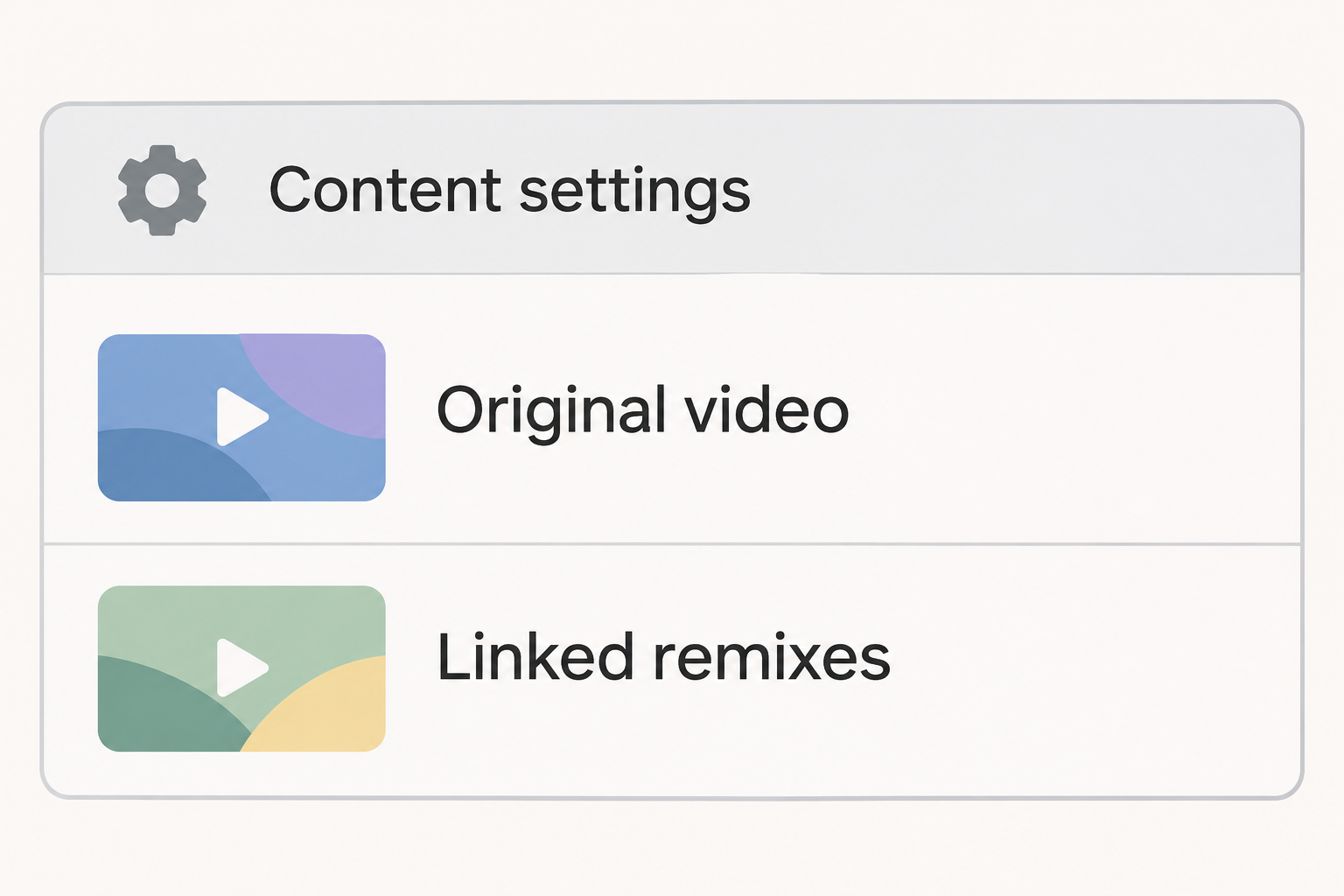
TikTok documents a feature called Reuse of content history. It can show the Duets and Stitches associated with a post you made.
The option called Remove all posts does not mean only the posts made by other accounts. TikTok says it permanently removes your original and all associated Duet and Stitch posts.
This matters even if one remix is the only problem. Don’t use the bulk option before deciding whether you want to keep the original on your profile.
Pick the response that matches the copy you found
- Limit new TikTok remixes by changing the reuse setting for the affected post or reviewing your account’s reuse defaults.
- Open Reuse of content history to see which videos are associated with the original through TikTok’s own tools.
- Report a specific post when it violates your privacy or platform rules and you want a narrower review.
- Use Remove all posts only when losing your original and the linked remixes is the outcome you actually want.
- Treat an independent upload, saved file, or repost on another service as a separate copy.
Find Out Whether TikTok Still Links the Remix to Your Post
Separate a platform remix from a downloaded copy
A Duet can place a creator’s video beside yours, while a Stitch uses part of the source in a new clip. TikTok provides both tools in the app.
A clip with a similar layout isn’t enough to know which method was used. Someone can screen-record a video, edit it separately, and upload it as a new post.
Check the entry for your own video in Reuse of content history. When TikTok lists the other video there, you have a more useful connection than a visual resemblance.
If it isn’t listed, don’t assume the clip never used your material. You might have opened the wrong original, or the copy may not be tied to it by TikTok.
Use the history screen before the bulk remove screen
In the TikTok app, open Profile, then the menu and Settings and privacy. Under Privacy, select Reuse of content and open Reuse of content history.
Locate the original video you want to review. If you published multiple edits of the same clip, compare the date and the caption before making a decision.
TikTok also documents the history in Activity center, accessible from Settings and privacy. Start there if the privacy route isn’t where your current app shows it.
Open the associations and look for the specific clip that caused concern. Merely finding it does not require you to confirm a permanent action.
Keep a useful record if one remix is the problem
Record the link and the uploader’s displayed account name, along with the part you believe violates your privacy. Keep that information private rather than circulating the video again.
You may want to save evidence before making a report, especially if the clip accompanies harassing messages. Don’t share the unredacted material publicly to ask whether it counts.
If the video involves a minor or sensitive material, use the relevant reporting channel instead of downloading and redistributing another copy. Ask for help if you need it.
Avoid assuming the uploader’s identity from a profile name. Focus the report on the exact content and how it affected you, not on an accusation you cannot establish.
Decide Whether to Keep Your Original Video
If you want to keep the post, start with narrower controls
Open the original video and tap its More options menu. Select Privacy settings and turn off Allow reuse of content if you want to prevent new built-in remixes.
Look at who can view the original as a separate decision.
Restricting the audience may make sense while you’re reviewing what happened, but it’s not the same as removing associated posts.
Account-level controls allow eligible public accounts to choose an audience for reuse. TikTok describes Friends as followers you follow back; check whether that group fits your actual intention.
A post-specific setting lets you make an exception rather than changing how every post can be reused. Review older videos that contain similar details if they need the same change.
Report the one post when that fits the problem
TikTok’s Duet instructions distinguish managing every linked post from asking the platform to address an individual video that may violate its rules.
See the reporting instructions and select the reason that fits the actual concern. A privacy complaint and a disagreement over a reaction are not equivalent.
A report asks TikTok to review the post. It is not an automatic deletion and does not mean you should remove your own video while you wait.
If the problem includes direct messages or repeated unwanted contact, handle those through their own controls. Removing a remix and restricting who can contact you are separate actions.
If you want to remove all platform-linked copies and the source
Back up the original if you are allowed to keep it and want an offline copy. TikTok itself recommends doing this before removing the associated posts.
Do not treat a backup as a way to bring back the original TikTok post. A file does not carry over the post’s link, comments, or associated remixes.
In Reuse of content history, choose the exact original and open its More options control. Read the removal confirmation before tapping Remove.
TikTok says accounts may need additional verification when there are more than ten posts. Complete any verification only in the app flow you intentionally opened.
Afterward, check the original and the links you were concerned about. The expected result concerns the original and its associated Duets and Stitches, not every copy anywhere.
What to Do About an Existing TikTok Duet or Stitch
- Open Reuse of content history for the specific source video. Compare any associated post with the clip you found and note the link privately.
- Disable reuse for the original if you want to prevent new built-in remixes. Decide separately whether you want to restrict who can watch the source.
- If one clip is the problem, use the individual report route where appropriate. Keep the link and a brief description instead of sharing the clip publicly.
- Choose Remove all posts only if you intend to permanently lose the original and the associated Duets and Stitches. Save a lawful copy first if you want one.
- Report an independent reupload separately from any linked remix. If the copy appears outside TikTok, use the other service’s own process.
Handle an independent copy differently
If a video was uploaded from a screen recording, the person who posted it may not need your source video to stay online.
Disabling reuse won’t take down that separate upload.
Even a copy that still shows your username may not be associated in the app. Check whether you can see it in your reuse history instead of relying on watermarks.
If you find the clip on another service, record the actual location of that copy. A repost on a different service usually needs a report there.
Changing the original’s audience is still useful for limiting further access. It should not be presented as retrieving a file that another person already has.
Avoid handing access to someone who promises removal
You don’t need to send your TikTok password or a login code to a person who claims they can undo a remix. Use the tools in your own account.
If another person asks you to verify ownership through an unfamiliar link, return to the app yourself. The bulk removal screen should be one you opened deliberately.
Keep your report and the provider’s reply together. If you need to follow up, describe what remains online and whether it is still listed in the history.
If you made the remix yourself
If the unwanted Duet or Stitch is a post you created using someone else’s video, start from your own post. You aren’t managing the source video’s history in that situation.
Check the account that published the post, especially if you alternate between a personal and a creator account. Manage the individual post rather than trying to remove someone else’s original.
A post you made may be removable through your own post controls. Another creator’s video with an independent upload still requires its own report or contact with that creator.
Preserve only what you need before deciding
Imagine one of several linked clips repeats an address visible in your original. Restrict the original’s audience while you decide whether the remaining public exposure calls for a report.
If the address shows in multiple linked clips, viewing the history helps you assess how broad the problem is. Don’t assume the first clip you spotted is the only one.
Write down what you’d lose if you remove the original: its public link, its relationship to the remixes, and its place in your profile.
A local file preserves only the video.
For a collaboration, consider whether to tell the other person before removal. Don’t delay an urgent privacy response merely to preserve engagement.
If a new version would serve the same purpose without the sensitive material, prepare it separately.
A new upload gets its own audience choice and does not replace an older copy elsewhere.
Check from the view that answers the question
As the owner, you may see posts or settings other viewers cannot. For a retained video, check the audience control on the actual post rather than screenshotting your whole profile.
For a removal, revisit the reason you chose it. If a separate copy still remains, inspect its own link to see whether it is linked through TikTok or uploaded independently.
When you contact support, state which action you already used and which copy still appears.
You will get a more targeted answer than if you ask to erase a reused video.
If you share a link to document a privacy complaint, send it only to the place handling the report.
Posting proof in a public comment can draw attention to the clip.
Do not create a new Duet or Stitch to see if your controls work. The saved setting and the relevant existing links are the things you need to check.
Frequently Asked Questions
Does turning off reuse erase Duets already made?
The reuse switch limits new reuse through TikTok’s tools. TikTok documents a separate history and bulk removal process for videos already associated with your post.
Before assuming an old Duet is gone, check the specific link or its entry in your history. The switch alone doesn’t establish the result.
Can I delete one Stitch without losing my own video?
TikTok documents an individual report route for posts that violate privacy or platform rules. That’s a narrower request than choosing Remove all posts.
Use the individual route if the concern is one specific clip. A report does not guarantee that TikTok will take the clip down.
What does Remove all posts delete?
TikTok says the history action permanently removes your original post and all associated Duet and Stitch posts. It isn’t limited to the most recent remix.
Do not confirm it if you need your original to stay online. Save a separate copy first if you choose the permanent option.
Why doesn’t a clip appear in my reuse history?
It may be an independent upload, or it may be associated with a different version of your original. First verify the original post you are inspecting.
If the clip violates your privacy or a rule and isn’t connected to that history, use the ordinary post report rather than an unrelated bulk removal.
Does disabling Stitch affect other features?
Yes, TikTok says the reuse setting also affects Duet and certain other ways people use your post, including creating stickers or adding it to their Story.
Check your intended audience and what you want people to be able to do. The controls do not let you retrieve downloaded copies.
Can I restore the original after removing all linked posts?
TikTok describes the history action as permanent. Do not expect the original to appear in a recovery screen just because ordinary account actions sometimes have an undo.
A retained video file can preserve the clip, but it is not the same as restoring the original link or its engagement.
The Bottom Line
Use Reuse of content history to see what’s linked before you remove anything. Keep your original if the problem can be addressed by restricting new reuse or reporting one clip.
Only confirm Remove all posts if you want the source and its associated remixes permanently gone. Handle independently uploaded copies through the service where each one appears.

Join the discussion
0 commentsShare your experience or ask a question about this article.
Community experiences
Did this happen to you?
Your experience could help someone recognize the same scam. Submit a private report for our team to review.
I experienced this tooReports are reviewed before publication. Sharing publicly is always your choice.
Discussion
Start the conversation
Have a question or something useful to share? Add the first comment.