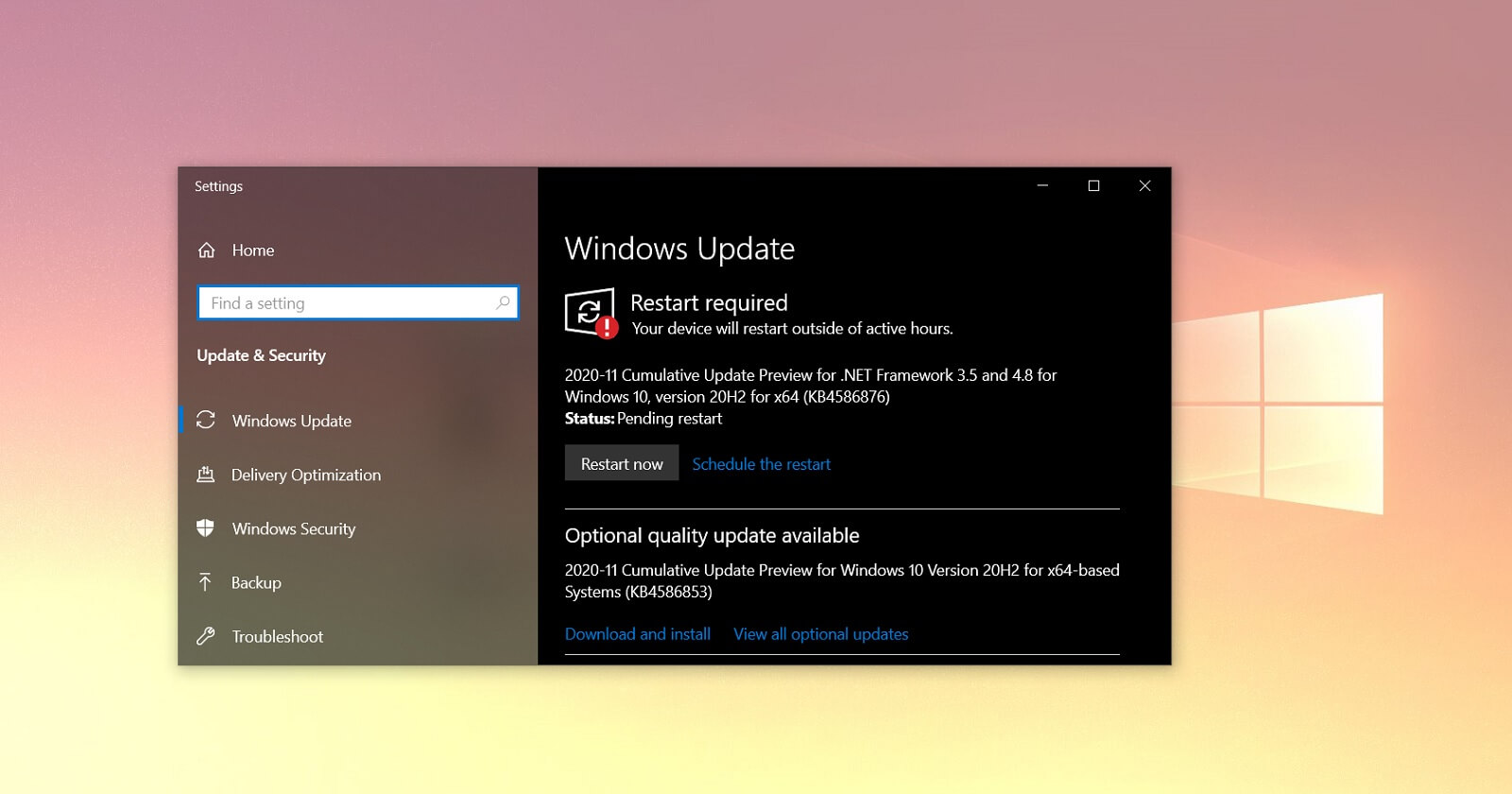
Advice Request KB4586853 problems anyone else

Please provide comments and solutions that are helpful to the author of this topic.

blueblackwow65

Level 23
Thread author
Verified
Well-known
Forum Veteran
Dec 19, 2012
1,266
2,661
2,168
59
Hi I have tried to install this optional update in win10 pro twice.It installs properly but when I restart the desktop does not completely show up and then the desktop just flickers and flickers and flickers..... I just go back to the restore point ,anyone else with a problem from this update and is it needed? Thks
 
Quote

Windows 10 KB4586853 is an optional update, which means two things – it will not download or install automatically and it comes with a long list of fixes. If you’re not interested, you can skip the patch and get these fixes next week as part of the mandatory Patch Tuesday release.

Unquote

 
Hi I have tried to install this optional update in win10 pro twice.It installs properly but when I restart the desktop does not completely show up and then the desktop just flickers and flickers and flickers..... I just go back to the restore point ,anyone else with a problem from this update and is it needed? Thks

Why do you want to install a Preview update?

Check the changelog shared above to see if you need it or not.
1607264936474.png
 
Well, seeing as Insiders Beta and Release are one and the same for now, I updated yesterday after forcing WU to find it (KB4592438). It both d/l and installed in about 1 minute. 91 MB to clean up, that's it.

Lately, updates have been pretty brief and drama-free on here. Hope I don't eat my words in the future. Winver: 19042.685 (same as 20H2).
 
Hi i know this is not the place but does anyone know how to get rid(disable) of Microsoft Text input application and Search (suspended) still showing in task manager and still taking 1% of ram.Thks
 
  • Like
Reactions: Cortex