

The MalwareTips app
Your community, one tap away.
Open MalwareTips from your Home Screen or desktop. Follow discussions, find answers and pick up where you left off.
- Home Screen access
- Optional push alerts
- Your community
You're ready to explore.Explore what's new
Installation instructions
iPhone & iPad
- Open MalwareTips in Safari and tap Share. You may need to open the Page Menu first.
- Choose Add to Home Screen. If it is not listed, use Edit Actions to add it.
- Keep Open as Web App enabled if shown, then tap Add.
Android
- Open MalwareTips in Chrome or another browser that supports app installation.
- Open the browser menu and look for Install app, Install and create shortcut, or Add to Home screen.
- Choose Install and confirm. Wording varies by browser.
Desktop
- Chrome: use the install icon in the address bar, or the menu under Cast, save and share.
- Edge: open the menu, then More tools, Apps and Install this site as an app.
- Safari on Mac: choose Share or File, then Add to Dock. Firefox on Windows: look for the web apps button in the address bar.
If you cannot find an install option, update your browser or use its bookmark option to keep MalwareTips close.
Keep up with your conversations
After installation, open the app and sign in. Enable push notifications in Preferences if you want alerts. On iPhone and iPad, push requires a Home Screen web app and iOS or iPadOS 16.4 or later.
Sign in to manage notificationsInstallation is optional. Your notification settings stay under your control.
You are using an out of date browser. It may not display this or other websites correctly.
You should upgrade or use an alternative browser.
You should upgrade or use an alternative browser.
Advice Request My starting screen picture is still the same
-
 Thread starter
JB007
Thread starter
JB007
- Start date
- 11 Replies
- 2,378 Views
Share practical recommendations that address the author's needs.
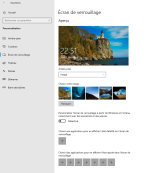

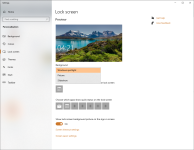
Select either 'Windows Spotlight' or 'Slideshow' in Background options. Selecting 'Picture' (or 'Image' in your screenshot) will keep the same lockscreen everyday.
Last edited:

Windows Spotlight on W10 has a history of breaking due to Windows Updates, etc. I used to be able to fix it using one of the several methods advised on many sites but since it broke about a month ago I haven't been able to.
Last edited:

Gandalf_The_Grey
Level 86
Verified
Honorary Member
Top Poster
Content Creator
Well-known
Forum Veteran
I use the Dynamic Theme app from Christophe Lavalle to get the daily Bing images on my desktop and the spotlight images on my lock screen:
 apps.pinnula.fr
Dynamic Theme - Pinnula Apps
Discover the features, screenshots, and information about the Dynamic Theme application

I found a few months ago that some start screens also have duplicates hidden, not just in Windows/web or pictures etc - This site explains where they are:
Ten Forums - I would certainly backup up before altering anything, worked for me that was in Windows 10, look at post 10, it's an old thread but nothing changed.
Ten Forums - I would certainly backup up before altering anything, worked for me that was in Windows 10, look at post 10, it's an old thread but nothing changed.

Select either 'Windows Spotlight' or 'Slideshow' in Background options. Selecting 'Picture' (or 'Image' in your screenshot) will keep the same lockscreen everyday.
View attachment 262718
Yes @brambedkar59 the parameter change automatically when I select an other then "picture".Windows Spotlight on W10 has a history of breaking due to Windows Updates, etc. I used to be able to fix it using one of the several methods advised on many sites but since it broke about a month ago I haven't been able to.
So I think that my "Windows spotlight" is broken like your @oldschool
Thanks @oldschool@JB007 Windows Spotlight started working a couple of days ago. And you?
Alas it still does not work for me

I don't think because one is my work PC (desktop) and the other is also a desktop but at home.It seems strange that the same trouble is occurring on two PCs. Is there a problem with your network connection?
Changing to Picture or Slideshow, restart, change back to Windows Spotlight, restart andWhat happens if I change the setting to Spotlight and restart immediately or log in again?
 while waiting a few days to give the OS the time it needs to reset. The last part did it for me.
Or try one of these methods:
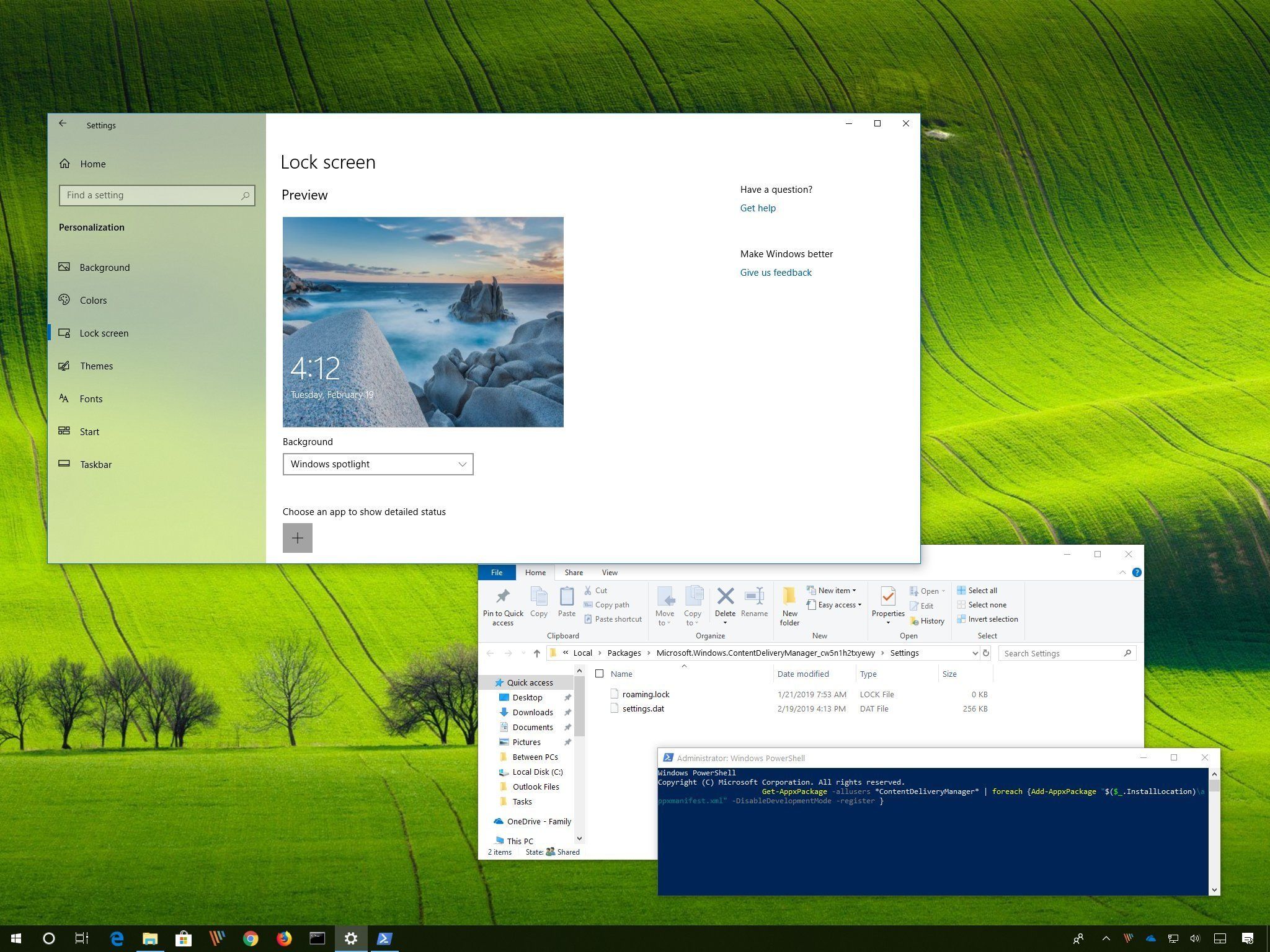
How to fix Windows Spotlight Lock screen errors on Windows 10
If Windows Spotlight isn't working or the images don't change, use this guide to fix these issues.
 www.windowscentral.com
Recently browsing
Members who viewed this thread in the last 5 minutes
You may also like...
-

-

-

-
Serious Discussion Getting Started in Ethical Hacking
-

