Hi,
Execute this.
If the problem persists and
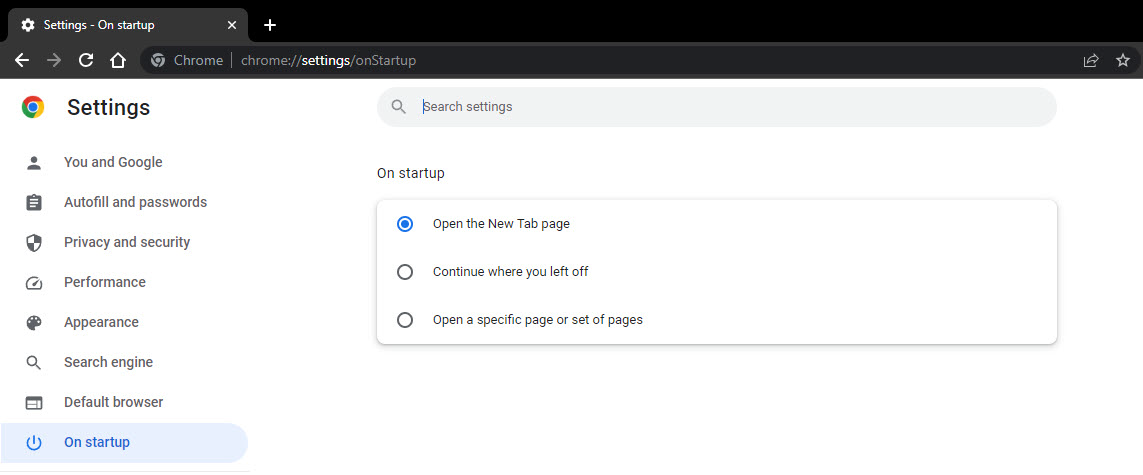
Chrome is Synced with other Devices reset it.
Browser-related remediation (especially concerning preference/configuration files) can be particularly troublesome given the safeguards built into the browsers, along with syncing mechanisms and other complications associated with Internet browsers. The issue you're experiencing is likely caused ...

forums.malwarebytes.com
When you sign in to Chrome with your Google Account, you can get your info on all your devices and use additional Chrome features. When you sign in You can get your bookmarks, passwords, and

support.google.com
Execute the suggested fix.
Restart the computer normally.
===========
If the problem persists do this.
Malwarebytes.
How to Delete/Restore quarantined files.
When Malwarebytes for Windows executes on-demand scans, scheduled scans, and Real-Time Protection events, some files may be categorized as threats. These files get removed from the disk location wh...

support.malwarebytes.com
Follow the directives on the page to delete all the files.
<<<>>>
Is the problem solved?