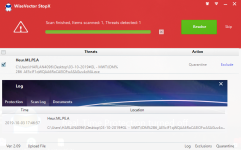
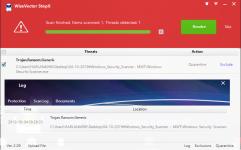
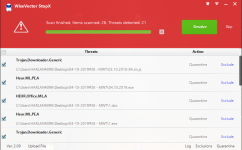
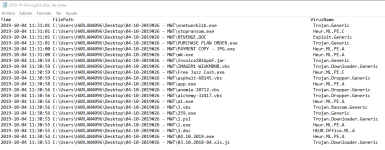
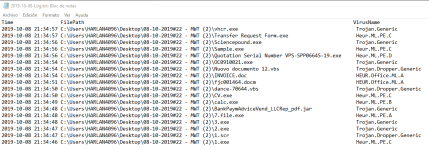
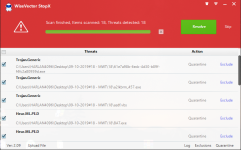
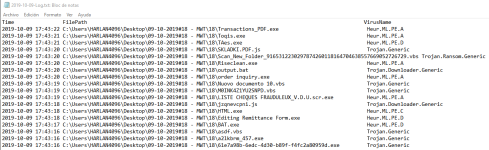
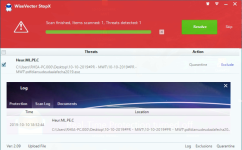
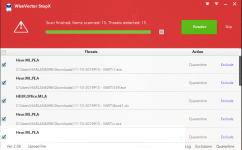
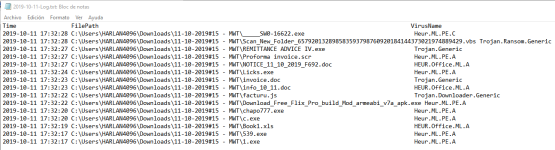
It happens each time I close and open the program or a new file again. If I add them to the Exclusions list, then the programs open instantly; but when I take them out of the list, it takes just a moment too long for them to open and you can clearly see a spike in WiseVector service CPU usage. OTOH, Chrome opens faster for example.
Hi,
Thanks for your reply.
We have tested XYplorer and it can work well with WiseVector StopX in Windows10. What's your operating system?

When there is a new process, WiseVector StopX will scan it and may cause high CPU usage, but after caching, the lag will not happen again.