


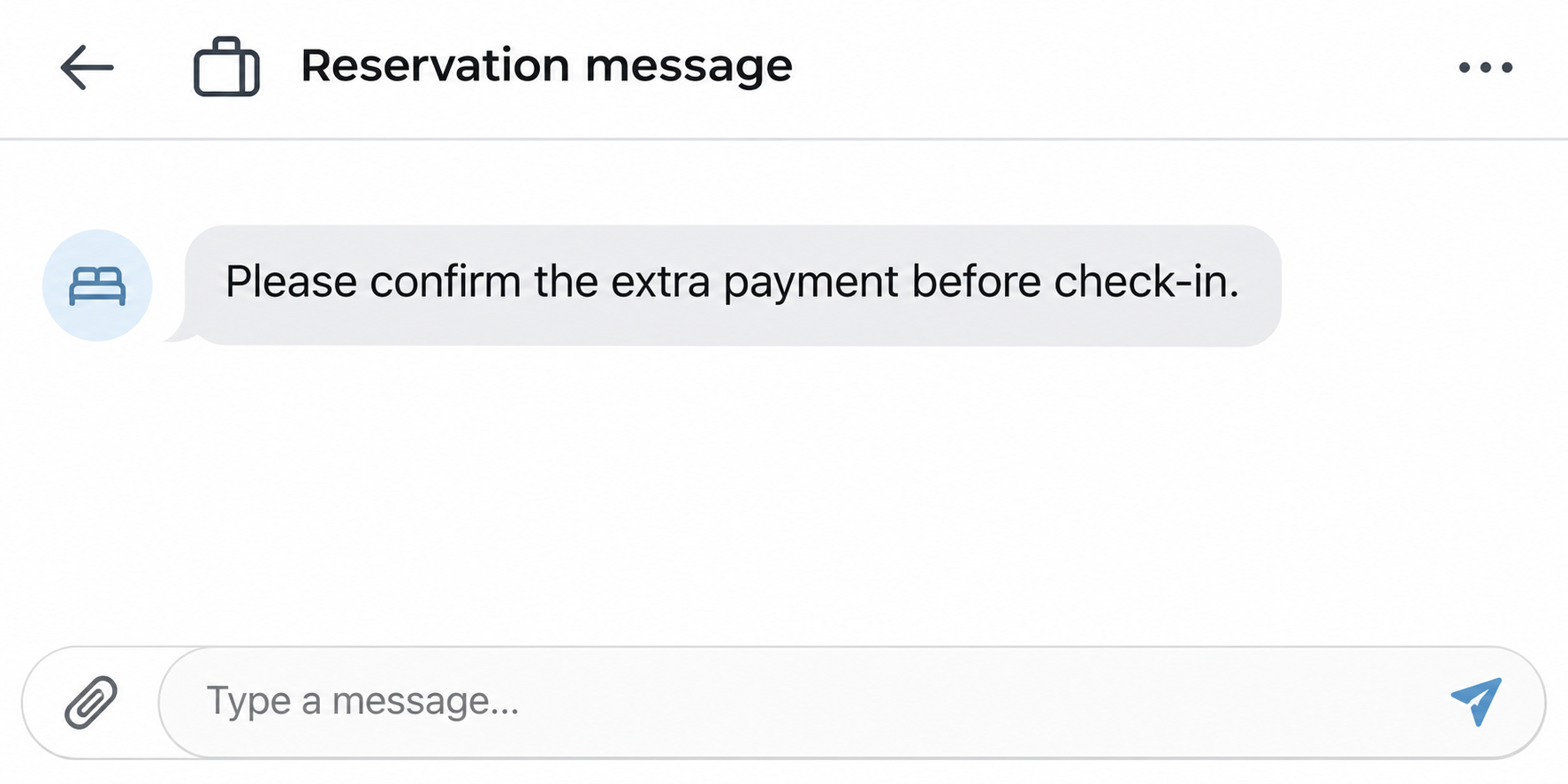
Your Airbnb reservation is confirmed, but a message says another payment is needed before check-in. It might call the charge a deposit, a tax or a verification hold.
Whether the money is due depends on what you booked and what the charge covers. The message itself isn’t the place to make that decision.
Overview
Paying for the reservation and paying a disclosed fee are different
Airbnb generally requires payments for bookings to stay on its platform. It expressly prohibits asking guests to cancel and rebook privately or offering an off-platform booking discount.
Its pricing and payment policy does, however, allow certain disclosed charges outside Airbnb in limited cases. A permitted charge isn’t whatever the host decides to announce after you book.
That difference matters when you receive an Airbnb payment request after booking. Check the earlier disclosure, kind of fee, amount and collection method before deciding what to do.
A reservation detail isn’t a reason to trust a new payment link
A sender may know your dates, property name or other information about the reservation. Those details help you find the reservation, but don’t establish that the new request is authorized.
Airbnb warns that fake communications can reuse real reservation text. Open Trips on your own and check what the platform shows before entering anything through a message.
Get the question in front of Airbnb before changing the trip
You can ask support to review a disputed charge without first canceling the reservation. That preserves the booking record while someone checks what is permitted.
- If the request concerns the accommodation price itself, don’t send it to a private account or pay through an unfamiliar website.
- If it concerns a deposit or mandatory fee, compare it against the price breakdown and original listing disclosure.
- If someone threatens to deny entry over an unexplained charge, save the message and ask Airbnb for urgent booking support.
Start With the Three Records You’re Trying to Match
First, open Trips in the app or site you already use. Confirm the property, guest, dates and reservation status without following the new message.
Find the price breakdown and the amounts Airbnb has already charged. A reservation with a scheduled platform installment is not the same as an unpaid booking sent through another checkout.
Next, compare the listing’s disclosed terms against the new demand. Save the version you received at booking if you have it, especially when the listing now says something different.
Note where the message wants the payment to go. An official reservation change, a hotel desk and a texted link with no clear merchant aren’t equivalent.
Put the three records next to each other. A sender may describe a required charge that never appears in the booking price or any relevant disclosure.
Ask support to check the specific discrepancy. A request about a particular fee, amount and message is easier to review than a general inquiry about whether the property is legitimate.
When Airbnb Allows a Charge Outside Its Checkout
The starting rule is disclosure before booking. Airbnb requires mandatory charges to be included in the price shown to guests, whether collected on Airbnb or allowed to be collected separately.
Some hosts, including select hosts connected through software, may collect mandatory charges outside the platform. Those charges still need to appear in the appropriate pricing field.
Don’t assume a message is exempt because the sender says they use different software. Have Airbnb check whether the policy applies to your reservation and the particular fee.
Airbnb’s guest guidance specifically discusses hotels. A hotel may request a disclosed incidentals hold or security deposit at check-in, and may collect appropriately disclosed fees.
Ask how the hotel actually collects that amount. Giving a verified front desk a card at arrival is different from sharing card details with an unknown number before travel.
Keep the deposit or authorization receipt if you agree to a documented hold. Confirm the release conditions with the property and ask your issuer how the pending hold appears.
Most Airbnb hosts cannot simply add a security deposit or card hold. If the booking didn’t disclose one, don’t accept a new link as proof that you owe it.
For an optional amenity, establish that you requested it and that you can decline it. Airbnb’s guest guidance directs optional payments to its Resolution Center, with some accommodation-specific exceptions.
A charge for extra nights or a changed guest count should use the platform’s reservation-change tool. It isn’t an ordinary incidental fee just because the host calls it an adjustment.
Compare the new request with the category Airbnb uses. A mandatory charge, a voluntary amenity, a damage claim, and a change to the booking follow different processes.
How a Fraudulent Airbnb Payment Request Uses a Real Trip
Step 1: Make the charge sound like routine trip administration
A request can describe security, registration or check-in rather than asking you to buy another stay. It sounds like part of the reservation you already trust.
With a trip coming up, a warning about missing a deadline is hard to ignore. That’s especially true if you’re traveling with a group or arriving late.
The sender doesn’t need to change the reservation to send that warning. A message can appear urgent even when your Trips page shows no payment issue.
Step 2: Replace the existing payment channel
Next the message points you to a new page, account number or payment app. It may say a platform error prevents processing by the usual method.
Do not let an error story establish a new recipient. If Airbnb can’t collect an amount, Airbnb support can explain the record without the sender’s link.
An external page can look like a legitimate checkout without having any connection to Airbnb. If it asks for a login or card, stop before entering either.
Step 3: Tie the money to keeping your reservation
Someone may say they will cancel unless you pay right away. That tries to make the private transaction feel less risky than waiting for an answer.
Don’t cancel or make a duplicate payment to meet their deadline. Ask Airbnb to confirm the reservation and handle any genuine change through the proper record.
A receipt from a payment app doesn’t put an off-platform transaction into AirCover. If you’ve paid, you’ll need to report the booking issue and the transfer separately.
Three Questions for a Host, Hotel or Support Agent
What does this particular charge cover? Ask whether it is the room balance, an incidental hold, an optional service, a disclosed tax or something else.
If you’re told the authorization is only temporary, ask for the amount, payment recipient and release terms. Don’t ask the sender to prove it by charging your card.
Where did I agree to it? Ask the sender to identify the fee in the listing, checkout breakdown or accepted reservation change you can see independently.
Keep an answer that quotes a policy or makes a new promise. It can help support identify whether the charge was disclosed as required for your booking.
How can I pay safely if it really is due? Make Airbnb or a verified hotel explain the correct route before sending card details.
If the hotel confirms a disclosed hold, pay or present a card through the verified channel it specifies. A past disclosure doesn’t authenticate any random payment message.
A property might also ask for identity information for legitimate local requirements. Airbnb’s off-platform policy describes exceptions and disclosure; it isn’t permission to upload documents to an unverified form.
Where the request came from matters too. A real host can make an inappropriate request, while a fake host can impersonate a real property.
What Those Checks Look Like With an Actual Travel Decision
The listed resort fee: You reserved a room and the checkout breakdown showed a resort fee payable at the property. Read the amount and collection timing again.
If the hotel confirms it will collect the fee at arrival, that’s consistent with a disclosed charge. It does not justify sending your full card details to a surprise caller.
Check if the amount is per night or per stay. An amount that looks different at first might reflect the number of nights rather than a new fee.
A card hold described as a wire: The listing mentioned a deposit at check-in, but a text now asks for a bank transfer before you travel.
Compare the method as well as the amount. The disclosure of a card hold doesn’t establish that sending money to the account in the text is part of it.
A cleaning fee after booking: Save the exchange if a host says you can’t check in unless you pay a mandatory fee missing from the checkout breakdown.
Ask Airbnb to review the charge instead of arguing about whether the host deserves it. A real cleaning expense doesn’t answer whether it was disclosed and collected properly.
A new night added by agreement: You asked to stay longer, and the host sends a request to change your reservation in Airbnb. Review the new dates and total there.
If the same host asks to take that extra night off-platform, don’t treat it as an unrelated new booking. The platform’s change tool exists for exactly this type of adjustment.
When you contact support, state which of these situations fits. Whether a charge is optional, mandatory or tied to an altered reservation is central to how Airbnb reviews it.
Keep records of the original terms even after an issue is resolved. You may need to compare the final bill with what was initially disclosed.
What to Do If You Received or Paid the Extra Charge
- Preserve the trip records: Save the booking confirmation, original price breakdown and message asking for payment. Don’t post your reservation code or identity documents publicly.
- Ask Airbnb about the exact charge: Starting from Trips or its Help Center, connect the disputed fee to the reservation and request written guidance.
- Keep the booking intact while you check: If access is threatened, ask support about check-in or rebooking options before accepting a private cancellation.
- Contact your payment provider if money moved: Explain the amount, merchant or recipient, and whether you authorized it. Ask which recovery options apply.
- Secure the account if you logged in elsewhere: Use Airbnb’s genuine sign-in route and support, then review account changes, messages and any trips you don’t recognize.
If you are already at the property and cannot get in, tell Airbnb where you are and how soon you need assistance. Keep a record of the access problem.
If support proposes an alternative, ask how it affects the existing charges and any refund. A replacement booking and the return of a disputed deposit are separate outcomes.
If you need to leave a location to be safe, do that before collecting more evidence. The reservation can be investigated without remaining in a confrontation.
For a hotel hold that remains after departure, check the original receipt and the pending transaction with the hotel and issuer. Don’t treat a hold as a posted duplicate charge.
Keep a copy of the case number and response. If you’re communicating with both Airbnb and a payment provider, document what each can and cannot see.
Separate a charge on your bank statement from the request in the message. A hold, posted card charge and bank transfer can take different paths to resolve.
Even if a refund seems likely, don’t pay a second fee to release it. Ask the verified provider that handled the transaction to explain the actual process.
When submitting screenshots, retain full copies for the case and redact any versions you share elsewhere. The recipient doesn’t need to see other travelers’ personal details.
Frequently Asked Questions
Does Airbnb ever allow hotels to charge a deposit at check-in?
Airbnb allows a hotel to collect certain disclosed incidentals holds or deposits. Confirm it in the reservation or listing and check the collection method independently.
Can my host charge extra for more nights through a private link?
Airbnb directs hosts to the platform’s Change reservation tool for changes such as extra nights. Don’t pay a private link to extend a reservation you made on Airbnb.
Is a message from the real host proof that a charge is due?
No, a message doesn’t establish that the fee was disclosed or that the payment route is allowed. Compare the charge with the reservation and Airbnb’s policy.
What if I already paid the booking in two installments?
Verify the schedule and charged amounts from your own trip record. A seller’s separate message doesn’t change a payment schedule shown in the platform.
Can I complain after I sent money outside Airbnb?
Yes, report the request and related reservation to Airbnb. Separately contact the payment provider because Airbnb’s booking protection doesn’t turn the outside payment into a platform transaction.
What if the host asks me to cancel first?
Don’t cancel on the sender’s instructions alone. Contact support about the reservation and keep the demand in the trip record so Airbnb can assess it.
The Bottom Line
Don’t pay an unexplained charge to keep an Airbnb reservation. Check the original price and terms, then confirm the particular fee and collection route with Airbnb.
If the money already left your account, report the reservation and the payment separately. Leave the booking intact until official support explains your next choice.

Join the discussion
0 commentsShare your experience or ask a question about this article.
Community experiences
Did this happen to you?
Your experience could help someone recognize the same scam. Submit a private report for our team to review.
I experienced this tooReports are reviewed before publication. Sharing publicly is always your choice.
Discussion
Start the conversation
Have a question or something useful to share? Add the first comment.