


If you’ve held LINK for a while, a notice about an overlooked reward is easy to read twice. Maybe it’s something you missed when you last checked your balance.
One page called its offer the Chainlink Treasury Pool. The words sound official, but they raise a more useful question than how much you might receive.
Overview
A Treasury Pool that promised rewards for holding LINK
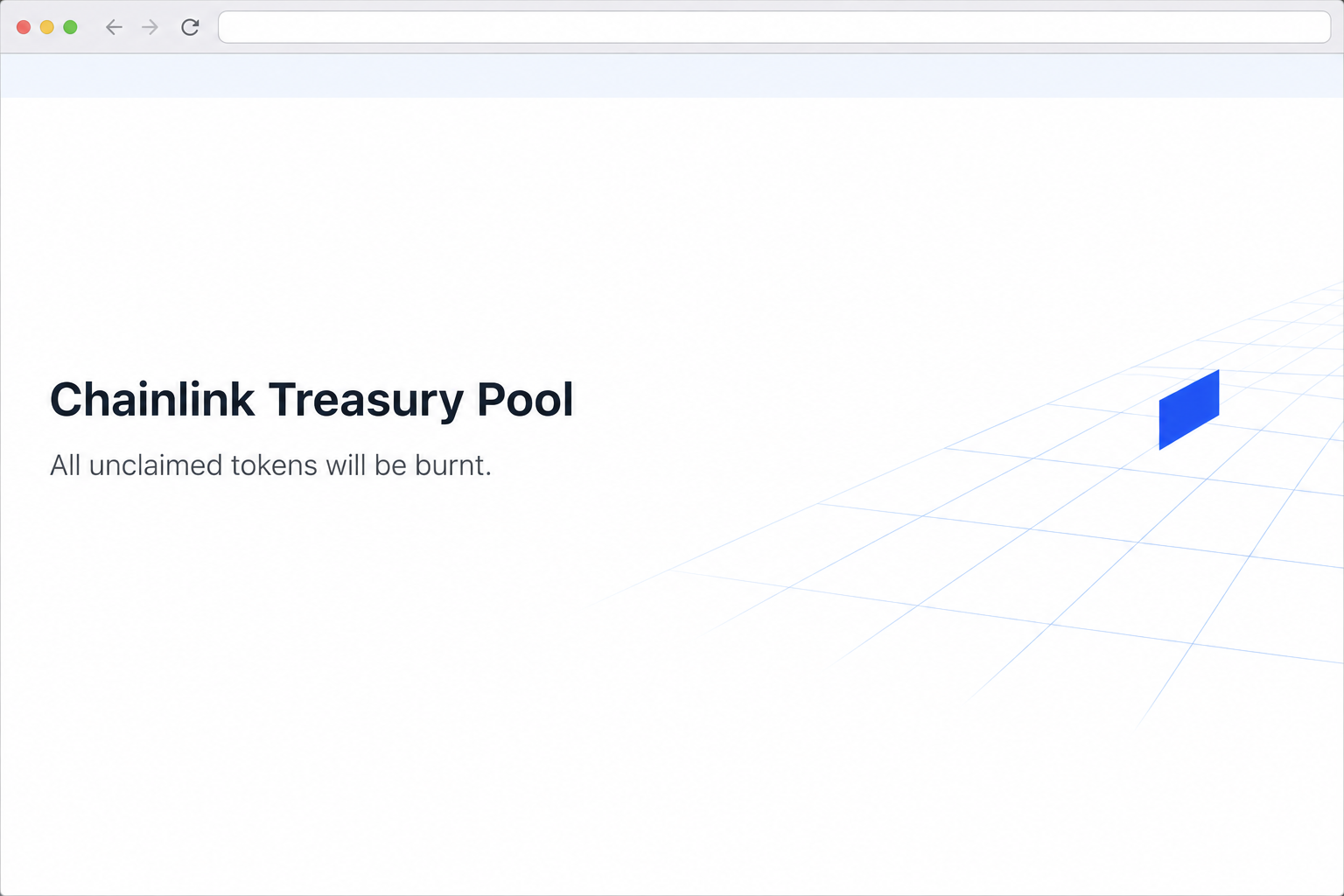
The Chainlink Treasury Pool scam used chain.link-treasurypools[.]com to imitate Chainlink. It invited holders to collect what the page described as interest reward shares.
The offer added a consequence for waiting. It claimed that unclaimed tokens would be burned, giving holders a reason to act before checking whether anything was theirs.
The recorded visit shows the notice and a wallet picker. It does not show genuine eligibility, a payment to the visitor, or a named account losing funds.
The offer did not establish a requirement to have a documented staking position. It appealed broadly to holders, which is different from describing rewards attached to positions they already opened.
The address only looks like Chainlink at the beginning
The fake page begins its hostname with the string “chain.link”.
In the complete address, however, “chain” is a subdomain of link-treasurypools[.]com, not part of the actual chain.link website.
On the real staking host, staking.chain.link, the project domain appears at the end of the hostname. That’s the part that matters in this comparison.
Pay particular attention to the punctuation after a familiar name. A hyphen and more words before a different ending can turn a reassuring prefix into a completely separate site.
The visual design encourages you to recognize the platform before reading the address. The hostname gives you a better reason to stop than the colors give you to continue.
How real staking differs from the advertised free claim
Chainlink’s staking documentation links to its official interface, describes staking LINK, and explains when rewards from a genuine staked position may be claimable.
Holding LINK and having a staking position are not the same thing.
Check the wallet and activity tied to the actual position before believing that a surprise message describes rewards you earned.
Chainlink also uses terms such as reserve and rewards in its official materials. A phrase that sounds similar does not establish that a separate treasury giveaway exists.
- Look at the complete address, not just the two familiar words near the front.
- Check for an actual staking position if the offer says that rewards have accrued.
- Look for matched official terms rather than trusting a one-line burn warning.
- Keep the imitation closed instead of connecting to resolve a claim about your balance.
How the Chainlink Treasury Pool Scam Works
Step 1: The offer says you already qualify as a holder
The notice doesn’t ask whether you want to open a new staking position. It tells holders they can claim what sounds like a share of interest.
That phrasing makes the reward feel like unfinished business. The page asks you to think about money you might lose, not about whether you ever entered the program.
If you own some LINK on an exchange, the distinction is particularly useful. Your exchange balance doesn’t demonstrate that you personally placed those tokens in Chainlink’s staking contract.
Use your own records to work out where your tokens were held and whether you ever staked them.
The fake page can’t establish your history by describing you as a holder.
Step 2: The warning about burned tokens pushes you toward the wallet
The page says the tokens will be burned if they aren’t claimed.
In crypto, burning commonly refers to removing tokens from circulation, but the claim supplies no reason to believe it’s happening here.
The wording makes hesitation sound expensive. It suggests you can investigate later, but only if you secure your share before disappearing from the page.
If the claim really matters, find its exact terms through an official source. Look for the named program, event date, eligibility criteria, and the actual address of its interface.
Do not treat the time pressure as proof that you missed a deadline. The urgent line is part of the same unverified offer as the supposed balance.
Step 3: A genuine-looking prefix gives an unrelated page cover
The fake hostname uses familiar words in a position where people may recognize them first. Readers who stop after seeing the project name can miss the separate domain.
The simplest comparison is with an official bookmark or the address published in Chainlink’s documentation. Check the host itself, without using a link on the page to authenticate it.
A trustworthy hosting service would not fix the mismatch. The question isn’t whether the page loaded securely, but whether the site requesting access is the one you expected.
If the page was forwarded by someone you know, their familiarity doesn’t change which domain owns the form. Tell them about the mismatch without sending others to the live host.
Step 4: Claiming a reward turns into deciding what to approve
The recording shows a wallet selection window after the claim prompt. No completed transaction appears in that part of the flow.
Connecting a wallet may reveal a public address and allow a site to request an action. Approving a transfer or permission exposes something different and deserves its own check.
If your wallet shows an unexpected contract, outgoing token, or spending permission, don’t assume the request merely checks your reward. Reject it and go back to a known source.
A permission may remain active after the browser connection is gone. This is why your provider’s activity and approval records matter more than the website’s success or failure message.
What to Do if You Have Fallen Victim to This Scam
-
Close the Treasury Pool page and decline any unexpected prompt. If you never connected a wallet or entered a secret, you don’t need to test whether the claim expired.
Record how you reached it and the approximate time. Use a text description or defanged domain when warning someone who might otherwise click it.
-
Remove a connection using your wallet, not the link. Open the account you used and find the website in its list of connected apps.
Inspect activity around that time before drawing conclusions. A connection record is not a transfer receipt, and an entry may belong to another account you use.
If you had a real staking position before this incident, check it through the official route separately. Don’t approve an “unlock” offered by the imitation.
-
Look for approvals and outgoing transactions if you signed something. Note the network, token, amount, and recipient or contract that appears in your own history.
Check whether the suspected action moved assets immediately or authorized a later spend. Follow your wallet provider’s process for reviewing or revoking an unfamiliar permission on that network.
MetaMask’s incident guidance explains how to inspect unauthorized activity and what to do when the underlying wallet has been compromised.
-
Respond quickly if you also gave away a phrase or key. Those secrets can place the affected wallet under someone else’s control, regardless of whether the original page remains reachable.
Set up a fresh wallet with new recovery information on a device you trust. Only move assets you recognize, and ask official support how to handle any staking positions.
Don’t give somebody the same secret so they can supposedly check your status. A provider can review a public transaction reference without needing the information that unlocks your assets.
-
Report any loss without paying a recovery fee. Keep track of transaction identifiers, the browser history entry, screenshots, and the original messages in case a provider asks for them.
Notify any involved exchange from inside the account you already use. If the funds moved on-chain, a report does not automatically return them.
The FTC’s cryptocurrency scam guidance lists reporting options in the United States. Use the appropriate local reporting route if you live elsewhere.
How to Tell the Real Staking Process From a Claim Page
Find evidence of an existing position first
An actual reward should have a basis. If the sender says you earned it from staking, start with when and where you staked, not with the claim page’s balance.
The wallet associated with the original transaction may not be the one open in your browser today.
Check those details before assuming that a new page knows something your records don’t.
A position can be shown separately from the amount of LINK available in your wallet. Treat each record as evidence of the specific thing it describes.
Check a deadline against official terms
Chainlink explains conditions for staking, reward availability, and the unstaking process in its own materials. See which provision, if any, describes the deadline mentioned to you.
An unstaking period can be a real part of a staking product.
That does not make a vague promise to burn unclaimed treasury shares a real condition of your existing stake.
When the description and dates don’t match, stop rather than waiting for a wallet pop-up to clear things up. You can investigate the claim without taking a financial action.
Use the address check even when the logo is familiar
Try reading backward from the end of the hostname before interpreting the page’s words. Here, the .com ending makes it clear that you’re not looking at chain.link itself.
An authentic-looking name in a browser tab is not part of the URL. A website controls its own title, and can choose to display a recognizable name there.
Keep the actual staking address in your bookmarks if you regularly use it.
You’ll be less tempted to rely on a link posted beside a market update or a reward claim.
Don’t confuse an official reserve with money owed to you
Projects can use the word “treasury” to describe assets they hold for their own operations. That word does not mean those assets are available for any visitor to collect.
If a notice introduces a new distribution, look for who qualifies and why. Owning the token, staking it, and taking part in a separate announced program are different things.
Check which account holds the asset and whether the event describes an exchange balance or a self-custody address. The page in this case didn’t provide meaningful detail about that distinction.
The phrasing “interest reward shares” is not a description of a receivable you can verify.
Look for the activity that generated it, not a word that sounds like a bank statement.
If you already have a staking record, save it somewhere you can find it independently.
It is a useful starting point if another website claims it has calculated a new balance.
Take particular care with a follow-up that promises to restore the allocation. A fake claim doesn’t become real just because somebody says they can reopen it for you.
When telling another LINK holder what happened, mention the confusing hostname first. They can spot the same mismatch before deciding whether the reward language sounds genuine.
Frequently Asked Questions
Is the Chainlink Treasury Pool claim a real LINK distribution?
The documented offer at chain.link-treasurypools[.]com was an impersonation. It used a treasury reward story to steer visitors into a wallet chooser on a separate domain.
If you were expecting genuine staking rewards, check the platform listed by Chainlink and the account that actually staked. Do not try to claim through the imitation.
Doesn’t the address start with chain.link?
It starts with those characters, but the whole hostname belongs under link-treasurypools[.]com. The familiar opening doesn’t turn the rest of it into a Chainlink domain.
Look at the full address and compare with the official documentation. This works even if the copy gets every logo, color, and menu label right.
Is holding LINK enough to earn the rewards shown?
The fake offer says holders can claim, but Chainlink documents staking rewards as part of a genuine staking process. A balance by itself isn’t a record of a staking position.
If you purchased or held LINK through an exchange, start with your exchange history. Don’t assume its balance is linked to a protocol reward.
Should I hurry before the tokens are burned?
No, don’t act on the threat printed on the imitation. First check whether an official announcement even describes those tokens, the recipient group, and the claimed deadline.
If you cannot establish that there is a real claim to make, leave the offer alone. A ticking clock can’t take the place of verification.
Did opening the wallet menu authorize anything?
A displayed chooser is not proof of a transaction or permission. Check whether you completed a connection and whether you approved a request after that.
If you typed a key or a recovery phrase anywhere, act on that separately. You should not wait for an unknown charge or transfer to confirm exposure.
Can I revoke permission after an unauthorized transfer?
You may be able to remove a remaining allowance, but a revocation does not return assets that were already transferred. Check the transaction and any ongoing permission separately.
Keep evidence for the wallet provider, an involved exchange, or a report. Don’t send a fresh payment to somebody who claims it will reverse the first one.
The Bottom Line
Do not use the Chainlink Treasury Pool page. The apparent reward and burn warning came from an unrelated domain, not the official staking route.
If you already signed a request, check the affected wallet for a transfer or a lingering approval. If you just wanted to check genuine rewards, start from Chainlink’s documentation instead.

Join the discussion
0 commentsShare your experience or ask a question about this article.
Community experiences
Did this happen to you?
Your experience could help someone recognize the same scam. Submit a private report for our team to review.
I experienced this tooReports are reviewed before publication. Sharing publicly is always your choice.
Discussion
Start the conversation
Have a question or something useful to share? Add the first comment.