


Mercari says your order was delivered, but the package isn’t where you expected it. The seller may tell you to wait, while your order is close to completing.
A delivered scan is useful evidence, but it doesn’t settle what reached you. Look at the order and the carrier record before confirming anything.
Overview
The delivery scan starts a deadline
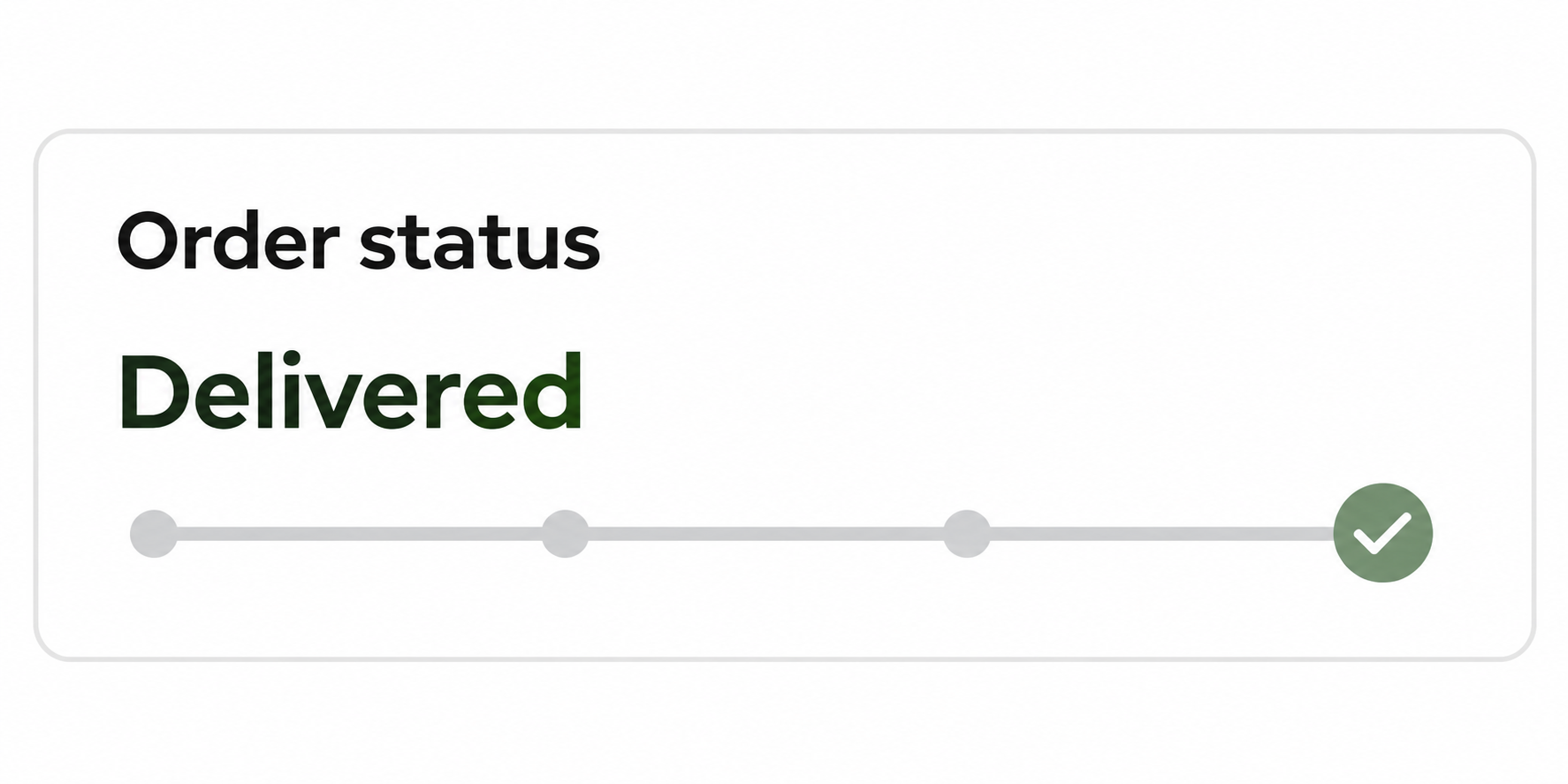
If your Mercari order is marked delivered but not received, the platform’s refund and return policy says to contact it within 72 hours of the carrier-confirmed delivery time.
Don’t rate the transaction before the issue is resolved. Mercari treats an order as complete when you or the platform rates it, and its standard return process then closes.
A genuine scan can still be for the wrong place
In a tracking diversion, the scan may be real while the parcel went somewhere else. A carrier mistake or delayed scan can also leave you without a parcel.
Distinguish those possibilities with order-specific evidence. You don’t need to accuse the seller or prove fraud before reporting that you never received the item.
Report the non-delivery through the right order
- Compare the actual tracking number in your order with the carrier record.
- Check ordinary delivery locations and ask the carrier whether the scan matched your address.
- Contact Mercari from the order within the policy window, rather than relying on a seller chat or waiting out the deadline.
Start With the Order, Not With the Screenshot the Seller Sent
Open the order in Mercari, note its status and check the listed shipping destination. Then use the carrier’s own service to look up the same tracking number.
Save the delivery timestamp and any photo or location detail. The timestamp can matter even if Mercari’s notification arrived well after the carrier marked the package delivered.
Compare the carrier and tracking number against the order. A different tracking number in chat is not automatically the one Mercari will use for your transaction.
It could be an innocent mix-up or a separate shipment. Ask support which number corresponds to the original order before treating a screenshot as an update.
Check the shipping address used on that particular order. Changing the saved address after purchase won’t tell you where the earlier label was addressed.
Even a familiar street or ZIP code isn’t a match for the full destination. Ask the carrier about your address without asking it to disclose somebody else’s.
Save the exact delivery image if available. Look for a familiar entrance, mailbox or locker, without circulating the photograph publicly or assuming that another doorway belongs to the seller.
A carrier sometimes can’t share the full delivery record directly with the recipient. Give Mercari the carrier’s case number so it can request its own verification.
Four Explanations That Can Look the Same on a Tracking Screen
It arrived somewhere you didn’t check: Look in any mailroom, locker, side door or parcel area used by your building. Check with people who can receive packages there.
Ask building staff whether an entry was logged if your building has a log. A log for a separate parcel that day does not establish where this one went.
The scan came early or is incorrect: Ask the carrier whether there is an open delivery exception or a corrected status. Save what it tells you and note the time.
A promise that it will probably come tomorrow is not a reason to let the Mercari window lapse. Start the order report in time if delivery remains unconfirmed.
The parcel was misdelivered: The label might have the correct address, but the scan or photo points elsewhere. Ask the carrier whether retrieval or redelivery is possible.
Don’t go to an unknown address to retrieve a package or confront a stranger. Let the carrier decide what it can investigate, and give Mercari the reference.
The tracking doesn’t belong to your order: A real parcel may show delivered within your area while the carrier’s records don’t match the address for your order.
A mismatch doesn’t tell you whether the number was entered by mistake or supplied deliberately. Ask Mercari to compare what was submitted.
How Tracking Diversion Can Make Non-Delivery Look Complete
Step 1: The order appears to have been shipped normally
A customer expects tracking as soon as the seller ships. Seeing a carrier and a progress bar makes the order look like it is moving.
However, a carrier accepting a parcel doesn’t establish what is inside or who will receive it. Start with the specific order record before relying on broad status text.
Step 2: The carrier reports delivery somewhere
Every genuine delivery status concerns a specific shipment. A general location or ZIP can match your neighborhood while the actual package went to a different delivery point.
In this situation, you are checking whether the record corresponds to your address. Asking the carrier for that confirmation is more useful than repeatedly refreshing the same status.
Step 3: A completed transaction may close the simple remedy
Mercari’s buyer protection guidance explains that the transaction can complete and the seller can be paid if the buyer doesn’t raise a claim within the window.
If someone asks you to rate now and promises to resolve the missing item afterward, leave the order unrated. Rating it can close the transaction you need to dispute.
Do not treat the seller’s promise to wait as a hold. Check your Mercari order and support case for a confirmation that the transaction is actually paused.
Use the 72 Hours to Gather Evidence, Not to Delay Reporting
Start the clock at the carrier’s confirmation, not the time you opened the email. For example, a scan Monday morning points to a Thursday morning deadline, not Thursday night.
If the timestamp or time zone is unclear, submit sooner and ask support about it. Leaving yourself a margin is safer than working out the last possible minute.
You can report non-receipt while waiting for the carrier to investigate. Supply the tracking information you have and update the Mercari case when the carrier responds.
Use the order route, not just the message thread with the seller. A chat that records your complaint isn’t the same as asking Mercari to pause the transaction.
In your report, say where you checked and whether the delivery photo shows a different spot. Give the case number if the carrier opened an investigation.
For trading cards shipped in an eligible First-Class Envelope, Mercari describes limited tracking and possible premature delivery scans. Consult the shipment-specific guidance and keep the order deadline in view.
The required record can differ by shipping service. Don’t assume the carrier can provide a doorstep photo or detailed geolocation for an envelope.
Check the order after making the report, and keep the submission confirmation. If you don’t see the requested issue acknowledged, follow up promptly through Mercari support.
What to Ask the Carrier Without Requesting Someone Else’s Address
Start by giving the carrier your tracking number and the intended address. Ask whether its delivery record matches that address, rather than asking where another recipient lives.
A carrier may be able to confirm a mismatch without disclosing any other location. That is enough to give Mercari something specific to compare with the order record.
Ask whether it can note the result on a case or provide written confirmation. Don’t assume a customer service representative has access to every detail.
Keep a record of whether the carrier is investigating a wrong address, a scan error or a parcel left in an unexpected place.
If the seller shipped with a label Mercari issued, support can examine the shipment associated with that order. If the seller entered tracking, ask Mercari to reconcile the conflicting number.
Document the difference between an order address you entered incorrectly and a delivery record that doesn’t match the address shown. Both need support, but they tell different stories.
If the seller sent a second tracking number, record when they sent it and why. Don’t mark the first order received while you wait for a claimed replacement.
Keep this information in the order case. Don’t send it to a responder who contacts you privately and asks you to sign in elsewhere to open a carrier dispute.
What Changes If the Box Eventually Turns Up?
The right item arrives: Let support know the non-delivery issue has been resolved. If an investigation is open, make sure the case reflects the actual outcome.
Inspect what arrived before you rate the order. A tracking delay doesn’t make an item wrong, and even a correct scan doesn’t establish what’s inside.
A box arrives with an incorrect item: Keep the outer label and photographs of the contents. Tell Mercari what arrived and compare it with the listing.
Use the order’s return process if instructed. Mercari sets its own approval and return-shipping deadlines; don’t ship the item to an address a seller sends in private chat.
A parcel meant for someone else turns up: Don’t assume it replaces your missing order or open it to check. Ask the carrier to handle the misdelivery.
A carrier confirms the order went elsewhere: Add that confirmation even if a package of a similar size appears. Compare tracking numbers and don’t merge two shipments.
If support approves a remedy, keep its exact terms. A return label, a credit and a refund to your original payment method each need to be checked separately.
For a missing package, don’t invent a return just to get the order held. Accurate details help Mercari distinguish non-delivery from an item you received but cannot use.
What to Do If the Order Says Delivered but You Can’t Find It
- Keep the transaction open: Don’t rate the purchase or mark it received. Capture the order status and the actual delivery timestamp.
- Check the likely delivery spots: Review the order address, parcel lockers and usual handoff locations, then ask household members or building staff.
- Ask the carrier for address confirmation: Give it the order’s tracking number and your own address. Note whether it confirms that the scan matches.
- Report non-receipt on the order: Contact Mercari within the applicable window and include the delivery details. Verify that support received the request.
- Update the case if the package turns up: If something arrives but it is the wrong item, tell support which problem applies and keep the packaging.
If you’ve already rated the purchase, be honest about when and why. Contact Mercari to ask about your specific options, but don’t expect ordinary return protection after completion.
If anyone asks for a new payment to locate the parcel or reissue the label, confirm the request through Mercari. A sender’s willingness to promise a refund doesn’t authenticate it.
Keep your dispute focused on facts you can show. A wrong door, mismatched address or scan time can be useful even before someone decides what caused the problem.
If the case is closed before you get a carrier response, keep the written response anyway. It may be useful when asking the platform to review its decision.
Don’t try to improve the photo by altering its contents. Mercari’s policy treats images altered to mislead as abuse, and a changed image can make the shipment harder to identify.
If you need to hide private information before reporting publicly, keep the untouched version for official support. Preserve the tracking timestamp and visible evidence relevant to your order.
The ordinary seller chat can still help clarify what they sent, but it can’t extend Mercari’s deadline. Report within the required window even if the seller is communicating politely.
Frequently Asked Questions
Do I have to prove the seller used fake tracking?
No, report that the order didn’t arrive and share the actual tracking evidence. Mercari and the carrier can compare records without an accusation from you.
Does a delivery scan in my ZIP code prove it reached me?
No, a ZIP code covers many addresses. Ask the carrier to confirm whether the shipment was delivered to your address or the intended delivery location.
Should I wait for the carrier before reporting it to Mercari?
Don’t let the carrier investigation run past Mercari’s policy deadline. Report non-receipt on the order and add the carrier’s response when it arrives.
Should I rate the seller if they promise to replace it?
No, keep the order open while support reviews it. A seller’s promise doesn’t keep the transaction from closing when you’ve marked it complete.
What if I get a box but it contains a different item?
That is not the same as missing delivery. Keep the package, label and contents, then open the appropriate wrong-item or not-as-described request within the applicable window.
Is a refund automatic after I report non-receipt?
No, Mercari may verify delivery with the carrier and decide based on its policy and findings. Keep the case records and provide requested evidence promptly.
The Bottom Line
Don’t rate a Mercari order you haven’t received, even when tracking says delivered. Report it through the order within the policy window and ask the carrier to verify its destination.
If the investigation is underway, keep the timestamp and case number. You need proof tied to your actual order, not another screenshot of the same status.

Join the discussion
0 commentsShare your experience or ask a question about this article.
Community experiences
Did this happen to you?
Your experience could help someone recognize the same scam. Submit a private report for our team to review.
I experienced this tooReports are reviewed before publication. Sharing publicly is always your choice.
Discussion
Start the conversation
Have a question or something useful to share? Add the first comment.