Hello guys,
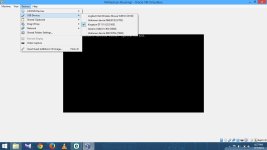
I've installed latest version of Oracle VM vitual box and created a vitual disk for the purpose of Malware testing...But i cannot start VM as it shows "No bootable devices found" ..I've tried to boot with a DVD as well as USB but its still showing the error message....What to do??? ...I'm using a dell inspiron lappy..
Thank you.
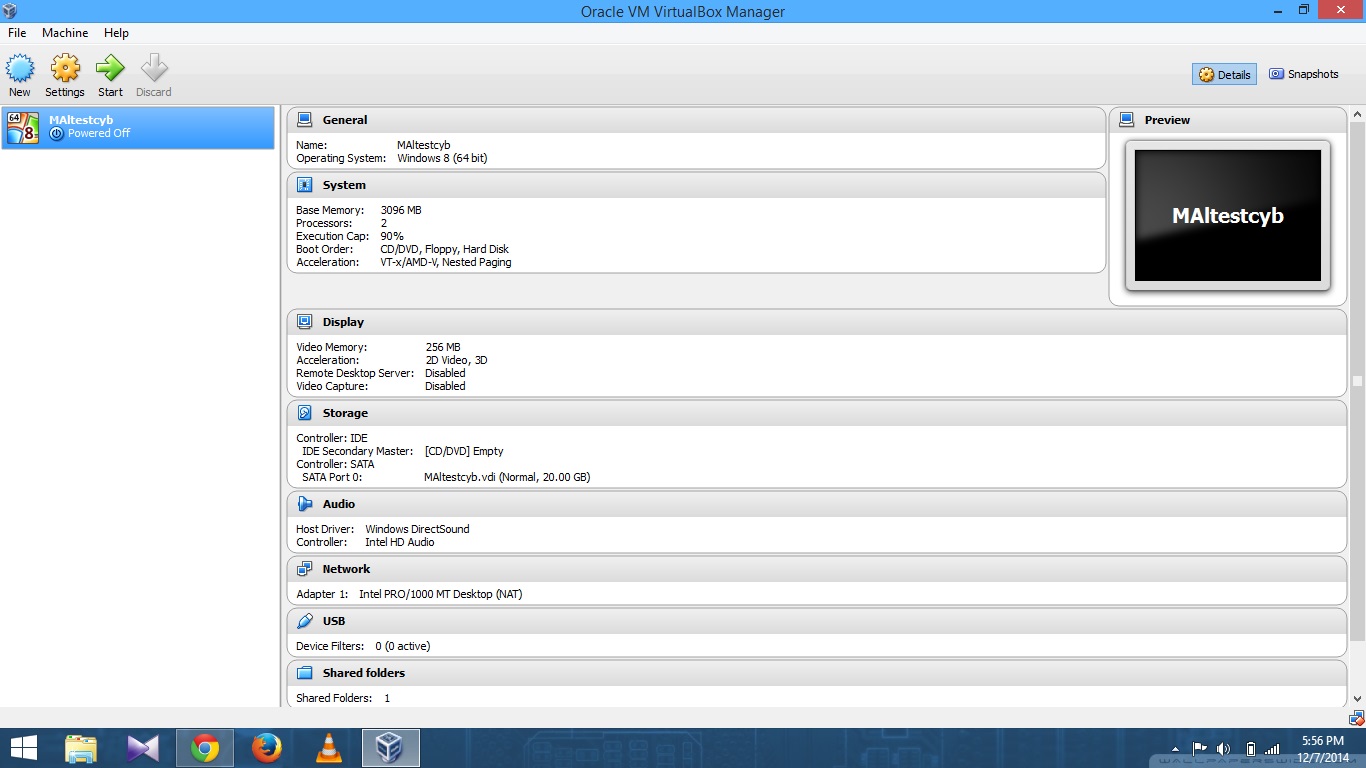
I've installed latest version of Oracle VM vitual box and created a vitual disk for the purpose of Malware testing...But i cannot start VM as it shows "No bootable devices found" ..I've tried to boot with a DVD as well as USB but its still showing the error message....What to do??? ...I'm using a dell inspiron lappy..
Thank you.