CCleaner forcefully installed Avast

samit

Level 12
Thread author
Verified
Nov 4, 2011
830
553
1,070
Sydney, Australia
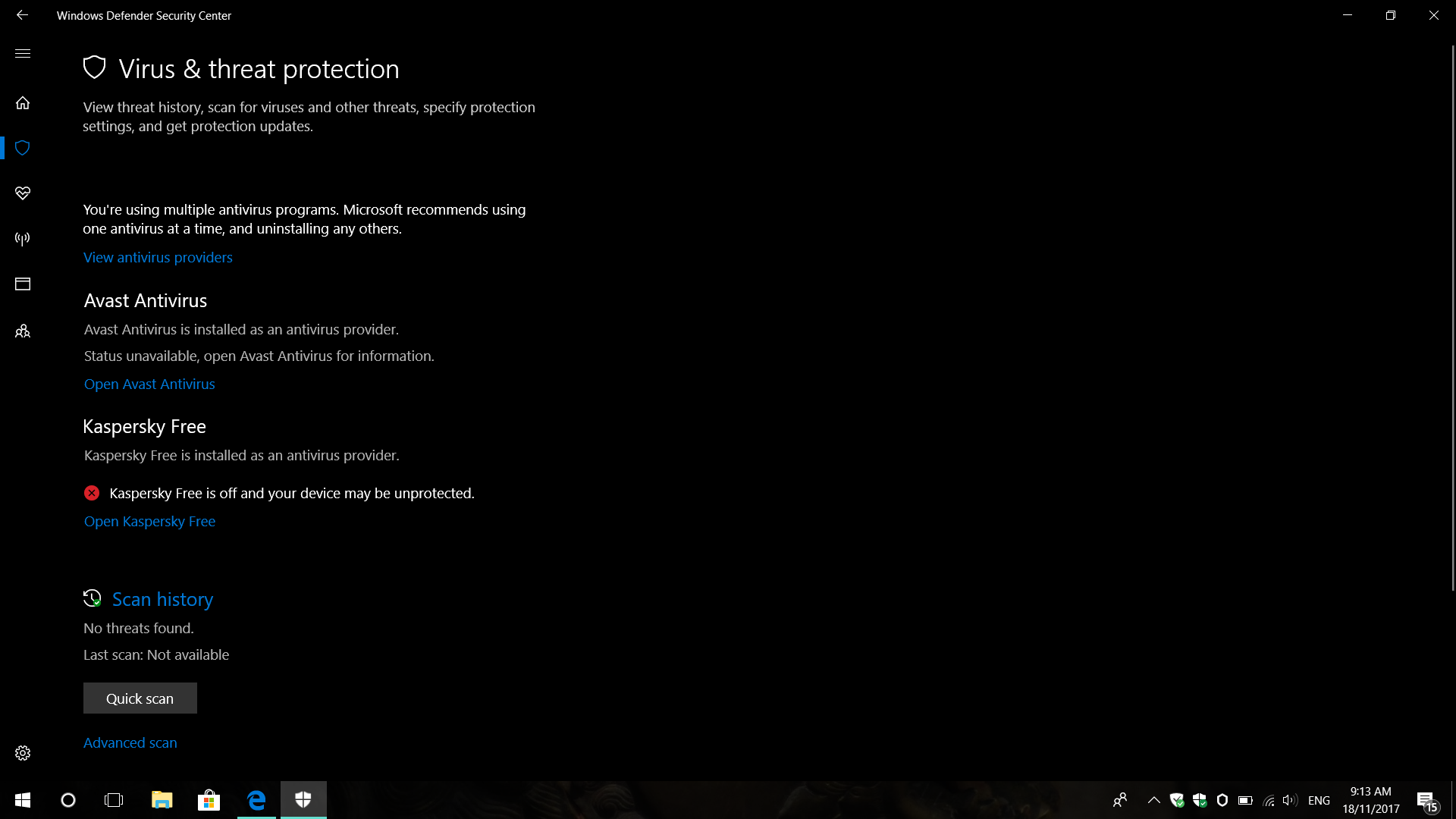
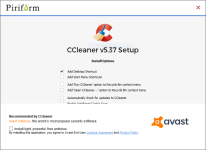
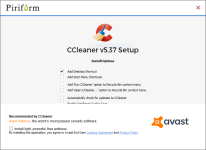
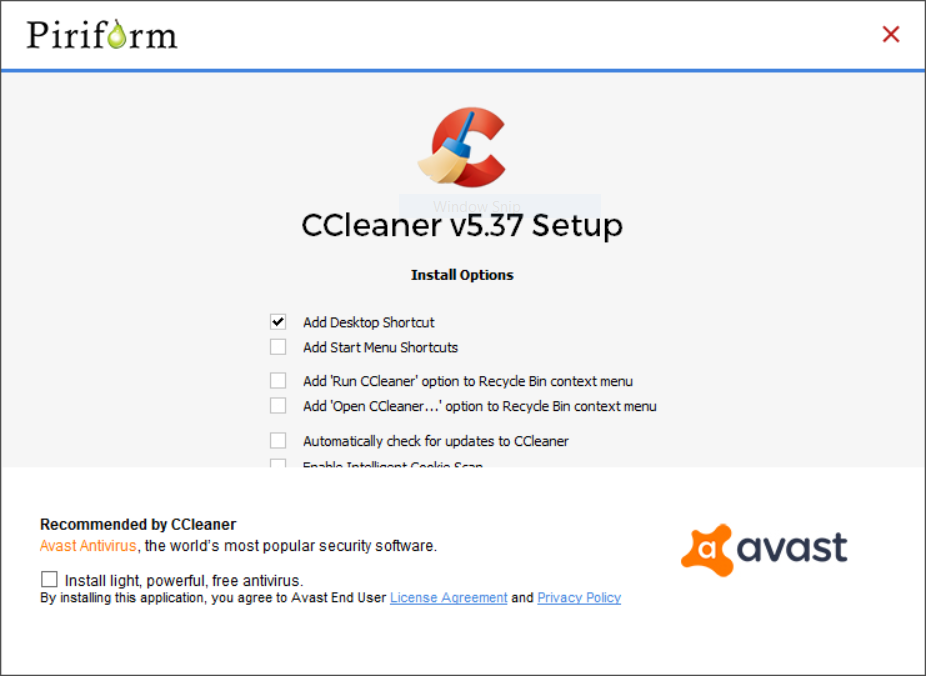
Initially, when I tried to update CCleaner, it showed that persistent Avast banner on the installer. I wasn't able to click install on customize installation. Then, I closed and ran the installer again and this time I was able to untick Avast and complete the installation. But despite I have unticked Avast, it silently got installed in the background. I wouldn't have noticed if windows defender security center haven't shown the warning. Did anyone run into the same issue?
CCleaner .PNG
windows defender.png
 

Attachments

  • CCleaner .PNG
    CCleaner .PNG
    119.8 KB · Views: 1,381
  • windows defender.png
    windows defender.png
    139.7 KB · Views: 565
  • windows defender.png
    windows defender.png
    139.7 KB · Views: 520
  • CCleaner .PNG
    CCleaner .PNG
    119.8 KB · Views: 561
I use the portable version the most. Hardly ever do I use the actual installer on my computer. Stick with the portable!

Wise Care 365 Pro is very nice and often is given away through promotions. I have been using this much more than CCleaner now.
Can you exclude specific cookies from cleaning in Wise Care 365 like in CCleaner? That's the only reason why I haven't installed Wise Care
 
Upvote 0
You can exclude cookies,but not specific ones!
I don't believe that is correct (I use Wise Disk Cleaner, it should be the same). The way to exclude specific cookies is to run a full scan, and then inspect the scan results BEFORE cleaning. Individual cookies can be excluded by right-clicking the cookie found in the scan and selecting "Ignore this result". That cookie is then added as an Exclusion under Settings.

You can confirm the exclusion if you wish by re-scanning. The excluded cookie will not appear in the re-scan results.
 
Upvote 0
Upvote 0
I use the professional edition of Ccleaner, Recuva, Speccy & Defraggler, so no I never ran into this issue:)
 
Upvote 0
There's a test group in CCleaner where Avast is offered during installation - not everyone will get it.

This quote is from Desktop Project Manager of CCleaner
"The user has been included in a test group where Avast Antivirus is offered during the installation. If they wish to verify the installer hash for authenticity they should refer to this list: CCleaner v5.36"
 
Upvote 0
Ok, so I have been playing with WDC a bit and it actually works pretty well. Commands to run:
Code:
"%ProgramFiles(x86)%\Wise\Wise Disk Cleaner\WiseDiskCleaner.exe" -a
"%ProgramFiles(x86)%\Wise\Wise Disk Cleaner\WiseDiskCleaner.exe" -a -adv

You can export/import exclusions via menu or by backing up those files (config included).
Code:
%AppData%\Wise Disk Cleaner\Config.ini
%AppData%\Wise Disk Cleaner\Cookie.dat
%AppData%\Wise Disk Cleaner\exclusions.dat
 

Attachments

  • capture_11192017_165544.jpg
    capture_11192017_165544.jpg
    103.4 KB · Views: 361
  • capture_11192017_165634.jpg
    capture_11192017_165634.jpg
    17.5 KB · Views: 372
Upvote 0