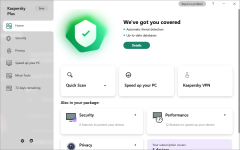
New Update KAV\KIS\KS\KSOS: 21.4 - 21.5 MR4 / MR5 beta updates

None, one of the best in performance. (That is not the last version of the application, the last one is 21.3...)

View attachment 261372

I have KIS at home and performing well.

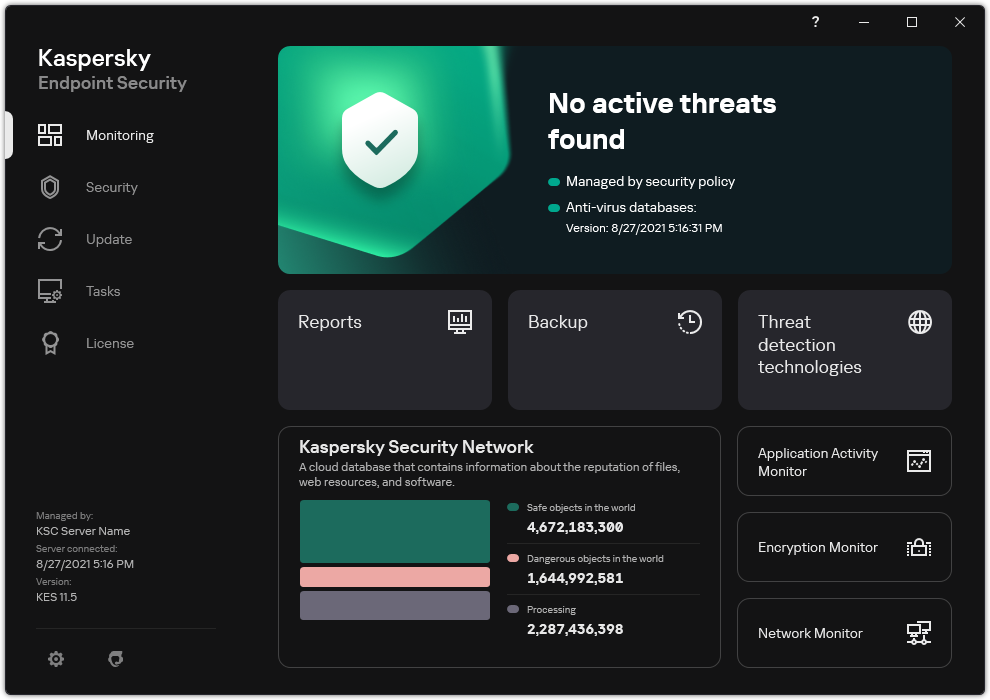
In the office I have Kaspersky Endpoint and you can see, no impact in the system.

View attachment 261371

I have KIS at home and performing well.
Which version use at home?
 
  • Like
Reactions: Nevi and harlan4096
I'm using Kaspersky Plus 21.4 RC, working fine here...

1634724273523.png
 
Kaspersky applications for home and small office now support Windows 11.
More info: Compatibility of Kaspersky applications with Windows 11

Patch G for version 21.3.10.391


Patch G for Kaspersky Internet Security version 21.3.10.391 was released on October 18, 2021.
In patch G, we have fixed the Path traversal attack vulnerability found with the help of Zero Day Initiative.
To install the patch:
  1. Run the database update for Kaspersky Internet Security. For instructions, see Online Help.
  2. Restart the computer once the updates are completed.
The patch will be installed. To check if the patch was installed successfully, open the application window and click the Support icon in the lower-left corner. The information about the application version will be available in the window that opens. The version number will have the letter g added.
To complete the patch installation successfully, computer reboot is required. If you don't reboot the computer in seven days after the application receives the patch, the icon on the Windows taskbar will turn red.
 
Last edited:
@harlan4096

do you know why Kaspersky Cloud Free has a firewall enabled?

When going to the Windows 10 security dashboard and then through firewall protection > firewall notification settings > managed providers

It claims Kaspersky is off while Windows Firewall is on. Which seems fine.
However when clicking on the “open app” setting for Kaspersky there it allows me to go directly to Kaspersky’s own firewall settings.

I see that the firewall is enabled and when I disable it I got a warning from Kaspersky saying that “KSC cannot provide complete protection”

But does Kaspersky Cloud Free even need to have that setting enabled?
 
I think this is a bug still not fixed, that comes from previous versions, this is not the 1st time it is posted here hehe, I will try to report it...
 
Some modules were changed of place, some modules were renamed, for example, I'm testing Kaspersky Plus version:
  • Web Anti-Virus now it is called -> Safe Browsing:
1636284321722.png

  • There is no more Applications Control -> Intrusion Prevention:
1636284389009.png

  • No More Tools settings, all the settings/modules there were re-located to different sections (in Privacy and Performance sections):
1636284600572.png

  • New TimeLine feature (probably copying BD's one 😁):

1636284820780.png

And probably some additional changes I can't remember now 😁, just download and check it, for now this 21.5 it's a bit unstable, upcoming a new beta build soon, probably this upcoming week...
 
Last edited:

You may also like...