

The MalwareTips app
Your community, one tap away.
Open MalwareTips from your Home Screen or desktop. Follow discussions, find answers and pick up where you left off.
- Home Screen access
- Optional push alerts
- Your community
You're ready to explore.Explore what's new
Installation instructions
iPhone & iPad
- Open MalwareTips in Safari and tap Share. You may need to open the Page Menu first.
- Choose Add to Home Screen. If it is not listed, use Edit Actions to add it.
- Keep Open as Web App enabled if shown, then tap Add.
Android
- Open MalwareTips in Chrome or another browser that supports app installation.
- Open the browser menu and look for Install app, Install and create shortcut, or Add to Home screen.
- Choose Install and confirm. Wording varies by browser.
Desktop
- Chrome: use the install icon in the address bar, or the menu under Cast, save and share.
- Edge: open the menu, then More tools, Apps and Install this site as an app.
- Safari on Mac: choose Share or File, then Add to Dock. Firefox on Windows: look for the web apps button in the address bar.
If you cannot find an install option, update your browser or use its bookmark option to keep MalwareTips close.
Keep up with your conversations
After installation, open the app and sign in. Enable push notifications in Preferences if you want alerts. On iPhone and iPad, push requires a Home Screen web app and iOS or iPadOS 16.4 or later.
Sign in to manage notificationsInstallation is optional. Your notification settings stay under your control.
You are using an out of date browser. It may not display this or other websites correctly.
You should upgrade or use an alternative browser.
You should upgrade or use an alternative browser.
Advanced Plus Security Stefanos's Security Config 2019
-
 Thread starter
stefanos
- Start date
- 229 Replies
- 64,689 Views
Thread details
- Last updated
- Sep 27, 2019
- Windows Edition
- Home
- Security updates
- Allow security updates and latest features
- User Account Control (UAC)
- Always notify
- Real-time protection
- Device firewall
- Microsoft Defender Firewall
- Custom security settings
- Periodic malware scanners
- Malware sample testing
- I do not participate in malware testing
- Browsers and extensions
- Maintenance tools
- File and photo backups
- System recovery
- Usage and exposure
- Gaming
- Logging into my bank account
- Visiting familiar websites
- Streaming from untrusted sites
- Downloading malware samples
- Visiting unknown or untrusted websites
- Streaming audio/video content from trusted sites or paid subscriptions
- Computer specs
- Toshiba Satellite C75-A-100 - 17.3 Intel Core i3-3120M 2.5GHz / 8GB / Sandisk SSD Plus (535MB/s) 480GB

2/4/2019
Uninstalls
360TS On windows 10 i can t block the ads. I will get the professional version after little time. ebay have very cheap prices for 360 TS
malwarebytes extension. Many FP especialy at Greek sites
Added
AhnLab V3 Lite
Opera browser Emsisoft Browser Security, Netcraft Extension
Google Chrome, Netcraft Extension
Uninstalls
360TS On windows 10 i can t block the ads. I will get the professional version after little time. ebay have very cheap prices for 360 TS
malwarebytes extension. Many FP especialy at Greek sites
Added
AhnLab V3 Lite
Opera browser Emsisoft Browser Security, Netcraft Extension
Google Chrome, Netcraft Extension
AhnLab V3 Lite First impressions.
Very nice and siple GUI. Very light on system. Low ram. No delays in applications and on boot time. Need 300MB disk space after instalation. No advertising. Good against malware sites. Phishing protection absolutely zero.
Very nice and siple GUI. Very light on system. Low ram. No delays in applications and on boot time. Need 300MB disk space after instalation. No advertising. Good against malware sites. Phishing protection absolutely zero.
Uninstall
AhnLab V3 Lite. Antivirus is very nice, but work is needed by ahnlab to be able to have customers from Europe. Support is still in Korean language. He has problems with the updates. Μaybe it does not have a servers in Europe? I dont know why. Βecause when you log on to their page is very slow. The download is very very slow and for the exe and for the virus signatures. For this Ahnlab it try to update signatures and because the download is very slow it send alert error. If the problems are corrected, it will be a very good free protection. At present on my opinion not recommend
AhnLab V3 Lite. Antivirus is very nice, but work is needed by ahnlab to be able to have customers from Europe. Support is still in Korean language. He has problems with the updates. Μaybe it does not have a servers in Europe? I dont know why. Βecause when you log on to their page is very slow. The download is very very slow and for the exe and for the virus signatures. For this Ahnlab it try to update signatures and because the download is very slow it send alert error. If the problems are corrected, it will be a very good free protection. At present on my opinion not recommend
Last edited:

Setup PCPC setup
Now with WD??  and i thought you prefer a light system

and i thought you prefer a light system
Just now installed Webroot SecureAnywhere for a while. I will wait the new update for windows and after again 360 TS but premiumNow with WD??

3/4/2019
Added
Webroot SecureAnywhere®
Last edited by a moderator:
Setup PCPC setup

I used the free version. I dont know Voodoo shield so much, as I just recently started to use it. But I think even the free version should be kosher, as it simply deny any executables being run. Another thought I had, was to get Hitman Pro or Zemana premium, with VS pro. Then they could make a scan just when you opened the computer, and after that just let VS run and deny everything you didn't approve. It would be a very light set up, but still pretty untouchable as VS would make sure nothing strange started to make problems.

@Nevi VS free or pro version? I'm interested but difficult to find a guide for recommended settings
I suggest installing it and getting very familiar with the GUI. In either version you have a choice of 3 main modes and 4 "security postures". These are all explained via flyouts. In Pro there are probably seven substantive options which you may enable/disable. Basically it is this: more restrictions = more alerts. You really need to install it to see the current UI since the User Guide on the website is a bit outdated. Once you are familiar with the UI you will understand better.
yes. But now i instal for a while WSA . I will buy 360TS profecionalHave you tried WSA with Voodoo shield? I was surpriced how light on the system it was, and with VS nobody should be able to let any ugly files run.
And with free version with default settings you are super secure@Nevi VS free or pro version? I'm interested but difficult to find a guide for the recommended settings
Is very secure combo. And with the super web protection from WSA you are very secureHave you tried WSA with Voodoo shield? I was surpriced how light on the system it was, and with VS nobody should be able to let any ugly files run.
I used the free version. I dont know Voodoo shield so much, as I just recently started to use it. But I think even the free version should be kosher, as it simply deny any executables being run. Another thought I had, was to get Hitman Pro or Zemana premium, with VS pro. Then they could make a scan just when you opened the computer, and after that just let VS run and deny everything you didn't approve. It would be a very light set up, but still pretty untouchable as VS would make sure nothing strange started to make problems.
Webroot Technical Documentation & User Guides | Webroot
View admin, user, and getting started guides and documentation for all Webroot products.
Setup PCPC setup
Can u please check If Weebroot writes tons of useless data in program data (WRdata folder)
Can u please check If Weebroot writes tons of useless data in program data (WRdata folder)
I dont know whether it's to me amico, but I have only tried to have around 4-5 MB. And I have used it a lot. But I think WSA do that writing if you download a lot of questionable files. Then WSA have to have those files watched all the time, hence all the writing. If you dont download a lot of new files, I have a feeling it wont happend. I could be wrong tho, it's just how I feel all the writing happends.
Setup PCPC setup
On my system have not tons of useless dataCan u please check If Weebroot writes tons of useless data in program data (WRdata folder)

Simply disable WSA and delete the db.numbers.db and DMP files and then restart WSA.Can u please check If Weebroot writes tons of useless data in program data (WRdata folder)
That I think is the solution
5/4/2019
Added ssd disk
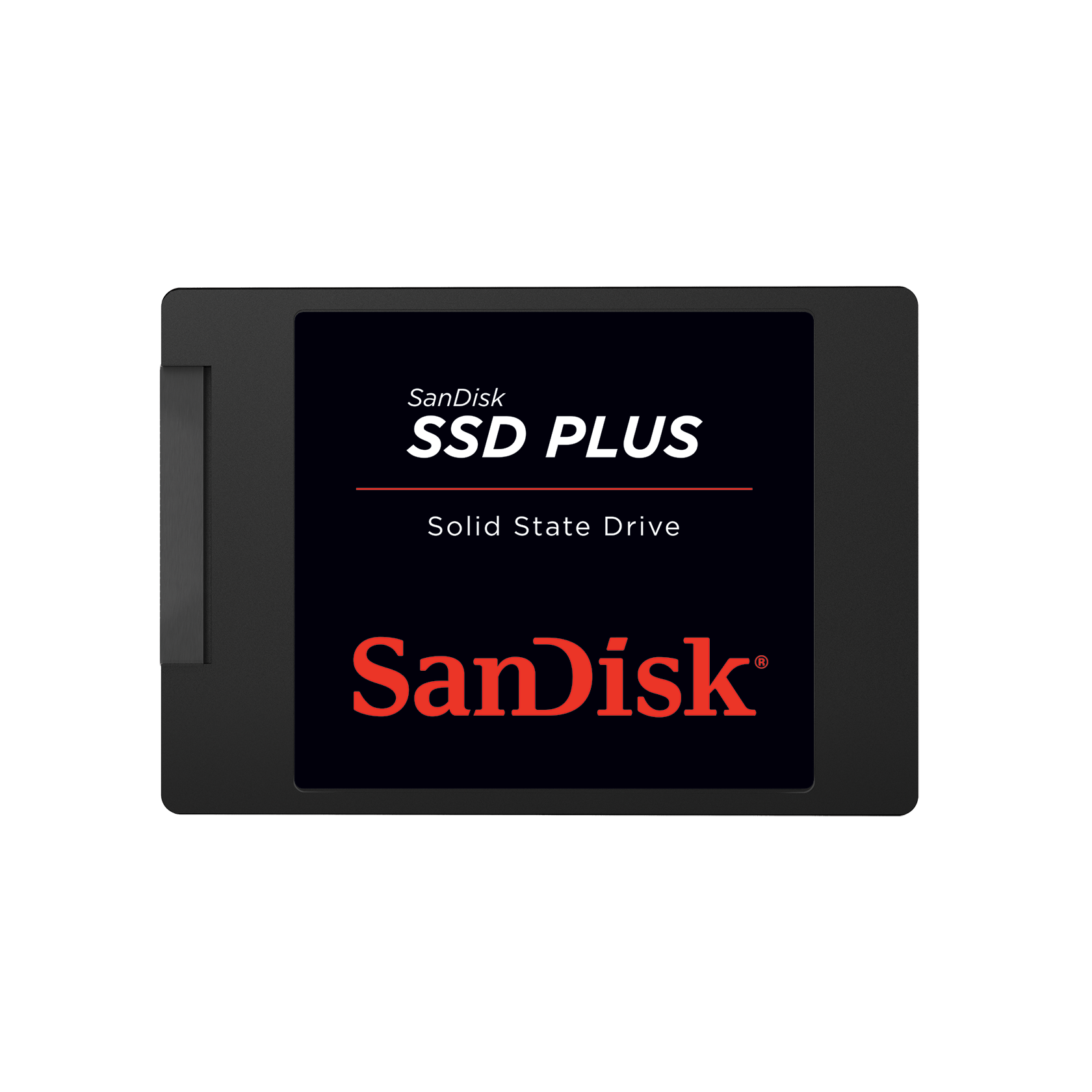
 www.sandisk.com
Now with ssd disk i want to install one heavy protection . KFA is time to will come to my laptop
Added ssd disk
SanDisk SSD Plus SATA III 2.5" Internal 120 GB - 2 TB SSD | Western Digital | Western Digital Store
SanDisk, a pioneer in solid state storage technologies and the brand pros trust, delivers improved speed and performance with the SanDisk SSD Plus. You'll appreciate faster startups, shutdowns, data transfers, and application response times than with a hard disk drive1. The SanDisk SSD Plus also...
Now with ssd disk i want to install one heavy protection . KFA is time to will come to my laptop

Recently browsing
Members who viewed this thread in the last 5 minutes
You may also like...
-

-
 Advanced Plus Security Dreams&Visions Security Config (Q3/2026)
-
 Advanced Plus Security RoxasDev's Mobile Security Config
-

-
Advanced Security RoxasDev's PC Security Config