
Out of interest what hardware you running at the moment?View attachment 241422
Updated on gaming system and no freezes or bugs until now
Cortana killed with O&O Shutup.


Open MalwareTips from your Home Screen or desktop. Follow discussions, find answers and pick up where you left off.
If you cannot find an install option, update your browser or use its bookmark option to keep MalwareTips close.
After installation, open the app and sign in. Enable push notifications in Preferences if you want alerts. On iPhone and iPad, push requires a Home Screen web app and iOS or iPadOS 16.4 or later.
Sign in to manage notificationsInstallation is optional. Your notification settings stay under your control.
 Thread starter
oldschool
Thread starter
oldschool
Out of interest what hardware you running at the moment?View attachment 241422
Updated on gaming system and no freezes or bugs until now
Cortana killed with O&O Shutup.

Out of interest what hardware you running at the moment?


 www.howtogeek.com
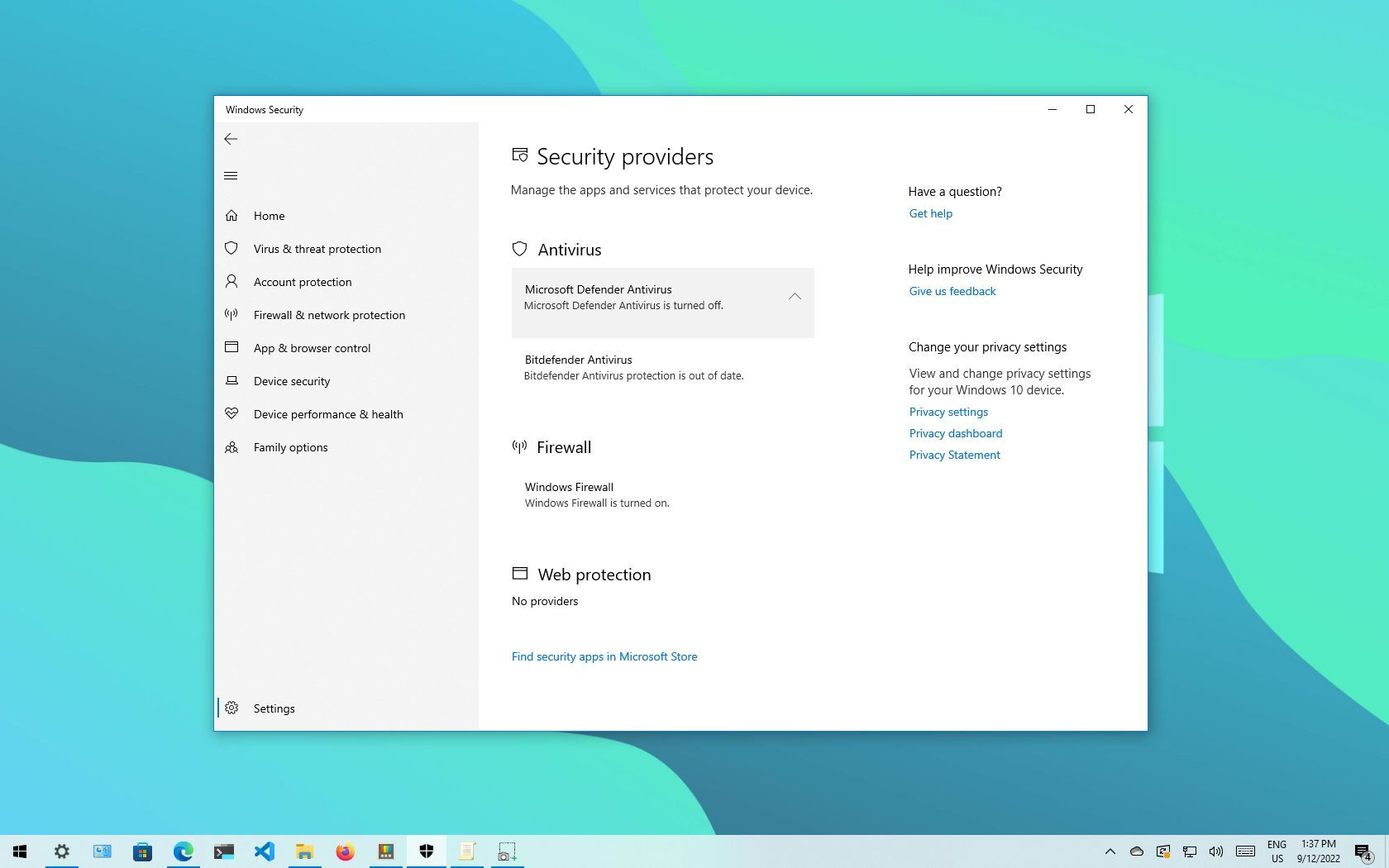
 www.windowscentral.com


This is a known bug, it’s been known since sometime around January and they haven’t seemed to fix it. If you have a scheduled task to defrag regularly it will run on every restart because of this.Did an upgrade yesterday evening.
No significant issues but found one bug.
The disk optimization tool doesn't remember that the drives where already analyzed and optimized today:
View attachment 241426

Yeah, the fast ring was fixed in MARCH! I'm not going to roll back, turned off scheduled optimization for the time being. Not a big deal to me, but I reported the bug. Hopefully if enough people make noise it'll get fixed sooner rather than later.I have this also, Gandalf_The_Grey. After a restart. Again. I mentioned this bug earlier but it's definitely present. It was, however, fixed in a later Insiders Fast Ring Build. Why the fix didn't migrate to the release version is a mystery, plenty of Insiders complained about it, believe me.
I also have the tons of ESENT errors again in Event Viewer/Applications. The update only took 14 min. from A to B (desktop). But i"m not pleased with these re-occurring little pests. First time EVER I had an urge to roll back to 1909.
Have done the sameYeah, the fast ring was fixed in MARCH! I'm not going to roll back, turned off scheduled optimization for the time being. Not a big deal to me, but I reported the bug. Hopefully if enough people make noise it'll get fixed sooner rather than later.

Worth mentioning in the ESET forum.It seems ESET doesn’t play nice with 2004. Installed to test. Upon initial scan it runs fine until it hits Microsoft.HEIFImageExtension_1.0.31072.0_x64_8wekyb3d8bbwe\x86\maheif_store.dll. The first time it just scanned forever till I rebooted and the reboot hung. So I reimaged and reinstalled. Second time it hit that file the system froze. I’d say there seems to be a compatibility issue.
Just finished posting.Worth mentioning in the ESET forum.
Found itJust finished posting.
Patch K
Patch K for Kaspersky Security Cloud version 20.0.14.1085 was released on May 18, 2020.
In patch K:
- We have added full support of Windows 10 version 2004.
- Several application issues were fixed.
 support.kaspersky.com
Members who viewed this thread in the last 5 minutes


