


You open your pizza account and find that the usual password no longer works. Then a security email arrives, and dinner becomes an account question.
Before following its instructions, it helps to understand what the warning means and which actions actually protect you.
Overview
The reported warning concerns reused credentials
Domino’s customers reported security notices about unauthorized account access. Malwarebytes published one of those notices and described credential stuffing as the cause.
In the published notice, Domino’s said its internal systems weren’t breached. It attributed affected logins to email-and-password combinations previously exposed through other accounts.
This distinction matters. Criminals can use a working password without first breaking into the company operating the login page.
The genuine warning isn’t itself a scam
A real security notice may tell you about a genuine problem. That doesn’t make every email using the same story authentic.
Keep the reported incident separate from a copycat message asking for card details, a payment, or credentials on an unfamiliar website.
Check these things through your actual account:
- Whether the usual login or official reset process works.
- Whether profile or delivery information changed.
- Whether unfamiliar orders or account activity appear.
- Which other services used the same password.
- Whether the email account used for recovery remains secure.
The fix extends beyond the pizza account
A reused password is the connecting problem. Replacing it at Domino’s while leaving identical copies elsewhere keeps other accounts exposed.
Begin recovery through the genuine regional app or website, then replace matching passwords on other services. Prioritize email, financial accounts, and important work logins.
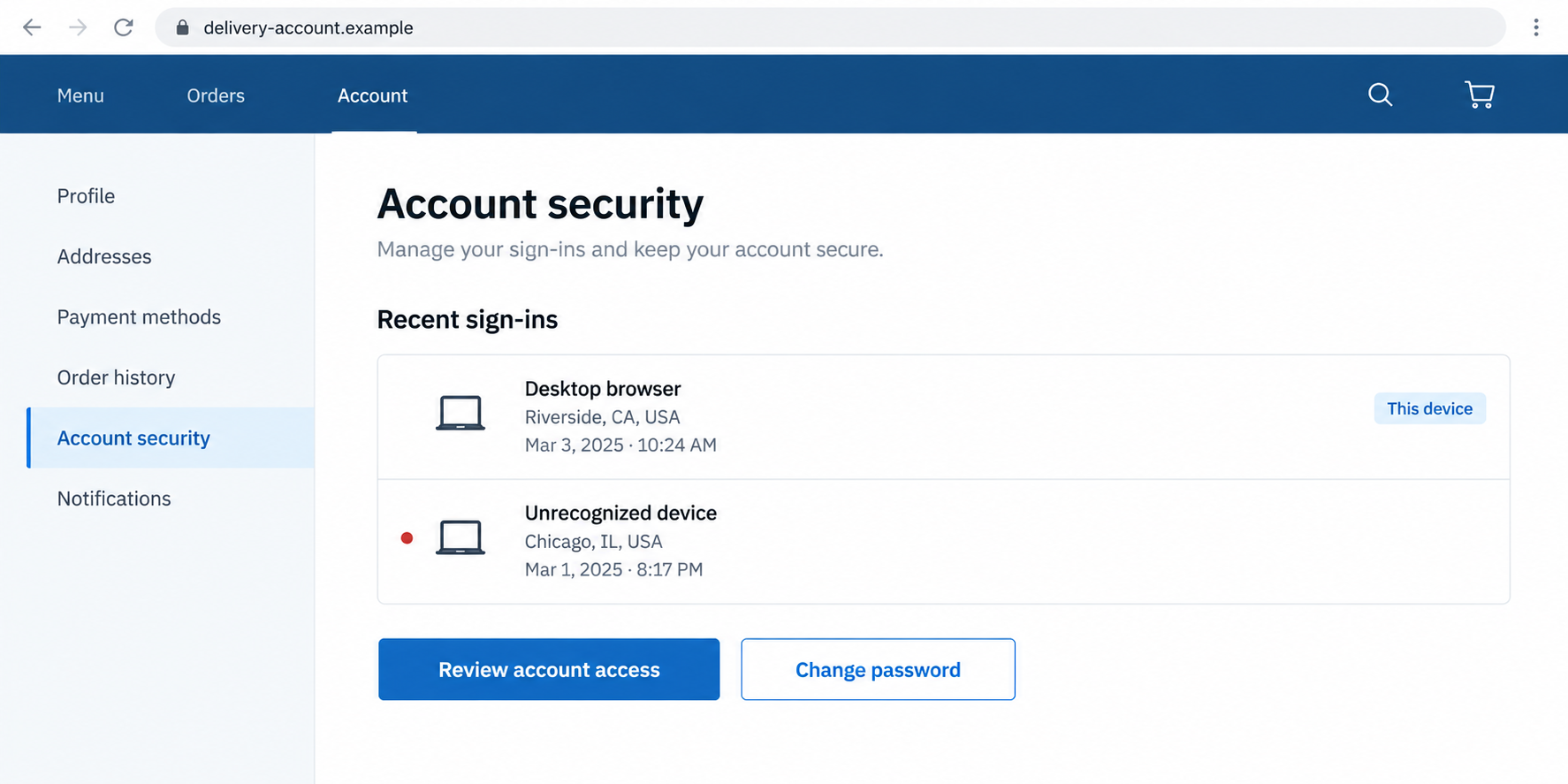
The lead illustration is a generic fictional account screen. It isn’t Domino’s actual interface, and available security controls vary between providers.
Credential Stuffing Isn’t the Same as Guessing Your Password
Picture using one password for a delivery account, a shopping account, and an old community forum. You may have done it simply to remember fewer logins.
If that combination becomes exposed elsewhere, it can still work at the delivery site. The second site doesn’t need to be the original source of the leak.
Credential stuffing involves trying previously obtained username-and-password pairs against other services. It takes advantage of reuse rather than needing to guess each password from scratch.
That is why a complex password isn’t enough if it is repeated everywhere. Its strength doesn’t undo an earlier exposure of the exact same secret.
It also explains why a reset notice can feel surprising. You may not remember the older account or the last time you used that password.
Don’t blame yourself for failing to remember every historical breach. The practical task is identifying where that password still exists and retiring those copies.
A password manager can make that manageable. You can store unique credentials without having to keep dozens of unrelated strings in your head.
Use the manager’s duplicate-password review if available. Don’t paste an actual password into a random website claiming to check whether it was stolen.
How Credential Stuffing Can Reach a Domino’s Account
Step 1: A login combination is exposed elsewhere
The starting information is a username or email paired with a password. It may come from another breach or a separate credential-stealing event.
The published Domino’s notice points to exposure unrelated to its own systems. It doesn’t identify the original source for every affected customer.
Don’t assume a particular retailer, forum, or device caused your incident without evidence. Your immediate protection doesn’t depend on solving that history first.
If a password was reused, replace it across the affected set. Waiting to identify its first leak leaves those accounts on the same vulnerable combination.
Step 2: The same credentials are tried on another service
Where you reused both the email address and password, the login can succeed as though you supplied it yourself.
That doesn’t mean the service approved the intruder’s intentions. It means the credentials presented at that moment matched the account.
Additional authentication can reduce that risk where offered. Check the provider’s actual options rather than assuming every food-delivery service supports the same method.
Don’t disable an existing safeguard because recovery feels inconvenient. Use the provider’s supported reset or help route instead of weakening protections to get back in quickly.
Step 3: Access exposes whatever that particular account contains
Different delivery accounts hold different information and features. Profile details, delivery addresses, past orders, or account benefits may be relevant to a security review.
If you spot an unfamiliar change, give support its details. Don’t assume other information was exposed just because it could exist in a delivery account.
In that notice, Domino’s said payment details weren’t stored and financial information hadn’t been accessed. That statement shouldn’t be expanded to every Domino’s operation worldwide.
Check the account you actually use, and ask regional support what information or changes are relevant. Don’t rely on another country’s account design.
Step 4: A reset interrupts one access route, but reuse remains elsewhere
The notice described an account reset and instructed affected customers to choose a new password through the genuine recovery process.
A reset at one provider doesn’t change the password at another. Each reused copy needs separate attention.
For services with active-session controls, review those too. Don’t assume every provider responds to a password change in exactly the same way.
If you cannot find the relevant controls, ask official support. A stranger offering to inspect your account isn’t a substitute for the provider’s own assistance.
How to Tell a Security Notice from an Account-Recovery Trap
Verify the problem outside the email
Launch the regional app you already use or open the established website yourself. Don’t let the message choose your first recovery destination.
If a reset is needed, request it from that genuine account page. Keep the recovery message you requested separate from an unsolicited warning.
A password-reset email can be legitimate when it follows your own request. Check its context and destination instead of treating every email link identically.
Question requests unrelated to changing a password
A request to pay an account-restoration fee doesn’t follow from a credential-stuffing warning. Neither does a request for a bank transfer or gift card.
Don’t provide banking codes to someone claiming they need them for a pizza-account reset. Those codes belong to the financial action described by your bank.
If the supposed recovery page starts asking for unrelated secrets, leave it. Continue the account check through the app or official support.
Don’t rely on the sender name alone
An email client can display a familiar brand name while hiding the address. Expand the sender information, but don’t make appearance your only check.
The FTC’s phishing guidance recommends independent verification. Familiar logos and plausible account problems can be used to steer people onto false destinations.
You don’t need to prove who wrote a suspicious message before declining its request. You only need a safe route to investigate the genuine account.
What to Do If Your Domino’s Account Was Affected
-
Start from the genuine regional service. Open your usual app or established website and use its login-help process.
If you can’t regain access, locate support through that service. Don’t use a recovery number introduced only by the questionable email.
-
Create a genuinely different password. Don’t restore the exposed one or make a tiny variation you already use on other accounts.
Generate a unique replacement with your password manager where possible. Store it securely rather than sending it to yourself in an ordinary message.
-
Remove matching passwords elsewhere. Search your saved logins for reuse and make a short checklist of accounts requiring changes.
Begin with your main email and financial accounts, then address shopping, delivery, and other services. Tick each off only after its replacement is saved.
-
Inspect account changes and activity. Check your profile, delivery details, orders, and any available security history.
Report unfamiliar activity to regional support with dates and references. Don’t assume an absence of unauthorized orders proves that access never occurred.
-
Protect the recovery email. Confirm that its password is unique and review unfamiliar sessions or recovery changes through the email provider.
Google’s compromised-account instructions are useful for Google accounts. Other email providers have their own recovery procedures.
If your email is secure, don’t change settings randomly. Concentrate on findings and exposed credentials rather than treating every reset as proof of inbox intrusion.
-
Use additional authentication where actually supported. Enable the service’s available safeguards, and secure the account used to receive recovery messages.
Google’s password guidance recommends unique credentials and a trusted password manager. Those habits limit reuse but don’t undo an unauthorized action already completed.
-
Investigate device exposure only if it happened. An account-reset email doesn’t prove malware is present. Credential reuse alone can explain unauthorized access.
If you installed untrusted software while following a supposed recovery message, use our Malwarebytes scan instructions and inspect what was installed.
AdGuard can provide additional filtering for risky web content on supported setups. It won’t reset your delivery account or replace unique passwords.
-
Keep unresolved questions with official support. Save the notice, affected account details, and any case reference without recording the new password.
If a financial account shows a separate unauthorized charge, contact its issuer directly. Don’t assume the published Domino’s notice explains every charge on your statement.
A Password Cleanup You Can Finish Without Resetting Everything Blindly
Start with the old password’s known copies. That gives you a defined job instead of an overwhelming instruction to change your whole digital life.
For each account, note the email address used, whether the reset succeeded, and whether recovery information still belongs to you.
Don’t put the actual passwords in that checklist. Your password manager is the appropriate place for the new credentials.
If you can’t remember an old service, check your manager and account records. Avoid signing up for a dubious breach-checking service just to find it.
An unused account can be closed through the genuine provider when appropriate. First confirm that you won’t lose records or benefits you still need.
For shared household accounts, tell the other authorized users when the password changes. Otherwise someone may repeatedly try the old one or request conflicting resets.
Keep important work accounts within your employer’s procedure. Personal cleanup shouldn’t override company security or access-management rules.
If another household member legitimately used the account, check their activity before reporting an order as fraudulent. An unfamiliar delivery can have an ordinary explanation.
That check shouldn’t delay action on an exposed password. You can replace reused credentials while clarifying whether a specific order belongs to an authorized user.
For unresolved activity, organize the date, order reference, delivery details, and support response. Keep private addresses out of public social-media complaints.
A failed login alone also isn’t a complete diagnosis. A mistyped password or requested reset can prevent access without showing that someone else logged in.
Use the provider’s account records and confirmed notice to establish the issue. Don’t treat every technical inconvenience as proof of a new attack.
If you requested several resets, follow the provider’s instructions about which message to use. Avoid competing recovery attempts on different devices while support is helping.
Once access is restored, verify that the replacement password is saved under the correct regional service. Don’t accidentally overwrite a different account’s credential in your manager.
Why You Shouldn’t Blame the Restaurant for Every Fake Message
Criminals can borrow a genuine security story without being connected to the service it names. A false recovery demand is the sender’s deception.
Equally, a genuine company notice shouldn’t be dismissed just because phishers use similar language. Independent account verification lets you respond without guessing from the email alone.
The useful distinction is between the original account problem, the provider’s response, and any new stranger asking you for access or money.
Keep those events separate in a support report. It helps avoid blaming the wrong contact or overlooking a later action that created additional exposure.
Frequently Asked Questions
Was the reported Domino’s notice a scam email?
Malwarebytes published a customer notice about unauthorized access, not a fee demand. Check your account directly before trusting a similarly worded email.
Does credential stuffing mean Domino’s systems were breached?
Not necessarily. The published notice said its systems weren’t breached and attributed the affected logins to credentials previously exposed elsewhere.
Should I reuse the old password after the reset?
No. Choose a unique replacement and change identical copies on other accounts. Restoring the old combination reintroduces the problem.
Were payment details stolen from every account?
The published notice said no financial information was accessed. Its statement applies to that notice’s scope, not every regional service or unrelated financial incident.
Will a clean malware scan secure the account?
Not by itself. Account protection requires unique credentials and relevant access checks. A scan addresses a separate device concern when software exposure occurred.
Can I continue using Domino’s after securing my account?
Use the genuine service after completing its recovery process and addressing suspicious activity. The warning isn’t a reason to treat the legitimate restaurant as a scam.
The Bottom Line
Don’t keep using the exposed password, at Domino’s or anywhere else. Recover through the genuine regional service and replace reused credentials with unique ones.
If a message asks for money or unrelated banking access, reject it and contact official support. Treat a copycat recovery demand separately from the real account warning.

Join the discussion
0 commentsShare your experience or ask a question about this article.
Discussion
Start the conversation
Have a question or something useful to share? Add the first comment.