Tired of CCleaner?
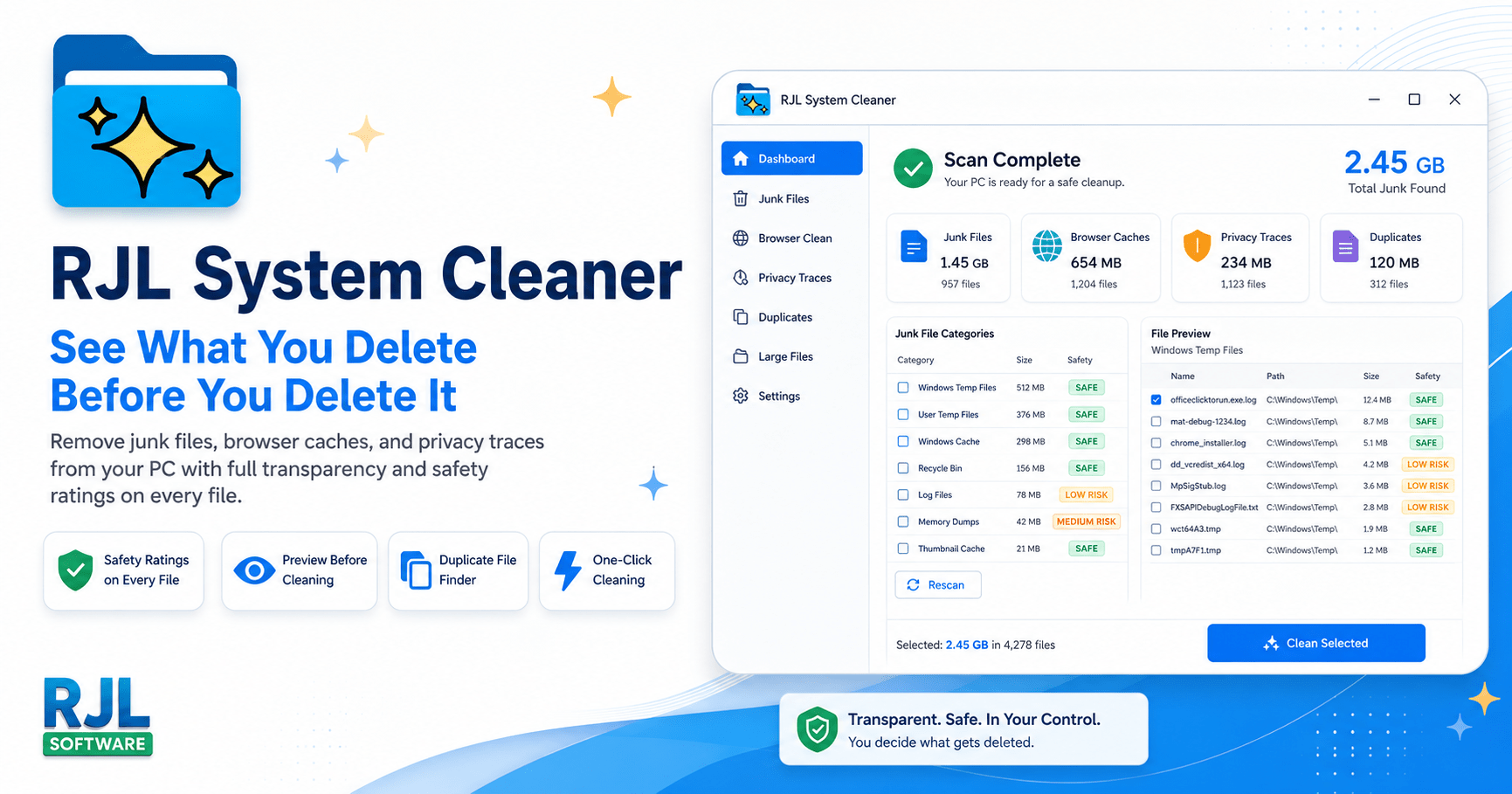
Check this out: RJL System Cleaner
It's free, and has a paid version for 19.95 USD, and no subscription.
Free Windows system cleaner with full file preview and safety ratings. No telemetry, no bloat, no nag screens. The CCleaner alternative that respects you.

rjlsoftware.com
NOTES:
CCleaner was the gold standard for 20 years. Then things changed.
In 2017, CCleaner was compromised with malware that affected 2.27 million users. Hackers injected malicious code into the official download -- meaning people who trusted CCleaner got infected because they trusted CCleaner.
After the Avast acquisition, CCleaner added telemetry (data collection), bundled software offers, aggressive upselling with fake warning screens, and a subscription pricing model charging $29.95 per year for features that used to be free.
In 2025 and 2026, users report that CCleaner's "Performance Optimizer" shows scary red warnings even when nothing is wrong -- designed to pressure you into buying the paid version. Others report the software updating itself without permission, auto-renewing subscriptions that are nearly impossible to cancel, and even Blue Screens of Death after forced updates.
How RJL System Cleaner Is Different
| | |
| | |
| Pricing model | $29.95/year subscription (auto-renews) | One-time purchase. No subscription. Yours forever. |
| Personal price | $29.95/year | $19.99 once (lifetime) |
| Business price | $39.95/year per seat | $39.99 once per seat -- or team/site/enterprise options |
| Future updates | Only while subscription is active | All v1.x updates included free |
| | |
| Telemetry / data collection | Yes -- collects usage data and sends it home | None. Zero. The app never contacts the internet. |
| Bundled software | Yes -- offers during install and in-app | None. Single .exe file. Nothing else. |
| Browser extensions | Pushes proprietary browser extension | None. No browser add-ons of any kind. |
| Nag screens / scare tactics | Yes -- fake red warnings to pressure upgrades | None. No popups, no fake warnings, no urgency timers. |
| Background services | Installs background monitoring and update services | None. Runs only when you open it. Closes completely when done. |
| Auto-updates | Updates itself without asking | Never. You choose when to update. |
| | |
| Duplicate finder | Pro only ($29.95/yr) | Scans FREE -- shows you the problem. Register to clean. |
| File preview before deletion | Basic list of categories | Full preview with safety ratings on every individual file |
| Safety ratings | No | Yes -- Safe (green), Caution (yellow), Review (orange) on every file |
| Review gate for risky items | No -- one-click deletes everything | Yes -- items rated "Review" require separate confirmation |
| System Restore integration | No | Yes -- automatic restore point before every clean |
| Registry cleaner | Yes (can cause system instability) | No -- because registry cleaners do more harm than good |
| | |
| Application size | ~112 MB installed | Under 5 MB. One file. |
| Installation required | Full installer with background services | No installation. Download, run, done. |
| Portable / USB support | No (requires installation) | Yes -- runs from USB, no install, no traces |
| Uninstall | Uninstaller that may leave traces | Delete the file. It is gone. |
| Command-line support | Limited | Full CLI with /scan, /clean, /silent, /category flags |
| Detailed file logging | No | Yes -- timestamped logs of every file scanned, deleted, or skipped |
| Scan speed | No published benchmarks | Under 2 seconds -- parallel scanning across all categories |
[th]
CCleaner
[/th][th]
RJL System Cleaner
[/th]
[td]PRICING[/td] [td]TRUST AND PRIVACY[/td] [td]FEATURES[/td] [td]TECHNICAL[/td]
We do not include a registry cleaner. That is intentional. Registry cleaners have been shown to cause more problems than they solve, and even Microsoft recommends against using them. We clean files that are genuinely safe to remove -- and we prove it by showing you every single one before we touch it.




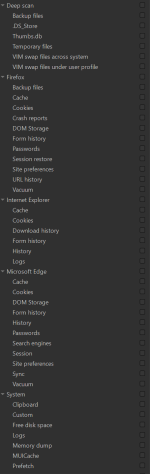
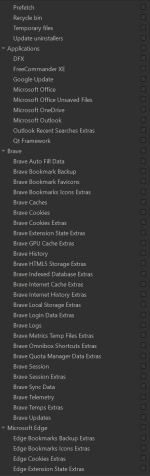
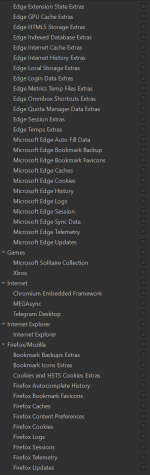
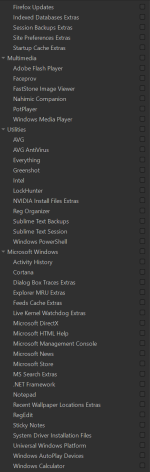
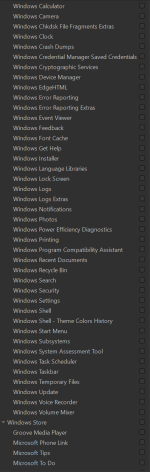
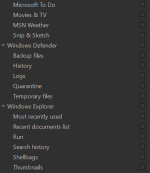


 Safe Cleaning Profile – Glary Utilities Pro(Configuration applied in the “1-Click Maintenance” module)
 Final Tips
 Drivers: I recommend skipping the Driver Update feature. It’s always safer to get updates via Windows Update or directly from the manufacturer's official site to avoid stability issues.


